

From my experience with Credo.ai, I found it excels at providing a structured and comprehensive approach to AI governance, which is critical for organizations deploying AI at scale. The platform’s ability to integrate risk assessment, compliance monitoring, and ethical frameworks into a single interface makes it particularly well-suited for enterprises with complex regulatory requirements and cross-functional teams. However, the lack of publicly available pricing and the primarily web-based platform may require some upfront investment and onboarding effort. Overall, if you need to manage AI risks responsibly and maintain compliance, Credo.ai delivers a robust and scalable solution.
Credo.ai AI Governance Platform for Ethical and Compliant AI Management
Credo.ai is an AI governance platform that helps organizations manage AI risks, ensure compliance with regulations, and implement ethical AI practices through risk assessments, continuous monitoring, and collaboration tools.
- Best for
- AI Risk Management
- Key capability
- Risk Assessment Frameworks
Your actions
Save credo.ai, follow its updates and vote on it — everything stays in your account.
Sign in or create a free account

What is credo.ai?
Credo.ai is a comprehensive AI governance platform designed to help organizations manage the risks, compliance, and ethical considerations of deploying artificial intelligence systems. It provides tools to assess AI models, monitor their behavior, document governance processes, and ensure alignment with regulatory requirements and ethical standards.
Key features of credo.ai
The platform offers risk assessment frameworks, continuous monitoring dashboards, compliance workflows, audit trail management, and collaboration tools to enable responsible AI deployment and governance at scale.
Risk Assessment Frameworks
Pre-built and customizable frameworks to identify and evaluate AI risks.
Continuous Model Monitoring
Real-time tracking of AI model outputs and behaviors to detect anomalies.
Compliance Workflow Automation
Automate compliance checks and reporting to meet regulatory requirements.
Audit Trail and Documentation
Maintain detailed records of AI model decisions, changes, and governance activities.
Collaboration Tools
Facilitate communication and task management among cross-functional teams.
Pros and cons of credo.ai
Pros
- Comprehensive AI governance coverage
- Supports collaboration across diverse teams
- Customizable risk and compliance frameworks
- Real-time monitoring and audit capabilities
Cons
- Pricing details not publicly available
- Primarily web-based, no mobile app
- May require onboarding for complex governance needs
Key use cases for credo.ai
AI Risk Management
Identify, assess, and mitigate risks associated with AI models to ensure safe deployment.
AI Compliance Monitoring
Continuously monitor AI systems to comply with regulatory and internal governance standards.
Ethical AI Implementation
Implement frameworks and controls to ensure AI systems operate ethically and transparently.
AI Model Documentation and Audit
Maintain detailed documentation and audit trails for AI models to support accountability.
Stakeholder Collaboration
Facilitate collaboration between AI teams, legal, compliance, and business stakeholders.
How credo.ai works
- 1
Onboard AI Models
Upload or connect your AI models and datasets to the platform for assessment.
- 2
Assess Risks and Compliance
Use built-in frameworks to evaluate potential risks and compliance gaps.
- 3
Implement Governance Controls
Set policies, controls, and workflows to manage AI model behavior and compliance.
- 4
Monitor Continuously
Track AI model performance and compliance status in real-time dashboards.
- 5
Collaborate Across Teams
Engage stakeholders from legal, compliance, and AI teams to maintain governance.
Who is using credo.ai
Enterprises deploying AI at scale
Compliance and risk management teams
AI ethics officers and governance professionals
Legal and regulatory teams overseeing AI
AI development and operations teams
credo.ai pricing
Custom Pricing
Contact for pricing
Tailored plans based on organizational needs and scale.
Plans and prices are as published by the vendor and can change. Check the official site before you buy. Open the pricing page (opens in a new tab)
Frequently asked questions about credo.ai
Credo.ai supports a wide range of AI and machine learning models across industries, focusing on governance rather than specific model types.
Credo.ai helps organizations align with current and emerging AI regulations by providing compliance workflows and monitoring tools.
Yes, Credo.ai offers integrations and APIs to connect with common AI development and deployment platforms.
Yes, the platform includes frameworks and best practices to support ethical AI development and deployment.
This tool is designed to help users accomplish its core tasks more efficiently. It is typically used by individuals or teams looking to improve productivity and workflow.
Yes, it can help with that use case depending on how you configure it and what features are available. You’ll get the best results with clear inputs and a defined goal.
Yes, it can help with that use case depending on how you configure it and what features are available. You’ll get the best results with clear inputs and a defined goal.
It depends on your specific needs and how you plan to use the tool. The official website and documentation are the best sources for the latest details.
Sign in to review this tool.
Sign In to ReviewNo reviews yet
Be the first to share how this tool worked for you.
Ask about pricing, limits, or how it compares — or answer someone else.
Sign In to AskNo questions yet
Have a question about using or paying for this tool? Be the first to ask.
Featured on TiorAI



More AI Compliance & Legal Tools tools
Other tools in the same category, for when this one is not quite the fit.

Contact for pricing
Risqui
Risqui is a cloud-based risk management software designed to help enterprises identify, assess, and mitigate risks while ensuring compliance and audit readiness.

Contact for pricing
BITE: Supply Chain Security
BITE is a supply chain security platform that helps organizations monitor third-party risks, ensure compliance, and gain visibility into their supply chains through data analytics.

Contact for pricing
Darrow AI
Darrow AI is an AI-driven platform that automates legal document analysis for litigation and compliance, helping legal teams extract insights and monitor risks efficiently.
Custom Pricing
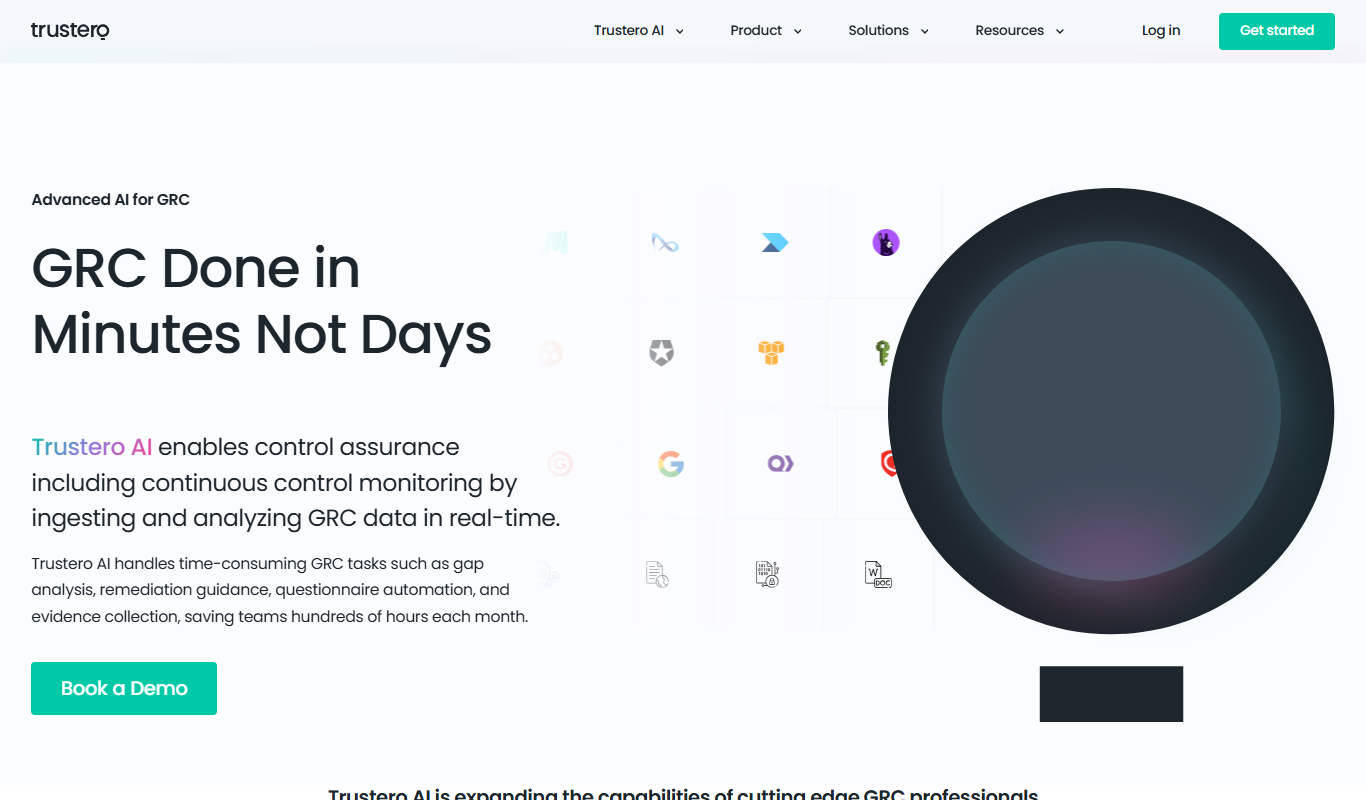
Trustero
Trustero is a cloud-based platform that helps organizations automate GDPR compliance, manage vendor risks, conduct data protection impact assessments, and generate compliance reports.

Freemium
PremAI
PremAI is an AI-driven platform that automates contract review and legal document analysis by extracting key clauses, detecting risks, and summarizing content to improve legal team efficiency.
Subscription
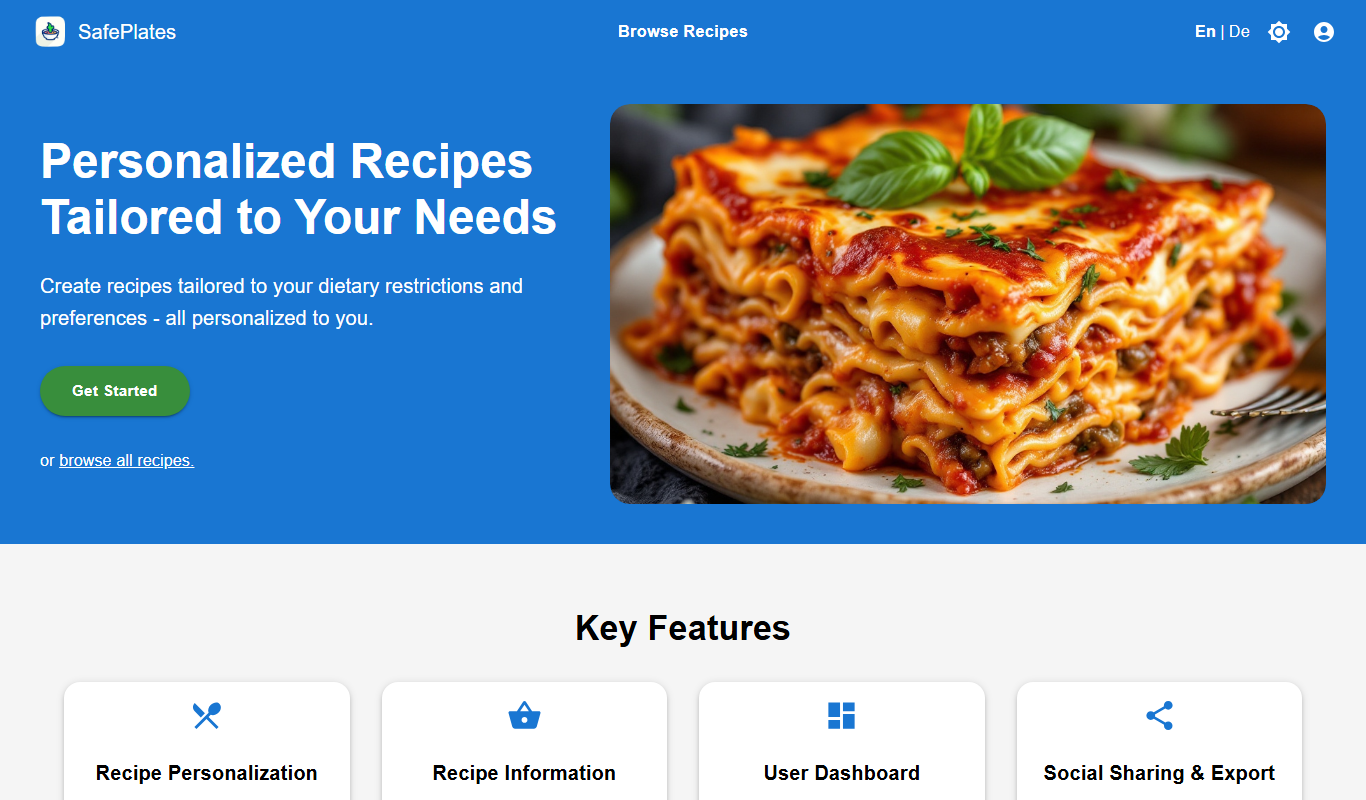
SafePlates
SafePlates is a German digital food safety management software that helps restaurants comply with HACCP standards through digital checklists, temperature monitoring, and audit-ready documentation.
Subscription
202 QUALITY APPS
202 QUALITY APPS is a web-based quality management software that helps organizations digitize quality assurance, audit management, and compliance processes to improve efficiency and maintain standards.
Freemium
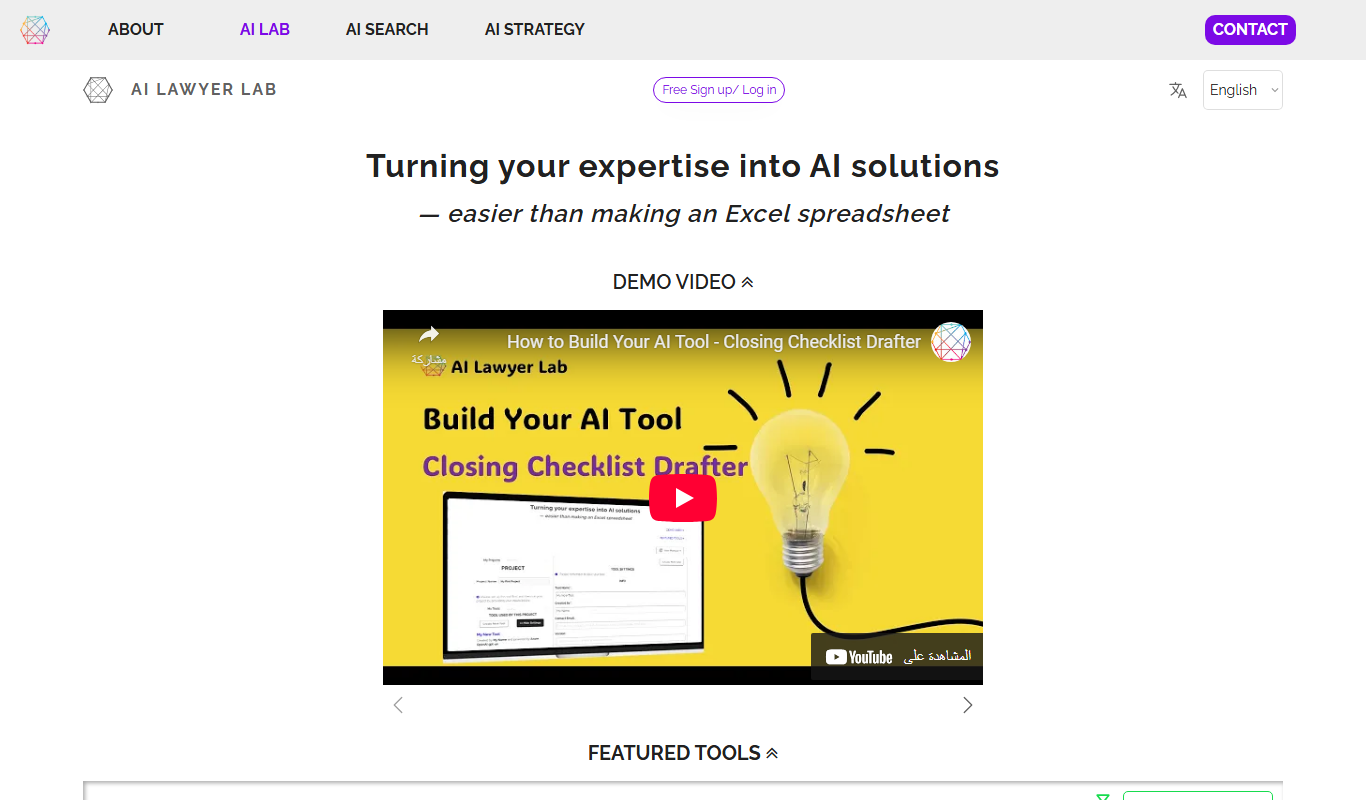
AI Lawyer Lab
AI Lawyer Lab is an AI-driven platform that helps legal professionals draft, review, and automate legal documents efficiently using customizable templates and natural language processing.