

From my experience with Correcto, I found it excels at providing clear, real-time grammar and style corrections that help improve writing quality quickly. The bilingual support for English and Spanish is a valuable feature for users working in both languages. After spending time with the platform, I can say it’s particularly well-suited for students, content creators, and professionals seeking an easy-to-use writing assistant integrated into their browser. However, the free plan has usage limits, and there is no dedicated desktop or mobile app yet, which might restrict some workflows. Overall, if you need a straightforward AI tool to polish your writing with multilingual support, Correcto delivers solid results.
Correcto AI Writing Assistant for Grammar and Style Improvement
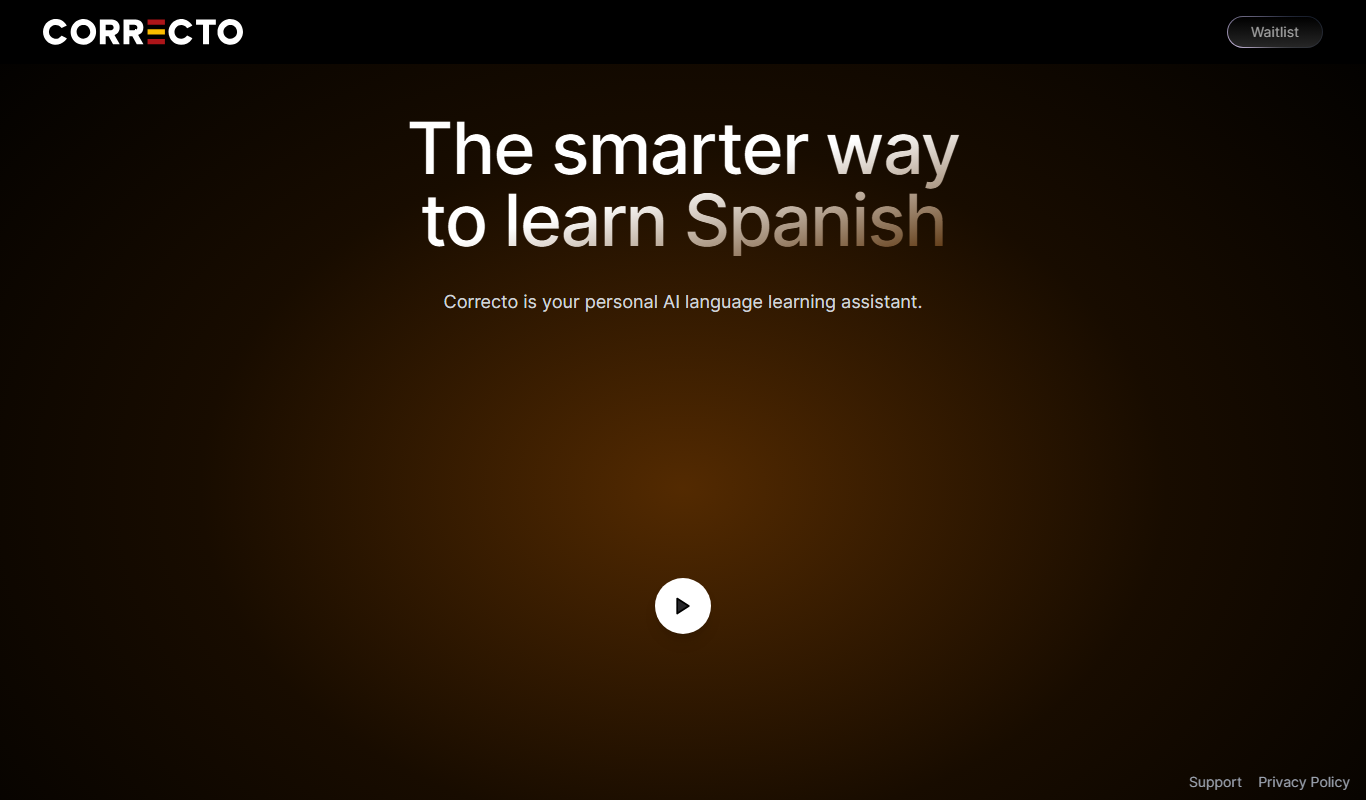
Correcto is an AI writing assistant that provides real-time grammar, spelling, and style corrections in English and Spanish through a web app and Chrome extension.
Do you recommend this tool?
What is Correcto?
Correcto is an AI-powered writing assistant designed to help users improve their grammar, spelling, punctuation, and overall writing style. It integrates seamlessly into your workflow via a web platform and browser extension, providing real-time suggestions to enhance clarity and professionalism in your writing.
How Correcto works
- 1
Sign Up
Create a free account on the Correcto website to access the writing assistant.
- 2
Install Extension or Use Web App
Add the Chrome extension or use the web platform to start writing and receive suggestions.
- 3
Write or Paste Text
Enter your text in the editor or any supported input field to get real-time corrections.
- 4
Review Suggestions
Review and accept or reject grammar, spelling, and style improvement suggestions.
Frequently asked questions about Correcto
Yes, Correcto supports both English and Spanish for grammar and style corrections.
With the Chrome extension, Correcto can provide corrections on most websites and web applications.
Yes, the free plan offers basic grammar and spelling checks with daily limits.
Yes, it can help with that use case depending on how you configure it and what features are available. You’ll get the best results with clear inputs and a defined goal.
It depends on your specific needs and how you plan to use the tool. The official website and documentation are the best sources for the latest details.
Sign in to review this tool.
Sign In to ReviewNo reviews yet
Be the first to share how this tool worked for you.
Ask about pricing, limits, or how it compares — or answer someone else.
Sign In to AskNo questions yet
Have a question about using or paying for this tool? Be the first to ask.
Featured on TiorAI



More AI Course tools
Other tools in the same category, for when this one is not quite the fit.

Freemium
Learnrithm Ai
Learnrithm AI is an adaptive online education platform that uses artificial intelligence to personalize learning paths, helping users acquire skills efficiently through customized courses and progress tracking.

Free Trial
AI Design Training
AI Design Training is an online platform that uses artificial intelligence to provide personalized UX/UI and creative design education through interactive courses and project feedback.

Free
Learn Prompting
Learn Prompting is a free, open-source platform that teaches users how to design effective prompts for AI language models through structured lessons and interactive examples.
Free
Steppit
Steppit is a task management and collaboration platform that helps teams organize, assign, and track tasks with real-time updates and communication tools accessible via web and mobile apps.

Freemium
DocteurQuiz
DocteurQuiz is a French online platform providing medical quizzes for students and healthcare professionals to improve knowledge and prepare for exams.

Custom Pricing
AI Course Creator – AcademyOcean
AcademyOcean's AI Course Creator is a web platform that uses AI to automate the creation of online courses, helping educators and trainers quickly generate structured content, customize lessons, and manage learner progress.

Freemium
Thea
Thea is an AI study assistant that helps students create personalized study plans, generate practice questions, and track progress to improve exam preparation.

Freemium
Eurekaa
Eurekaa is an AI-powered writing assistant designed to generate SEO-friendly content, blog posts, and marketing copy with customizable tone and style.