

From my experience with Convert PDF to JSON, I found it excels at providing a straightforward, no-frills way to quickly convert PDF documents into clean JSON data without any cost or registration. The tool is particularly well-suited for developers and analysts who need to automate data extraction from text-based PDFs for integration or analysis. However, it lacks advanced features like batch processing or OCR support for scanned documents, which limits its use for more complex PDF types. Overall, if you need a simple, free online converter for standard PDFs, this tool delivers reliable and fast results.
Convert PDF to JSON Online Tool for Fast and Accurate Data Extraction
Convert PDF to JSON is a free web-based tool that converts PDF files into structured JSON format quickly and without registration, ideal for developers and analysts needing to extract data from PDFs.
- Best for
- Data Extraction from PDFs
- Key capability
- Free Online Conversion

What is Convert PDF to JSON?
Convert PDF to JSON is a free online tool designed to convert PDF documents into JSON format quickly and accurately. It allows users to upload PDF files and receive structured JSON data output, making it easier to extract and manipulate information contained within PDFs without manual data entry.
Key features of Convert PDF to JSON
The tool offers a simple web interface for uploading PDFs and converting them instantly to JSON. It supports various PDF types and layouts, providing clean JSON output suitable for developers, analysts, and businesses needing to automate data extraction from PDFs.
Free Online Conversion
No cost to convert PDFs to JSON directly from the browser.
Fast Processing
Quick conversion times for immediate results.
Clean JSON Output
Structured JSON data that is easy to read and integrate.
No Installation Required
Fully web-based tool accessible from any device with internet.
Pros and cons of Convert PDF to JSON
Pros
- Simple and intuitive web interface
- Completely free with no sign-up
- Fast conversion process
- Produces clean, structured JSON output
Cons
- No advanced customization options
- Limited support for scanned or image-based PDFs
- No API or batch processing features
Key use cases for Convert PDF to JSON
Data Extraction from PDFs
Extract structured JSON data from PDF documents for easier data manipulation and integration.
API Integration Preparation
Convert PDF data into JSON format to facilitate integration with APIs and web applications.
Automation of Data Processing
Automate workflows by converting PDFs to JSON for use in software systems and databases.
Data Analysis
Transform PDF content into JSON to enable data analysis and visualization.
How Convert PDF to JSON works
-
1
Upload PDF
Select and upload your PDF file through the website interface.
-
2
Automatic Conversion
The tool processes the PDF and converts its content into JSON format.
-
3
Download JSON
Download the resulting JSON file for use in your applications or workflows.
Who is using Convert PDF to JSON
Developers needing JSON data from PDFs
Data analysts extracting structured data
Small businesses automating document workflows
Students and researchers handling PDF data
Convert PDF to JSON pricing
Free
$0
Unlimited PDF to JSON conversions with no registration required.
Plans and prices are as published by the vendor and can change. Check the official site before you buy. Open the pricing page (opens in a new tab)
Frequently asked questions about Convert PDF to JSON
The website does not specify a strict file size limit, but very large files may take longer to process or may not upload successfully.
No, the tool is free to use without any registration or account creation.
Uploaded files are processed online; users should avoid uploading sensitive or confidential documents.
The tool primarily works with text-based PDFs; scanned images may not convert accurately without OCR.
It depends on your specific needs and how you plan to use the tool. The official website and documentation are the best sources for the latest details.
Some tools offer a free plan or trial with limited features. Availability can vary, so confirm on the official website.
Yes, it can help with that use case depending on how you configure it and what features are available. You’ll get the best results with clear inputs and a defined goal.
This tool is designed to help users accomplish its core tasks more efficiently. It is typically used by individuals or teams looking to improve productivity and workflow.
Sign in to review this tool.
Sign In to ReviewNo reviews yet
Be the first to share how this tool worked for you.
Ask about pricing, limits, or how it compares — or answer someone else.
Sign In to AskNo questions yet
Have a question about using or paying for this tool? Be the first to ask.
Featured on TiorAI



Alternative Tools
Explore similar AI tools that might fit your needs

Free
PDFTables
PDFTables is an online service and API that converts PDF documents containing tables into editable Excel, CSV, or XML files using advanced table recognition technology.
More AI Document Extraction tools
Other tools in the same category, for when this one is not quite the fit.

Free
PDF AI Sheet
PDF AI Sheet is a web-based AI tool that automates extracting and analyzing data from PDF documents, enabling easy export to Excel and other formats.

Free
Bank Statement Converter
Bank Statement Converter is an online tool that converts PDF bank statements into Excel and CSV formats, enabling easy data extraction and financial management.
Free Trial
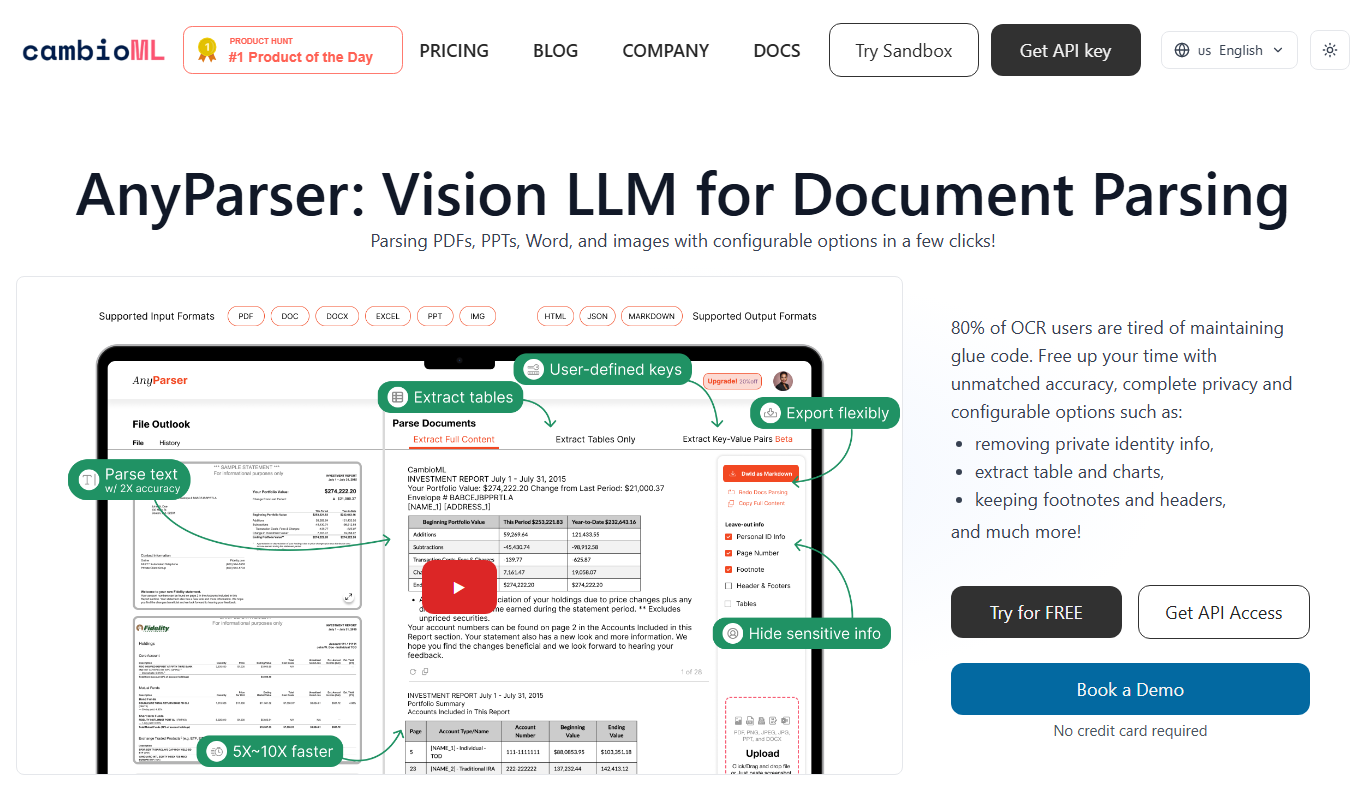
AnyParser
AnyParser is an AI-powered tool that automates extraction of structured data from unstructured documents like PDFs and emails using no-code parser training and OCR technology.

Freemium
DocumentPro
DocumentPro is an AI-driven document automation platform that extracts and processes data from documents to streamline business workflows.

Freemium
serina
Serina AI is an AI-powered meeting assistant that transcribes meetings in real-time, generates concise summaries, and extracts action items to improve team productivity.

Free
Skrape
Skrape AI is a no-code web scraping platform that uses AI to simplify data extraction, offering scheduling, API access, and multi-format exports for automation and integration.
Custom Pricing
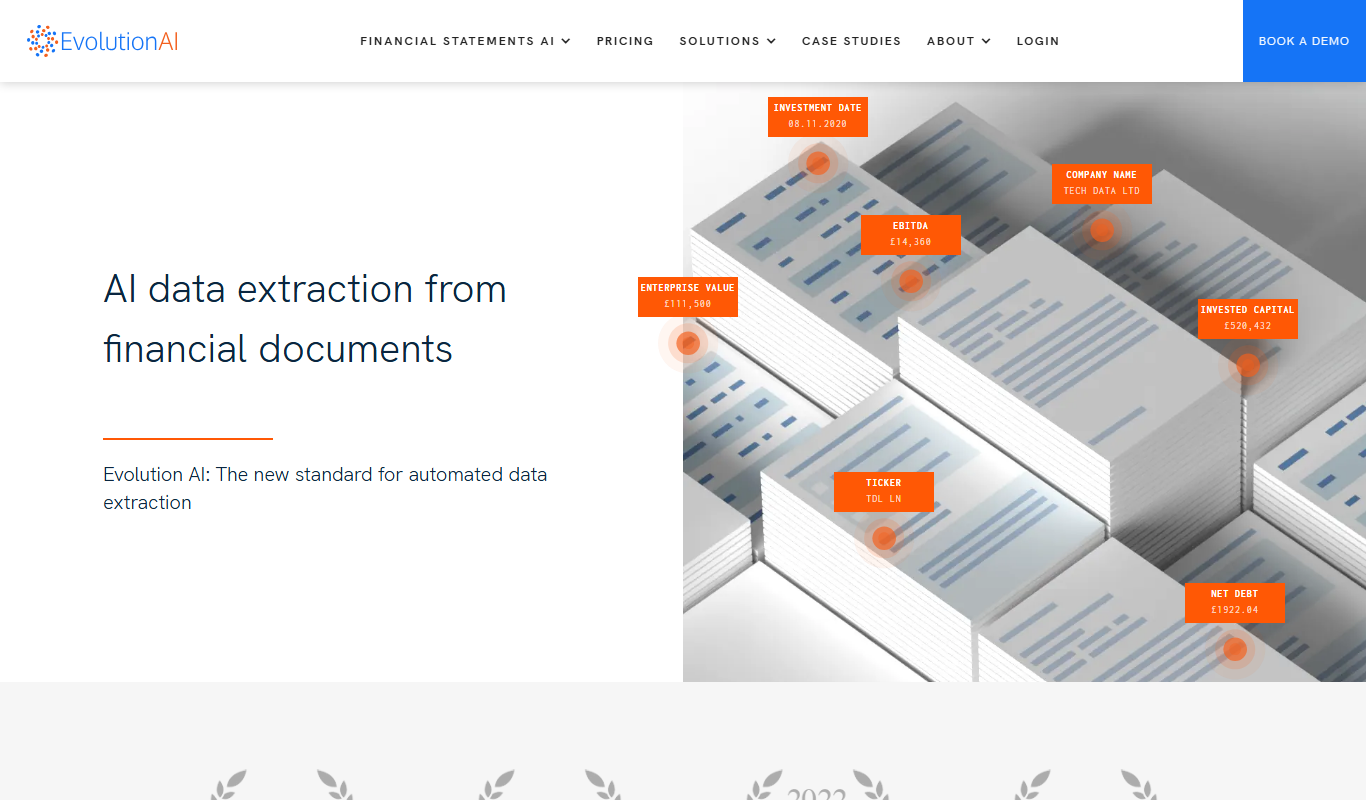
Evolution AI
Evolution AI is a UK-based data labeling platform that combines human expertise with AI tools to provide accurate annotations for text, image, audio, and video data, supporting machine learning and AI training projects.

Free Trial
formx ai
FormX AI is an AI-driven platform that automates data extraction from documents like invoices and forms using advanced OCR and machine learning, enabling faster and more accurate document processing.