
From my experience with ComputeRender, I found it excels at producing high-quality, realistic images quickly from simple text prompts. The platform’s user-friendly interface and style customization make it accessible for both beginners and professionals. It’s particularly well-suited for graphic designers and marketers who need creative visuals without the overhead of traditional design workflows. However, the lack of API access and mobile apps may limit integration and on-the-go use. Overall, if you want an efficient AI image generator for creative projects, ComputeRender delivers solid and reliable results.
ComputeRender AI Image Generator for Creative and Realistic Visuals
ComputeRender is an AI-powered platform that converts text descriptions into high-quality images, offering customizable styles and fast rendering for creative professionals.
Tech Stack:
Python
PyTorch
TensorFlow
What is Compute(r)ender?
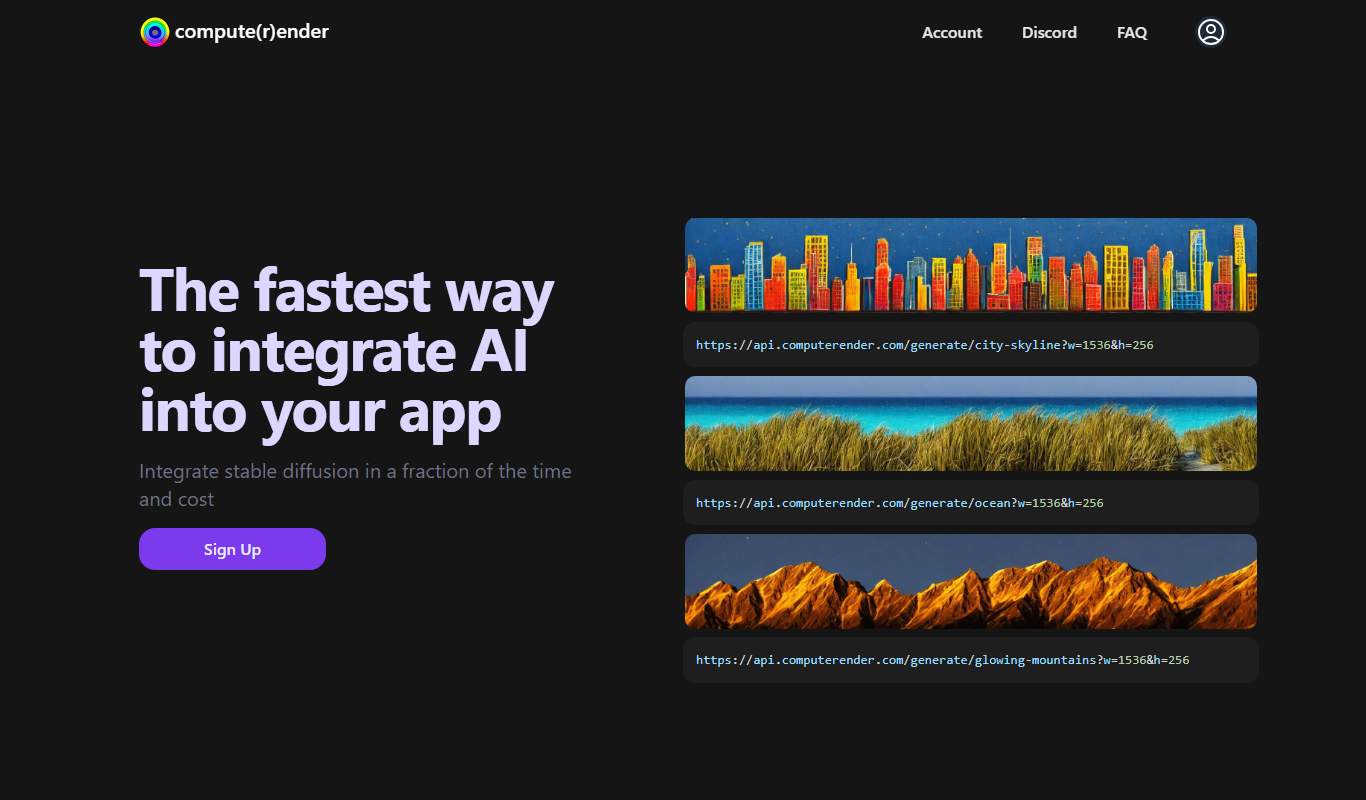
ComputeRender is an AI-powered image generation platform that transforms text prompts into high-quality, realistic images. It leverages advanced machine learning models to synthesize visuals that cater to creative professionals, marketers, and educators seeking to produce compelling imagery efficiently.
Key Features of Compute(r)ender
Advanced AI Models
Utilizes state-of-the-art neural networks for high-fidelity image synthesis.
Customizable Styles
Offers multiple artistic styles to tailor images to specific creative needs.
User-Friendly Interface
Designed for ease of use with straightforward controls and prompt guidance.
Fast Rendering
Delivers images quickly, enabling rapid iteration and experimentation.
Pros and Cons of Compute(r)ender
Pros
- High-quality, realistic image generation
- Easy-to-use web interface
- Multiple style customization options
- Affordable subscription plan
Cons
- Limited language support (English only)
- No mobile app or API access yet
Key Use Cases for Compute(r)ender
Creative Visual Content
Generate unique and realistic images for marketing, social media, and storytelling.
Concept Art and Design
Assist artists and designers in visualizing concepts quickly through AI-generated imagery.
Advertising and Branding
Create compelling visuals for campaigns without the need for extensive photo shoots.
Educational Materials
Produce illustrative images to enhance learning materials and presentations.
How Compute(r)ender Works
-
1
Enter Text Prompt
Users input descriptive text to specify the desired image content.
-
2
Select Style and Settings
Choose from various artistic styles and adjust parameters like resolution and color palette.
-
3
Generate Image
The AI model processes the input and produces a unique image based on the prompt.
-
4
Download or Edit
Users can download the generated image or refine it further using available editing tools.
Who's Using Compute(r)ender
Graphic designers
Marketing professionals
Content creators
Educators
Small business owners
Compute(r)ender Pricing
Free
$0/month
Limited number of image generations with standard resolution and watermark.
Pro
$19/month
Unlimited image generations, higher resolution outputs, and watermark-free images.
Frequently Asked Questions About Compute(r)ender
Yes, Pro plan users have commercial rights to use generated images without restrictions.
Images can be downloaded in PNG and JPEG formats.
Currently, ComputeRender offers only a web platform; API access is planned for future releases.
It depends on your specific needs and how you plan to use the tool. The official website and documentation are the best sources for the latest details.
Pricing depends on the plan and included features. For the most accurate and up-to-date details, check the official pricing page.
Yes, it can help with that use case depending on how you configure it and what features are available. You’ll get the best results with clear inputs and a defined goal.
Share your review
Reviews are limited to one per logged-in user and are published after moderation.
You need an account to review this tool.
0.0
★
★
★
★
★
0 reviews
5 star
0
4 star
0
3 star
0
2 star
0
1 star
0
No reviews yet
Be the first to share how this tool worked for you.
Questions from the community
Read questions and answers about this tool, or ask your own.
No questions yet
Start the conversation by asking the first question about this tool.
Is this tool helpful?

Freemium
asset creatives AI
Asset Creatives AI is a web platform that uses AI to generate customizable creative assets like social media posts and banners, helping marketers and businesses streamline design workflows.

Free
ai-dog.net
AI-Dog.net is a web-based AI image generator specialized in creating unique dog images from text prompts, offering multiple artistic styles and easy sharing options.

Free
VectorUbi
VectorUbi is an AI-driven web platform that generates custom vector illustrations and logos, allowing users to create scalable graphic designs easily with export options in SVG and EPS formats.

Paid
DrawMy.Pet
DrawMy.Pet is an online service that creates custom hand-drawn pet portraits from your photos, offering digital downloads and printed artwork.
Free
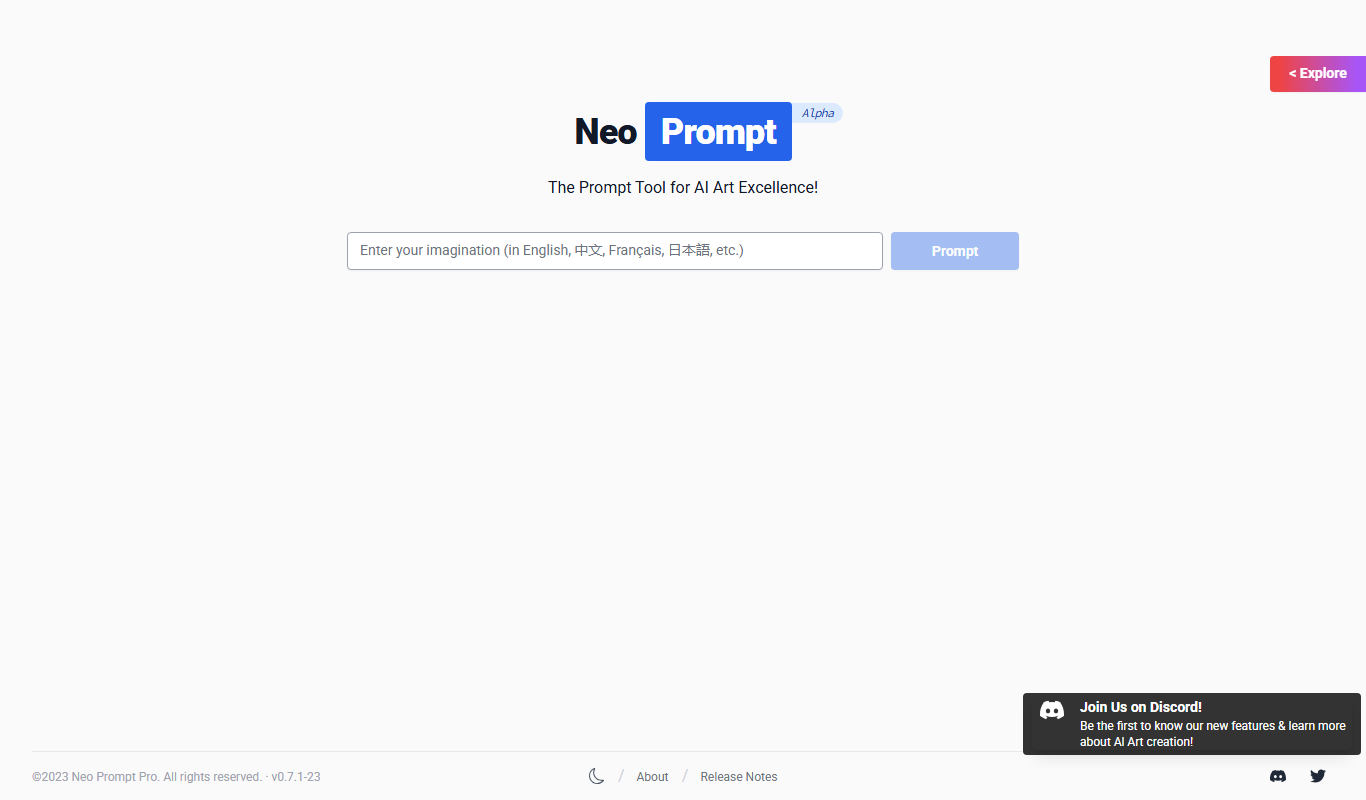
NeoPrompt Pro
NeoPrompt Pro is a web tool that generates customizable AI prompts to enhance creativity and productivity across various applications.

Free Trial
Vanity AI
Vanity AI is a web-based AI image generation tool that creates unique digital artwork from text prompts, designed for artists and marketers.

Free
IMGPT
IMGPT is a web-based AI tool that generates images from text prompts, enabling users to create unique visuals easily.

Free
StockStory
StockStory is a free web-based AI tool that generates unique, royalty-free stock photos from text prompts, allowing unlimited downloads for commercial and personal use without attribution.