
From my experience with CodeMaker AI, I found it excels at translating natural language descriptions into functional code snippets quickly, which can significantly speed up development workflows. The platform is particularly well-suited for developers and startups looking to prototype or automate routine coding tasks. However, the generated code still requires careful review to ensure quality and security, especially for complex projects. Overall, if you want to accelerate coding with AI assistance and integrate it into your workflow via API, CodeMaker AI offers a practical and accessible solution.
CodeMaker AI - AI-Powered Code Generation and Software Development Tool
CodeMaker AI is an AI-driven software development assistant that converts natural language prompts into executable code, supports multiple languages, and offers API integration for streamlined coding workflows.
Categories:
AI Code Generator
AI Coding Tools
AI Developer & Coding Tools
AI Software Development Tools
Tech Stack:
JavaScript
Python
React
What is CodeMaker AI?
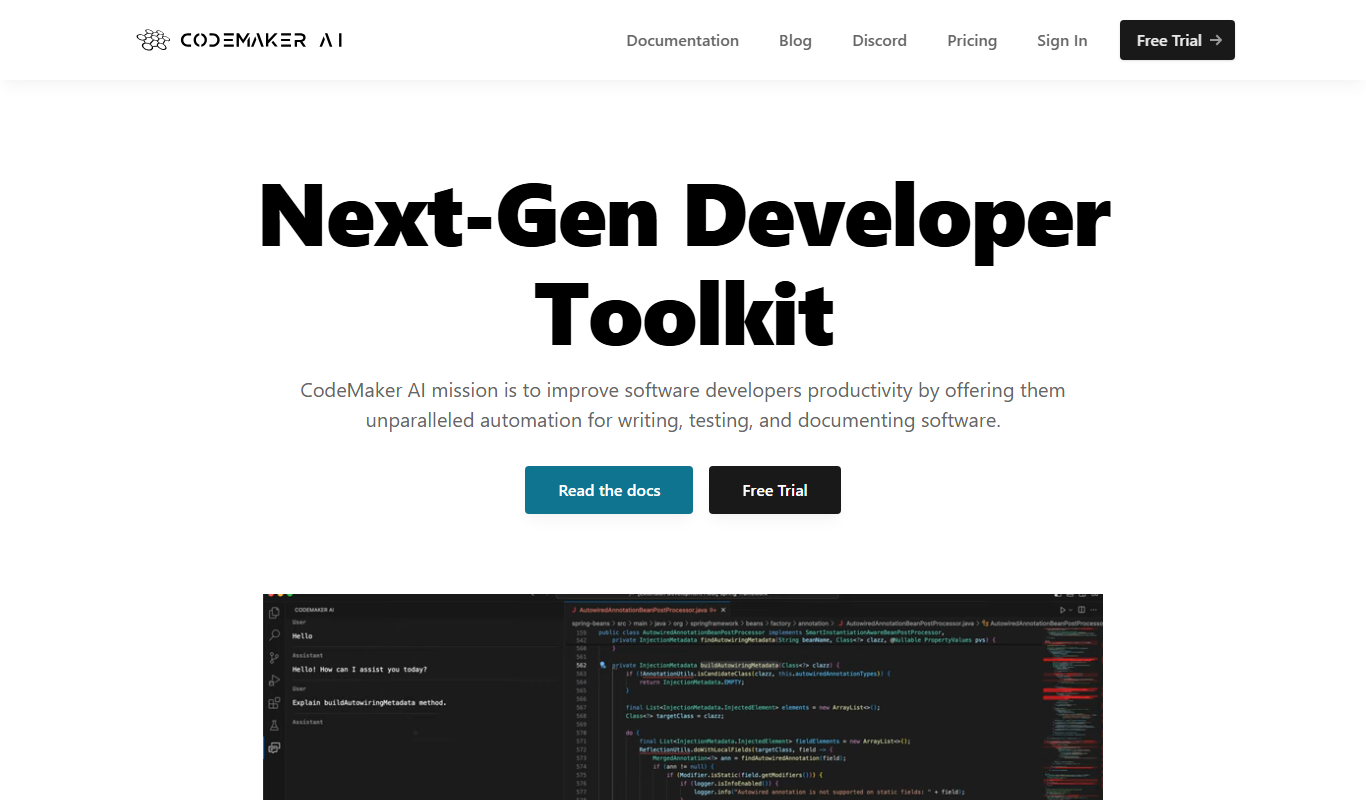
CodeMaker AI is an AI-powered software development assistant designed to automate and accelerate coding tasks. It leverages advanced machine learning models to generate, review, and optimize code based on user inputs, enabling developers to focus on higher-level design and problem-solving.
Key Features of CodeMaker AI
Natural Language Code Generation
Transform plain English descriptions into executable code across multiple programming languages.
Multi-Language Support
Supports popular languages including Python, JavaScript, Java, and more.
Code Optimization Suggestions
Provides recommendations to improve code efficiency and readability.
API Access
Allows integration of CodeMaker AI capabilities into existing development workflows via API.
User-Friendly Web Interface
Intuitive platform for managing projects, generating code, and reviewing outputs.
Pros and Cons of CodeMaker AI
Pros
- Speeds up coding by generating functional code from natural language
- Supports multiple programming languages
- Offers API for integration into workflows
- User-friendly interface with clear outputs
- Provides code optimization suggestions
Cons
- Free tier has limited usage and features
- May require manual review to ensure code quality
- Currently supports primarily English language inputs
Key Use Cases for CodeMaker AI
Automated Code Generation
Generate clean, functional code snippets or entire modules automatically from natural language prompts or specifications.
Rapid Prototyping
Quickly create working prototypes of software applications to validate ideas and accelerate development cycles.
Code Review and Optimization
Analyze existing code for improvements and refactor suggestions to enhance performance and maintainability.
Learning and Experimentation
Assist developers in learning new programming languages or frameworks by generating example code and explanations.
API Integration Assistance
Help developers integrate third-party APIs by generating relevant code snippets and usage examples.
How CodeMaker AI Works
-
1
Sign Up
Create an account on the CodeMaker AI platform to access the web interface and API.
-
2
Input Requirements
Provide natural language descriptions or partial code snippets describing the desired functionality.
-
3
Generate Code
Use the AI engine to produce code snippets or full modules tailored to your specifications.
-
4
Review and Refine
Examine the generated code, request optimizations or adjustments, and integrate it into your projects.
Who's Using CodeMaker AI
Software developers
Startup founders
Technical product managers
Coding educators and students
Freelance programmers
CodeMaker AI Pricing
Free
$0/month
Access to basic code generation features with limited usage quotas.
Pro
$29/month
Extended usage limits, priority support, and access to advanced features.
Enterprise
Custom pricing
Tailored solutions with dedicated support, higher quotas, and API access.
Frequently Asked Questions About CodeMaker AI
CodeMaker AI supports multiple languages including Python, JavaScript, Java, and others, with ongoing expansion.
Yes, CodeMaker AI offers API access allowing seamless integration into your development environment.
Yes, the Free plan provides limited access to test core features without cost.
CodeMaker AI employs industry-standard security measures to protect user data and code confidentiality.
Yes, it can help with that use case depending on how you configure it and what features are available. You’ll get the best results with clear inputs and a defined goal.
Integration support depends on the tool and its available connectors or API. Check the official documentation or integrations page to confirm what is supported.
Some tools offer a free plan or trial with limited features. Availability can vary, so confirm on the official website.
It depends on your specific needs and how you plan to use the tool. The official website and documentation are the best sources for the latest details.
Share your review
Reviews are limited to one per logged-in user and are published after moderation.
You need an account to review this tool.
0.0
★
★
★
★
★
0 reviews
5 star
0
4 star
0
3 star
0
2 star
0
1 star
0
No reviews yet
Be the first to share how this tool worked for you.
Questions from the community
Read questions and answers about this tool, or ask your own.
No questions yet
Start the conversation by asking the first question about this tool.
Is this tool helpful?

Free
Gemini Coder
Gemini Coder is a free AI programming assistant accessible via web that helps developers generate code snippets, debug errors, and improve software development workflows.
Free Trial
Dynobase
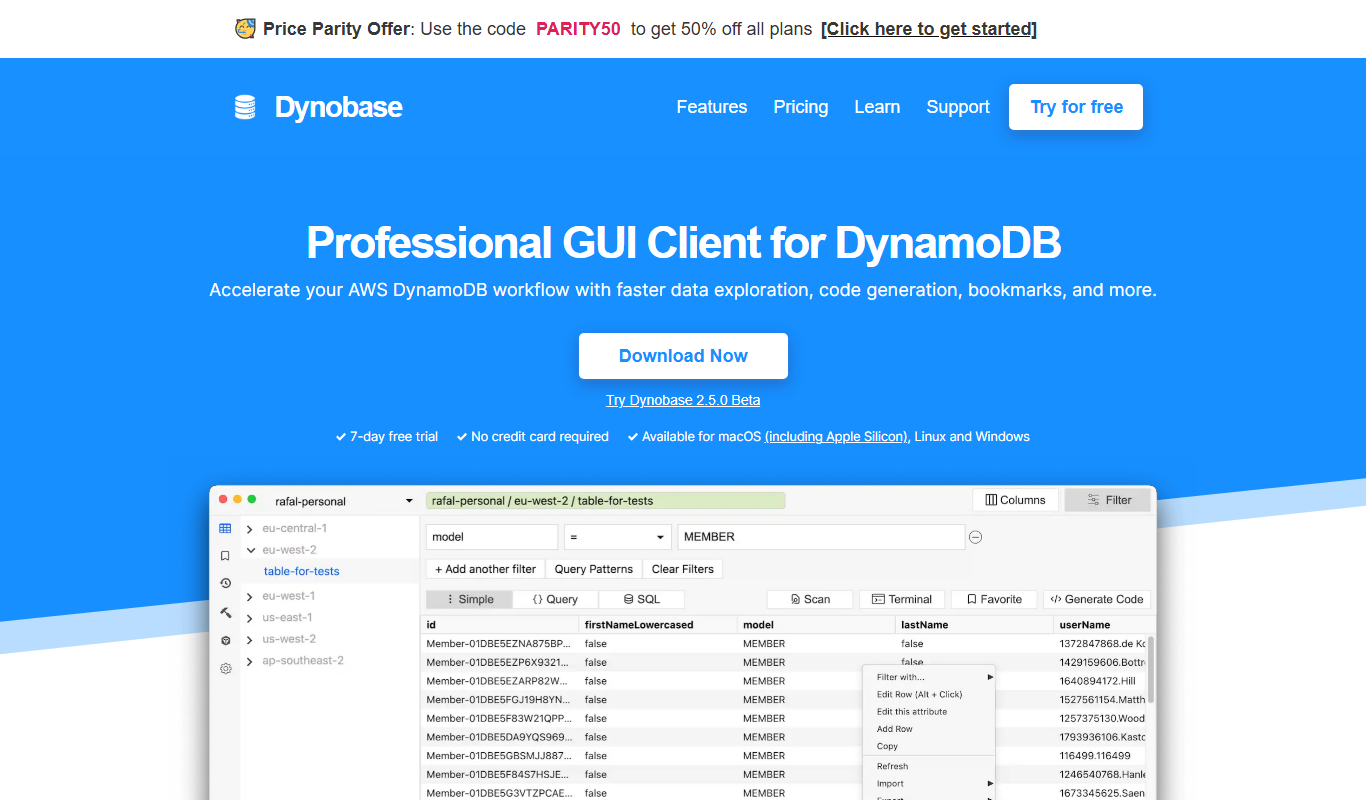
Dynobase is a desktop GUI client designed to simplify Amazon DynamoDB management by providing visual tools for table creation, data editing, and query building.

Freemium
CraftAI
CraftAI is an AI-driven content creation and marketing automation platform by Craftable Pro that helps users generate high-quality content efficiently and automate marketing workflows.

Free
Defang
Defang.io is a web-based cybersecurity tool that safely converts malicious URLs into non-clickable formats to prevent accidental infections and supports threat analysis.

Freemium
goastVS
goastVS is an AI-powered tool that generates customized video scripts for marketing and content creators, helping streamline video production workflows.

Freemium
Code Genie AI
Code Genie AI is an AI-driven coding assistant that generates code snippets, helps debug, explains code, and suggests refactoring to improve developer productivity.

Free
Devika AI
Devika AI is an open source AI assistant tailored for developers and teams, offering code generation, automation, and integration with developer tools to enhance productivity.

Free
gptcli
gptcli is a command line tool that allows developers to interact with OpenAI's GPT models directly from their terminal for code generation, scripting, and technical assistance.