

ClearPoint Strategy Software for Strategic Planning and Performance Management
ClearPoint Strategy is a web-based platform that helps organizations manage strategic plans, track KPIs, and generate automated reports through customizable dashboards.
- Best for
- Strategic Planning
- Key capability
- Customizable Dashboards
Save ClearPoint Strategy, follow its updates and vote on it — everything stays in your account.
Sign in or create a free account
What is ClearPoint Strategy?
ClearPoint Strategy is a web-based strategic planning and performance management software designed to help organizations align their goals, track progress, and communicate results effectively. It centralizes data related to strategic objectives, KPIs, projects, and initiatives into customizable dashboards and reports, enabling better decision-making and transparency.
Key features of ClearPoint Strategy
The platform offers features such as KPI tracking, automated reporting, customizable dashboards, project management, and collaboration tools. It supports data integration from various sources and provides visual tools to monitor organizational performance in real time.
Customizable Dashboards
Create visual dashboards tailored to your organization’s strategic metrics.
Automated Reporting
Schedule and generate reports automatically to keep stakeholders informed.
KPI and Metric Tracking
Monitor key performance indicators and metrics in real time.
Project and Initiative Management
Track progress on projects and initiatives aligned with strategic goals.
Data Integration
Connect with external data sources to streamline data input and updates.
Collaboration Tools
Facilitate communication and updates within teams through shared notes and comments.
Pros and cons of ClearPoint Strategy
Pros
- Intuitive and customizable dashboards
- Strong focus on strategic alignment and performance tracking
- Automated reporting saves time
- Supports collaboration within teams
- Flexible data integration options
Cons
- Pricing is not transparent and requires contacting sales
- Primarily web-based with no dedicated mobile app
- May have a learning curve for new users unfamiliar with strategic planning software
Key use cases for ClearPoint Strategy
Strategic Planning
Helps organizations create, track, and manage strategic plans with clear objectives and initiatives.
Performance Management
Enables tracking of key performance indicators (KPIs) and metrics to monitor organizational progress.
Reporting and Dashboards
Provides customizable dashboards and automated reporting to communicate performance insights to stakeholders.
Project and Initiative Tracking
Allows teams to manage projects and initiatives aligned with strategic goals, ensuring accountability and progress.
Collaboration and Communication
Facilitates team collaboration through shared data, notes, and updates within the platform.
How ClearPoint Strategy works
- 1
Create an Account
Sign up on ClearPoint Strategy’s website to access the platform.
- 2
Set Up Strategic Framework
Define your organization’s goals, objectives, and KPIs within the software.
- 3
Import or Enter Data
Add performance data manually or integrate with external data sources.
- 4
Build Dashboards and Reports
Customize visual dashboards and automated reports to track progress.
- 5
Collaborate and Share
Share insights and updates with team members and stakeholders.
Who is using ClearPoint Strategy
ClearPoint Strategy pricing
Custom Pricing
Contact for pricing
Pricing is tailored based on organization size and feature needs.
Plans and prices are as published by the vendor and can change. Check the official site before you buy. Open the pricing page (opens in a new tab)
Frequently asked questions about ClearPoint Strategy
Yes, ClearPoint Strategy offers a free trial to evaluate the platform.
Yes, ClearPoint supports data integration from various external sources.
ClearPoint is scalable and can be used by organizations of various sizes, including small businesses.
ClearPoint offers customer support including onboarding assistance and ongoing help.
This tool is designed to help users accomplish its core tasks more efficiently. It is typically used by individuals or teams looking to improve productivity and workflow.
Yes, it can help with that use case depending on how you configure it and what features are available. You’ll get the best results with clear inputs and a defined goal.
Integration support depends on the tool and its available connectors or API. Check the official documentation or integrations page to confirm what is supported.
It depends on your specific needs and how you plan to use the tool. The official website and documentation are the best sources for the latest details.
Conclusion
Setting up ClearPoint Strategy begins with the strategic framework, where users define the organization’s goals, objectives and KPIs within the software. Performance data is then added manually or integrated from external data sources, and customizable dashboards and automated reports track progress. Reports can be scheduled and generated automatically to keep stakeholders informed. Projects and initiatives are tracked against the same strategic goals, and shared notes and comments carry team updates.
The software is aimed at corporate strategy teams, nonprofit organizations and government agencies, as well as project managers and business analysts. It is web-based, and pricing is tailored to organization size and feature needs, which requires contacting sales. The page also notes a possible learning curve for new users unfamiliar with strategic planning software.
Sources
Sign in to review this tool.
Sign In to ReviewNo reviews yet
Be the first to share how this tool worked for you.
Ask about pricing, limits, or how it compares — or answer someone else.
Sign In to AskNo questions yet
Have a question about using or paying for this tool? Be the first to ask.
Featured on TiorAI


Alternative Tools
Explore similar AI tools that might fit your needs

Klipfolio
Klipfolio is a cloud-based dashboard software that enables real-time business data visualization, custom reporting, and integration with multiple data sources to help teams make data-driven decisions.
More AI Analytics Assistant tools
Other tools in the same category, for when this one is not quite the fit.

Inflact
Inflact is an Instagram research and influencer discovery platform to search creators, analyze audience and engagement and track competitor performance.

Veraset
Veraset provides privacy-compliant, high-quality location data via API and web platform to support marketing, retail, and urban planning analytics.

Zebra Technologies
Zebra Technologies offers enterprise-grade hardware and software solutions for barcode scanning, RFID, mobile computing, and real-time asset tracking to optimize industrial and supply chain operations.

Cambridge Mobile Telematics
Cambridge Mobile Telematics provides a mobile telematics platform that uses smartphone sensors and AI to analyze driver behavior, enabling insurers and fleet managers to assess risk, improve safety, and reduce accidents.
Liquidnet
Liquidnet is a global institutional trading platform that connects asset managers and brokers to execute large block equity trades anonymously via a dark pool, providing liquidity and advanced analytics to optimize trade execution.
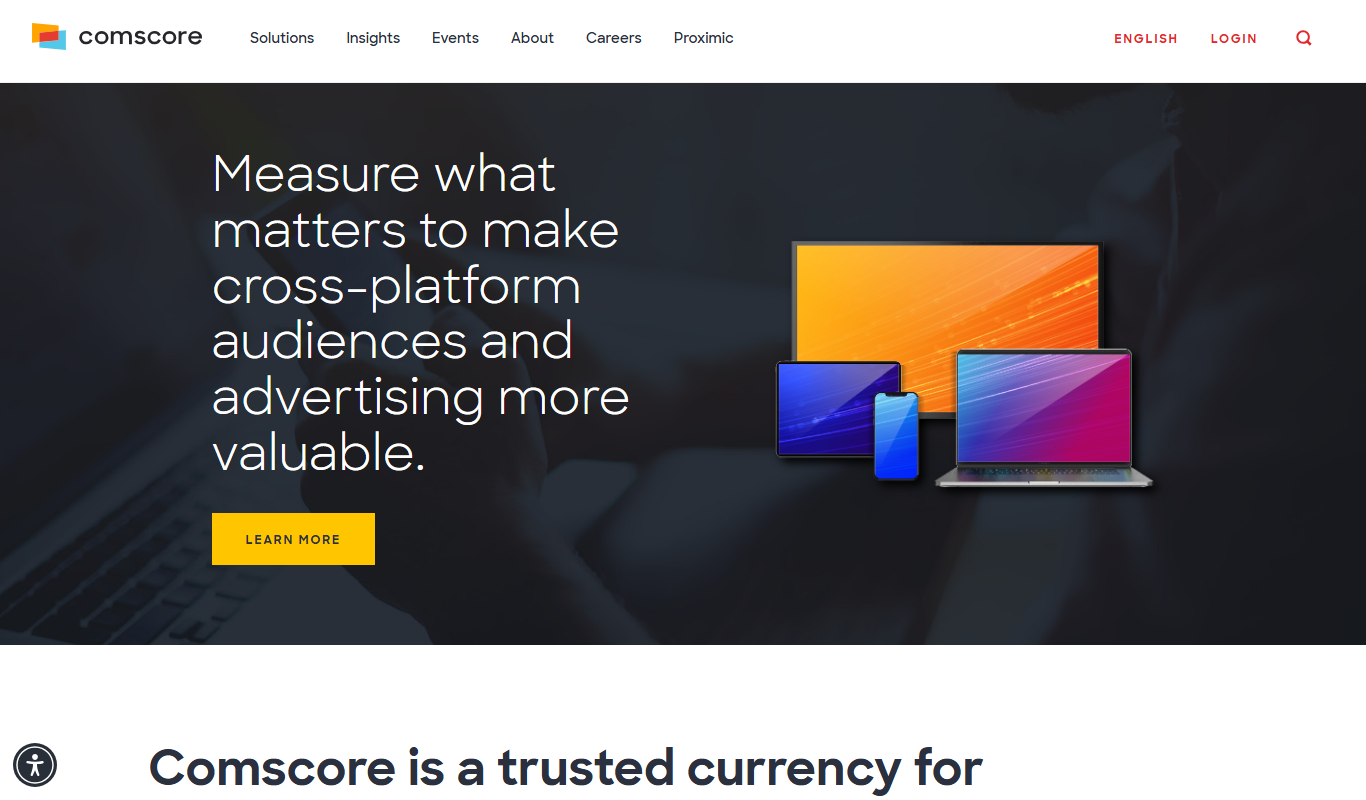
Comscore Video Metrix
Comscore Video Metrix is a cross-platform video audience measurement tool that provides detailed analytics on video consumption across desktop, mobile, and connected TV devices to help media professionals optimize advertising and content strategies.

Yearn Finance
Yearn Finance is a decentralized finance platform that automates yield farming strategies using smart contracts to maximize returns on Ethereum-based crypto assets.
Stock Rover
Stock Rover is an investment research platform that provides advanced stock screening, portfolio analytics, and comprehensive financial data to help investors analyze and manage their investments effectively.