
From my experience with ChatQ, I found it excels at providing an easy-to-use AI chatbot platform that helps businesses automate customer support and engage visitors effectively. The platform’s natural language processing capabilities and customizable chat flows make it practical for small to medium businesses looking to improve response times without heavy technical overhead. However, the limitation to English language support and lack of a dedicated mobile app may restrict some users. Overall, if you need a straightforward, web-based chatbot solution for customer engagement, ChatQ delivers solid value.

ChatQ AI Chatbot Platform for Customer Support and Engagement
ChatQ is an AI chatbot platform that helps businesses automate customer support and engage website visitors through conversational AI.
What is ChatQ?
ChatQ is an AI-powered chatbot platform designed to help businesses automate customer support and engagement through conversational AI. It enables companies to deploy intelligent chatbots on their websites that can understand and respond to user queries in real-time, improving customer experience and operational efficiency.

Key Use Cases for ChatQ
Customer Support Automation
Automate responses to common customer inquiries to reduce support workload and improve response times.
Lead Generation
Engage website visitors with conversational AI to capture leads and qualify prospects automatically.
User Engagement
Provide interactive chat experiences that keep users engaged and improve overall satisfaction.
FAQ Handling
Deploy AI-powered chatbots to answer frequently asked questions instantly without human intervention.
How ChatQ Works
-
1
Sign Up
Create an account on ChatQ’s platform to access the chatbot builder and dashboard.
-
2
Configure Chatbot
Customize your chatbot’s responses, workflows, and appearance to match your brand and use cases.
-
3
Integrate on Website
Embed the chatbot widget on your website using provided code snippets or API integration.
-
4
Monitor and Optimize
Track chatbot interactions and performance metrics to continuously improve user experience.
Frequently Asked Questions About ChatQ
Yes, ChatQ allows you to tailor chatbot responses and conversation flows to fit your business needs.
Yes, ChatQ provides API access to integrate with various third-party tools and services.
ChatQ offers a free plan with basic features to get started without any cost.
This tool is designed to help users accomplish its core tasks more efficiently. It is typically used by individuals or teams looking to improve productivity and workflow.
It depends on your specific needs and how you plan to use the tool. The official website and documentation are the best sources for the latest details.
Some tools offer a free plan or trial with limited features. Availability can vary, so confirm on the official website.
Share your review
Reviews are limited to one per logged-in user and are published after moderation.
You need an account to review this tool.
0.0
★
★
★
★
★
0 reviews
5 star
0
4 star
0
3 star
0
2 star
0
1 star
0
No reviews yet
Be the first to share how this tool worked for you.
Questions from the community
Read questions and answers about this tool, or ask your own.
No questions yet
Start the conversation by asking the first question about this tool.
Is this tool helpful?
Custom Pricing
Spirit AI
Spirit AI is a platform that enables developers to build AI characters with emotional intelligence, allowing for realistic and empathetic interactions in games, virtual assistants, and chatbots.

Freemium
ai2006
ai2006 is a web-based AI platform that provides advanced data analytics, business process automation, and machine learning model deployment to help organizations optimize operations and gain insights.

Free
ShareGPT
ShareGPT is a free web platform that allows users to share ChatGPT conversations via unique links, enabling easy collaboration and showcasing of AI chats without requiring recipients to have ChatGPT accounts.

Freemium
ChatArt
ChatArt is an AI-powered tool that generates unique digital artwork from text prompts, offering multiple art styles and high-resolution downloads.
Free
ManyBot
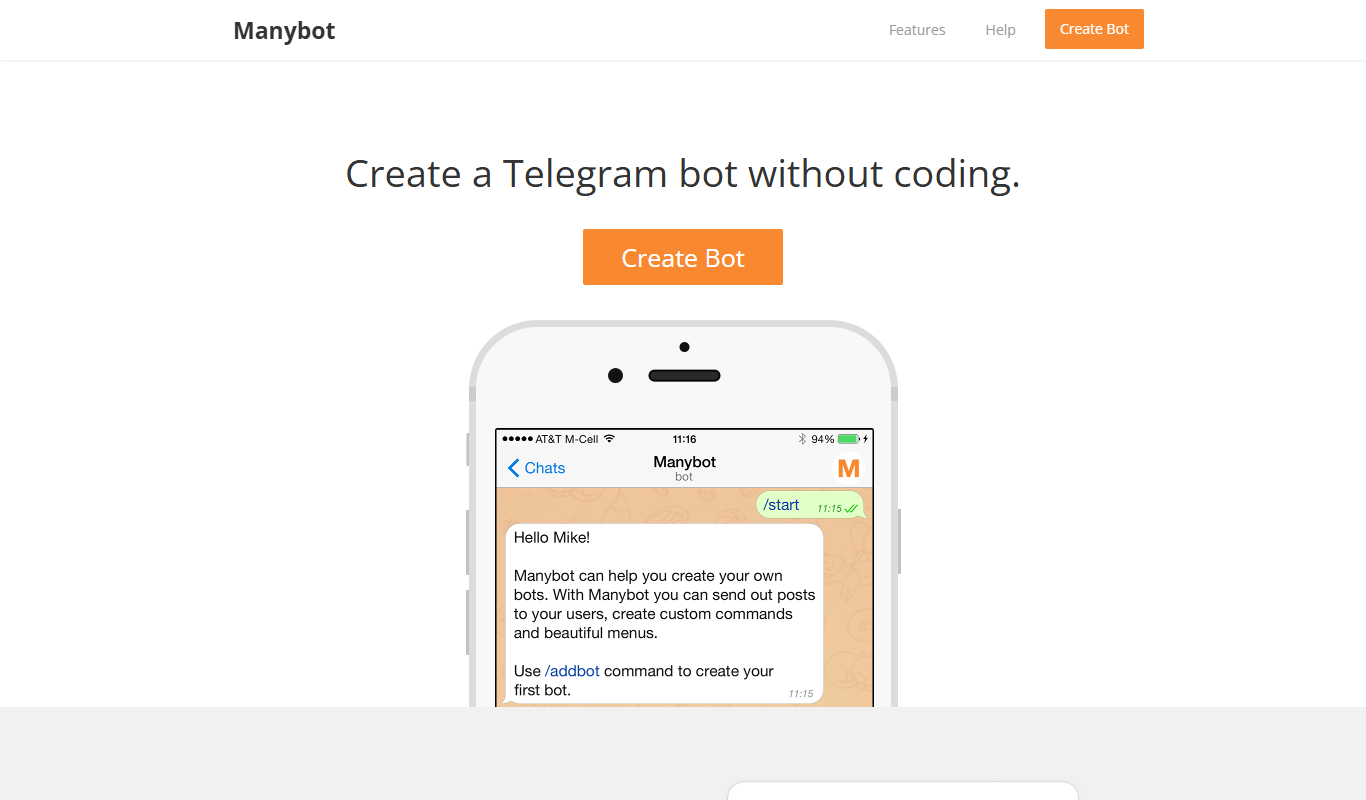
ManyBot is a no-code platform that enables users to create and manage Telegram chatbots for marketing, customer support, and automation without programming skills.

Free
Historical AI Chatbot by AI Dungeon
The Historical AI Chatbot by AI Dungeon is an AI-driven platform that enables users to engage in interactive storytelling and roleplay set in historical contexts, generating dynamic narratives based on user input.

Freemium
ChatNode
ChatNode is a no-code AI chatbot platform that enables users to build, customize, and deploy conversational agents powered by large language models, suitable for customer support, lead generation, and more.

Freemium
ulai
Ulai is an AI writing assistant designed to help users create marketing and SEO content quickly through an easy-to-use web platform.