
From my experience with ChatCulture, I found it excels at enabling users to build AI chatbots without any coding knowledge, making it accessible for small businesses and teams new to conversational AI. The platform’s intuitive drag-and-drop builder and analytics dashboard provide practical tools to create and optimize chatbots effectively. However, its current limitation to primarily English language support and potential pricing increases with high usage are factors to consider. Overall, if you need a straightforward, customizable chatbot solution for customer support or lead generation, ChatCulture offers a solid balance of ease and functionality.

ChatCulture AI Chatbot Platform for Custom Conversational Experiences
ChatCulture is an AI chatbot platform that allows businesses to create custom conversational experiences using a no-code builder, deploy chatbots on websites and via API, and optimize interactions with analytics.
What is ChatCulture?
ChatCulture is an AI-powered chatbot platform designed to create custom conversational experiences for businesses. It enables companies to build, deploy, and manage intelligent chatbots that can automate customer interactions, provide instant support, and engage users effectively across web platforms.

Key Features of ChatCulture
No-Code Chatbot Builder
Create complex conversational flows without programming knowledge using drag-and-drop tools.
Natural Language Processing
Understand user intent and provide relevant, context-aware responses.
Multi-Channel Deployment
Deploy chatbots on websites and integrate with other platforms via API.
Analytics Dashboard
Gain insights into chatbot usage, user behavior, and conversation effectiveness.
Pros and Cons of ChatCulture
Pros
- Easy-to-use no-code chatbot builder
- Effective natural language understanding
- Flexible deployment options
- Insightful analytics for optimization
Cons
- Limited language support beyond English
- Pricing may increase with high interaction volumes
Key Use Cases for ChatCulture
Customer Support Automation
Automate responses to common customer inquiries to reduce support workload and improve response times.
Lead Generation
Engage website visitors with conversational AI to capture leads and qualify prospects automatically.
Internal Knowledge Base Access
Provide employees with instant access to company knowledge through AI-powered chat interactions.
E-commerce Assistance
Help customers find products, answer questions, and guide them through the purchase process.
How ChatCulture Works
-
1
Sign Up
Create an account on ChatCulture’s platform to access the chatbot builder.
-
2
Build Your Chatbot
Use the intuitive interface to design conversation flows and customize chatbot responses.
-
3
Integrate and Deploy
Embed the chatbot on your website or connect via API to start engaging users.
-
4
Monitor and Optimize
Track chatbot interactions and performance metrics to refine and improve conversations.
Who's Using ChatCulture
Small and medium businesses
E-commerce companies
Customer support teams
Marketing agencies
Internal corporate teams
ChatCulture Pricing
Free
$0/month
Basic chatbot features with limited interactions and access to core tools.
Pro
$29/month
Advanced features including higher interaction limits, priority support, and API access.
Frequently Asked Questions About ChatCulture
Yes, ChatCulture provides a no-code builder that allows you to create chatbots using an intuitive drag-and-drop interface.
You can deploy your chatbot on your website and integrate it with other platforms using ChatCulture’s API.
Currently, ChatCulture primarily supports English.
It depends on your specific needs and how you plan to use the tool. The official website and documentation are the best sources for the latest details.
Pricing depends on the plan and included features. For the most accurate and up-to-date details, check the official pricing page.
Integration support depends on the tool and its available connectors or API. Check the official documentation or integrations page to confirm what is supported.
Share your review
Reviews are limited to one per logged-in user and are published after moderation.
You need an account to review this tool.
0.0
★
★
★
★
★
0 reviews
5 star
0
4 star
0
3 star
0
2 star
0
1 star
0
No reviews yet
Be the first to share how this tool worked for you.
Questions from the community
Read questions and answers about this tool, or ask your own.
No questions yet
Start the conversation by asking the first question about this tool.
Is this tool helpful?

Freemium
Kindroid
Kindroid is an AI chatbot platform that enables businesses to automate customer interactions through a no-code builder, multi-channel support, and analytics.
Free
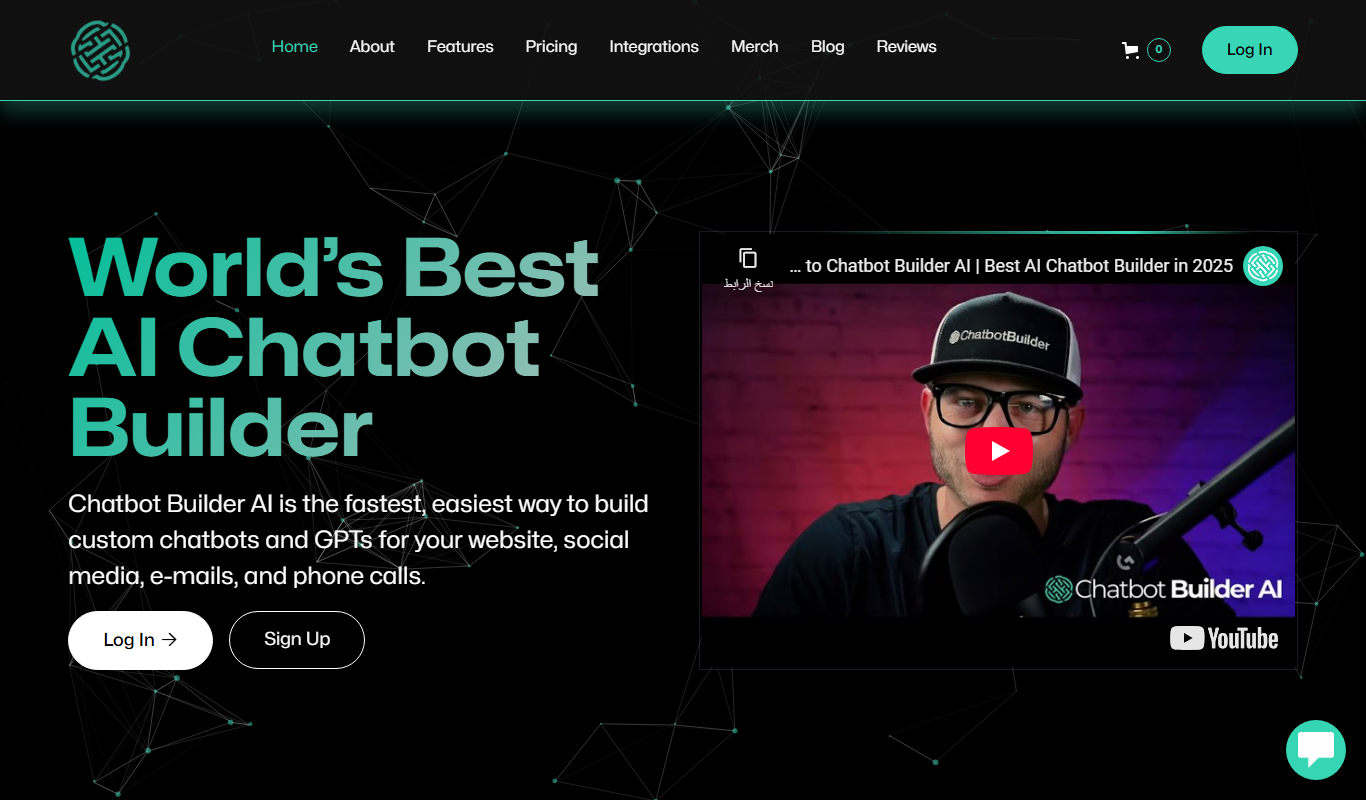
ChatbotBuilder.AI
ChatbotBuilder.AI is a no-code platform that enables users to create AI-powered chatbots for websites, automating customer support and lead generation without programming skills.

Free
AskSpot.ai
AskSpot.ai is an AI chatbot platform that helps businesses automate customer support and user engagement by creating intelligent chatbots integrated with knowledge bases and deployed on websites or apps.
Free
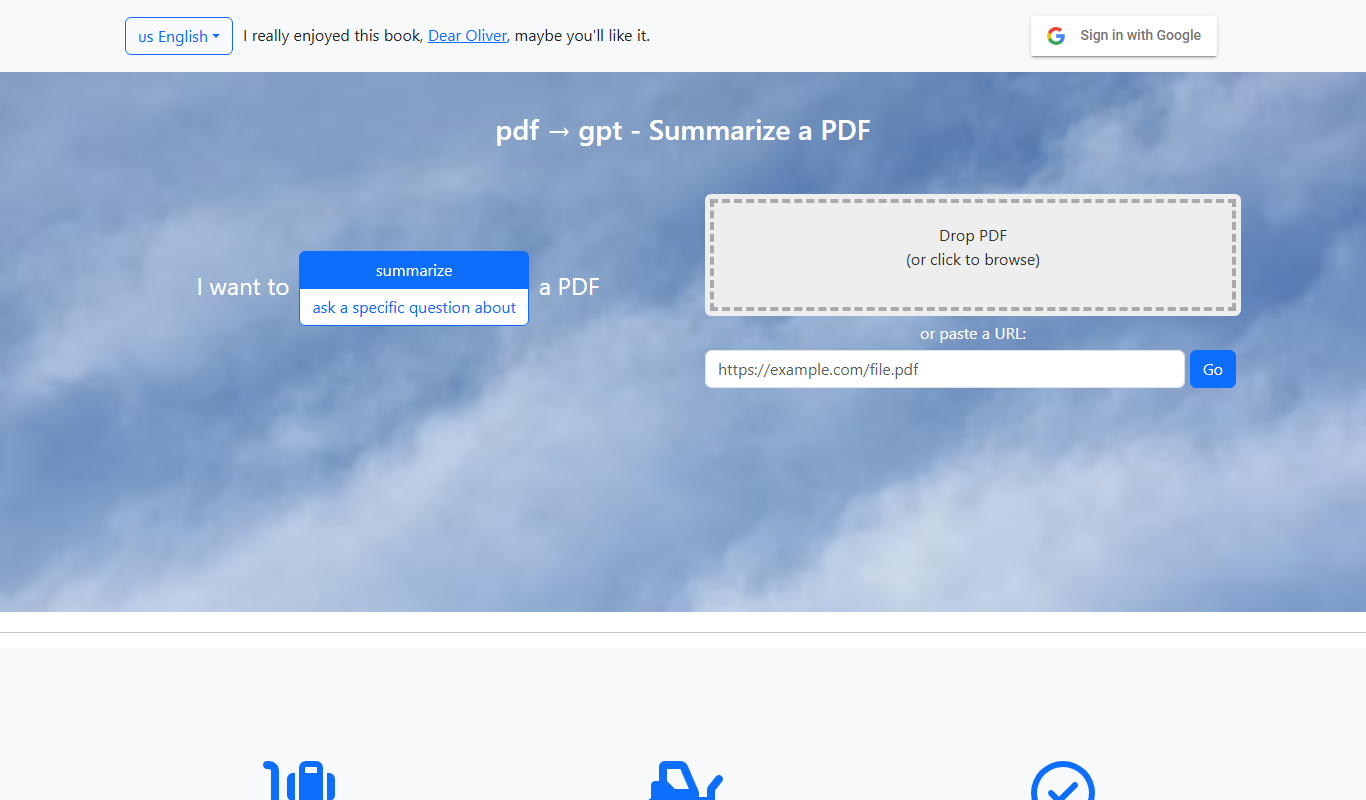
pdf2gpt
PDF2GPT is an AI tool that transforms PDF documents into interactive chatbots using GPT technology, enabling users to ask questions and get summaries from PDFs instantly.

Free
Kastro
Kastro is an AI chatbot platform that enables businesses to automate customer support and engagement through easy-to-build conversational bots deployed across multiple channels.

Free
ChatWithDocs.co
ChatWithDocs.co is an AI chatbot platform that enables businesses to upload documents and interact with them through a chat interface to automate customer support and internal knowledge sharing.

Free Trial
Sensay Replicas
Sensay Replicas is an AI chatbot platform that enables businesses to create conversational agents for customer support, lead qualification, and user engagement across multiple digital channels.

Freemium
TaterTalk
TaterTalk is an AI-powered chatbot platform that enables businesses to automate customer interactions on their websites through customizable, no-code chatbots focused on support and engagement.