
From my experience with Chat with PDF, I found it excels at transforming static PDF documents into interactive conversations, which significantly speeds up information retrieval. The tool’s intuitive interface and natural language understanding make it accessible even for users without technical backgrounds. It is particularly well-suited for researchers, students, and professionals who frequently work with dense PDF files. However, the current limitation to English language support and the free plan’s usage caps may restrict some users. Overall, if you need a quick, AI-driven way to query PDFs without manual reading, Chat with PDF delivers reliable and user-friendly results.
Chat with PDF AI Tool for Interactive PDF Document Conversations
Chat with PDF is a web-based AI tool that allows users to upload PDF documents and ask questions about their content in natural language, receiving instant answers extracted from the document.
What is Chat with PDF?
Chat with PDF is a web-based AI-powered tool that allows users to upload PDF documents and interact with their content through a conversational interface. Instead of manually reading through pages, users can ask questions and receive direct answers extracted from the PDF, making document comprehension faster and more efficient.
Key Features of Chat with PDF
Natural Language Processing
Enables users to ask questions in everyday language without needing keywords.
Multi-page PDF Support
Handles large documents with multiple pages and complex layouts.
Instant Responses
Delivers quick answers to user queries for efficient document navigation.
User-friendly Interface
Simple drag-and-drop upload and chat window for seamless interaction.
Pros and Cons of Chat with PDF
Pros
- Simplifies extracting information from complex PDFs
- No technical skills required to use
- Fast and interactive document querying
- Supports large multi-page PDFs
Cons
- Limited language support beyond English
- Free plan has usage restrictions
- No mobile app currently available
Key Use Cases for Chat with PDF
Interactive PDF Reading
Users can upload PDF documents and ask questions about the content to get instant answers.
Research Assistance
Helps researchers quickly extract and understand information from lengthy PDF papers or reports.
Customer Support
Businesses can use it to provide automated responses based on PDF manuals or documentation.
Education and Learning
Students can interactively query textbooks or lecture notes in PDF format for better comprehension.
Data Extraction
Extracts specific data points or summaries from complex PDF files without manual reading.
How Chat with PDF Works
-
1
Upload PDF
Users upload their PDF document via the web interface.
-
2
Process Document
The AI processes the PDF content to understand its structure and text.
-
3
Ask Questions
Users type questions related to the PDF content in natural language.
-
4
Receive Answers
The AI provides relevant answers extracted from the document instantly.
Who's Using Chat with PDF
Researchers and academics
Students and educators
Customer support teams
Business professionals handling documents
Content analysts
Chat with PDF Pricing
Free
$0/month
Basic access with limited PDF uploads and query counts.
Pro
$9.99/month
Unlimited PDF uploads, priority processing, and extended query limits.
Frequently Asked Questions About Chat with PDF
You can upload any standard PDF document including reports, manuals, academic papers, and ebooks.
Yes, Chat with PDF uses secure protocols and does not share your documents with third parties.
Yes, there is a free plan with limited features and usage caps.
Currently, the tool primarily supports English language documents.
It depends on your specific needs and how you plan to use the tool. The official website and documentation are the best sources for the latest details.
Some tools offer a free plan or trial with limited features. Availability can vary, so confirm on the official website.
Yes, it can help with that use case depending on how you configure it and what features are available. You’ll get the best results with clear inputs and a defined goal.
Yes, it can help with that use case depending on how you configure it and what features are available. You’ll get the best results with clear inputs and a defined goal.
Share your review
Reviews are limited to one per logged-in user and are published after moderation.
You need an account to review this tool.
0.0
★
★
★
★
★
0 reviews
5 star
0
4 star
0
3 star
0
2 star
0
1 star
0
No reviews yet
Be the first to share how this tool worked for you.
Questions from the community
Read questions and answers about this tool, or ask your own.
No questions yet
Start the conversation by asking the first question about this tool.
Is this tool helpful?

Freemium
Luxi.Ai
Luxi.Ai is an AI-based platform that generates custom visual content for marketing and design, enabling users to create images quickly without graphic design skills.
Custom Pricing
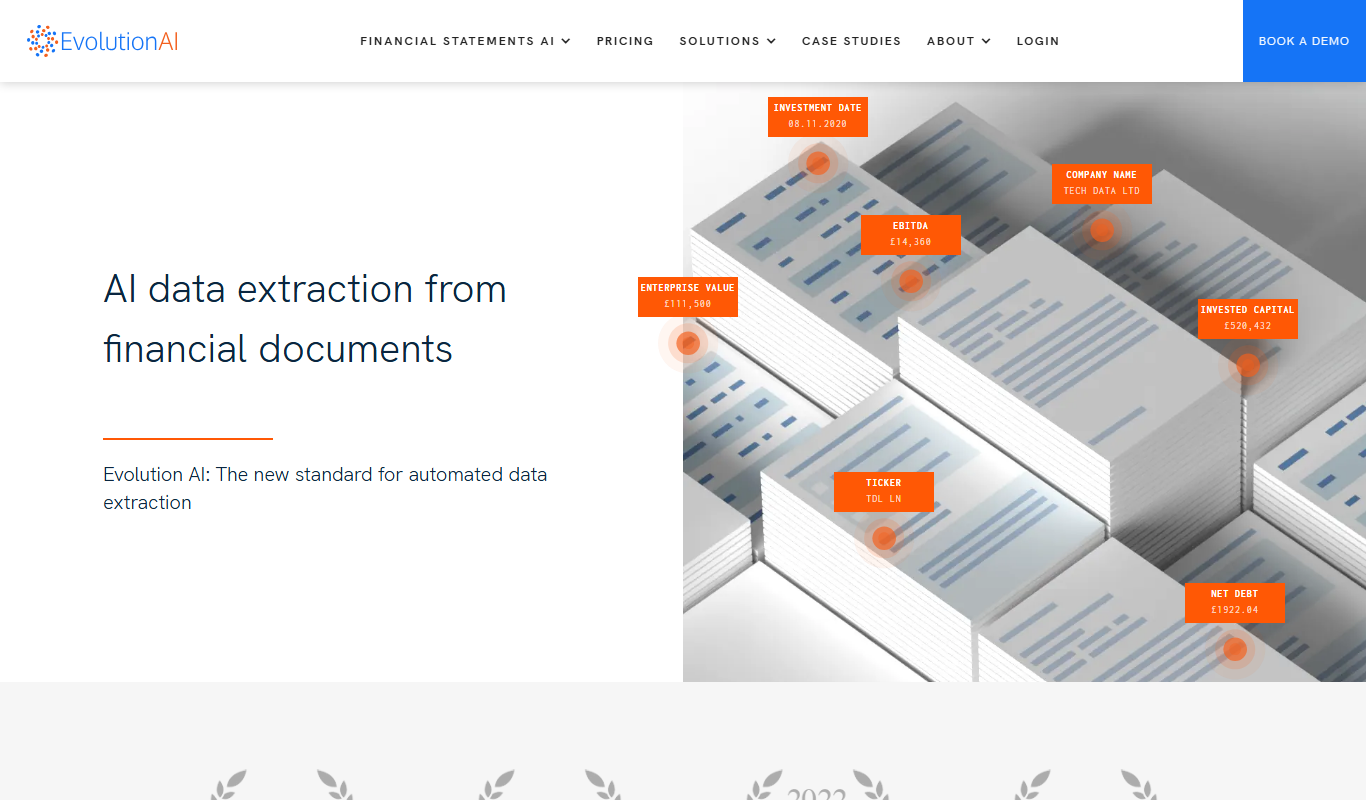
Evolution AI
Evolution AI is a UK-based data labeling platform that combines human expertise with AI tools to provide accurate annotations for text, image, audio, and video data, supporting machine learning and AI training projects.

Free
Any Summary
Any Summary is an AI-based web tool that condenses long text into brief summaries to help users quickly grasp key information.

Free Trial
formx ai
FormX AI is an AI-driven platform that automates data extraction from documents like invoices and forms using advanced OCR and machine learning, enabling faster and more accurate document processing.

Free Trial
mansaibots
Mansaibots is an AI chatbot platform that helps businesses automate customer interactions, generate leads, and provide 24/7 support through customizable chatbots without coding.
Free Trial
ChatwithData.ai
ChatwithData.ai is an AI chatbot platform that enables users to analyze and visualize data through natural language queries, simplifying business intelligence without coding.
Free
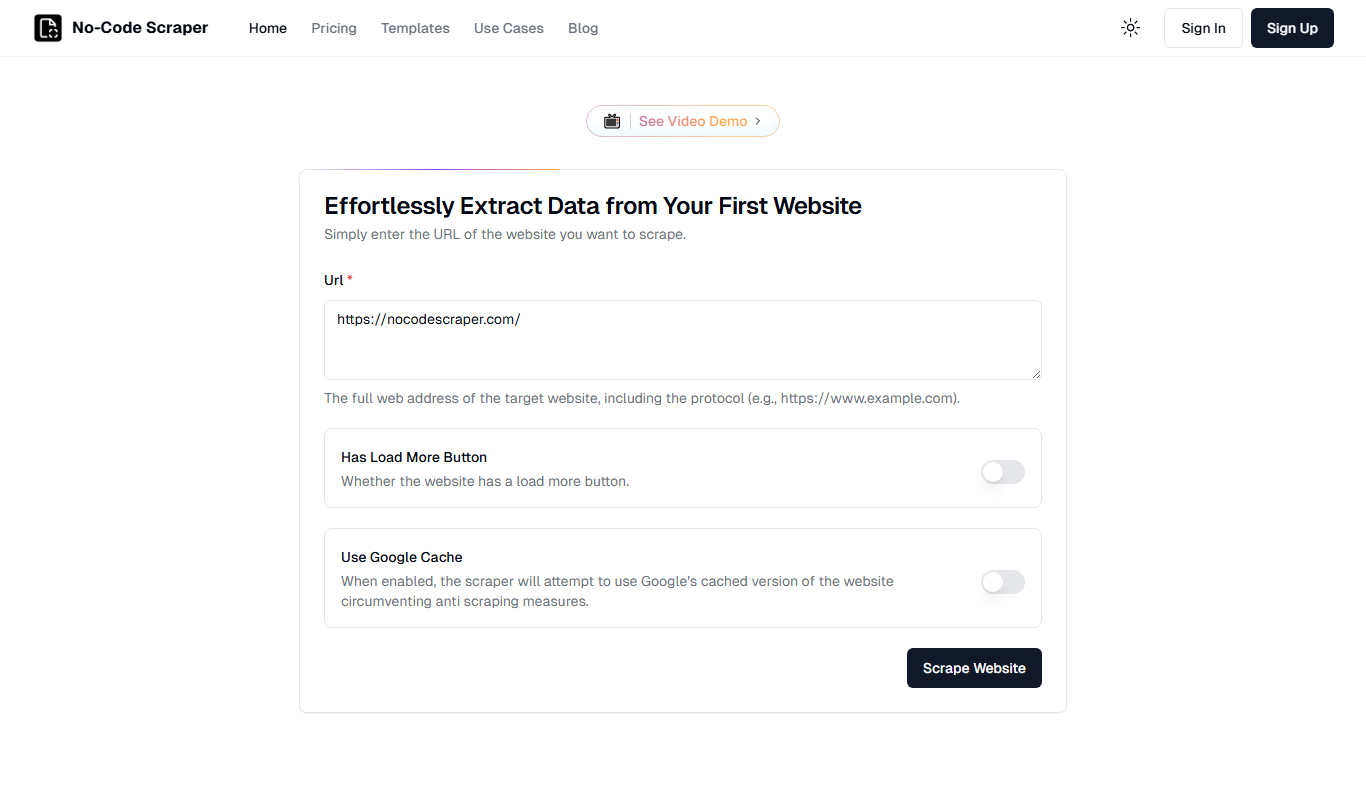
No-Code Scraper
No-Code Scraper is a web-based tool that allows users to extract data from websites using a visual interface without any coding. It supports pagination, data export, scheduling, and API integration.

Free
Bank Statement Converter
Bank Statement Converter is an online tool that converts PDF bank statements into Excel and CSV formats, enabling easy data extraction and financial management.