

From my experience with Canvass.io, I found it excels at simplifying complex industrial AI applications through automated machine learning, making predictive maintenance and process optimization accessible to non-experts. The platform’s ability to integrate diverse industrial data sources and provide actionable insights in real time is particularly valuable for operations and maintenance teams. However, the lack of transparent pricing and limited language options may pose challenges for some organizations. Overall, if you are in manufacturing or heavy industry looking to leverage AI for operational efficiency, Canvass.io offers a robust and scalable solution.
Canvass.io AI Platform for Industrial Predictive Analytics and Automation
Canvass.io is an AI platform that automates machine learning to help industrial companies predict equipment failures, optimize processes, and improve operational efficiency.
- Best for
- Predictive Maintenance
- Key capability
- Automated Machine Learning

What is canvass.io?
Canvass.io is an AI-powered industrial analytics platform designed to help manufacturers and industrial companies leverage machine learning to improve operational efficiency, reduce downtime, and automate complex processes. It enables users to build, deploy, and manage predictive models tailored to their unique industrial data without requiring extensive data science expertise.
Key features of canvass.io
The platform offers features such as automated machine learning model creation, real-time data integration, predictive maintenance alerts, process optimization recommendations, and an intuitive dashboard for monitoring key performance indicators.
Automated Machine Learning
Simplifies building and deploying AI models without requiring data science expertise.
Real-Time Monitoring
Provides live dashboards and alerts to monitor equipment and process status.
Predictive Maintenance
Forecasts equipment failures to schedule maintenance proactively.
Process Optimization Recommendations
Suggests operational adjustments to improve efficiency and reduce waste.
Scalable Cloud Platform
Supports large-scale industrial data and integrates with existing IT infrastructure.
Pros and cons of canvass.io
Pros
- User-friendly automated machine learning for industrial data
- Strong focus on predictive maintenance and process optimization
- Scalable cloud infrastructure
- Supports integration with diverse industrial data sources
Cons
- Pricing is not transparent and requires direct contact
- Limited language support (English only)
- Primarily focused on industrial sectors, less suitable for other domains
Key use cases for canvass.io
Predictive Maintenance
Use AI to predict equipment failures before they occur, reducing downtime and maintenance costs.
Process Optimization
Optimize manufacturing and industrial processes by analyzing operational data to improve efficiency.
Quality Control
Detect anomalies and quality issues in production lines using AI-driven insights.
Energy Management
Monitor and optimize energy consumption across industrial operations to reduce costs and environmental impact.
Supply Chain Optimization
Enhance supply chain decisions by forecasting demand and identifying bottlenecks using AI.
How canvass.io works
-
1
Data Integration
Connect your industrial data sources such as sensors, SCADA systems, and ERP platforms to Canvass.io.
-
2
Automated Model Building
The platform automatically analyzes your data and builds predictive models tailored to your operational challenges.
-
3
Insight Generation
Receive actionable insights and alerts on equipment health, process inefficiencies, and quality issues.
-
4
Continuous Improvement
Models continuously learn and improve as new data is ingested, ensuring up-to-date predictions.
Who is using canvass.io
Manufacturing companies
Industrial engineers
Operations managers
Maintenance teams
Energy sector professionals
canvass.io pricing
Custom Pricing
Contact for pricing
Pricing tailored based on company size, data volume, and deployment needs.
Plans and prices are as published by the vendor and can change. Check the official site before you buy. Open the pricing page (opens in a new tab)
Frequently asked questions about canvass.io
No, Canvass.io automates the machine learning process, enabling users without data science backgrounds to build and deploy AI models.
Primarily manufacturing, energy, chemicals, and other heavy industries focused on operational efficiency.
Yes, it supports integration with common industrial data sources like SCADA, PLCs, and ERP systems.
Yes, Canvass.io is a cloud-based platform accessible via web browsers.
This tool is designed to help users accomplish its core tasks more efficiently. It is typically used by individuals or teams looking to improve productivity and workflow.
Yes, it can help with that use case depending on how you configure it and what features are available. You’ll get the best results with clear inputs and a defined goal.
Yes, it can help with that use case depending on how you configure it and what features are available. You’ll get the best results with clear inputs and a defined goal.
Yes, it can help with that use case depending on how you configure it and what features are available. You’ll get the best results with clear inputs and a defined goal.
Sign in to review this tool.
Sign In to ReviewNo reviews yet
Be the first to share how this tool worked for you.
Ask about pricing, limits, or how it compares — or answer someone else.
Sign In to AskNo questions yet
Have a question about using or paying for this tool? Be the first to ask.
Featured on TiorAI



More AI Education & Learning Tools tools
Other tools in the same category, for when this one is not quite the fit.

Free
bentolingo
BentoLingo is an AI-driven language learning platform that provides personalized speaking practice and real-time feedback to help users improve fluency in multiple languages.

Free Trial
Testnut
Testnut is an online exam platform that enables secure, scalable assessments with remote proctoring, automated grading, and detailed analytics, suitable for education and corporate use.

Freemium
Testbook.ai
Testbook.ai is an AI-driven platform offering personalized study plans, mock tests, and live classes to help students prepare effectively for competitive exams.

Free
AICamp
AICamp is an AI education platform offering project-based learning to teach AI, machine learning, and data science through hands-on projects and community mentorship.
Free
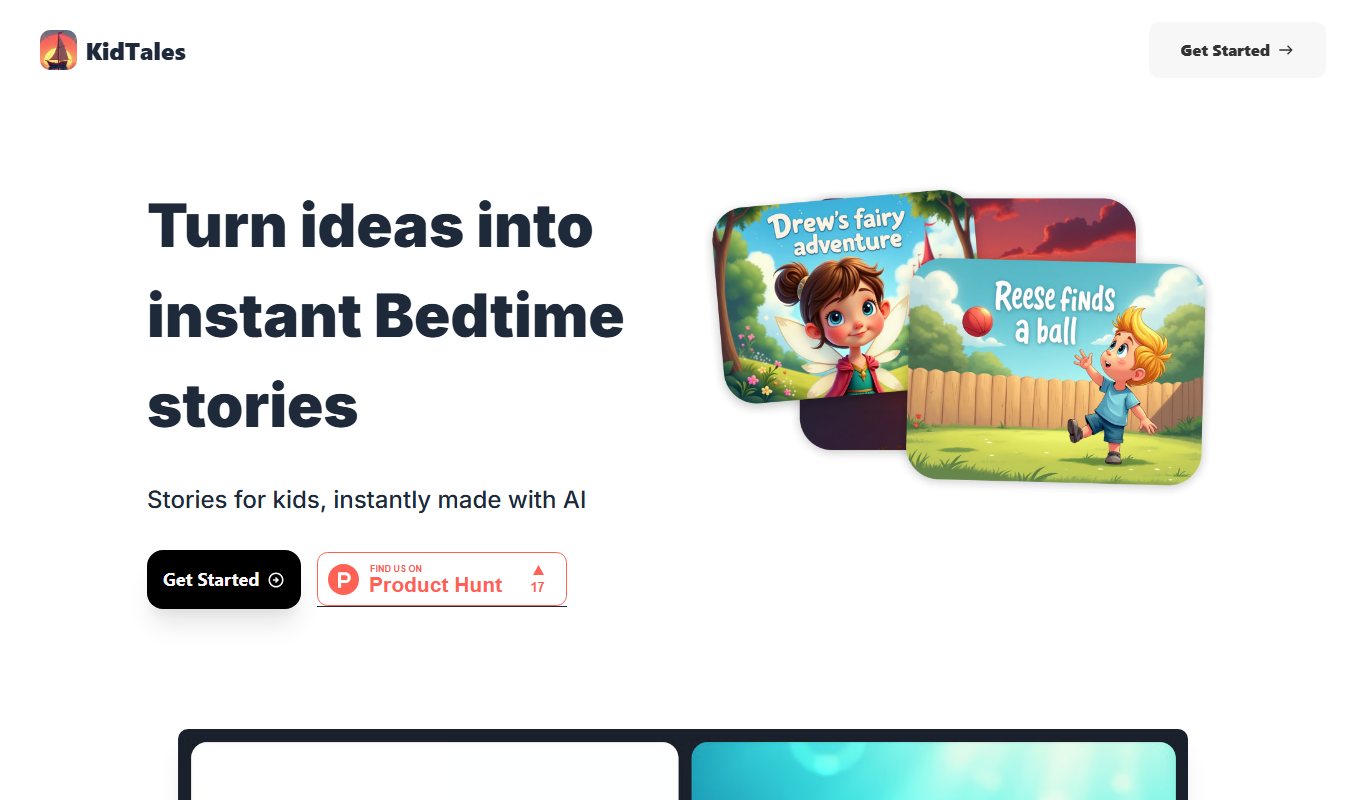
KidTales
KidTales AI is an online tool that generates personalized, age-appropriate stories for children to support creativity and learning.

Freemium
Mi Cuento Digital
Mi Cuento Digital is an online platform that lets you create personalized digital storybooks for children by adding names, photos, and custom details to engage young readers.

Free
Kidgeni
Kidgeni is an AI-powered tutoring platform designed to provide personalized learning and homework help for children, focusing on core subjects like math and reading through interactive sessions.

Freemium
flAI
flAI is an AI-driven language learning app that provides personalized speaking and writing practice with real-time feedback to help users improve fluency and confidence in multiple languages.