

From my experience with Canvas AI, I found it excels at simplifying the design process through intelligent AI suggestions and an easy-to-use interface. After spending time with the platform, I can say it’s particularly well-suited for small business owners and marketers who need quick, professional visuals without deep design skills. However, since it is web-based, offline use is limited, and the subscription cost might be a consideration for casual users. Overall, if you want to speed up creative workflows and produce polished graphics efficiently, Canvas AI delivers solid results.
Canvas AI - AI-Powered Design Tool for Creative Visual Content
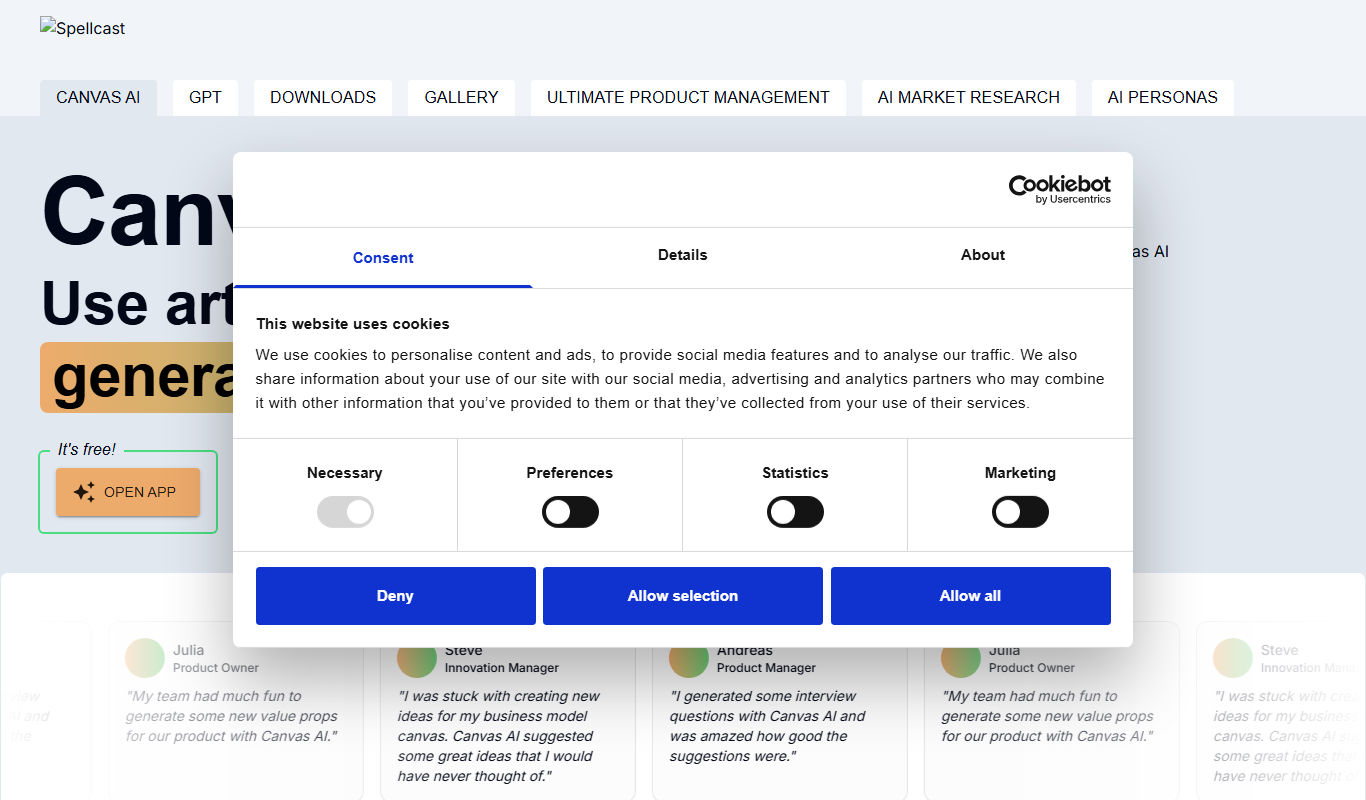
Canvas AI is a web-based design tool that uses artificial intelligence to help users create professional-quality graphics and visual content efficiently.
- Best for
- Graphic Design
- Key capability
- AI-Powered Design Suggestions
Your actions
Do you recommend this tool?
What is Canvas AI?
Canvas AI is a web-based design platform that leverages artificial intelligence to assist users in creating high-quality visual content efficiently. It combines AI-driven automation with intuitive design tools to help both professionals and non-designers produce graphics, marketing materials, and presentations with ease.
Key features of Canvas AI
Canvas AI offers AI-assisted design generation, customizable templates, intuitive editing tools, and export options tailored for various digital and print formats. Its AI capabilities help automate repetitive tasks and inspire creative ideas, streamlining the design workflow.
AI-Powered Design Suggestions
Receive automated design recommendations and layout adjustments to enhance your visuals.
Template Library
Access a wide range of customizable templates for various design purposes.
User-Friendly Editor
Intuitive drag-and-drop interface for easy customization without prior design experience.
Multi-Format Export
Export designs in formats suitable for web, print, and social media platforms.
Pros and cons of Canvas AI
Pros
- Easy-to-use AI-assisted design tools
- Wide variety of customizable templates
- Supports both beginners and professionals
Cons
- Limited offline capabilities as a web-based tool
- Pricing may be high for casual users
Key use cases for Canvas AI
Graphic Design
Create professional-quality graphics and visual content quickly using AI-powered tools.
Marketing Content Creation
Generate engaging marketing visuals and social media graphics to boost brand presence.
Creative Brainstorming
Use AI to explore new design ideas and concepts, accelerating the creative process.
Presentation Design
Design visually appealing slides and presentations with AI assistance for better storytelling.
How Canvas AI works
- 1
Create an Account
Sign up on the Canvas AI website to access the design platform.
- 2
Choose a Template or Start Fresh
Select from a variety of AI-generated templates or begin with a blank canvas.
- 3
Customize Your Design
Use AI tools and manual editing to adjust elements, colors, and text to fit your needs.
- 4
Export and Share
Download your design in multiple formats or share it directly on social media.
Who is using Canvas AI
Small business owners
Marketing professionals
Content creators
Freelance designers
Social media managers
Canvas AI pricing
Free
$0/month
Basic access with limited templates and export options.
Pro
€15/month
Full access to all templates, AI features, and high-resolution exports.
Plans and prices are as published by the vendor and can change. Check the official site before you buy. Open the pricing page (opens in a new tab)
Frequently asked questions about Canvas AI
Yes, Canvas AI is designed with an intuitive interface and AI assistance to help users without design experience.
Yes, designs created with Canvas AI can be used for commercial purposes according to their terms of service.
You can export designs in common formats such as PNG, JPG, and PDF.
This tool is designed to help users accomplish its core tasks more efficiently. It is typically used by individuals or teams looking to improve productivity and workflow.
Some tools offer a free plan or trial with limited features. Availability can vary, so confirm on the official website.
Yes, it can help with that use case depending on how you configure it and what features are available. You’ll get the best results with clear inputs and a defined goal.
Sign in to review this tool.
Sign In to ReviewNo reviews yet
Be the first to share how this tool worked for you.
Ask about pricing, limits, or how it compares — or answer someone else.
Sign In to AskNo questions yet
Have a question about using or paying for this tool? Be the first to ask.
Featured on TiorAI



More AI Artificial Intelligence Tools tools
Other tools in the same category, for when this one is not quite the fit.

Freemium
EasyTrip AI
EasyTrip AI is an AI-driven travel planner that generates customized trip itineraries based on your travel dates, destinations, and preferences, helping you organize your trip efficiently.

Freemium
Travel Itinerary AI
Travel Itinerary AI is an AI-powered web tool that creates personalized travel itineraries based on your preferences, helping you plan and manage trips efficiently.

Free
NilgAI Travel
NilgAI Travel is an AI-driven travel planning tool that creates personalized itineraries based on your preferences, travel dates, and budget, helping you efficiently plan trips worldwide.

Custom Pricing
sentiance.com
Sentiance is an AI-powered platform that transforms sensor and contextual data into actionable behavioral insights, enabling businesses to understand user behavior and deliver personalized experiences in real-time.

Contact for pricing
ODESIS
ODESIS is an AI-driven analytics platform that helps businesses transform data into actionable insights through machine learning, visualization, and predictive analytics.

Contact for pricing
QUINETICS
Quinetics is an AI platform that provides businesses with advanced data analytics, workflow automation, and custom machine learning model development to optimize operations and decision-making.

Free
aigclist
AIGCList is a free online directory that aggregates and categorizes AI tools, providing detailed information, user reviews, and AI industry news to help users discover and compare AI solutions.

Free
AI Tool Center
AI Tool Center is a free online directory that helps users discover, compare, and review AI tools across various categories and industries.