

From my experience with California Markup, I found it excels at simplifying complex document collaboration, especially for construction and engineering teams. The real-time annotation features and intuitive interface make it easy for multiple users to provide clear feedback without confusion. However, the platform currently lacks offline functionality and mobile apps, which might limit flexibility for some users. Overall, if your workflow relies heavily on PDF document review and you need a straightforward, web-based solution, California Markup offers a practical and affordable tool to streamline communication and reduce project delays.
California Markup - Collaborative PDF Markup and Document Review Tool
California Markup is a web-based platform that enables teams to collaboratively annotate and review PDF documents in real-time, streamlining communication and project workflows.
- Best for
- Construction Project Collaboration
- Key capability
- Real-Time Collaborative Annotation
Your actions
Do you recommend this tool?
What is California Markup?
California Markup is a web-based platform designed to simplify PDF document collaboration by enabling teams to upload, annotate, and share markups in real-time. It focuses on industries like construction, architecture, and engineering, where precise document review and communication are critical.
Key features of California Markup
The tool offers real-time collaborative PDF annotation, version control, comment threads, and easy sharing capabilities, helping teams reduce miscommunication and accelerate project timelines.
Real-Time Collaborative Annotation
Multiple users can simultaneously add comments, highlights, and drawings on PDFs.
Version Control
Track changes and maintain document versions to avoid confusion.
Easy Sharing and Permissions
Control who can view or edit documents with customizable access settings.
Comment Threads and Notifications
Engage in discussions directly on the document and receive updates on changes.
Cloud-Based Access
Access documents and collaborate from any device with internet connectivity.
Pros and cons of California Markup
Pros
- Intuitive and user-friendly interface
- Real-time collaboration reduces project delays
- No software installation needed
- Supports detailed PDF annotations
- Affordable pricing for professionals
Cons
- Limited offline capabilities
- No mobile app currently available
- Feature set focused mainly on PDF markup
Key use cases for California Markup
Construction Project Collaboration
Teams can upload and annotate construction plans and documents to streamline communication and reduce errors.
Architectural and Engineering Reviews
Professionals can mark up blueprints and technical drawings collaboratively in real-time.
Document Feedback and Approval
Stakeholders can provide clear feedback on PDFs, facilitating faster approval cycles.
Remote Team Coordination
Distributed teams can collaborate on documents without needing to be in the same location.
How California Markup works
- 1
Create an Account
Sign up on the California Markup website to start using the platform.
- 2
Upload Documents
Upload PDFs such as plans, drawings, or reports to the platform.
- 3
Annotate and Markup
Use built-in tools to highlight, draw, add comments, and mark up documents collaboratively.
- 4
Share and Collaborate
Invite team members or stakeholders to view and contribute to the markups in real-time.
- 5
Track Changes and Approvals
Manage versions and monitor feedback to ensure all comments are addressed.
Who is using California Markup
Construction teams
Architects and engineers
Project managers
Remote collaboration teams
Document reviewers
California Markup pricing
Free
$0/month
Basic access with limited document uploads and annotation features.
Pro
$15/month
Unlimited document uploads, advanced collaboration tools, and priority support.
Plans and prices are as published by the vendor and can change. Check the official site before you buy. Open the pricing page (opens in a new tab)
Frequently asked questions about California Markup
Yes, California Markup is entirely web-based and requires no software installation.
The Free plan has upload limits, while the Pro plan offers unlimited uploads.
Yes, the platform supports real-time collaborative annotation by multiple users.
California Markup uses secure cloud infrastructure to protect your documents and data.
This tool is designed to help users accomplish its core tasks more efficiently. It is typically used by individuals or teams looking to improve productivity and workflow.
Yes, it can help with that use case depending on how you configure it and what features are available. You’ll get the best results with clear inputs and a defined goal.
Some tools offer a free plan or trial with limited features. Availability can vary, so confirm on the official website.
Yes, it can help with that use case depending on how you configure it and what features are available. You’ll get the best results with clear inputs and a defined goal.
Sign in to review this tool.
Sign In to ReviewNo reviews yet
Be the first to share how this tool worked for you.
Ask about pricing, limits, or how it compares — or answer someone else.
Sign In to AskNo questions yet
Have a question about using or paying for this tool? Be the first to ask.
Featured on TiorAI



Alternative Tools
Explore similar AI tools that might fit your needs

One-time purchase
Bluebeam Revu
Bluebeam Revu is a PDF-based collaboration and markup software tailored for the architecture, engineering, and construction industries, enabling efficient document management and real-time team collaboration.

Subscription
PlanGrid
PlanGrid is a construction management software by Autodesk that provides real-time access to blueprints, field data capture, and collaboration tools for construction teams on web and mobile platforms.
More AI Project Management Tools tools
Other tools in the same category, for when this one is not quite the fit.
Free
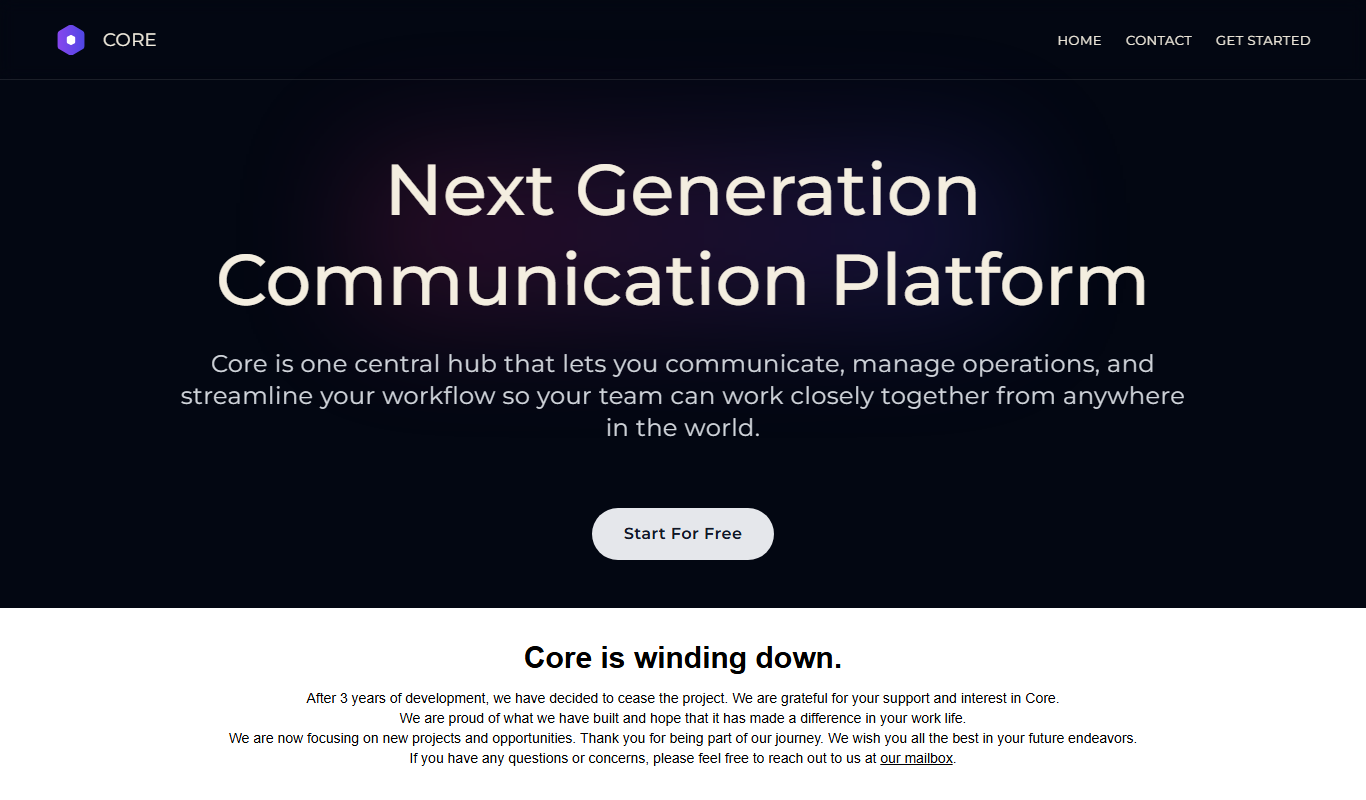
Core Beta
Core Beta is a project management and team collaboration platform that offers task management, real-time messaging, workflow automation, and mobile access to help teams work efficiently.
Free Trial
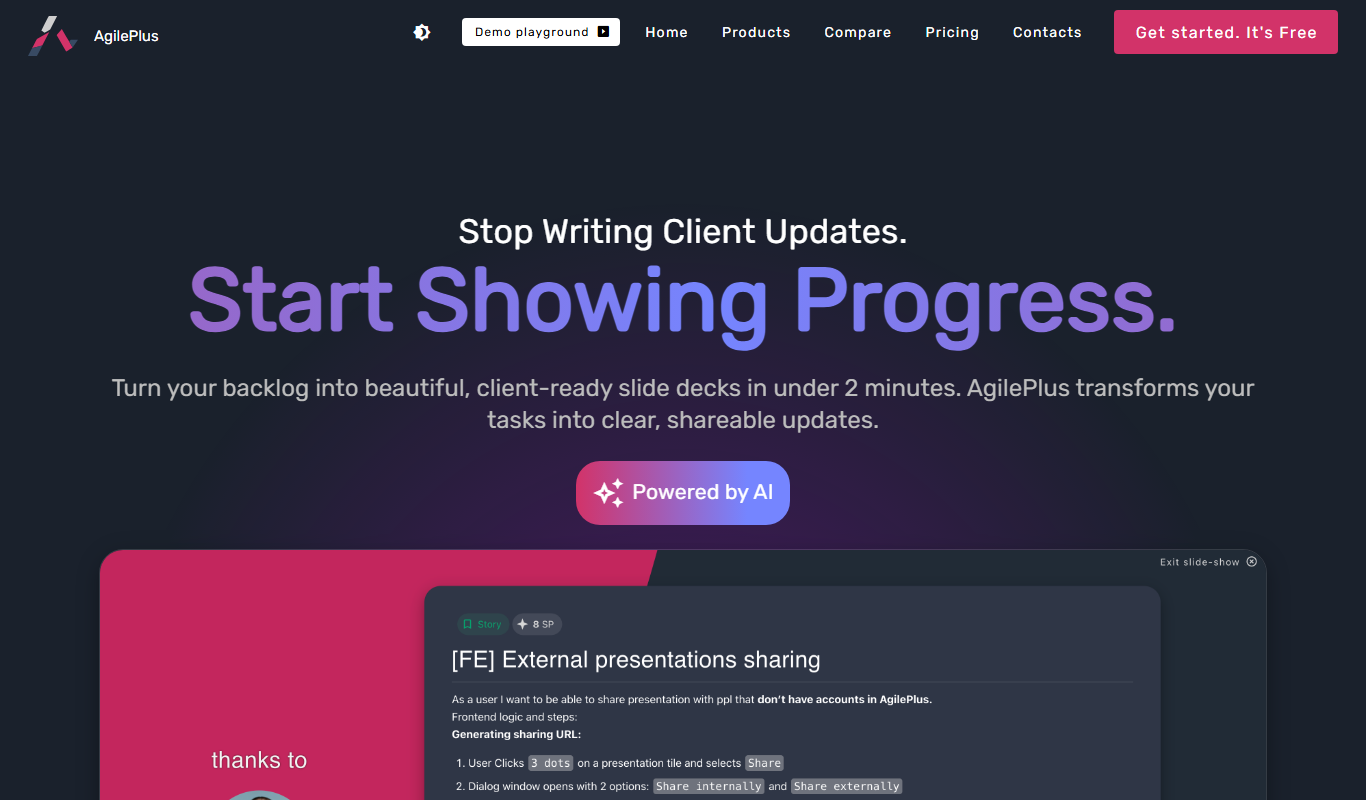
AgilePlus
AgilePlus is a cloud-based project management tool that supports agile methodologies like Scrum and Kanban, offering boards, sprint planning, and collaboration features to help teams deliver projects efficiently.

Free
Miro
Miro is a cloud-based collaborative online whiteboard platform that enables teams to brainstorm, plan projects, and collaborate visually in real time across multiple devices.

Free
Pneumatic Workflow
Pneumatic Workflow is a web-based platform that helps teams manage projects and automate workflows with customizable boards, task tracking, and collaboration tools designed for agile methodologies.

Free
Asa.team
Asa.team is a web-based task management platform that helps teams organize projects using Kanban boards, real-time collaboration, and task tracking features.

Free
Village
Village is a remote collaboration tool that integrates video conferencing, chat, and project management features to create a virtual office environment for distributed teams.
Free
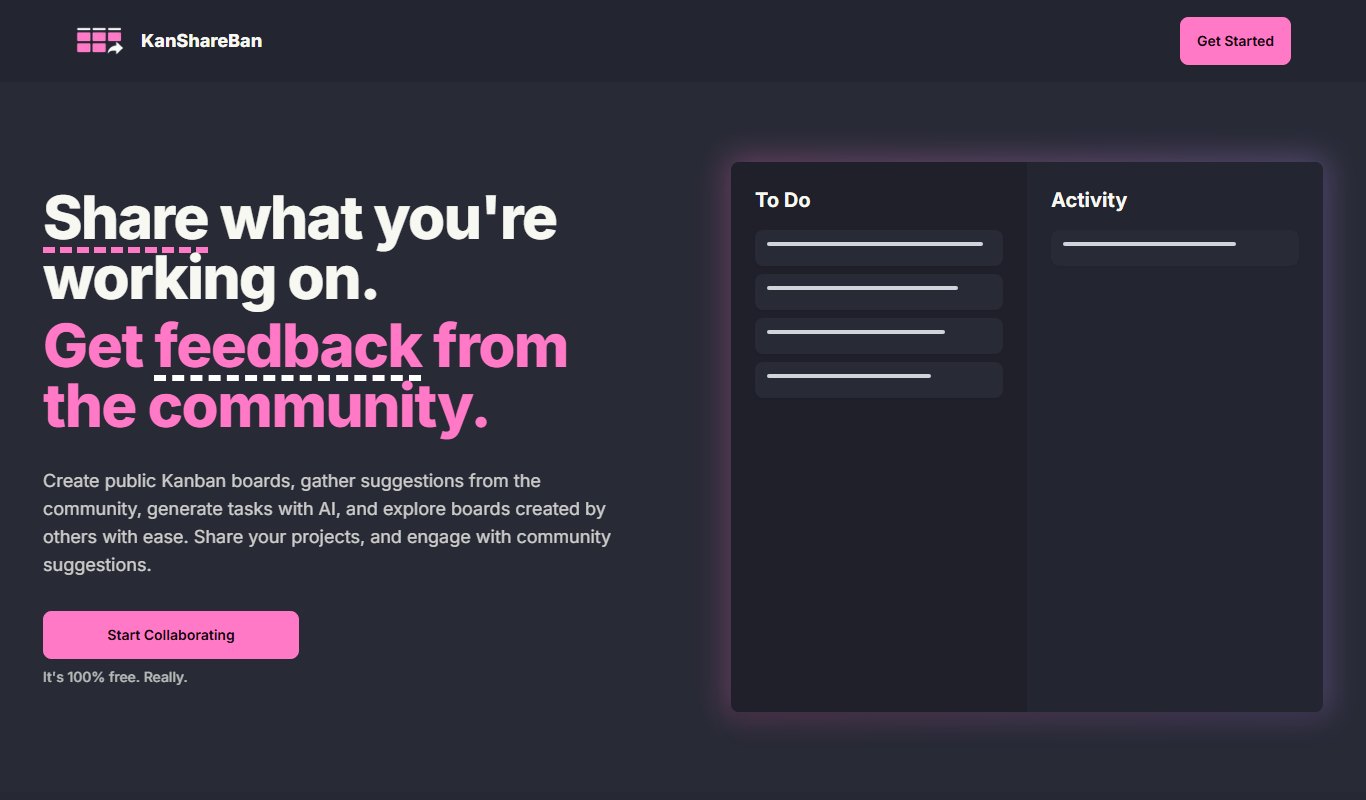
KanShareBan
KanShareBan is a web-based project management tool that uses Kanban boards to help teams organize, track, and collaborate on tasks efficiently.

Free
OpenBuckets
OpenBuckets is a free and open source web-based project management software designed for teams to organize tasks, collaborate, and track project progress with simplicity and transparency.