

From my experience with Business Plan Factory, I found it excels at simplifying the complex process of business planning through clear step-by-step guidance and robust financial forecasting tools. The platform is particularly well-suited for startups and small business owners who need to create professional plans without prior expertise. However, the lack of a mobile app and limited language options may restrict accessibility for some users. Overall, if you want an affordable, web-based solution to build detailed business plans with financial projections, Business Plan Factory delivers solid, practical results.
Business Plan Factory Review: Easy Online Business Plan Software for Startups
Business Plan Factory is an online platform that helps entrepreneurs create detailed business plans with step-by-step guidance and financial forecasting tools.
- Best for
- Startup Business Planning
- Key capability
- Step-by-Step Guidance
Your actions
Save Business Plan Factory, follow its updates and vote on it — everything stays in your account.
Sign in or create a free account

What is Business Plan Factory?
Business Plan Factory is an online software platform designed to help entrepreneurs and small business owners create comprehensive business plans. It provides step-by-step guidance, customizable templates, and financial forecasting tools to simplify the complex process of business planning.
Key features of Business Plan Factory
The platform offers a user-friendly interface with modular business plan sections, automated financial calculators, and export options. It supports users in drafting executive summaries, marketing strategies, operational plans, and detailed financial statements.
Step-by-Step Guidance
Helps users through each section of the business plan with clear instructions and examples.
Financial Forecasting Tools
Automated calculators generate detailed financial statements based on user inputs.
Customizable Templates
Offers a variety of templates adaptable to different business types and goals.
Export Options
Allows exporting completed plans in multiple formats including PDF and Word.
Pros and cons of Business Plan Factory
Pros
- User-friendly interface with clear guidance
- Comprehensive financial forecasting tools
- Customizable templates for various business types
- Affordable subscription pricing
Cons
- Limited language support (English only)
- No mobile app available, web-only platform
- Tech stack details not publicly disclosed
Key use cases for Business Plan Factory
Startup Business Planning
Create detailed business plans to help startups define their strategy and secure funding.
Financial Forecasting
Build financial projections including cash flow, profit and loss, and balance sheets.
Investor Presentations
Generate professional business plans suitable for presenting to investors and banks.
Business Model Development
Develop and refine business models with guided templates and examples.
How Business Plan Factory works
- 1
Sign Up
Create an account on the Business Plan Factory website to access the platform.
- 2
Select a Template
Choose from various business plan templates tailored to different industries and purposes.
- 3
Fill in Business Details
Input company information, market analysis, and operational plans using guided prompts.
- 4
Generate Financial Projections
Use built-in calculators to create cash flow, profit and loss, and balance sheet forecasts.
- 5
Review and Export
Review the completed business plan and export it as a PDF or Word document for sharing.
Who is using Business Plan Factory
Entrepreneurs and startups
Small business owners
Business consultants
Financial advisors
Students learning business planning
Business Plan Factory pricing
Free Trial
$0
Limited access to the platform to explore features and create a sample plan.
Monthly Subscription
$19.95/month
Full access to all features including unlimited plan creation and exports.
Annual Subscription
$179/year
Discounted yearly plan with full feature access and priority support.
Plans and prices are as published by the vendor and can change. Check the official site before you buy. Open the pricing page (opens in a new tab)
Frequently asked questions about Business Plan Factory
Yes, you can export your completed business plan as a PDF or Word document.
Business Plan Factory offers a free trial with limited features to test the platform.
Yes, it includes automated financial calculators for cash flow, profit and loss, and balance sheets.
Templates are customizable to fit different industries and business needs.
It depends on your specific needs and how you plan to use the tool. The official website and documentation are the best sources for the latest details.
It depends on your specific needs and how you plan to use the tool. The official website and documentation are the best sources for the latest details.
It depends on your specific needs and how you plan to use the tool. The official website and documentation are the best sources for the latest details.
Sign in to review this tool.
Sign In to ReviewNo reviews yet
Be the first to share how this tool worked for you.
Ask about pricing, limits, or how it compares — or answer someone else.
Sign In to AskNo questions yet
Have a question about using or paying for this tool? Be the first to ask.
Featured on TiorAI



Alternative Tools
Explore similar AI tools that might fit your needs

Subscription
LivePlan
LivePlan is a cloud-based business planning software that simplifies creating professional business plans and financial forecasts, helping startups and small businesses strategize and manage finances effectively.

Subscription
Bizplan
Bizplan is an online business planning software that guides startups and entrepreneurs through creating detailed business plans, financial forecasts, and investor pitch decks with collaboration and fundraising tools.
More AI Financial Planning Tools tools
Other tools in the same category, for when this one is not quite the fit.

Freemium
WisdomPlan
WisdomPlan is an AI-based financial planning platform that helps individuals and advisors create personalized wealth management strategies through automated plan generation, scenario analysis, and portfolio recommendations.
Subscription
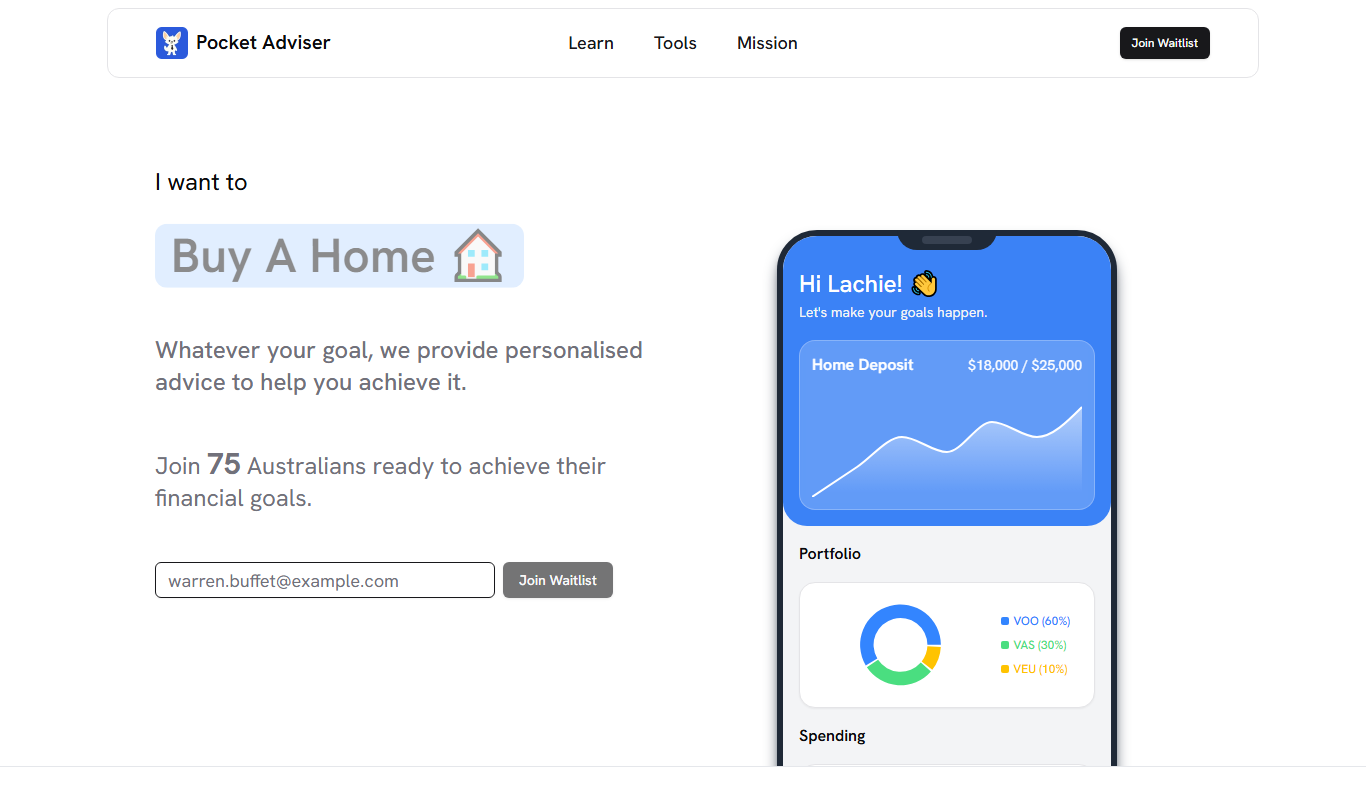
Pocket Adviser
Pocket Adviser is a cloud-based financial planning software tailored for Australian financial advisors, offering automated compliance, client management, and advice workflow tools.