

From my experience with Build Me A Cover Letter, I found it excels at quickly generating tailored cover letters that save significant time during job applications. The straightforward interface and AI personalization make it accessible even for those with limited writing skills. However, the tool is limited to English and does not include resume-building features, which means users may need additional resources for a complete application package. Overall, if you want a fast, easy way to create professional cover letters customized to specific jobs, this tool delivers solid, practical results.
Build Me A Cover Letter - AI Cover Letter Generator for Job Applications
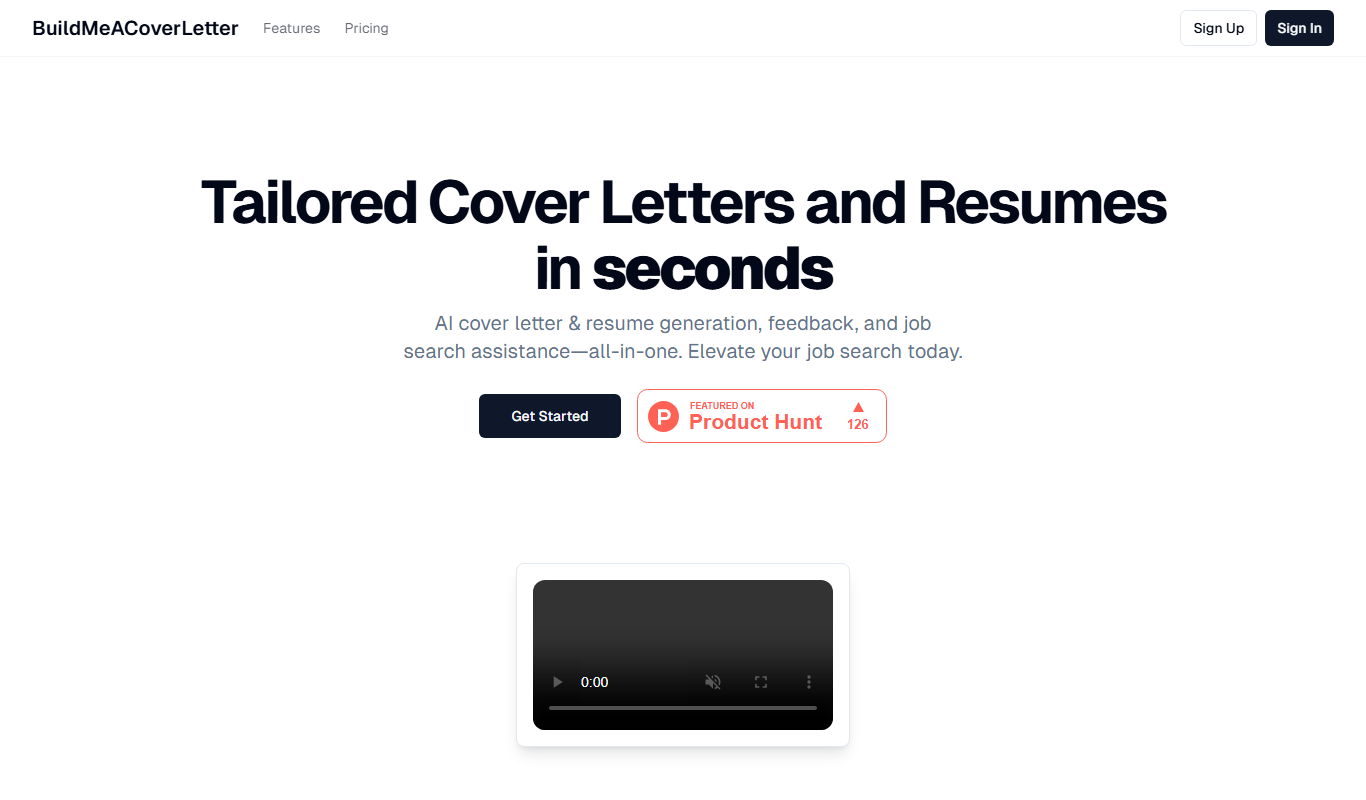
Build Me A Cover Letter is an AI-driven web tool that helps job seekers generate customized cover letters quickly by inputting job and personal details, producing professional letters tailored to specific roles.
- Best for
- Generate Personalized Cover Letters
- Key capability
- AI-Powered Personalization
Do you recommend this tool?
What is Build Me A Cover Letter?
Build Me A Cover Letter is an AI-powered web tool designed to help job seekers generate personalized cover letters quickly and efficiently. By inputting basic information about the job and the applicant’s background, the tool produces a professional cover letter tailored to the specific role.
Key features of Build Me A Cover Letter
The tool offers an intuitive interface for entering job and personal details, AI-generated cover letter drafts, and options to download or copy the final letter. It focuses solely on cover letter creation without requiring users to write from scratch.
AI-Powered Personalization
Generates cover letters customized to job descriptions and personal details.
User-Friendly Interface
Simple form-based input makes cover letter creation accessible to all users.
Instant Generation
Produces cover letters quickly, saving time during job applications.
Download and Copy Options
Allows easy export or copying of the generated cover letter.
Pros and cons of Build Me A Cover Letter
Pros
- Quick and easy cover letter generation
- Tailors letters to specific job descriptions
- No writing skills required
- Simple and clean user interface
Cons
- Limited to English language
- No integrated resume builder
- Pay per use can be costly for frequent users
Key use cases for Build Me A Cover Letter
Generate Personalized Cover Letters
Create customized cover letters tailored to specific job descriptions and personal details.
Save Time on Job Applications
Quickly produce professional cover letters without starting from scratch.
Improve Job Application Quality
Use AI to enhance language, tone, and structure for better employer appeal.
How Build Me A Cover Letter works
- 1
Enter Job Details
Provide information about the job title, company, and job description.
- 2
Input Personal Information
Add your name, skills, experience, and other relevant details.
- 3
Generate Cover Letter
The AI processes the inputs and creates a tailored cover letter draft.
- 4
Review and Edit
Make any necessary adjustments to personalize the letter further.
- 5
Download or Copy
Save the cover letter as a file or copy it for your job application.
Who is using Build Me A Cover Letter
Job seekers
Career changers
Recent graduates
Recruitment agencies
HR professionals
Build Me A Cover Letter pricing
Free
$0
Generate a limited number of cover letters with basic features.
Pay Per Use
Varies
Purchase credits to generate additional cover letters beyond the free limit.
Plans and prices are as published by the vendor and can change. Check the official site before you buy. Open the pricing page (opens in a new tab)
Frequently asked questions about Build Me A Cover Letter
Yes, it offers a free tier with limited cover letter generations, with paid options for more usage.
Yes, after generation, you can review and edit the cover letter to better fit your style.
Account creation is optional but may be required for managing purchases or saving letters.
It depends on your specific needs and how you plan to use the tool. The official website and documentation are the best sources for the latest details.
Some tools offer a free plan or trial with limited features. Availability can vary, so confirm on the official website.
Yes, it can help with that use case depending on how you configure it and what features are available. You’ll get the best results with clear inputs and a defined goal.
Sign in to review this tool.
Sign In to ReviewNo reviews yet
Be the first to share how this tool worked for you.
Ask about pricing, limits, or how it compares — or answer someone else.
Sign In to AskNo questions yet
Have a question about using or paying for this tool? Be the first to ask.
Featured on TiorAI



More AI Career Tools tools
Other tools in the same category, for when this one is not quite the fit.
Free
Skills Over Paper
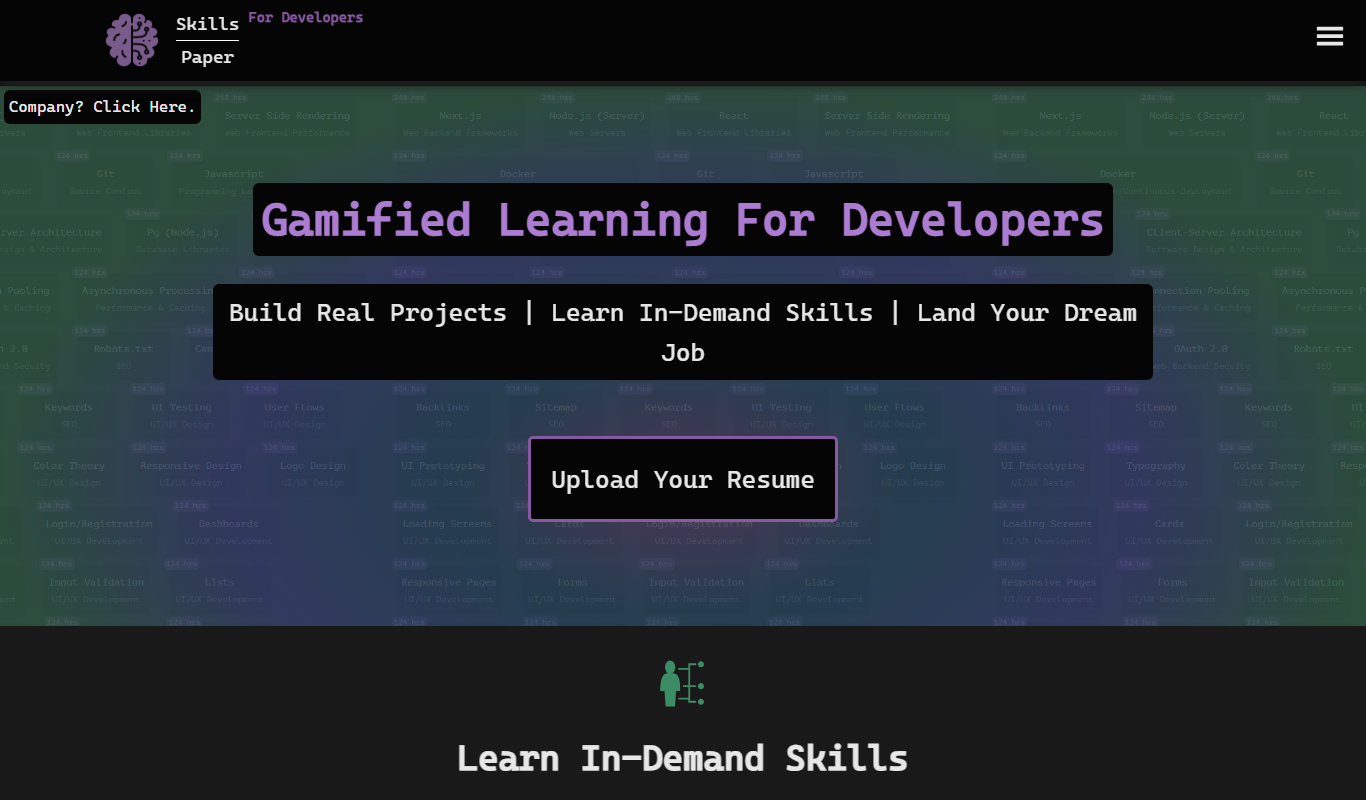
Skills Over Paper is an AI-driven resume and cover letter builder that helps job seekers create professional, ATS-optimized application documents quickly and easily.
Freemium
ResumaidPro
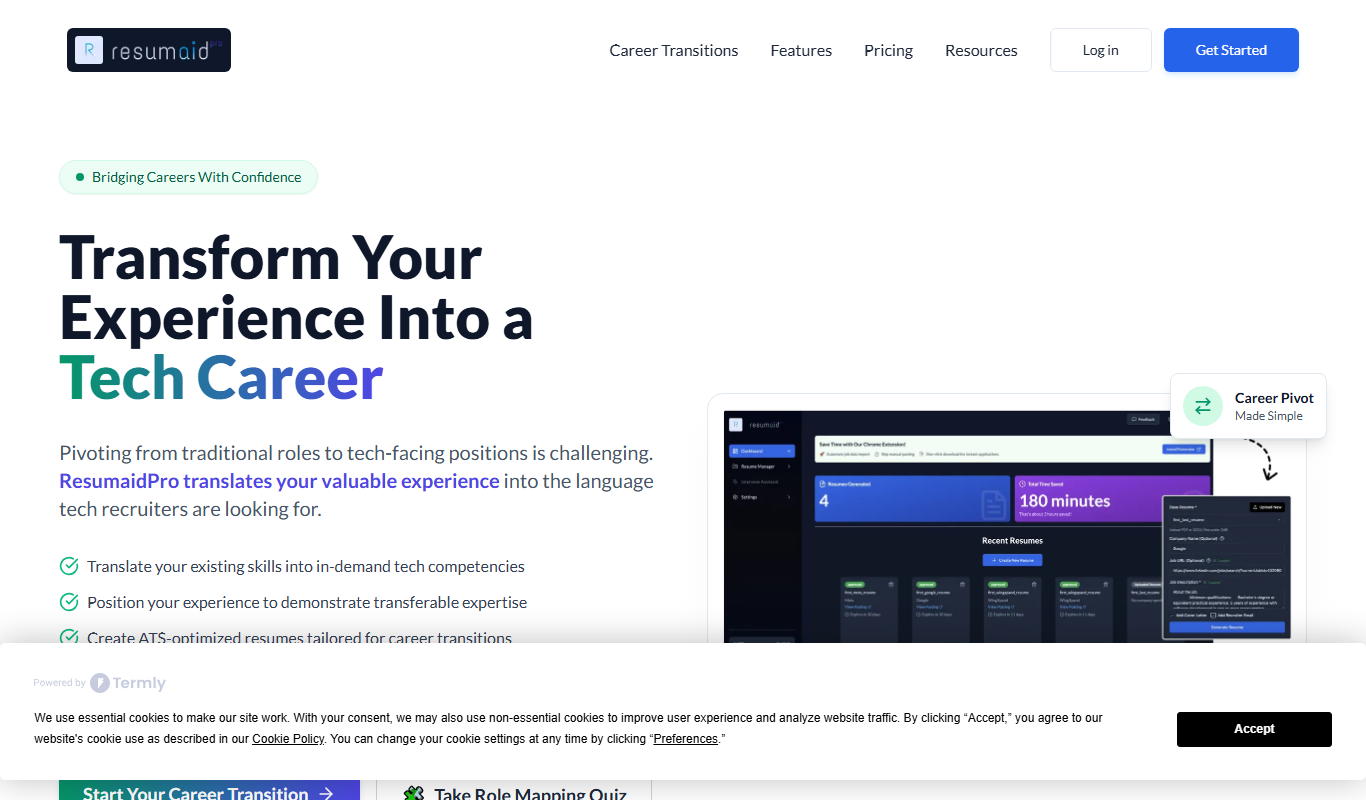
ResumaidPro is an online resume builder that helps job seekers create and optimize resumes and cover letters to improve ATS compatibility and job application success.

Free
CV Spruce
CV Spruce is an online tool that helps users build professional resumes and track their job applications in one place, streamlining the job search process.
Free
Resume Worded
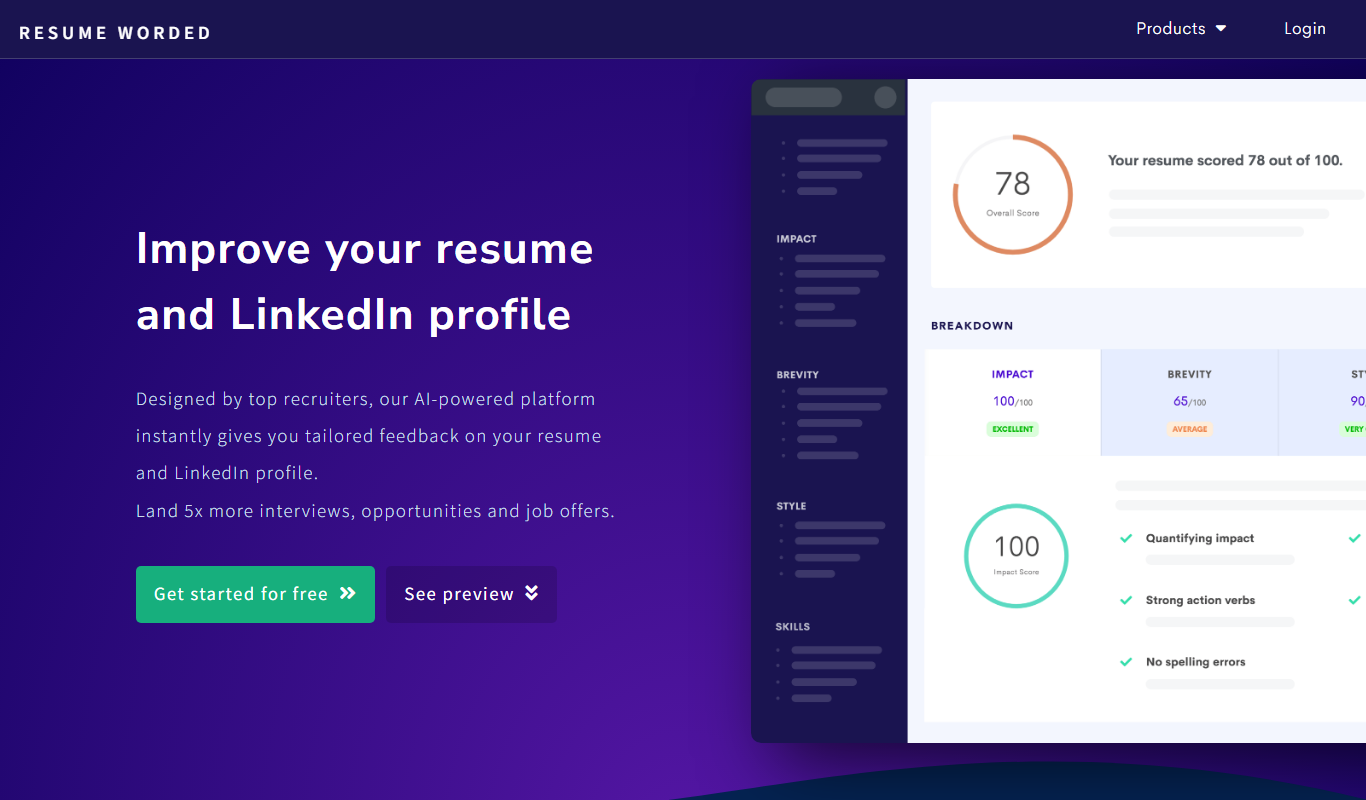
Resume Worded is an AI-powered platform that analyzes and scores your resume and LinkedIn profile, providing actionable feedback to improve your job application materials and increase interview chances.

Free
AI Resume Checker
AI Resume Checker is an online tool that uses artificial intelligence to analyze resumes for formatting, keyword optimization, and ATS compatibility to help job seekers improve their chances of getting hired.
Free
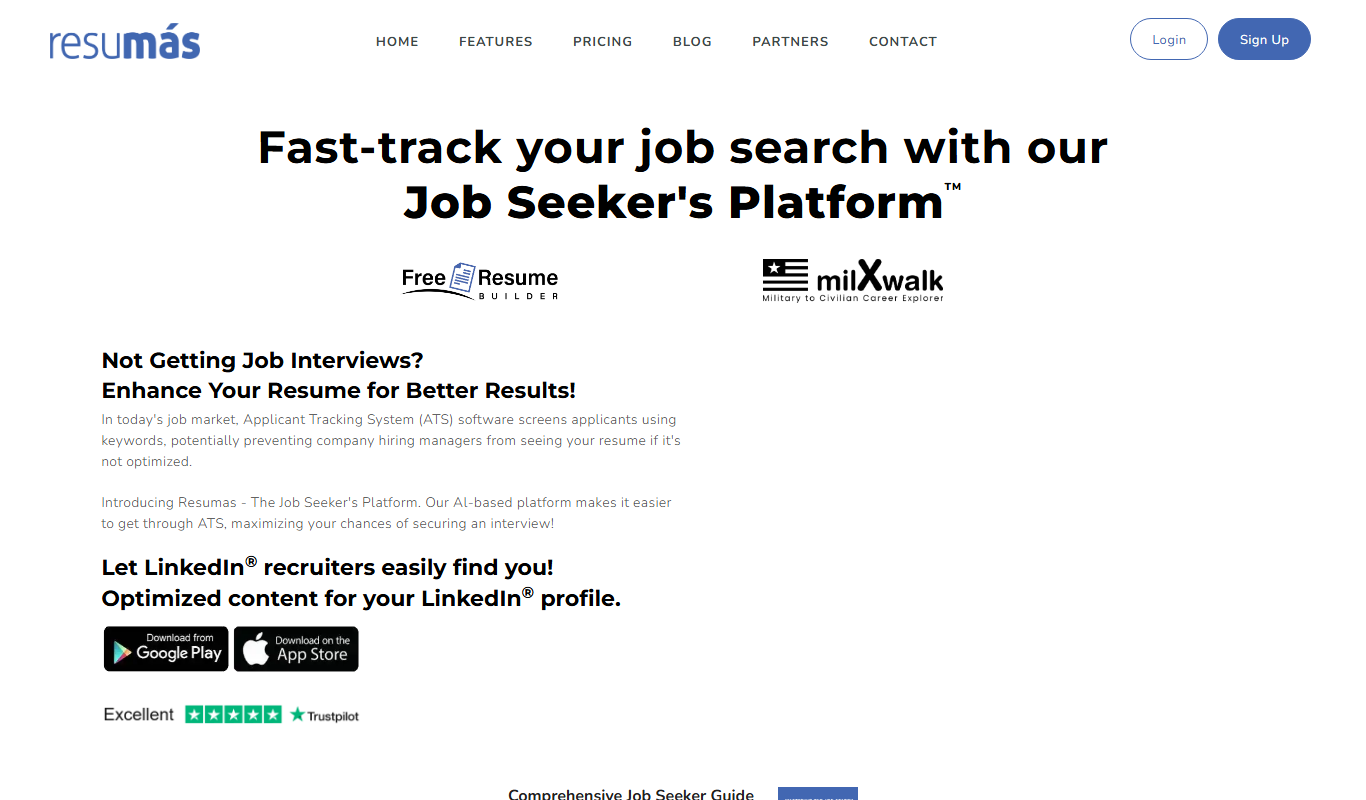
resumas.com
Resumas.com is an AI-powered online resume builder that helps users create professional, ATS-optimized resumes and cover letters quickly and easily.

Freemium
ResumeOptimizerPro
ResumeOptimizerPro is an AI-driven web tool that helps job seekers build and optimize resumes for ATS compatibility and keyword relevance to improve job application success.

Free
Easy2Resume
Easy2Resume is a web-based platform that helps users create professional, ATS-compatible resumes quickly using customizable templates and download them in PDF format.