

From my experience with BrandGhost, I found it excels at quickly generating professional logos and cohesive brand identities without requiring design expertise. The platform’s AI-driven approach streamlines the branding process, making it especially valuable for startups and small businesses that need affordable, high-quality visual assets fast. However, the customization options, while user-friendly, may feel limited for advanced designers seeking granular control. Overall, if you want to establish a strong brand presence efficiently and cost-effectively, BrandGhost delivers solid, practical results.
BrandGhost AI for Automated Brand Identity and Logo Design Solutions
BrandGhost is an AI-driven platform that automates logo creation and brand identity design, offering customizable templates and style guides to help businesses establish a professional visual presence quickly and affordably.
- Best for
- Logo Creation
- Key capability
- AI-Powered Logo Generator
Your actions
Save BrandGhost, follow its updates and vote on it — everything stays in your account.
Sign in or create a free account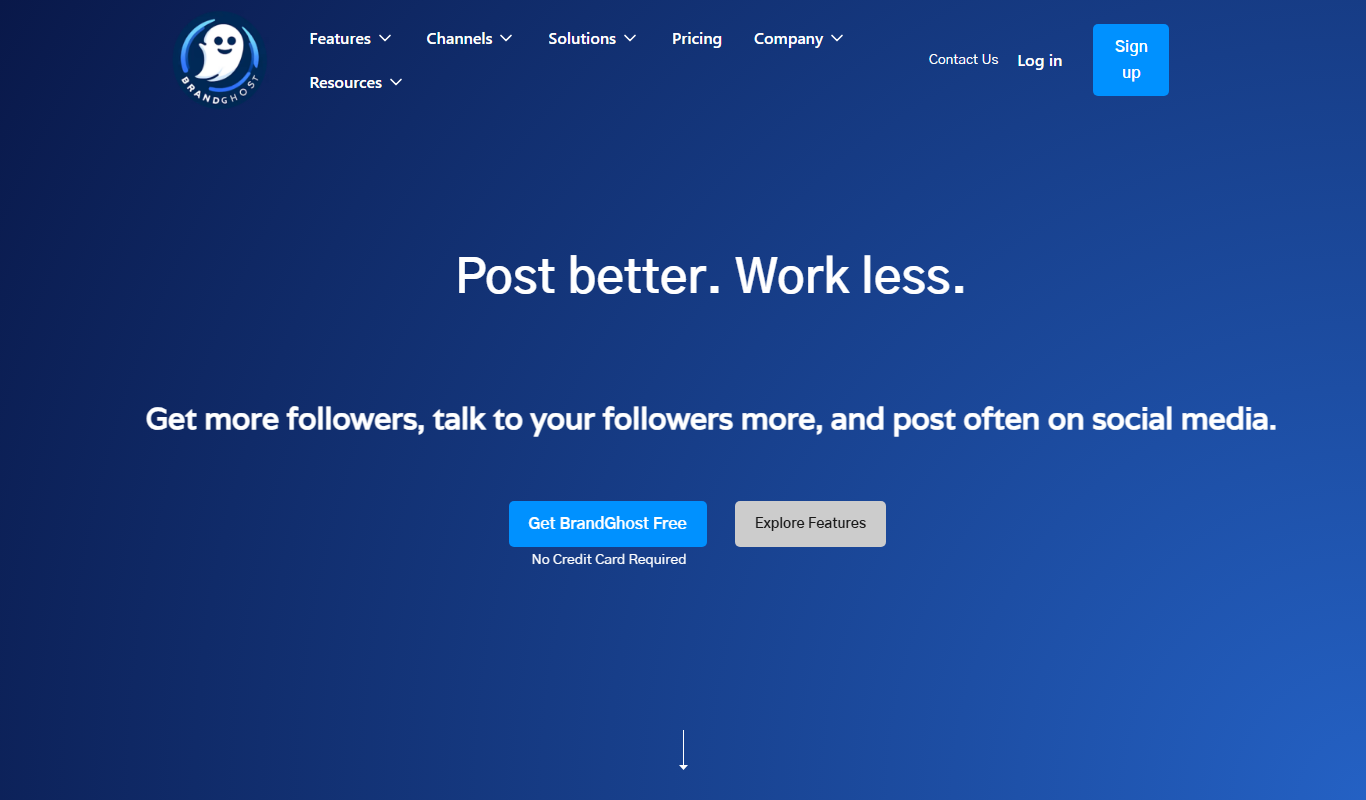
What is BrandGhost?
BrandGhost is an AI-powered branding platform that automates the creation of logos and comprehensive brand identities. It leverages advanced machine learning models to generate unique, professional designs based on user inputs such as company name, industry, and style preferences. The tool aims to simplify and speed up the branding process for startups, entrepreneurs, and businesses seeking affordable, high-quality visual branding assets.
Key features of BrandGhost
BrandGhost offers automated logo generation, brand style guides, color palette suggestions, typography pairing, and ready-to-use marketing materials. Its intuitive interface allows users to customize designs and download assets instantly, making brand creation accessible without prior design experience.
AI-Powered Logo Generator
Creates unique logos based on brand inputs using machine learning algorithms.
Comprehensive Brand Style Guide
Automatically generates color schemes, typography, and usage guidelines.
Marketing Asset Templates
Provides customizable templates for social media, business cards, and presentations.
User-Friendly Interface
Simplifies brand creation with an intuitive design and easy customization options.
Instant Download and Export
Allows quick access to high-resolution files in multiple formats for various uses.
Pros and cons of BrandGhost
Pros
- Quick and easy logo and brand identity creation
- Affordable pricing with a free tier
- Comprehensive brand style guides included
- User-friendly interface suitable for non-designers
- Multiple export formats available
Cons
- Limited language support (English only)
- Customization options may be basic for advanced designers
- No mobile app currently available
Key use cases for BrandGhost
Logo Creation
Generate unique and professional logos automatically tailored to your brand's style and preferences.
Brand Identity Development
Create a cohesive brand identity including color palettes, typography, and visual elements aligned with your brand values.
Marketing Material Design
Produce branded assets such as social media banners, business cards, and presentations quickly using AI-generated templates.
Startup Branding
Help startups and small businesses establish a strong visual presence without hiring expensive design agencies.
Creative Exploration
Experiment with multiple design concepts and variations to find the best fit for your brand vision.
How BrandGhost works
- 1
Input Brand Details
Enter your company name, industry, and preferred style attributes to guide the AI.
- 2
AI Generates Designs
The AI creates multiple logo and brand identity options tailored to your inputs.
- 3
Customize and Refine
Select your favorite designs and adjust colors, fonts, and layouts as needed.
- 4
Download Brand Assets
Export logos, style guides, and marketing materials in various formats for immediate use.
Who is using BrandGhost
Startups and entrepreneurs
Small and medium businesses
Freelancers and solopreneurs
Marketing agencies needing quick branding
Non-designers seeking affordable branding solutions
BrandGhost pricing
Free
$0/month
Access to basic logo generation with limited downloads and watermark on assets.
Pro
$19/month
Unlimited logo downloads, full access to brand style guides, and marketing templates without watermarks.
Business
$49/month
Includes Pro features plus priority support, team collaboration, and extended asset formats.
Plans and prices are as published by the vendor and can change. Check the official site before you buy. Open the pricing page (opens in a new tab)
Frequently asked questions about BrandGhost
Yes, you can adjust colors, fonts, and layouts of the AI-generated logos to better fit your brand.
BrandGhost uses AI to generate unique logo designs based on your inputs, minimizing duplication.
You can download logos and assets in PNG, SVG, and PDF formats depending on your subscription plan.
While primarily designed for startups and small businesses, BrandGhost’s Business plan supports team collaboration for larger organizations.
It depends on your specific needs and how you plan to use the tool. The official website and documentation are the best sources for the latest details.
Some tools offer a free plan or trial with limited features. Availability can vary, so confirm on the official website.
It depends on your specific needs and how you plan to use the tool. The official website and documentation are the best sources for the latest details.
It depends on your specific needs and how you plan to use the tool. The official website and documentation are the best sources for the latest details.
Sign in to review this tool.
Sign In to ReviewNo reviews yet
Be the first to share how this tool worked for you.
Ask about pricing, limits, or how it compares — or answer someone else.
Sign In to AskNo questions yet
Have a question about using or paying for this tool? Be the first to ask.
Featured on TiorAI



More AI Ai Tools tools
Other tools in the same category, for when this one is not quite the fit.
Freemium
Debatia
Debatia is an AI-driven platform that facilitates structured debates by generating balanced arguments and providing feedback to improve critical thinking and communication skills.

Free
Presentify.ai
Presentify.ai is an AI-driven presentation software that helps users create professional slide decks quickly by generating content and optimizing design automatically.

Freemium
YouMusic.AI
YouMusic.AI turns text prompts or your own lyrics into complete songs, with free credits for new users and commercial rights on paid plans.

Free Trial
Wizard of Swipe for Tinder
Wizard of Swipe for Tinder is an AI-powered automation tool that automates swiping on Tinder based on user preferences to increase match chances and save time.

Free
AI Pickup Lines
AI Pickup Lines is a free web tool that instantly generates creative and humorous pickup lines to help users start conversations in dating or social settings.

Freemium
Anthropics Technology Ltd
Anthropics Technology Ltd offers AI-driven image editing software specializing in portrait retouching and photo enhancement, available for Windows and Mac with options for batch processing.
Contact for pricing
LLMWare
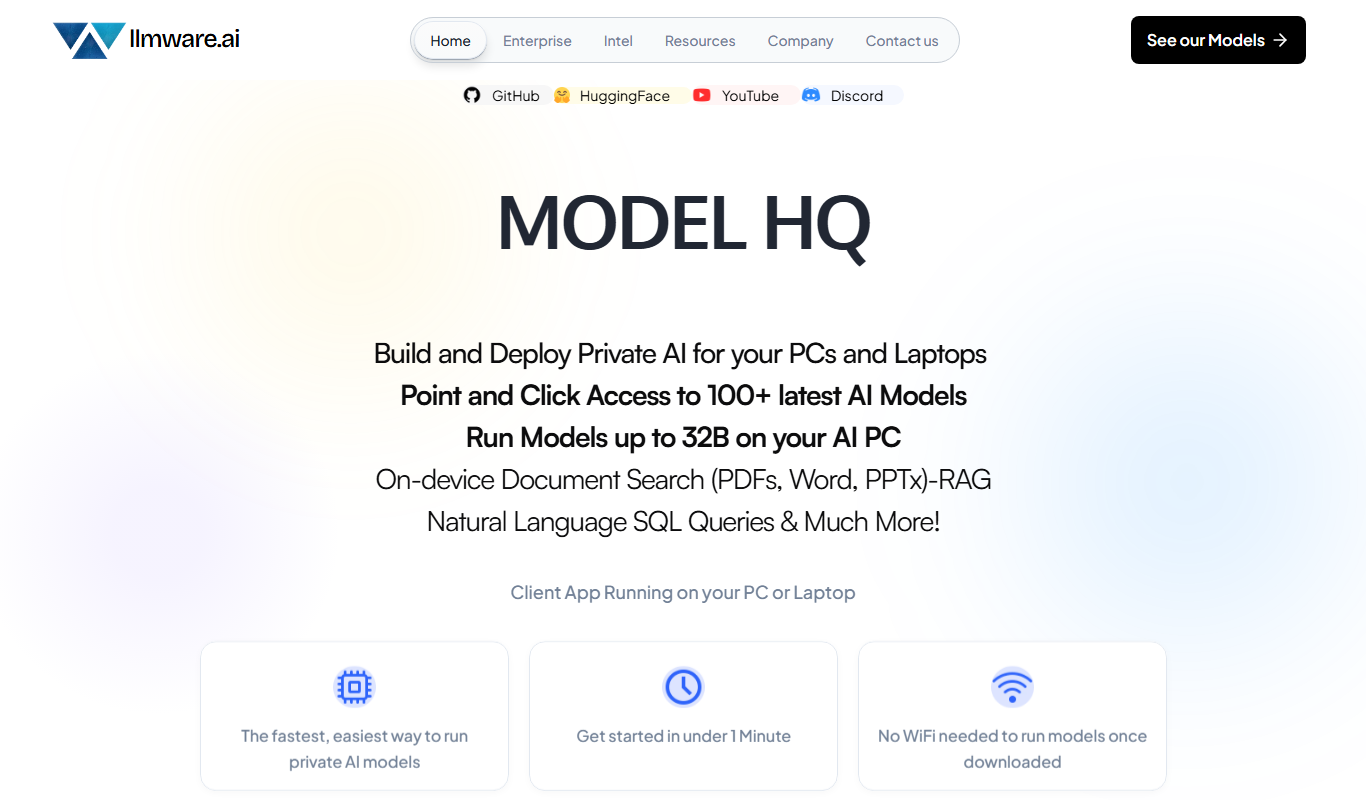
LLMWare is an AI platform that enables enterprises to deploy, manage, and scale large language models securely with flexible infrastructure and integration options.
Free
AstroChart.ai
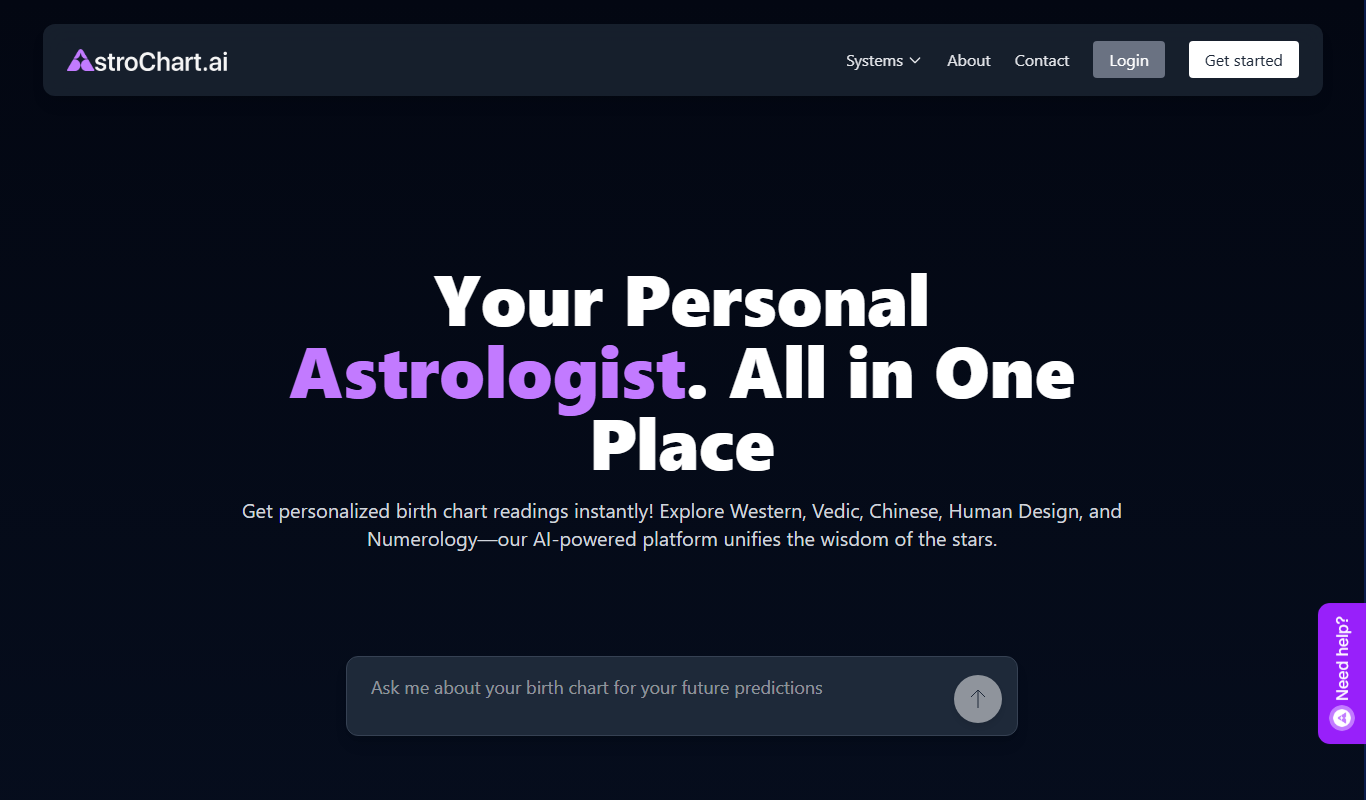
AstroChart.ai is an AI-driven platform that creates personalized astrology birth charts and detailed interpretations based on your birth data, helping users understand their astrological profile easily online.