

From my experience with Blush, I found it excels at providing a vast library of artist-created illustrations that are easy to customize without needing advanced design skills. The seamless integration with popular design tools like Figma and Sketch makes it a practical choice for designers and marketers who want to quickly enhance their projects with unique visuals. However, the free plan limits access to many illustrations, and customization options, while user-friendly, may not replace fully bespoke artwork. Overall, if you need adaptable, high-quality illustrations integrated smoothly into your design workflow, Blush delivers solid results.
Blush AI: Customizable Illustrations and Design Assets for Creators
Blush is a web-based tool providing customizable vector illustrations from global artists, integrated with design software plugins for easy use in creative projects.
- Best for
- Custom Illustration Creation
- Key capability
- Extensive Illustration Library
Your actions
Save Blush, follow its updates and vote on it — everything stays in your account.
Sign in or create a free account
What is Blush?
Blush is a web-based design tool that allows users to create and customize high-quality vector illustrations. It offers a curated library of illustration collections created by artists worldwide, which can be personalized in style, color, and composition to fit any project. Blush integrates seamlessly with popular design software through plugins, enabling designers and creators to enhance their projects with unique, adaptable artwork without needing advanced illustration skills.
Key features of Blush
Blush provides a vast library of customizable illustrations, intuitive editing tools, and integration plugins for design software. Users can adjust colors, positions, and elements within illustrations to match their brand or project needs. The platform supports exporting assets in multiple formats and offers collaboration features to streamline creative workflows.
Extensive Illustration Library
Access a diverse collection of artwork from global artists, covering various styles and themes.
Customization Tools
Modify colors, layers, and elements within illustrations to create unique visuals.
Design Software Plugins
Seamlessly integrate illustrations into popular design platforms like Figma, Sketch, and Adobe XD.
Multiple Export Formats
Download illustrations as SVG, PNG, or other formats suitable for digital and print use.
Collaboration Features
Share projects and collaborate with team members to streamline the creative process.
Pros and cons of Blush
Pros
- Wide variety of high-quality, artist-created illustrations
- Easy customization without advanced design skills
- Seamless integration with popular design tools
- Flexible export options for multiple use cases
Cons
- Free plan has limited illustration access
- Customization options may be less flexible than fully custom artwork
- No desktop app; requires internet connection
Key use cases for Blush
Custom Illustration Creation
Create unique, customizable vector illustrations for websites, apps, and marketing materials.
Design Asset Integration
Easily integrate illustrations into design workflows using plugins for popular design software.
Branding and Marketing
Enhance branding and marketing campaigns with consistent, tailored visual assets.
Rapid Prototyping
Quickly generate and customize illustrations to prototype UI/UX designs and presentations.
Creative Collaboration
Collaborate with teams by sharing and editing illustration projects within design platforms.
How Blush works
- 1
Browse Illustration Collections
Explore a wide range of curated illustration sets created by professional artists.
- 2
Customize Illustrations
Adjust colors, elements, and compositions to tailor illustrations to your project.
- 3
Integrate with Design Tools
Use Blush plugins to insert customized illustrations directly into design software like Figma or Sketch.
- 4
Export and Use
Export illustrations in formats such as SVG or PNG for use in websites, apps, or marketing materials.
Who is using Blush
Graphic designers
Marketing teams
Web and app developers
Content creators
Small businesses
Blush pricing
Free
$0/month
Access to a limited selection of illustrations and basic customization features.
Pro
$12/month
Full access to all illustration collections, advanced customization, and unlimited exports.
Plans and prices are as published by the vendor and can change. Check the official site before you buy. Open the pricing page (opens in a new tab)
Frequently asked questions about Blush
Yes, Blush illustrations can be used for commercial purposes under the platform’s licensing terms.
Yes, Blush provides plugins for Figma, Sketch, and Adobe XD to integrate illustrations directly into your workflow.
You can export illustrations in SVG, PNG, and other common formats suitable for web and print.
Yes, Blush offers a free plan with access to a limited set of illustrations and basic features.
This tool is designed to help users accomplish its core tasks more efficiently. It is typically used by individuals or teams looking to improve productivity and workflow.
Some tools offer a free plan or trial with limited features. Availability can vary, so confirm on the official website.
Yes, it can help with that use case depending on how you configure it and what features are available. You’ll get the best results with clear inputs and a defined goal.
Integration support depends on the tool and its available connectors or API. Check the official documentation or integrations page to confirm what is supported.
Sign in to review this tool.
Sign In to ReviewNo reviews yet
Be the first to share how this tool worked for you.
Ask about pricing, limits, or how it compares — or answer someone else.
Sign In to AskNo questions yet
Have a question about using or paying for this tool? Be the first to ask.
Featured on TiorAI



Alternative Tools
Explore similar AI tools that might fit your needs

Free
Humaaans
Humaaans is a free, open-source library of customizable human illustrations that designers can mix and match to create diverse characters for digital projects.

Free
Open Peeps
Open Peeps is a free, open source library of modular hand-drawn character illustrations that designers and developers can customize and use in digital projects.

Free
unDraw
unDraw is a free, open-source library offering customizable SVG illustrations for websites and apps, allowing easy color adjustments and royalty-free use.
More AI Dating Assistant tools
Other tools in the same category, for when this one is not quite the fit.

Free
Hinge
Hinge is a dating app focused on fostering meaningful relationships through personalized profiles, prompts, and AI-driven matchmaking, available on iOS, Android, and web with free and subscription plans.
Free
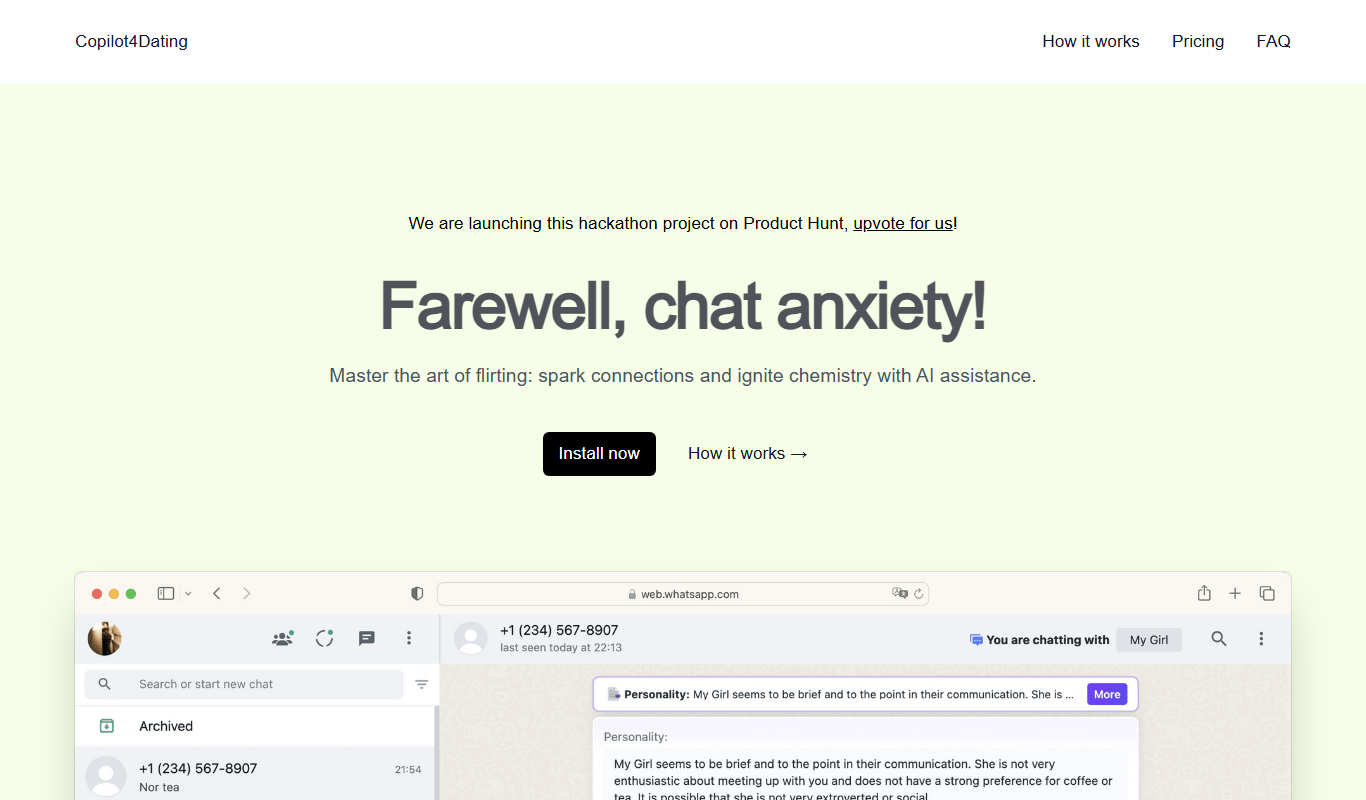
Copilot for Dating
Copilot for Dating is an AI assistant that helps users craft personalized dating messages and optimize their profiles to improve online dating interactions.
Free
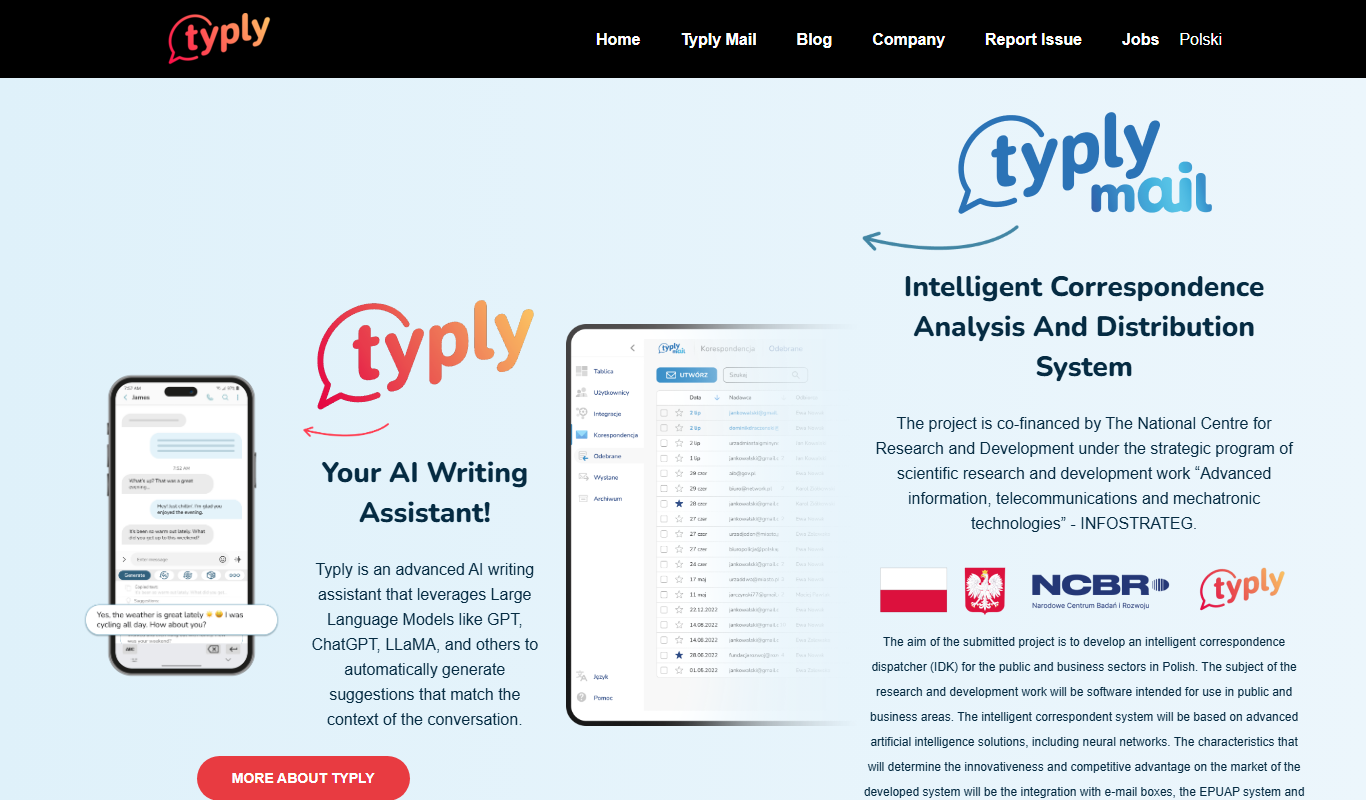
typly
Typly is an AI-powered writing assistant that helps users generate and refine text quickly through a user-friendly web interface, supporting content creation, editing, and brainstorming primarily in English.
Free
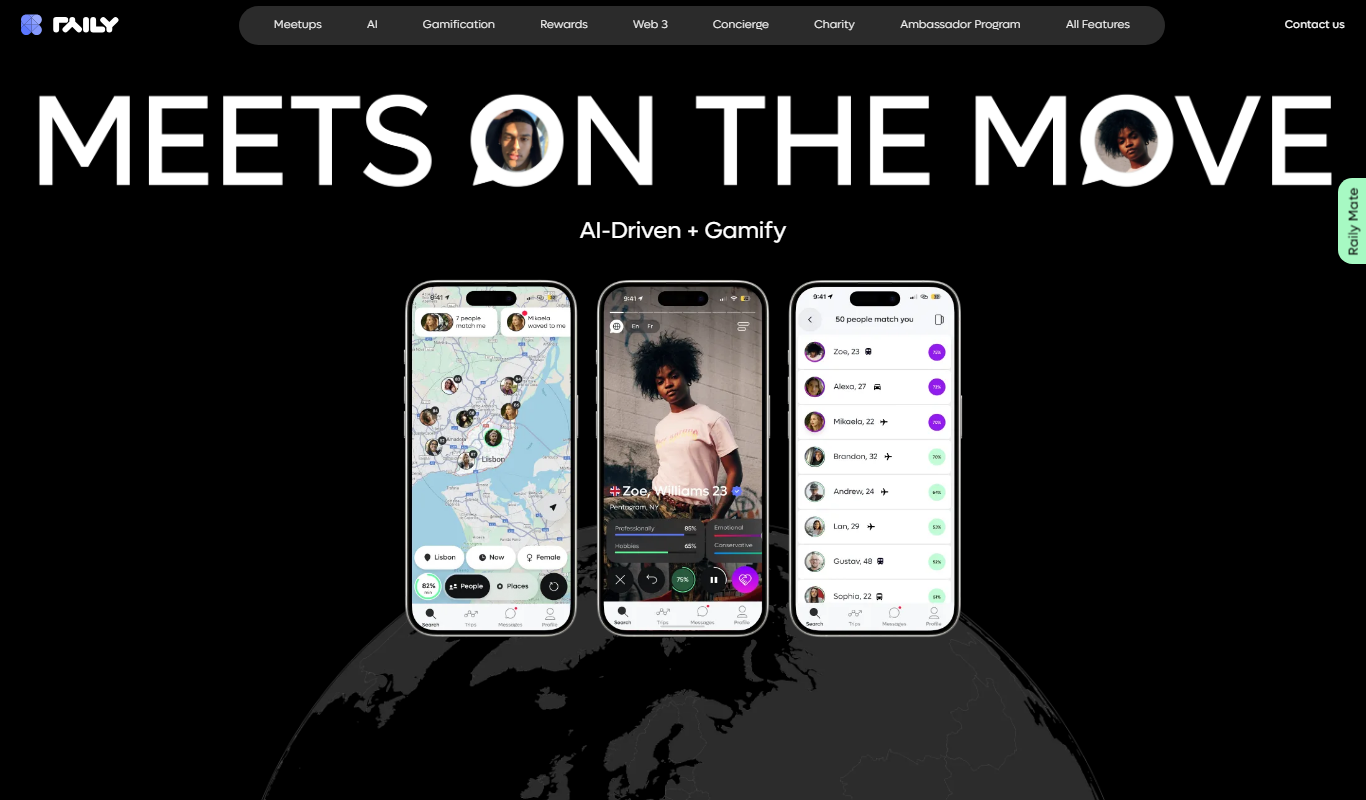
Raily
Raily is an AI-powered writing assistant that provides real-time grammar, style corrections, and content suggestions to help users create and edit written content efficiently.

Free
kuizu
Kuizu Studio is a web-based AI-powered platform that helps users create interactive quizzes for marketing, education, and engagement purposes with customizable templates and analytics.
Free
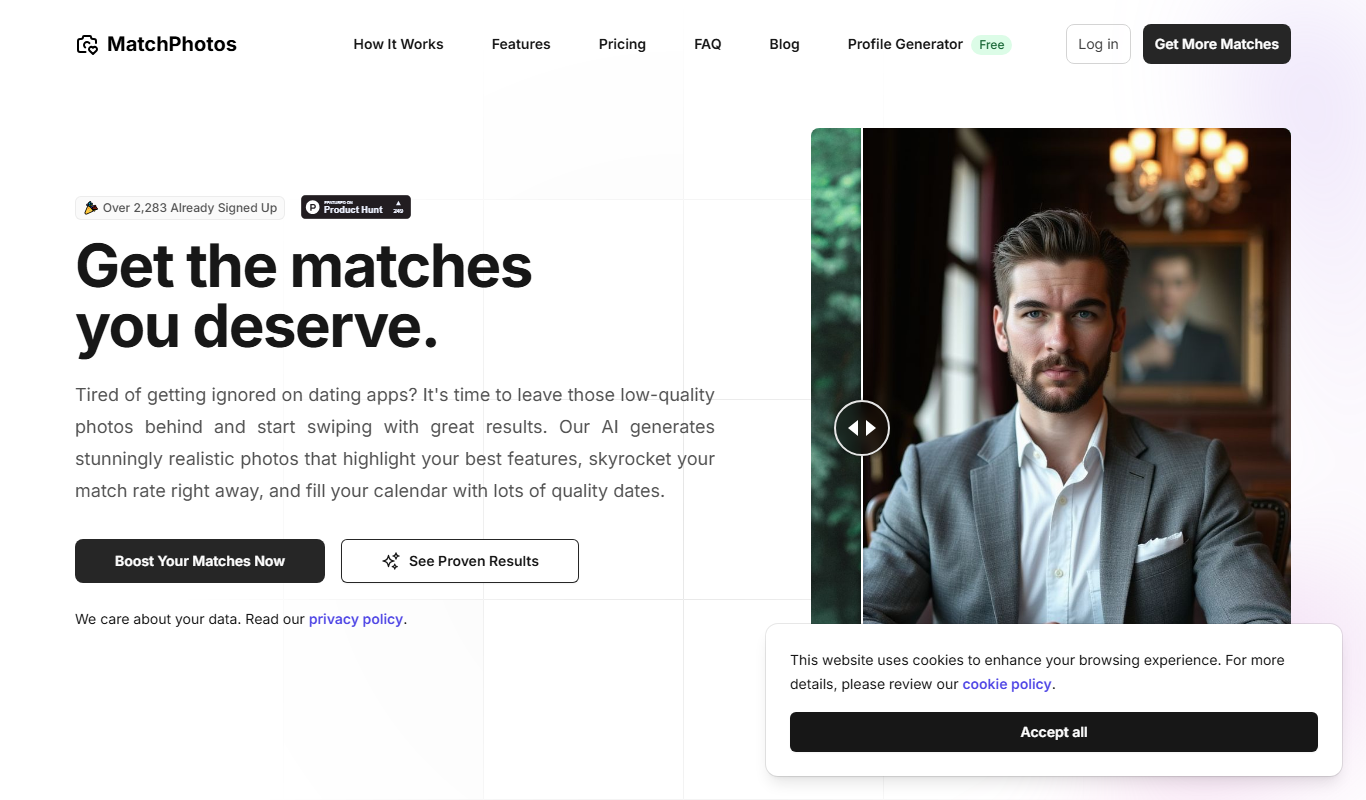
MatchPhotos
MatchPhotos is an AI-powered web tool that automatically removes backgrounds from photos, allowing users to download transparent PNGs quickly and easily, with support for bulk processing.
Freemium
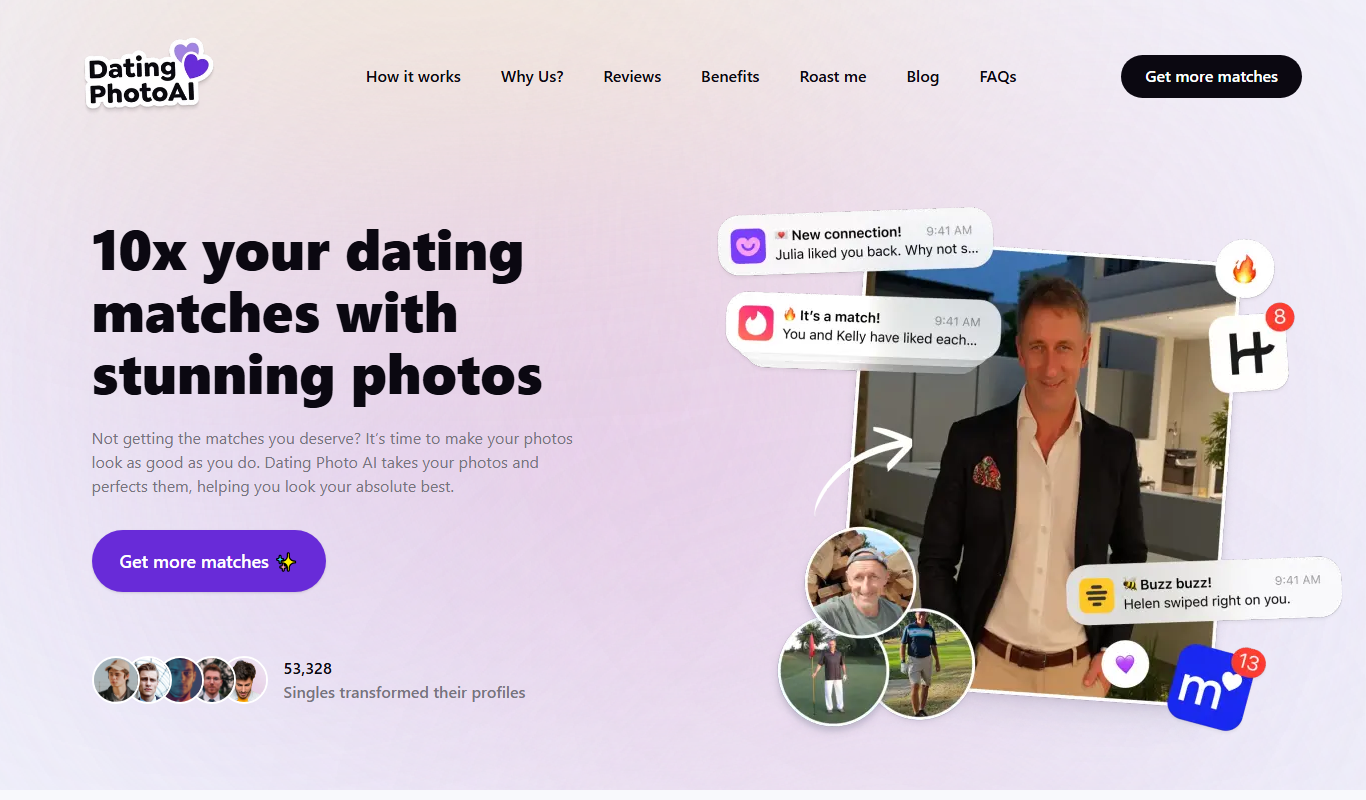
Dating Photo AI
Dating Photo AI is a web-based tool that uses artificial intelligence to enhance and retouch photos specifically for dating profiles, improving lighting, skin appearance, and overall photo quality.
Free
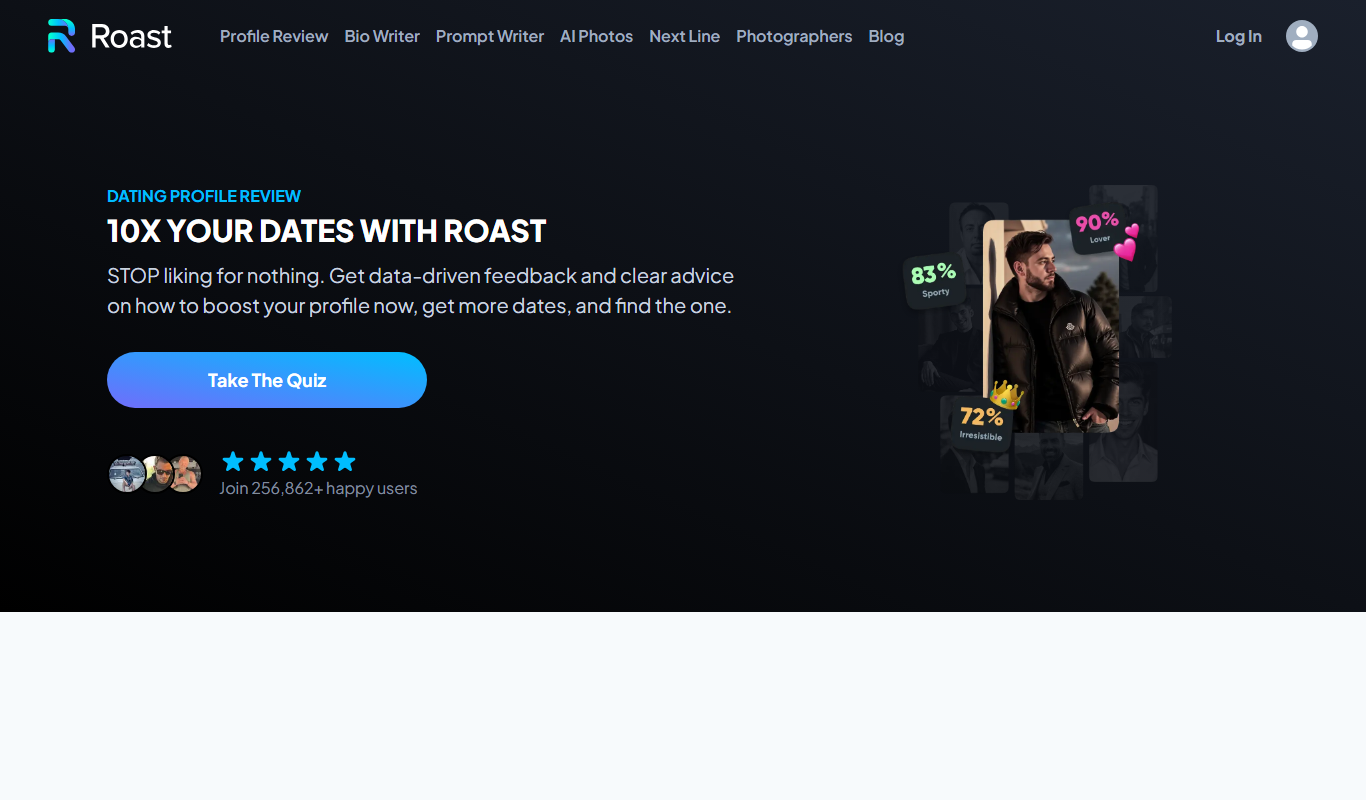
Roast Dating
Roast Dating is a dating app that uses playful insults or 'roasts' as a unique way to start conversations and connect with others.