

From my experience with AutoPosts AI, I found it excels at simplifying social media scheduling through its intuitive calendar and AI content suggestions. It’s particularly well-suited for small businesses and social media managers who want to maintain consistent posting without spending excessive time crafting each update. However, the platform lacks advanced analytics and a mobile app, which might limit deeper performance insights and on-the-go management. Overall, if you need an affordable, easy-to-use tool for automating social media posts with AI assistance, AutoPosts AI delivers solid value.
AutoPosts AI Review - AI Social Media Auto Posting Tool Features & Pricing
AutoPosts AI is a web-based platform that automates social media posting using AI to suggest content and schedule posts across multiple platforms like Facebook, Twitter, LinkedIn, and Instagram.
- Best for
- Automated Social Media Posting
- Key capability
- AI Content Suggestions


Do you recommend this tool?
What is AutoPosts AI?
AutoPosts AI is a web-based social media automation tool designed to simplify and optimize the process of scheduling and publishing posts across multiple social media platforms. It uses AI technology to assist users in generating content ideas and automating posting schedules, helping businesses and marketers maintain an active online presence with minimal manual effort.
Key features of AutoPosts AI
The tool offers automated scheduling, AI content suggestions, multi-account management, content calendar visualization, and basic analytics to track post engagement. Its user-friendly interface allows users to plan and automate social media campaigns efficiently.
AI Content Suggestions
Provides automated content ideas to help users craft engaging social media posts.
Multi-Platform Scheduling
Supports scheduling posts across various social media platforms from a single dashboard.
Content Calendar
Visual calendar to organize and plan social media posts efficiently.
Automated Posting
Posts are automatically published at scheduled times without manual intervention.
Basic Analytics
Tracks post engagement metrics to help users evaluate performance.
Pros and cons of AutoPosts AI
Pros
- Easy-to-use interface for scheduling and managing posts
- AI-powered content suggestions save time
- Supports multiple social media platforms
- Content calendar helps organize posting schedule
- Affordable pricing tiers
Cons
- Limited advanced analytics compared to competitors
- No mobile app available
- Tech stack details not publicly disclosed
Key use cases for AutoPosts AI
Automated Social Media Posting
Schedule and automatically post content across multiple social media platforms without manual intervention.
Content Calendar Management
Organize and plan social media posts in a calendar view to maintain consistent publishing.
AI-Powered Content Suggestions
Leverage AI to generate or suggest relevant post content to engage audiences effectively.
Multi-Platform Integration
Connect and manage posts for various social media accounts like Facebook, Twitter, LinkedIn, and Instagram.
Performance Tracking
Monitor engagement metrics and post performance to optimize social media strategies.
How AutoPosts AI works
- 1
Sign Up
Create an account on the AutoPosts AI website to access the dashboard.
- 2
Connect Social Accounts
Link your social media profiles such as Facebook, Twitter, LinkedIn, and Instagram.
- 3
Create or Generate Content
Manually create posts or use AI-powered suggestions to generate engaging content.
- 4
Schedule Posts
Use the calendar interface to set posting times and automate publishing.
- 5
Monitor Performance
Track engagement and adjust your strategy based on analytics provided.
Who is using AutoPosts AI
Small business owners
Social media managers
Marketing agencies
Content creators
Entrepreneurs
AutoPosts AI pricing
Free
$0/month
Limited number of posts and social accounts with basic features.
Pro
$19/month
Expanded posting limits, more social accounts, AI content suggestions, and analytics.
Business
$49/month
All Pro features plus priority support and advanced scheduling options.
Plans and prices are as published by the vendor and can change. Check the official site before you buy. Open the pricing page (opens in a new tab)
Frequently asked questions about AutoPosts AI
AutoPosts AI supports Facebook, Twitter, LinkedIn, and Instagram.
Yes, the tool offers AI-powered content suggestions to help create engaging posts.
Yes, AutoPosts AI offers a free plan with limited features and posting capacity.
Basic analytics on post engagement are available in paid plans.
It depends on your specific needs and how you plan to use the tool. The official website and documentation are the best sources for the latest details.
Yes, it can help with that use case depending on how you configure it and what features are available. You’ll get the best results with clear inputs and a defined goal.
Some tools offer a free plan or trial with limited features. Availability can vary, so confirm on the official website.
Yes, it can help with that use case depending on how you configure it and what features are available. You’ll get the best results with clear inputs and a defined goal.
Sign in to review this tool.
Sign In to ReviewNo reviews yet
Be the first to share how this tool worked for you.
Ask about pricing, limits, or how it compares — or answer someone else.
Sign In to AskNo questions yet
Have a question about using or paying for this tool? Be the first to ask.
Featured on TiorAI



Alternative Tools
Explore similar AI tools that might fit your needs

Free
Later
Later is a social media management tool that enables users to visually plan, schedule, and analyze posts across multiple platforms including Instagram, Facebook, Twitter, and Pinterest.
More AI Animated Video tools
Other tools in the same category, for when this one is not quite the fit.

Digital Domain
Digital Domain is a top visual effects and digital production studio specializing in CGI, virtual reality, and immersive media for films, commercials, and interactive experiences.

Free
Gooey.AI
Gooey.AI is a no-code platform that enables developers and teams to deploy machine learning models as scalable APIs without backend coding, supporting collaboration and rapid prototyping.

Free
Gemoo
Gemoo is a screen recording and collaboration tool that enables users to capture, annotate, and share videos for team communication, training, and content creation.

Freemium
LuDe
LuDe is an AI-powered writing assistant that helps users generate, edit, and improve written content efficiently through advanced natural language processing.

Free Trial
Deja Videos
Deja Videos is an AI-driven platform that automates video creation for marketing and social media, enabling users to generate professional videos quickly without editing skills.

Freemium
BlitzVideo.AI
BlitzVideo.AI is a web-based AI video creation platform that automates video editing and script-to-video conversion, enabling users to produce professional videos quickly without prior editing experience.
Free
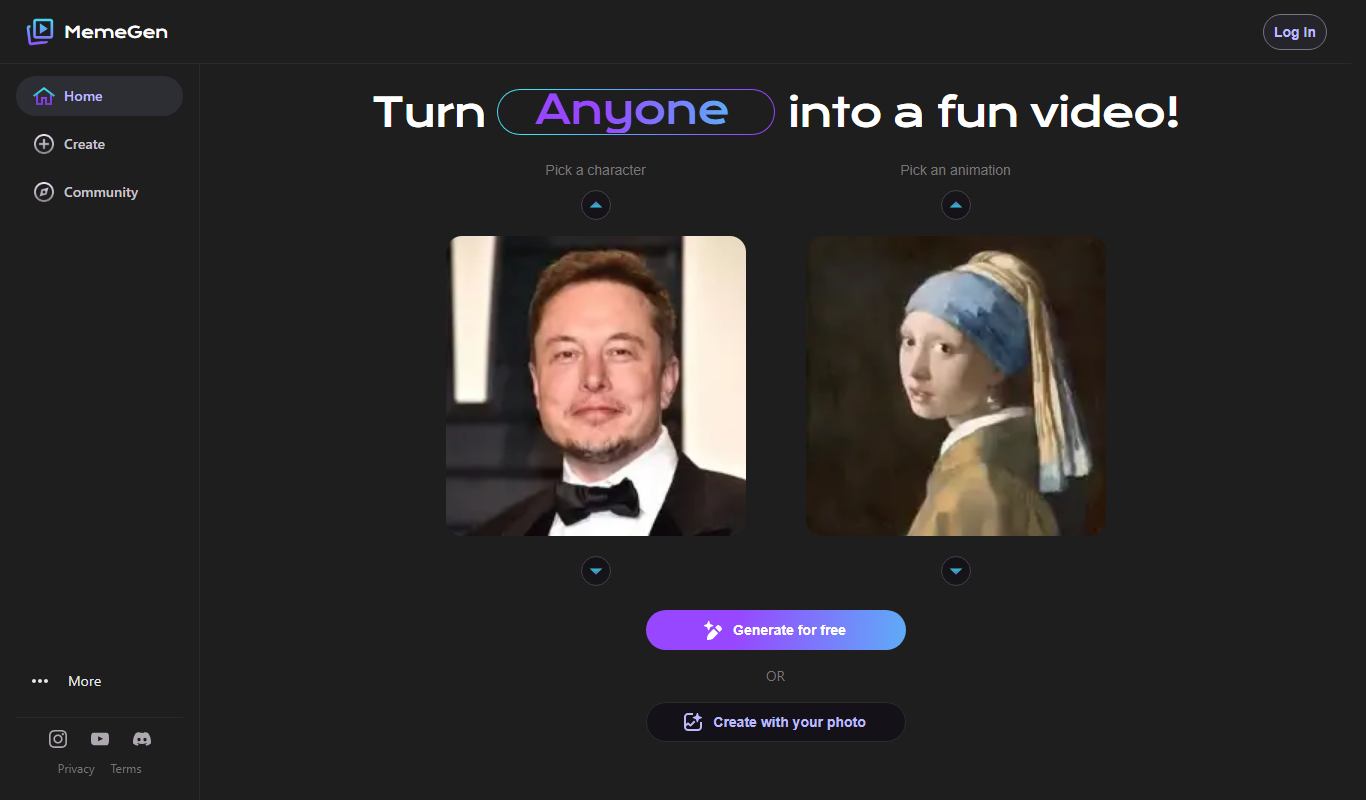
MemeGen AI
MemeGen AI is a web-based tool that uses artificial intelligence to help users create memes by providing caption suggestions and a variety of templates, ideal for social media marketing and content creation.
Contact Sales
Syft
Syft is an AI-driven platform that automates data discovery, cataloging, and governance by scanning diverse data sources to create a unified metadata catalog with lineage and compliance features.