

Autopilot Shorts Review: Automated YouTube Shorts Video Creation Tool
Autopilot Shorts is a web-based tool that automates the creation of short vertical videos optimized for YouTube Shorts, using AI to convert text or content into engaging videos with customizable templates and direct publishing options.
- Best for
- YouTube Shorts Content Creation
- Key capability
- AI-Powered Video Creation
Save Autopilot Shorts, follow its updates and vote on it — everything stays in your account.
Sign in or create a free account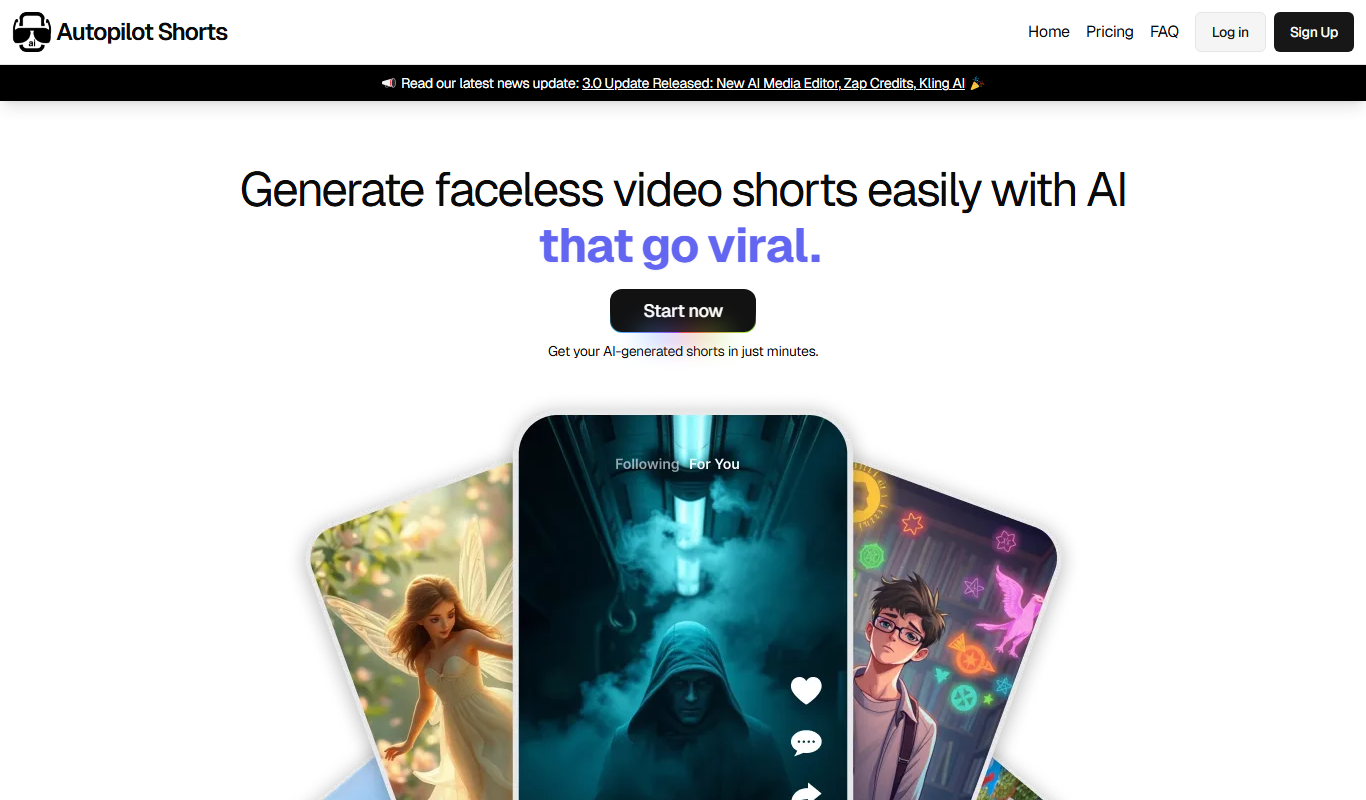
What is Autopilot Shorts?
Autopilot Shorts is a web-based platform designed to automate the creation of short-form videos specifically tailored for YouTube Shorts. It leverages AI and automation to transform text or existing content into engaging vertical videos, helping creators and marketers produce content quickly without manual video editing.
Key features of Autopilot Shorts
The tool offers automated video generation, customizable templates, text-to-video conversion, and direct publishing options. It simplifies the process of creating vertical videos optimized for YouTube Shorts, enabling users to scale their content production efficiently.
AI-Powered Video Creation
Automatically converts text or content into engaging short videos without manual editing.
Customizable Templates
Offers a variety of templates designed for vertical video formats to fit different niches.
Direct YouTube Publishing
Enables users to publish videos directly to their YouTube Shorts channel from the platform.
Time-Saving Automation
Reduces the time and effort needed to produce short-form video content at scale.
Pros and cons of Autopilot Shorts
Pros
- Automates time-consuming video creation process
- Optimized specifically for YouTube Shorts format
- Direct publishing to YouTube saves extra steps
- User-friendly interface suitable for beginners
Cons
- Limited to English language support
- No mobile app available, web-only platform
- Customization options may be basic for advanced editors
Key use cases for Autopilot Shorts
YouTube Shorts Content Creation
Automatically generate engaging short videos optimized for YouTube Shorts to grow channel presence.
Social Media Video Marketing
Create quick, attention-grabbing videos for social media platforms to increase audience engagement.
Content Repurposing
Transform existing long-form content into short, shareable clips to maximize content reach.
Automated Video Production
Save time by automating the video creation process with AI-driven tools and templates.
How Autopilot Shorts works
- 1
Sign Up
Create an account on the Autopilot Shorts platform to access video creation tools.
- 2
Input Content
Provide text, URLs, or existing content that you want to convert into a short video.
- 3
Customize Video
Select templates, adjust styles, and add branding elements to personalize your video.
- 4
Generate Video
Use the AI-powered engine to automatically produce a vertical video optimized for YouTube Shorts.
- 5
Download or Publish
Download the video file or publish it directly to your YouTube channel.
Who is using Autopilot Shorts
Autopilot Shorts pricing
Free Trial
$0
Limited access to features to test the platform before subscribing.
Monthly Subscription
$27/month
Full access to all features with monthly billing.
Annual Subscription
$270/year
Discounted yearly plan with full feature access.
Plans and prices are as published by the vendor and can change. Check the official site before you buy. Open the pricing page (opens in a new tab)
Frequently asked questions about Autopilot Shorts
Yes, the platform supports direct publishing to your YouTube Shorts channel.
Yes, Autopilot Shorts offers a free trial with limited features.
You can convert text, URLs, or existing content into short vertical videos.
Yes, you can customize templates, styles, and branding elements before generating videos.
It depends on your specific needs and how you plan to use the tool. The official website and documentation are the best sources for the latest details.
Yes, it can help with that use case depending on how you configure it and what features are available. You’ll get the best results with clear inputs and a defined goal.
It depends on your specific needs and how you plan to use the tool. The official website and documentation are the best sources for the latest details.
Conclusion
Text, URLs or existing content are the inputs for Autopilot Shorts, which turns them into vertical videos for YouTube Shorts. Before generation, users select templates, adjust styles and add branding elements to personalize the video. The engine then produces the vertical video without manual editing, and the result can be downloaded or published directly to a YouTube channel. Its templates are designed for vertical video formats and different niches.
It is aimed at YouTube content creators focusing on Shorts and at social media marketers, and it can also transform long-form content into short, shareable clips. The stated goal is to reduce the time and effort needed to produce short-form video content at scale. Customization options may be basic for advanced editors.
Sources
Sign in to review this tool.
Sign In to ReviewNo reviews yet
Be the first to share how this tool worked for you.
Ask about pricing, limits, or how it compares — or answer someone else.
Sign In to AskNo questions yet
Have a question about using or paying for this tool? Be the first to ask.
Featured on TiorAI


