

Automaticall 24/7 Voice AI Phone Assistant
Automaticall's 24/7 voice AI answers missed calls, captures leads, books appointments, filters spam and sends WhatsApp follow-ups for businesses.
- Best for
- Answering missed calls
- Key capability
- Trainable phone robot
Save Automaticall, follow its updates and vote on it — everything stays in your account.
Sign in or create a free account
What is Automaticall?
Automaticall is a 24/7 voice AI phone assistant for businesses. It answers missed calls with a human-like voice trained on your business, gives live call support, captures leads, books appointments in your calendar, filters spam calls and sends WhatsApp follow-ups.
Key features of Automaticall
Automaticall answers calls 24/7, follows your training, books appointments in Google, Outlook and Apple calendars, traps spam callers and sends call summaries.
Trainable phone robot
Train it on what to say, what questions to ask and how to handle different types of callers.
Appointment booking
Checks your schedule and books meetings in Google, Outlook and Apple calendars.
Spam protection
Detects telemarketers and scammers and keeps them on the line until they stop calling.
Post-call summaries
A detailed summary and clear action items after every call.
25+ languages
Handles 25+ languages with native-trained voices, or your own voice on request.
Pros and cons of Automaticall
Pros
- Answers calls 24/7
- Setup in minutes via QR code
- 25+ languages
- Filters spam and scam calls
- Affordable pricing with a free tier
Cons
- Entry plan includes 50 minutes per month
- Free trial lasts 1 day
- Demo numbers are available in a limited list of countries
Key use cases for Automaticall
Answering missed calls
Answer calls 24/7, including nights, weekends and holidays.
Booking appointments
Book meetings directly into your calendar during calls.
Blocking spam calls
Keep telemarketers and scammers away from your team.
Website visitor calls
Embed the AI phone system on your website to turn visitors into qualified leads.
Remote Work Productivity
Support remote teams by providing clear meeting documentation accessible anytime.
How Automaticall works
- 1
Create your assistant
Configure the AI personality in a 3-step setup.
- 2
Connect your calendar
Integrate your schedule for appointment booking.
- 3
Scan the QR code and go live
Activate the assistant via QR code with no technical setup.
- 4
Calls get answered
Missed calls are picked up, legitimate callers are qualified and scheduled, and spam calls are trapped.
- 5
Get the summary
You receive a call summary, Google Calendar bookings and clear next steps.
Who is using Automaticall
Automaticall pricing
Personal Assistant
$9.99/month
For small and medium-sized businesses: 50 minutes per month, call evaluation and summary, 1-day free trial.
Enterprise
Custom pricing
Custom AI configuration, dedicated account manager, priority support, advanced analytics, custom integrations and volume discounts.
Plans and prices are as published by the vendor and can change. Check the official site before you buy. Open the pricing page (opens in a new tab)
Frequently asked questions about Automaticall
No. It handles missed calls and filters spam so your team can focus on real business opportunities.
The AI detects telemarketers and scammers and keeps them on the line with realistic conversations until they stop calling.
Yes. You decide what it says, what questions it asks and how it handles different callers.
Google, Outlook and Apple calendars.
A missed call is picked up by the AI, which answers with a human-like voice following your training, qualifies and schedules legitimate callers, and sends you a summary.
Plans start with a monthly plan that includes call minutes, and extra minutes can be bought in bulk; see the pricing section.
It handles 25+ languages.
Conclusion
Every missed business call gets picked up here, at any hour, by a human-like AI voice that follows the owner’s own training on what to say and what to ask. Legitimate callers are qualified and booked straight into Google, Outlook or Apple calendars, while telemarketers and scammers are kept on the line until they stop calling. After each call, a summary with action items arrives by email, with updates on WhatsApp.
Setup takes three steps: configure the assistant, connect a calendar and scan a QR code to go live. Small and medium-sized businesses are the main target, and it handles more than 25 languages. The entry plan includes a fixed number of call minutes each month and the free trial lasts one day, while high call volumes go to a custom Enterprise plan.
Sources
Sign in to review this tool.
Sign In to ReviewNo reviews yet
Be the first to share how this tool worked for you.
Ask about pricing, limits, or how it compares — or answer someone else.
Sign In to AskNo questions yet
Have a question about using or paying for this tool? Be the first to ask.
Featured on TiorAI



More AI Contact Center Tools tools
Other tools in the same category, for when this one is not quite the fit.
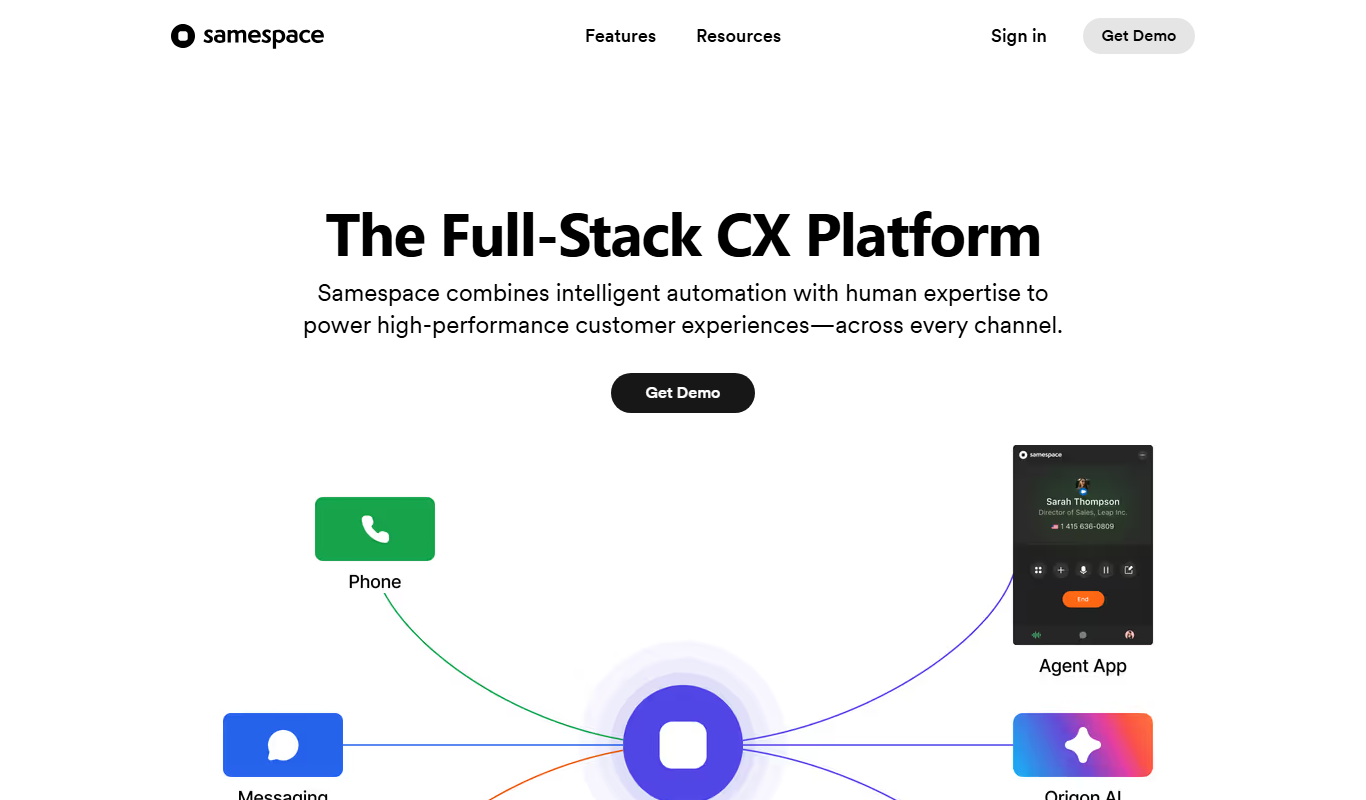
samespace.com
Samespace is a cloud-based contact center software that enables businesses to manage customer interactions across voice, SMS, chat, and email channels from a unified platform with features like IVR, call routing, and real-time analytics.