
From my experience with AutoHotkey, I found it excels at empowering Windows users to automate tedious tasks and create custom shortcuts that significantly boost productivity. The flexibility of its scripting language allows both beginners and advanced users to tailor workflows precisely to their needs. However, the learning curve can be steep for complex scripts, and it is limited to Windows only. Overall, if you need a powerful, free tool to automate repetitive actions and customize your Windows environment, AutoHotkey delivers robust and reliable results.
AutoHotkey Automation Software for Windows Scripting and Productivity
AutoHotkey is a free, open-source Windows scripting language that automates repetitive tasks by creating custom hotkeys, macros, and scripts to improve productivity.
What is AutoHotkey?
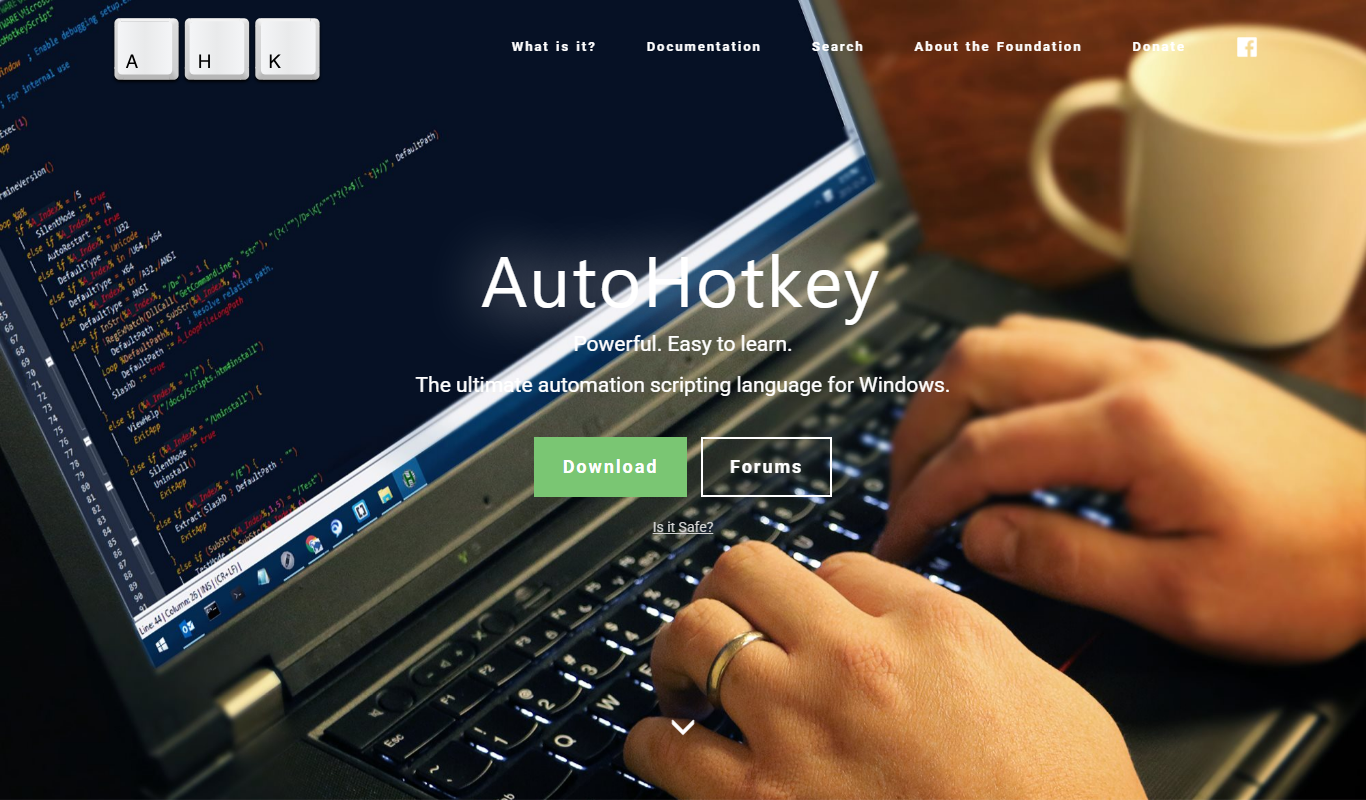
AutoHotkey is a free, open-source scripting language for Windows that enables users to automate repetitive tasks, create custom keyboard shortcuts, and develop macros. It allows both beginners and advanced users to write scripts that control the keyboard, mouse, and other system functions to improve productivity and streamline workflows.
Key Features of AutoHotkey
Hotkeys and Hotstrings
Create custom keyboard shortcuts and text expansions to speed up repetitive typing and commands.
Macro Recording
Record sequences of actions and replay them to automate complex workflows.
Script Compilation
Convert scripts into standalone executables that run without requiring AutoHotkey installed.
GUI Creation
Build simple graphical user interfaces within scripts for user interaction.
Extensive Scripting Language
Supports variables, functions, loops, and conditional statements for advanced automation.
Pros and Cons of AutoHotkey
Pros
- Powerful automation capabilities for Windows
- Free and open-source with active community support
- Flexible scripting language suitable for beginners and experts
- Ability to create custom hotkeys and macros
- Lightweight and runs efficiently on Windows systems
Cons
- Limited to Windows platform
- Steep learning curve for complex scripts
- No official support or dedicated customer service
Key Use Cases for AutoHotkey
Automate Repetitive Tasks
Create scripts to automate repetitive actions such as mouse clicks, keystrokes, and window management to save time and reduce errors.
Custom Keyboard Shortcuts
Define custom hotkeys and shortcuts to launch applications, insert text snippets, or control system functions efficiently.
Macro Creation
Record and run macros that perform complex sequences of commands automatically, improving workflow speed.
User Interface Automation
Automate interactions with software interfaces, including form filling, menu navigation, and dialog handling.
Scripting for Power Users and Developers
Write scripts to extend Windows functionality, integrate with other software, or build custom utilities.
How AutoHotkey Works
-
1
Download and Install
Get the AutoHotkey installer from the official website and install it on your Windows PC.
-
2
Write a Script
Use any text editor to write scripts using AutoHotkey’s simple scripting language.
-
3
Run the Script
Execute the script by double-clicking the .ahk file or compiling it into an executable.
-
4
Automate Tasks
Scripts can automate keystrokes, mouse clicks, window commands, and more to perform tasks automatically.
Who's Using AutoHotkey
Power users and productivity enthusiasts
Software developers and IT professionals
Office workers automating repetitive tasks
System administrators
Anyone looking to customize Windows workflows
AutoHotkey Pricing
Free
$0
Full-featured open-source software available at no cost.
Frequently Asked Questions About AutoHotkey
Yes, AutoHotkey is completely free and open-source software.
AutoHotkey is designed specifically for Microsoft Windows.
Basic scripting knowledge helps, but many simple automations can be created with minimal coding.
Yes, AutoHotkey allows compiling scripts into standalone .exe files.
This tool is designed to help users accomplish its core tasks more efficiently. It is typically used by individuals or teams looking to improve productivity and workflow.
Some tools offer a free plan or trial with limited features. Availability can vary, so confirm on the official website.
Yes, it can help with that use case depending on how you configure it and what features are available. You’ll get the best results with clear inputs and a defined goal.
It depends on your specific needs and how you plan to use the tool. The official website and documentation are the best sources for the latest details.
Share your review
Reviews are limited to one per logged-in user and are published after moderation.
You need an account to review this tool.
0.0
★
★
★
★
★
0 reviews
5 star
0
4 star
0
3 star
0
2 star
0
1 star
0
No reviews yet
Be the first to share how this tool worked for you.
Questions from the community
Read questions and answers about this tool, or ask your own.
No questions yet
Start the conversation by asking the first question about this tool.
Is this tool helpful?
Alternative Tools
Explore similar AI tools that might fit your needs

Free
PhraseExpress
PhraseExpress is a text expander tool that automates repetitive typing by expanding shortcuts into full text snippets, supporting macros and cloud sync across devices.

Free
Promptable
Promptable is a web platform that helps teams manage, collaborate on, and test AI prompts with version control and documentation features.

Freemium
TableTalk
TableTalk is an AI-powered meeting assistant that transcribes and summarizes meetings in real time, helping teams capture accurate records and improve collaboration.

Custom Pricing
Disamina AI – Hiring Platform
Disamina AI is an AI-driven hiring platform that helps companies streamline recruitment by using psychometric and technical assessments, predictive analytics, and bias reduction to identify the best candidates.

Free
Evernote
Evernote is a cross-platform note-taking app that helps users capture, organize, and collaborate on notes, tasks, and projects with multi-format support and powerful search.

Freemium
Nero Software
Nero Software is a multimedia suite by Nero AG offering video editing, media management, disc burning, photo editing, backup, and streaming tools primarily for Windows users.

Free
Autumn AI
Autumn AI is an AI-powered meeting assistant that transcribes and summarizes meetings automatically, helping teams save time and improve productivity.

Custom Pricing
Lytx
Lytx provides AI-driven video telematics and fleet management solutions that improve driver safety by detecting risky behaviors, enabling real-time alerts, and supporting driver coaching to reduce accidents and operational costs.
Free
WeTransfer
WeTransfer is a cloud-based service that allows users to send large files easily and securely, offering free transfers up to 2GB and paid plans for larger files and additional features.