

Audiotype Audio Transcription and Video Subtitle Generator Tool Online
Audiotype is a web-based tool that automatically transcribes audio and generates synchronized subtitles for videos, supporting multiple languages and offering easy editing and export options.
- Best for
- Podcast Transcription
- Key capability
- Multi-language Support
Save Audiotype – Audio Transcription and Video Subtitles, follow its updates and vote on it — everything stays in your account.
Sign in or create a free account
What is Audiotype – Audio Transcription and Video Subtitles?
Audiotype is a web-based platform that provides automated audio transcription and video subtitle generation services. It leverages speech recognition technology to convert spoken words into text, supporting multiple languages. The tool is designed to help content creators, educators, and businesses improve accessibility, enhance content engagement, and streamline the process of creating captions and transcripts.
Key features of Audiotype – Audio Transcription and Video Subtitles
Audiotype offers automatic transcription of audio files, subtitle generation for videos, support for multiple languages, easy editing of transcripts and subtitles, and export options in common subtitle formats such as SRT and VTT. It is accessible via a web interface without the need for software installation.
Multi-language Support
Transcription and subtitle generation in 30+ languages.
Automatic Speech Recognition
Uses advanced speech-to-text technology to provide fast and accurate transcriptions.
Subtitle Synchronization
Generates time-coded subtitles that align precisely with video playback.
In-browser Editing
Allows users to edit transcripts and subtitles directly in the web interface without additional software.
Export Options
Supports exporting subtitles in popular formats like SRT and VTT, compatible with most video players.
Pros and cons of Audiotype – Audio Transcription and Video Subtitles
Pros
- Easy-to-use web interface with no installation required
- Supports multiple languages for transcription and subtitles
- Allows in-browser editing of transcripts and subtitles
- Exports subtitles in widely used formats
- First minute of each file transcribed for free
Cons
- Limited advanced customization options for subtitles
- No dedicated desktop or mobile apps
- Free plan has usage and file length restrictions
Key use cases for Audiotype – Audio Transcription and Video Subtitles
Podcast Transcription
Convert podcast audio files into accurate text transcripts for accessibility and content repurposing.
Video Subtitle Generation
Automatically generate subtitles for videos to improve viewer engagement and accessibility.
Multilingual Captioning
Create subtitles in multiple languages to reach a broader audience and comply with localization needs.
Content Accessibility
Enhance accessibility of audio and video content for hearing-impaired users through captions and transcripts.
Content Editing and Sharing
Edit generated transcripts and subtitles easily and export them in various formats for publishing.
How Audiotype – Audio Transcription and Video Subtitles works
- 1
Upload Audio or Video
Users upload their audio or video files directly to the Audiotype web platform.
- 2
Automatic Transcription
The tool processes the audio using speech recognition to generate a text transcript.
- 3
Subtitle Generation
For video files, Audiotype creates synchronized subtitles based on the transcript.
- 4
Edit and Customize
Users can review, edit, and adjust the transcript or subtitles within the platform.
- 5
Export and Use
Finalized transcripts and subtitles can be exported in various formats for use in publishing or sharing.
Who is using Audiotype – Audio Transcription and Video Subtitles
Audiotype – Audio Transcription and Video Subtitles pricing
Free trial
Free for the first minute of each file
The first minute of your file is transcribed for free; no account required.
Pay per file
EUR 9.00 per 60 minutes
Upload your files and pay according to the length of each file; no particular skills required.
Plans and prices are as published by the vendor and can change. Check the official site before you buy. Open the pricing page (opens in a new tab)
Frequently asked questions about Audiotype – Audio Transcription and Video Subtitles
Audiotype supports common audio formats like MP3 and WAV, and video formats such as MP4 and MOV.
Yes, Audiotype provides an in-browser editor to review and modify transcripts and subtitles before exporting.
You can convert multiple large files into text without any restrictions; you pay according to file length.
Yes, it supports multiple languages including Spanish, French, German, and several others.
It depends on your specific needs and how you plan to use the tool. The official website and documentation are the best sources for the latest details.
Some tools offer a free plan or trial with limited features. Availability can vary, so confirm on the official website.
Yes, it can help with that use case depending on how you configure it and what features are available. You’ll get the best results with clear inputs and a defined goal.
It depends on your specific needs and how you plan to use the tool. The official website and documentation are the best sources for the latest details.
Conclusion
Uploading needs no account: a file goes up, its language is chosen from a menu, and the transcript or subtitle file arrives a few minutes later. Transcription covers 30+ languages and adds speaker detection and smart punctuation. Results export as SRT or VTT subtitles or as PDF, TXT and DOC documents, and up to 10 videos can be transcribed at once. Uploaded data is deleted from the servers automatically after 15 days.
Instead of a monthly plan, users pay according to the length of each file, and the first minute of every file is transcribed for free. Organizations that need a large volume of hours, centralized billing or team management can request a quote through Audiotype for Business.
Sources
Sign in to review this tool.
Sign In to ReviewNo reviews yet
Be the first to share how this tool worked for you.
Ask about pricing, limits, or how it compares — or answer someone else.
Sign In to AskNo questions yet
Have a question about using or paying for this tool? Be the first to ask.
Featured on TiorAI



More AI Speech-to-Text tools
Other tools in the same category, for when this one is not quite the fit.

Kaption AI
Kaption AI transcribes WhatsApp voice notes, summarizes long chats and translates messages inside WhatsApp Web, with a free Chrome and Edge extension, a desktop app and phone apps.

Scribebuddy
Scribebuddy transcribes audio and video to text, translates transcripts and creates subtitle files in over 100 languages, with free transcription for files up to 5 minutes and pay-as-you-go minutes for longer recordings.

Vatis Tech
Vatis Tech transcribes audio and video to text in 50+ languages, with speaker labels, translation, subtitle export and a developer speech-to-text API; 10 free minutes to start.

WhisperTranscribe
WhisperTranscribe is an AI-based web tool that converts audio and video files into accurate text transcripts quickly and easily, supporting multiple formats and offering editable transcripts.

VoicePen
VoicePen is an AI note taker app for iPhone, iPad, Apple Watch and Mac that turns meetings, lectures, memos, videos and podcasts into transcripts, notes and summaries.
DialogAi
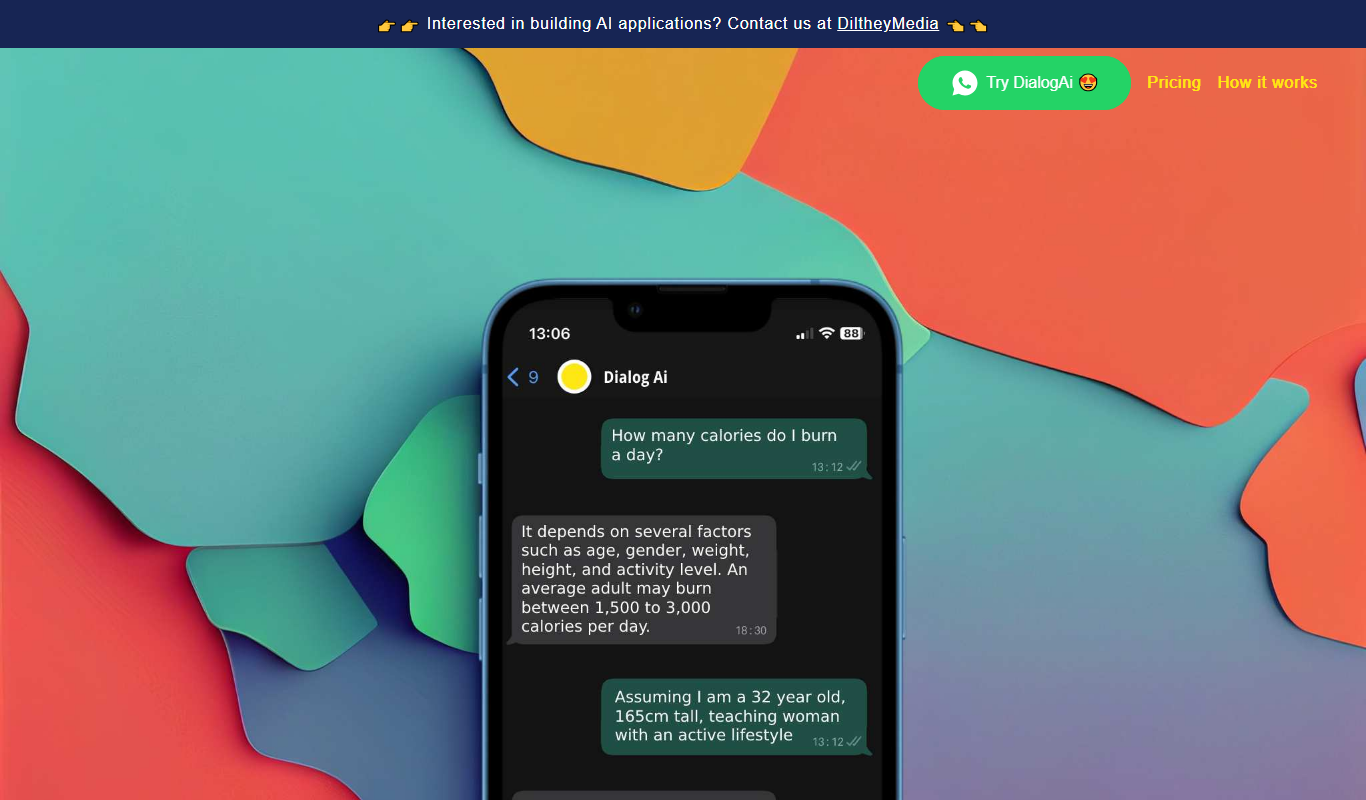
DialogAi is a WhatsApp chatbot that turns forwarded voice messages into text, summarises them and answers your questions by voice or text with ChatGPT.
WhisperBot
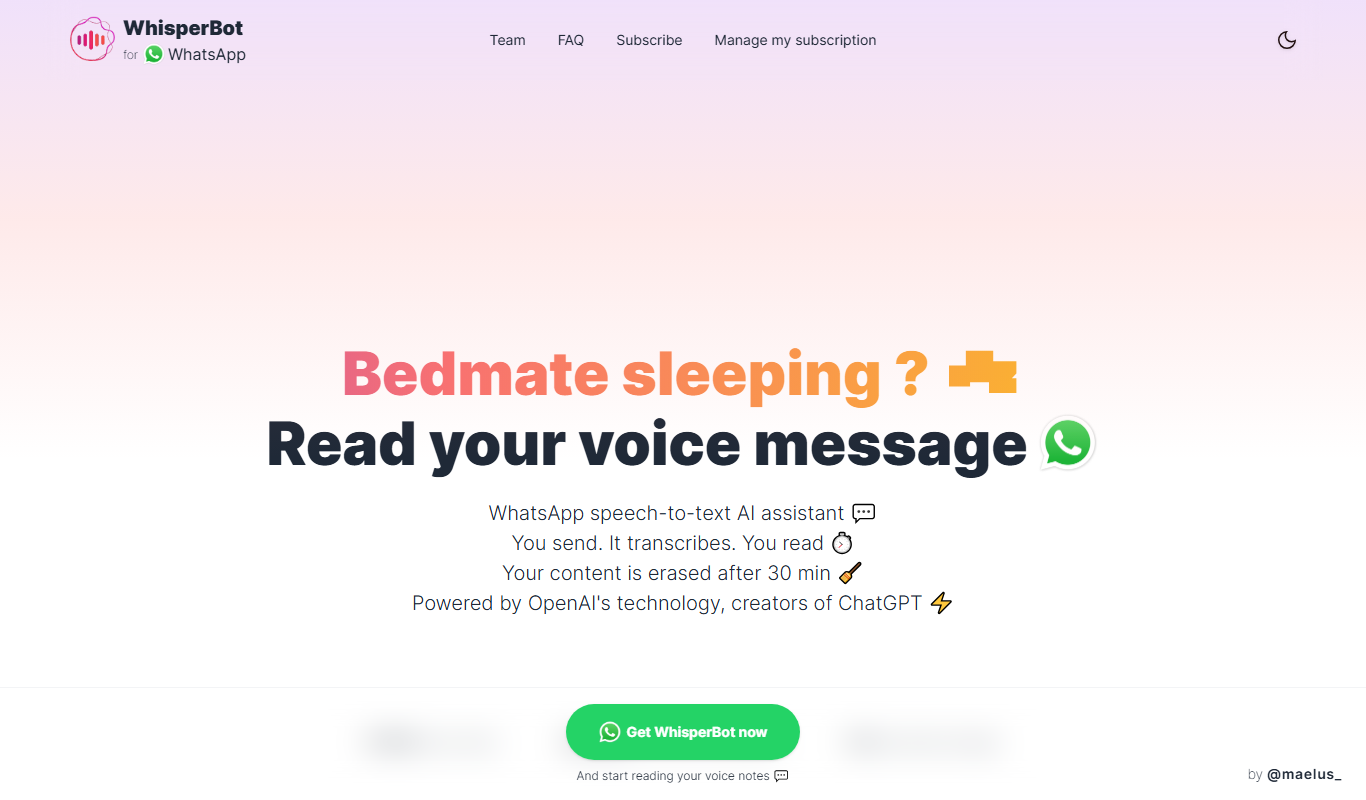
WhisperBot turns your WhatsApp voice messages into text: forward a voice note and read the transcription almost instantly, in 57 languages.
TalkTastic
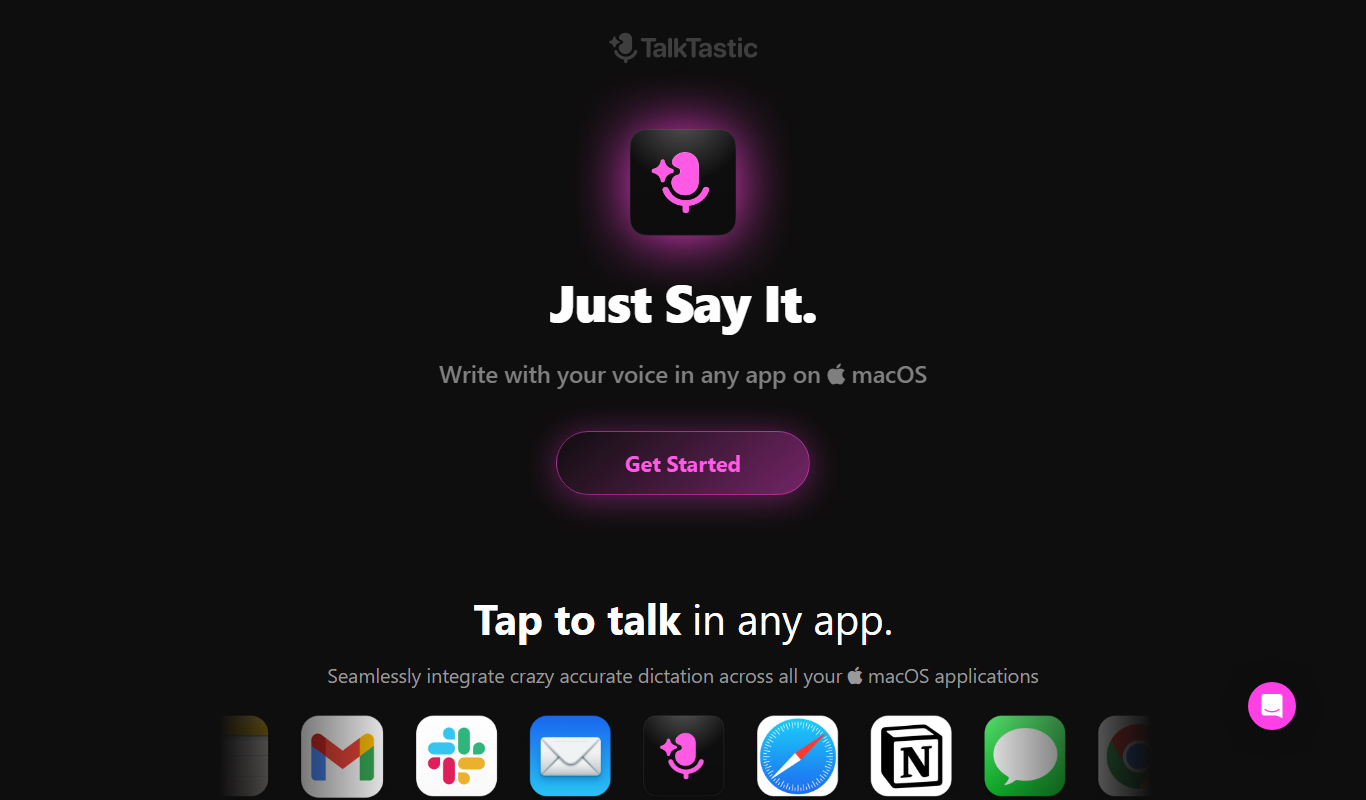
TalkTastic is a macOS app for writing with your voice in any app, using a snapshot of your screen and multimodal AI to write what you mean in your style.