

From my experience with Airscale, I found it excels at providing a flexible and scalable platform for data annotation across multiple data types. The ability to customize workflows and integrate quality control measures makes it a practical choice for AI teams needing precise training data. However, the lack of transparent pricing and limited language support may require direct engagement with their team to assess fit. Overall, if your project demands scalable, high-quality annotation services with workflow customization, Airscale delivers a solid, enterprise-ready solution.
Airscale AI Platform for Scalable Data Annotation and Labeling Services
Airscale is a web-based platform that provides scalable, customizable data annotation services for AI training datasets, supporting images, videos, and text with quality assurance tools.
- Best for
- AI Training Data Preparation
- Key capability
- Multi-Modal Data Support
Your actions
Save Airscale, follow its updates and vote on it — everything stays in your account.
Sign in or create a free account
What is Airscale?
Airscale is a web-based AI data annotation platform designed to provide scalable, accurate, and customizable data labeling services. It supports various data types including images, videos, and text, enabling organizations to prepare high-quality training datasets for machine learning and AI projects. The platform emphasizes workflow customization, quality control, and scalability to meet diverse annotation needs.
Key features of Airscale
Airscale offers features such as multi-format data annotation, customizable workflows, integrated quality assurance tools, and scalable project management to streamline the data labeling process for AI development teams.
Multi-Modal Data Support
Supports annotation of images, videos, and text data for diverse AI applications.
Custom Workflow Builder
Allows users to design annotation workflows that fit unique project requirements.
Quality Assurance Tools
Includes validation and review mechanisms to maintain high annotation accuracy.
Scalable Annotation Management
Handles large datasets and multiple annotators efficiently for enterprise-level projects.
User-Friendly Web Interface
Intuitive platform design that simplifies annotation tasks and project management.
Pros and cons of Airscale
Pros
- Supports multiple data types including images, video, and text
- Customizable workflows for flexible annotation processes
- Built-in quality assurance to maintain annotation accuracy
- Scalable platform suitable for large datasets and teams
- User-friendly web interface simplifies project management
Cons
- Pricing details are not publicly available and require contact
- No disclosed mobile or desktop apps; web platform only
- Limited language support primarily in English
Key use cases for Airscale
AI Training Data Preparation
Airscale provides scalable and high-quality data annotation services to prepare datasets for training machine learning models.
Image and Video Labeling
The platform supports annotation of images and videos, enabling computer vision projects to have accurately labeled data.
Natural Language Processing (NLP) Data Labeling
Airscale facilitates text annotation tasks such as entity recognition and sentiment labeling for NLP model training.
Custom Annotation Workflows
Users can design and manage custom workflows tailored to specific project requirements for efficient data labeling.
Quality Control and Validation
The platform includes tools for quality assurance to ensure annotation accuracy and consistency across datasets.
How Airscale works
- 1
Project Setup
Create a new annotation project by uploading datasets and defining annotation requirements.
- 2
Workflow Customization
Configure custom workflows and labeling guidelines tailored to your specific AI training needs.
- 3
Annotation Execution
Assign annotation tasks to in-house or external annotators who label the data using the platform’s tools.
- 4
Quality Control
Review and validate annotations with built-in quality assurance features to ensure accuracy.
- 5
Data Export
Export the labeled datasets in formats compatible with your machine learning frameworks.
Who is using Airscale
AI and machine learning teams
Data scientists and researchers
Computer vision developers
NLP engineers
Enterprises needing scalable annotation solutions
Airscale pricing
Custom Pricing
Contact for pricing
Pricing tailored based on project scope, data volume, and annotation complexity.
Plans and prices are as published by the vendor and can change. Check the official site before you buy. Open the pricing page (opens in a new tab)
Frequently asked questions about Airscale
Airscale supports annotation for images, videos, and text data.
Yes, Airscale allows users to create custom workflows tailored to their project needs.
Yes, the platform includes tools for reviewing and validating annotations to ensure accuracy.
Airscale is designed to handle scalable annotation projects with multiple annotators.
This tool is designed to help users accomplish its core tasks more efficiently. It is typically used by individuals or teams looking to improve productivity and workflow.
It depends on your specific needs and how you plan to use the tool. The official website and documentation are the best sources for the latest details.
Data handling and security practices vary by provider. Review the official privacy policy to understand how your data is stored and used.
Data handling and security practices vary by provider. Review the official privacy policy to understand how your data is stored and used.
Sign in to review this tool.
Sign In to ReviewNo reviews yet
Be the first to share how this tool worked for you.
Ask about pricing, limits, or how it compares — or answer someone else.
Sign In to AskNo questions yet
Have a question about using or paying for this tool? Be the first to ask.
Featured on TiorAI


More AI Data & Analytics Tools tools
Other tools in the same category, for when this one is not quite the fit.

Custom Pricing
BasicAI
BasicAI offers a data annotation platform and managed data labeling services for AI training data, from images and video to 3D point clouds and language model data.

Subscription
Vanna AI
Vanna is an open source SQL agent that answers natural language questions about your data with AI-powered SQL generation, self-hosted or in the cloud.

Custom Pricing
hiroscope.ai
Hiroscope.ai is an AI-powered platform that analyzes video interviews to provide behavioral and sentiment insights, helping recruiters make data-driven hiring decisions.

Enterprise
NextBrain AI
NextBrain AI is a no-code machine learning and AI workflow automation platform with AutoML, a Knowledge Repository (RAG), Document Extraction and Document Comparison.

Subscription
Athenic AI
Athenic is an agentic AI data analyst: connect your business data, ask questions in plain English and build live dashboards and automated reports with no SQL required.

Contact for pricing
Wisent
Wisent uses representation engineering to give control over AI models, reducing hallucinations and malicious content, through an API with SDK.
Contact for pricing
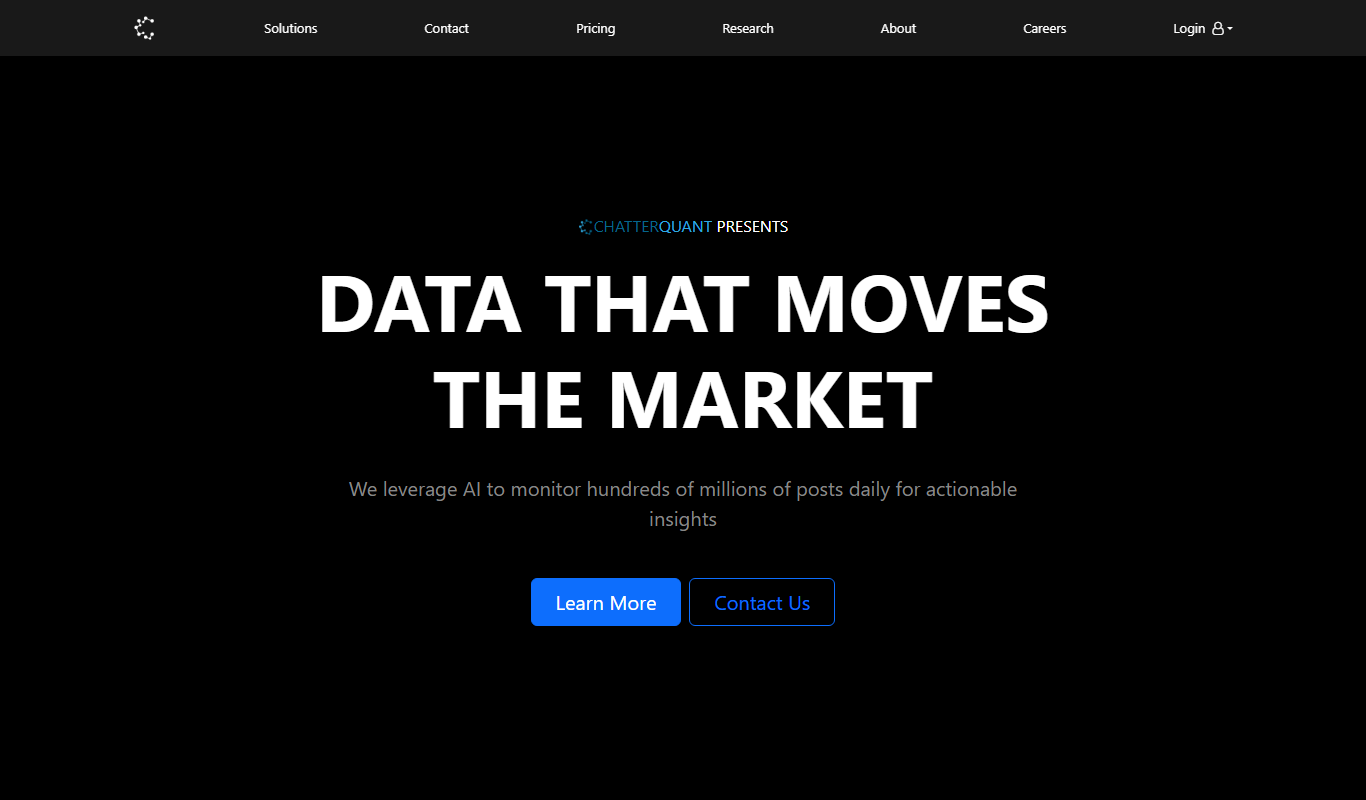
ChatterQuant
ChatterQuant tracks social media for finance, offering real-time sentiment and discussion trends to traders and institutions through dashboards and APIs.

Free Trial
Track AI Answers
Track AI Answers tracks what AI chatbots say about a person, brand or product on one page and emails you when those AI answers change.