

Aimlabs Aim Trainer - Improve FPS Skills with Precision Training Software
Aimlabs is a PC-based aim training software that helps FPS gamers improve their aiming skills through customizable drills, real-time analytics, and realistic game scenarios.
- Best for
- FPS Aim Improvement
- Key capability
- Customizable Training Drills
Save Aimlabs, follow its updates and vote on it — everything stays in your account.
Sign in or create a free account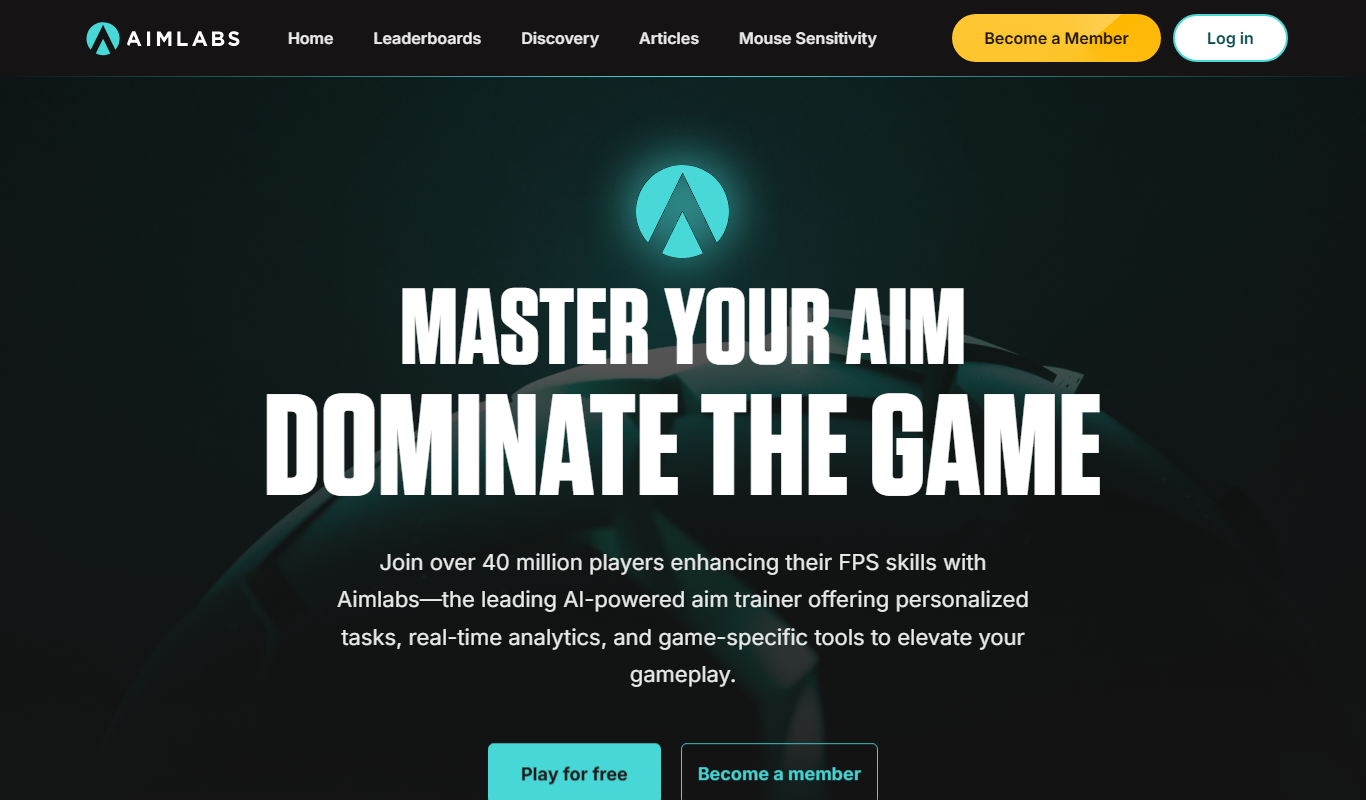

What is Aimlabs?
Aimlabs is a specialized aim training software designed to help gamers, especially those playing first-person shooters (FPS), improve their aiming accuracy, reaction time, and overall mouse control. It offers a variety of drills and scenarios that simulate real in-game situations, allowing users to practice and refine their skills in a controlled environment.
Key features of Aimlabs
Aimlabs features customizable training routines, real-time performance analytics, multiple training modes targeting different aspects of aiming, and integration with popular gaming platforms. It is widely used by casual gamers and esports professionals alike to enhance precision and reaction speed.
Customizable Training Drills
Tailor exercises to focus on flicking, tracking, target switching, and more.
Performance Analytics
Track detailed metrics including accuracy, reaction time, and consistency.
Realistic Game Scenarios
Simulate in-game aiming challenges to provide practical skill development.
Cross-Platform Settings Sync
Sync settings and progress across devices via Steam integration.
Community and Leaderboards
Compare your performance with other users globally to motivate improvement.
Console Availability
Aimlabs is available on Xbox and PlayStation 5.
Pros and cons of Aimlabs
Pros
- Highly customizable training routines
- Detailed performance analytics
- Realistic and varied aiming drills
- Free version available with solid features
- Popular among esports professionals
Cons
- Premium features require subscription
Key use cases for Aimlabs
FPS Aim Improvement
Helps players improve their aiming skills in first-person shooter games through targeted drills.
Reaction Time Training
Enhances players' reaction speed and accuracy with exercises designed to simulate in-game scenarios.
Esports Practice
Provides professional and aspiring esports players with customizable training routines to sharpen competitive skills.
Mouse Control and Precision
Develops fine motor control and precision for mouse movements critical in fast-paced gaming.
Performance Tracking
Offers detailed analytics and progress tracking to monitor improvements over time.
How Aimlabs works
- 1
Download and Install
Get Aimlabs from the official website or Steam and install it on your Windows PC.
- 2
Create a Profile
Set up your player profile to track your progress and customize your training preferences.
- 3
Select Training Modes
Choose from various drills such as flick shots, tracking, and target switching to focus on specific skills.
- 4
Start Training
Engage in the selected exercises, receiving real-time feedback and performance metrics.
- 5
Review Analytics
Analyze detailed statistics on accuracy, reaction time, and improvement trends to adjust your training.
Who is using Aimlabs
Aimlabs pricing
Free
$0
Access to basic training drills and performance tracking.
Aimlabs Plus
$10/month, $9/month for 3 months, $7/month for 6 months
Unlocks advanced drills, detailed analytics, and customization options.
Plans and prices are as published by the vendor and can change. Check the official site before you buy. Open the pricing page (opens in a new tab)
Frequently asked questions about Aimlabs
Yes, Aimlabs offers drills and tutorials suitable for all skill levels, including beginners.
Aimlabs trains fundamental aiming skills that are transferable across most FPS games.
The official site offers Aimlabs downloads on the Steam, Xbox, PlayStation and Epic stores and does not list a Mac or Linux version.
The official site lists downloads only on the Steam, Xbox, PlayStation and Epic stores; no mobile app is listed.
It depends on your specific needs and how you plan to use the tool. The official website and documentation are the best sources for the latest details.
Some tools offer a free plan or trial with limited features. Availability can vary, so confirm on the official website.
Yes, it can help with that use case depending on how you configure it and what features are available. You’ll get the best results with clear inputs and a defined goal.
Yes, it can help with that use case depending on how you configure it and what features are available. You’ll get the best results with clear inputs and a defined goal.
Conclusion
Flick shots, tracking and target switching are among the drills a player selects to focus on specific aiming skills. Each exercise gives real-time feedback, and statistics on accuracy, reaction time and improvement trends help adjust the training. Drills simulate in-game aiming challenges, and leaderboards compare performance with other users globally.
Besides the Windows PC version, Aimlabs is available on Xbox and PlayStation 5. It is built for casual FPS gamers, esports competitors and gaming coaches. A free version covers basic drills and performance tracking, while Aimlabs Plus costs $10 a month, $9 a month for 3 months or $7 a month for 6 months.
Sources
Sign in to review this tool.
Sign In to ReviewNo reviews yet
Be the first to share how this tool worked for you.
Ask about pricing, limits, or how it compares — or answer someone else.
Sign In to AskNo questions yet
Have a question about using or paying for this tool? Be the first to ask.
Featured on TiorAI



Alternative Tools
Explore similar AI tools that might fit your needs
KovaaK’s FPS Aim Trainer
KovaaK's FPS Aim Trainer is a PC-based software that helps FPS gamers improve their aiming skills through customizable training scenarios and detailed performance analytics.

3D Aim Trainer
3D Aim Trainer is a web-based FPS aiming training tool that helps gamers improve accuracy, reaction time, and mouse control through customizable drills and performance tracking.
More Daily Life tools
Other tools in the same category, for when this one is not quite the fit.

Unite.com – love fantasies by AI
Unite.com is an AI-driven platform that generates personalized love fantasies and romantic stories based on user inputs, offering a unique way to explore romantic storytelling.
Checkli
Checkli is a web-based checklist maker that helps individuals and teams create, share, and manage checklists to improve productivity and collaboration.
CamScanner
CamScanner is a mobile app that allows users to scan documents using their smartphone camera, convert them into PDFs, extract text via OCR, and manage documents with cloud storage and sharing options.

Foreo UFO
Foreo UFO is a smart facial device that uses LED light therapy, sonic pulsations, and thermal technology to deliver quick, customizable skincare treatments at home.

MyStudyLife
MyStudyLife is a cross-platform student planner app designed to organize academic schedules, track homework, and manage exams with reminders and offline access.

Combine PDF Files Online
Combine PDF Files Online is a free web tool that lets you merge multiple PDF documents into a single file quickly without uploading your files to a server.

AstroSage
AstroSage is an online platform providing Vedic astrology tools such as horoscope generation, kundli matching, and astrological predictions accessible via web and mobile apps.

GrandPad
GrandPad is a tablet and service designed to help seniors easily communicate with family and friends through a simple interface, video calling, and remote family management.