

From my experience with AIMailman, I found it excels at speeding up email drafting and simplifying inbox management through AI-powered features. The Chrome extension integrates smoothly with Gmail, making it a practical choice for professionals who handle large volumes of email daily. However, the tool is currently limited to Gmail and Chrome users, and team collaboration features are still in development. Overall, if you need to save time on composing and managing emails with AI assistance, AIMailman delivers solid, user-friendly functionality.
AIMailman AI Email Assistant for Efficient Email Management and Writing
AIMailman is an AI email assistant that streamlines email drafting, management, and automation through a Chrome extension and web app, primarily supporting Gmail users.
- Best for
- Email Drafting
- Key capability
- AI Email Drafting

Do you recommend this tool?
What is AIMailman?
AIMailman is an AI-powered email assistant designed to help users write, manage, and respond to emails more efficiently. It integrates with popular email platforms via a Chrome extension and web app, providing smart drafting, summarization, and automation features to reduce the time spent on email communication.
Key features of AIMailman
AIMailman offers AI-generated email drafts, inbox organization tools, automated replies, email summarization, and follow-up reminders, all aimed at streamlining email workflows for professionals and teams.
AI Email Drafting
Create professional email drafts tailored to your style and context.
Inbox Organization
Automatically categorize and prioritize emails for better management.
Automated Replies
Respond to common queries with AI-generated replies to save time.
Email Summarization
Condense long email conversations into concise summaries.
Follow-up Reminders
Set and receive notifications to follow up on important emails.
Pros and cons of AIMailman
Pros
- Speeds up email drafting with AI assistance
- Simplifies inbox management and organization
- Automates replies to common emails
- Provides useful email summarization
- Easy to install and use via Chrome extension
Cons
- Limited to Gmail and Chrome browser
- Team collaboration features are not yet available
- Some advanced features require paid subscription
Key use cases for AIMailman
Email Drafting
Generate professional and personalized email drafts quickly using AI.
Inbox Management
Organize and prioritize emails efficiently to improve productivity.
Email Reply Automation
Automate responses to common email queries to save time.
Email Summarization
Summarize long email threads to grasp key points faster.
Follow-up Reminders
Set reminders for important emails to ensure timely follow-ups.
How AIMailman works
- 1
Install Extension or Access Web App
Add the AIMailman Chrome extension or log in to the web platform to connect your email account.
- 2
Compose or Select Email
Start drafting a new email or select an existing one to manage.
- 3
Use AI Features
Leverage AI to generate drafts, summarize threads, or automate replies.
- 4
Send and Manage
Review AI-generated content, customize as needed, and send emails efficiently.
Who is using AIMailman
Busy professionals
Sales and marketing teams
Customer support agents
Freelancers and consultants
Small business owners
AIMailman pricing
Free
$0/month
Basic AI email drafting and limited features with daily usage caps.
Pro
$15/month
Unlimited AI features, advanced automation, and priority support.
Plans and prices are as published by the vendor and can change. Check the official site before you buy. Open the pricing page (opens in a new tab)
Frequently asked questions about AIMailman
AIMailman primarily supports Gmail through its Chrome extension and web app integration.
Yes, AIMailman uses encryption and follows strict privacy policies to protect your data.
Absolutely, you can edit and personalize any AI-generated content before sending.
Currently, AIMailman focuses on individual productivity but plans to add team features in the future.
It depends on your specific needs and how you plan to use the tool. The official website and documentation are the best sources for the latest details.
Data handling and security practices vary by provider. Review the official privacy policy to understand how your data is stored and used.
Yes, it can help with that use case depending on how you configure it and what features are available. You’ll get the best results with clear inputs and a defined goal.
Sign in to review this tool.
Sign In to ReviewNo reviews yet
Be the first to share how this tool worked for you.
Ask about pricing, limits, or how it compares — or answer someone else.
Sign In to AskNo questions yet
Have a question about using or paying for this tool? Be the first to ask.
Featured on TiorAI



Alternative Tools
Explore similar AI tools that might fit your needs

Free
Boomerang
Boomerang for Gmail is an email productivity tool that allows users to schedule emails, set reminders, track opens, and use AI to improve email writing, all integrated within Gmail.
More AI Writing & Content Tools tools
Other tools in the same category, for when this one is not quite the fit.

Freemium
Mindtrip
Mindtrip is an AI-powered writing assistant designed to help users generate creative stories, content ideas, and improve writing flow through AI-driven prompts and text generation.

Freemium
Swifty
Swifty is an AI writing assistant that helps users create and edit English content quickly with AI-generated suggestions and grammar corrections.
Freemium
Uwillfly
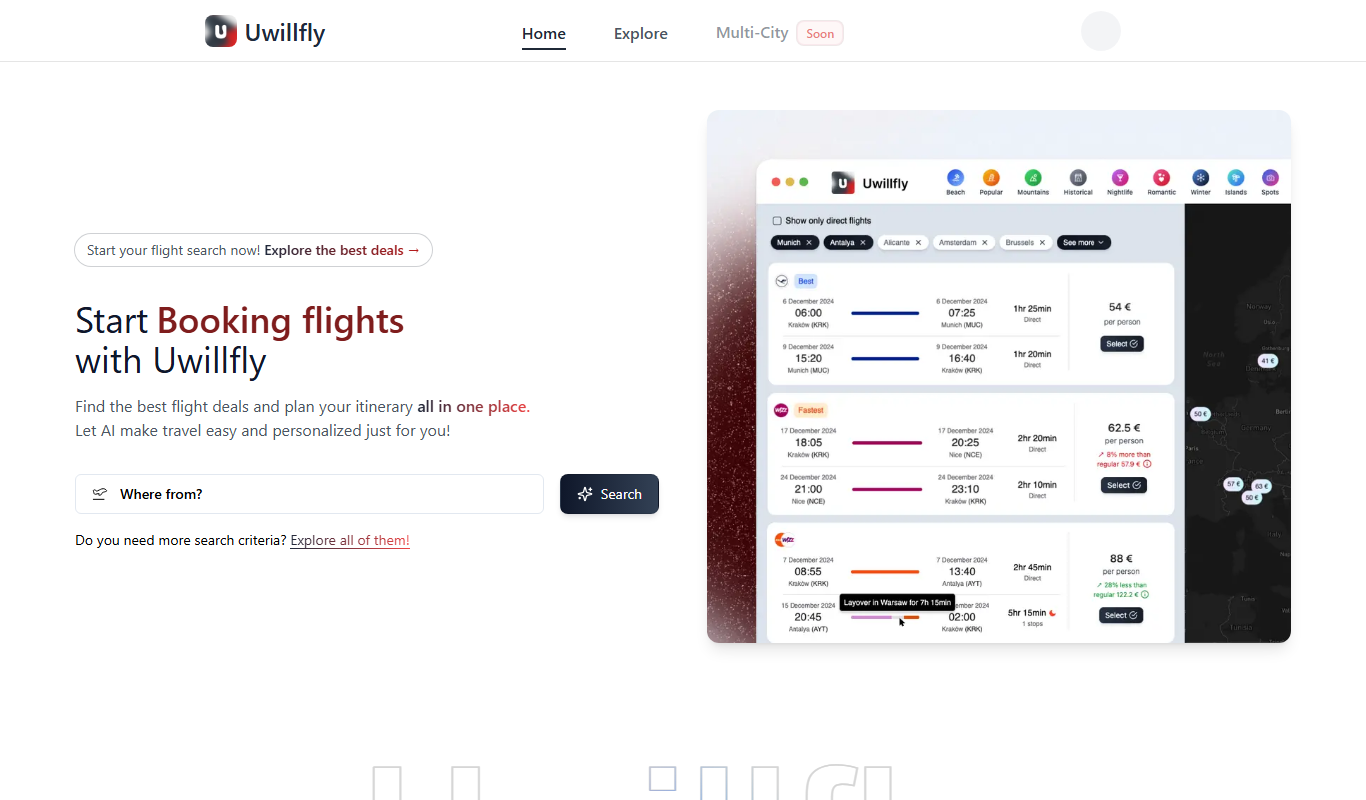
Uwillfly is an AI-powered writing assistant that generates SEO-optimized articles, marketing copy, and content in English and Chinese to help marketers and writers create content faster.

Freemium
Smart Pineapple
Smart Pineapple is an AI-powered writing assistant designed to generate SEO-friendly content, including blog posts and marketing copy, through an easy-to-use web platform.

Free Trial
yonderhq.com
YonderHQ is a web-based AI-powered platform that helps marketing teams plan, organize, and collaborate on content strategies efficiently with features like AI content ideation, content calendars, and task management.

Freemium
Explra
Explra is an AI-powered writing assistant designed to help marketers and content creators generate SEO-friendly content quickly and efficiently.

Free
AI Listify
AI Listify is an AI-driven tool that generates structured lists for content marketing, SEO, and idea organization, helping users create engaging and readable lists quickly.

Freemium
iSamurai
iSamurai is an AI-powered writing assistant that generates SEO-friendly content including blog posts and marketing copy to help businesses and creators save time and improve content quality.