

From my experience with AI Humanize AI, I found it particularly effective at transforming stiff or robotic text into a more natural, conversational style that feels authentic. The tool’s straightforward web interface makes it accessible even for users without technical expertise. It’s especially useful for marketers and content creators who want to improve engagement by humanizing AI-generated or formal writing. However, the tool currently supports only English and offers limited tone customization, which might restrict some advanced use cases. Overall, if you need a quick and easy way to make your text sound more human, AI Humanize AI delivers reliable results.
AI Humanize AI Review: Enhance Text with Natural Human-Like Tone
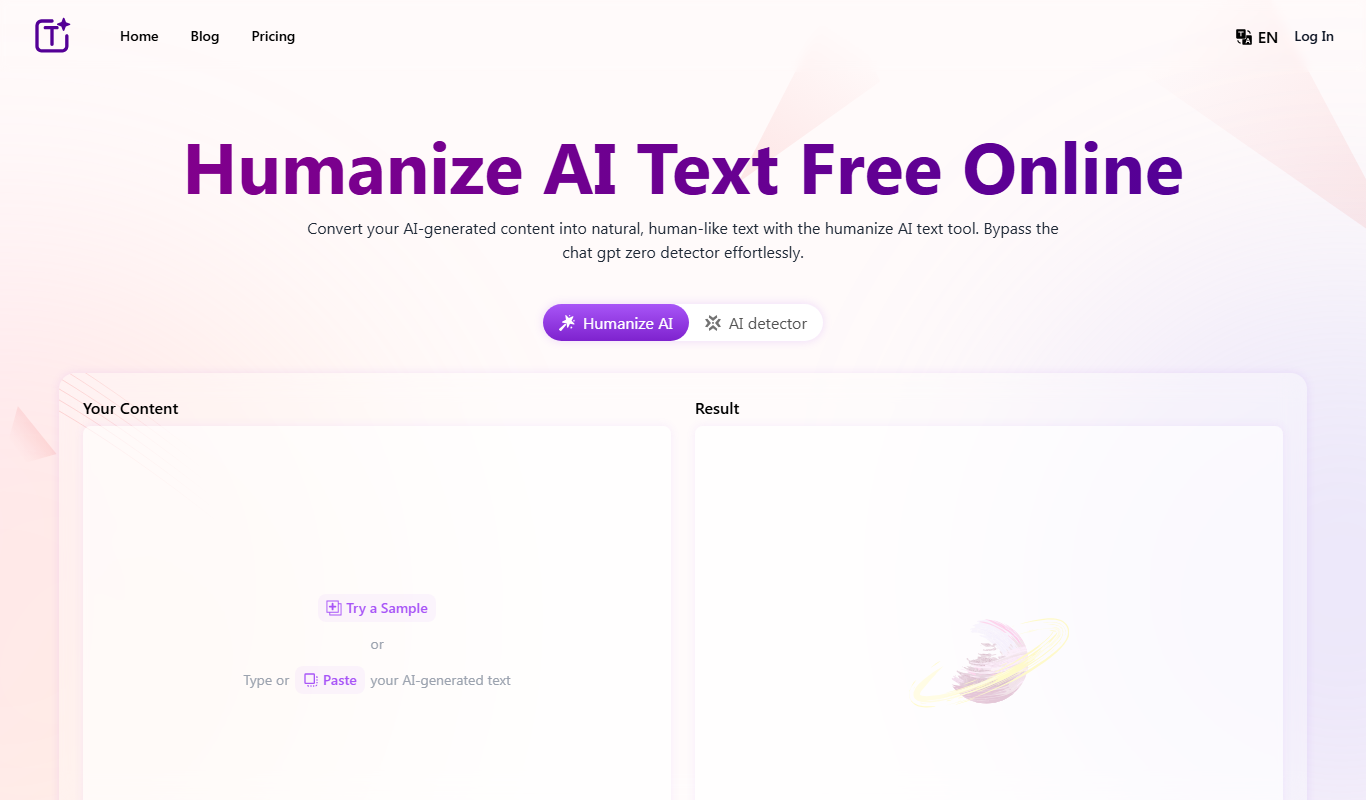
AI Humanize AI is a web-based tool that converts robotic or AI-generated text into natural, human-like language by adjusting tone and style to improve readability and engagement.
Your actions
Save AI Humanize AI, follow its updates and vote on it — everything stays in your account.
Sign in or create a free account

What is AI Humanize AI?
AI Humanize AI is an online tool designed to convert robotic, AI-generated, or overly formal text into natural, human-like language. It helps users make their writing sound more authentic and relatable by adjusting tone, style, and phrasing to better mimic human communication.
Key use cases for AI Humanize AI
Content Personalization
Transform robotic or overly formal text into a natural, conversational tone that resonates with readers.
Marketing Copy Improvement
Enhance marketing materials by making the language more engaging and relatable to target audiences.
Email Communication
Humanize automated or templated emails to improve recipient engagement and response rates.
Social Media Content
Make social media posts sound more authentic and less machine-generated to increase follower interaction.
How AI Humanize AI works
- 1
Input Text
Users paste or type the text they want to humanize into the web interface.
- 2
Select Preferences
Choose desired tone or style adjustments to tailor the output to specific needs.
- 3
Process Text
The AI processes the input and generates a more natural, human-like version of the text.
- 4
Review and Edit
Users review the output and can make further manual edits if needed before finalizing.
AI Humanize AI pricing
Free Trial
$0
Limited usage to test the tool's capabilities.
Pro
$19/month
Unlimited access with advanced features and priority support.
Plans and prices are as published by the vendor and can change. Check the official site before you buy. Open the pricing page (opens in a new tab)
Sign in to review this tool.
Sign In to ReviewNo reviews yet
Be the first to share how this tool worked for you.
Ask about pricing, limits, or how it compares — or answer someone else.
Sign In to AskNo questions yet
Have a question about using or paying for this tool? Be the first to ask.
Featured on TiorAI



More AI Text Editing Tools tools
Other tools in the same category, for when this one is not quite the fit.
Free
Humanize AI Text Free Online
Humanize.im is an AI text humanizer that converts AI-generated content into natural, human-like text, with a daily free usage quota and paid plans.

Free
AI Text Editor
AI Text Editor is an online writing assistant that uses AI to improve grammar, style, and tone, helping users create clearer and more polished text.