

From my experience with AdNabu 2.0, I found it excels at automating complex Google Ads campaign tasks like bid adjustments and budget allocation, which can otherwise be time-consuming. The platform’s AI-driven approach helps improve ROI by continuously optimizing ad performance and pausing ineffective ads. It’s particularly well-suited for small businesses and agencies managing multiple accounts who want to reduce manual PPC management. However, the tool is limited to Google Ads only and advanced features require a paid subscription. Overall, if you need a focused, easy-to-use Google Ads automation tool, AdNabu 2.0 delivers solid, practical results.
AdNabu 2.0 Google Ads Automation Tool for PPC Campaign Optimization
AdNabu 2.0 is a Google Ads automation tool that helps advertisers optimize PPC campaigns by automating bid adjustments, budget allocation, and ad copy testing to improve ROI and reduce manual management.
- Best for
- Google Ads Campaign Management
- Key capability
- Automated Bid Management
Your actions


Do you recommend this tool?
What is AdNabu 2.0?
AdNabu 2.0 is a Google Ads automation platform designed to simplify and enhance pay-per-click (PPC) campaign management. It leverages AI and automation to optimize bids, budgets, and ad creatives, helping advertisers improve their campaign ROI while reducing manual workload. The tool is especially useful for small to medium businesses and agencies managing multiple Google Ads accounts.
Key features of AdNabu 2.0
AdNabu 2.0 offers automated bid adjustments, budget optimization, ad copy testing, and detailed performance reporting. Its AI-driven engine continuously monitors campaigns to pause underperforming ads and scale successful ones, ensuring efficient ad spend and better conversion rates.
Automated Bid Management
Automatically adjusts bids to maximize conversions while controlling costs.
Ad Copy Testing
Runs A/B tests on ad copies to identify and promote the best performing ads.
Budget Optimization
Dynamically reallocates budgets to campaigns and ad groups that deliver better results.
Performance Alerts
Notifies users about underperforming ads and suggests actionable improvements.
Comprehensive Reporting
Provides detailed insights into campaign metrics and automation impact.
Pros and cons of AdNabu 2.0
Pros
- Simplifies complex Google Ads management with automation
- Improves campaign ROI through AI-driven optimizations
- User-friendly interface suitable for beginners and experts
- Supports multiple accounts for agencies
- Detailed reporting and actionable insights
Cons
- Limited to Google Ads platform only
- Advanced features require paid subscription
- No mobile app available
Key use cases for AdNabu 2.0
Google Ads Campaign Management
Automate and optimize Google Ads campaigns to improve ROI and reduce manual effort.
PPC Performance Optimization
Use AI-driven insights to adjust bids, pause underperforming ads, and enhance campaign performance.
Ad Copy Testing and Improvement
Automatically test multiple ad copies and identify the best performing ads for higher conversions.
Budget Management
Optimize daily and monthly budgets across campaigns to maximize ad spend efficiency.
Reporting and Analytics
Generate detailed reports on campaign performance with actionable recommendations.
How AdNabu 2.0 works
- 1
Connect Google Ads Account
Link your Google Ads account securely to AdNabu to allow data access and campaign management.
- 2
Set Campaign Goals
Define your campaign objectives such as conversions, clicks, or ROI targets.
- 3
Enable Automation
Activate automated bid and budget optimization along with ad copy testing features.
- 4
Monitor Performance
Review real-time analytics and reports to track campaign improvements and insights.
- 5
Adjust Settings as Needed
Fine-tune automation rules or pause campaigns manually based on performance data.
Who is using AdNabu 2.0
Small and medium businesses
Digital marketing agencies
E-commerce advertisers
Freelance PPC specialists
Startups managing Google Ads campaigns
AdNabu 2.0 pricing
Free Plan
$0/month
Basic automation features with limited campaigns and ads.
Pro Plan
$49/month
Full automation capabilities with higher limits and priority support.
Agency Plan
Custom pricing
Tailored solutions for agencies managing multiple clients and accounts.
Plans and prices are as published by the vendor and can change. Check the official site before you buy. Open the pricing page (opens in a new tab)
Frequently asked questions about AdNabu 2.0
Yes, it supports managing multiple Google Ads accounts from a single dashboard.
AdNabu offers a free plan with limited features to test the platform before upgrading.
Yes, users can manually pause or adjust automation settings whenever needed.
Currently, AdNabu focuses exclusively on Google Ads automation.
It depends on your specific needs and how you plan to use the tool. The official website and documentation are the best sources for the latest details.
It depends on your specific needs and how you plan to use the tool. The official website and documentation are the best sources for the latest details.
Pricing depends on the plan and included features. For the most accurate and up-to-date details, check the official pricing page.
Yes, it can help with that use case depending on how you configure it and what features are available. You’ll get the best results with clear inputs and a defined goal.
Sign in to review this tool.
Sign In to ReviewNo reviews yet
Be the first to share how this tool worked for you.
Ask about pricing, limits, or how it compares — or answer someone else.
Sign In to AskNo questions yet
Have a question about using or paying for this tool? Be the first to ask.
Featured on TiorAI



More Advertising Automation tools
Other tools in the same category, for when this one is not quite the fit.

Free Trial
Adbot – Your Search Ads Specialist
Adbot is an AI-driven platform that automates search ad campaign management, optimizing bids, keywords, and budgets to improve PPC performance.

Freemium
AdGen AI
AdGen AI is an AI-powered platform that automates the creation, optimization, and management of digital ads across multiple platforms, helping marketers generate effective ads and improve campaign performance.

Custom Pricing
AdSync: AI Digital Marketing Solutions
AdSync is an AI-driven digital marketing platform that automates campaign management, optimizes ad spend, and provides real-time analytics to improve advertising performance.

Free Trial
bidmatic.io
Bidmatic.io is an AI-driven platform that automates and optimizes Google Ads and Facebook Ads campaigns by managing bids and budgets in real time to improve advertising ROI.
Free Trial
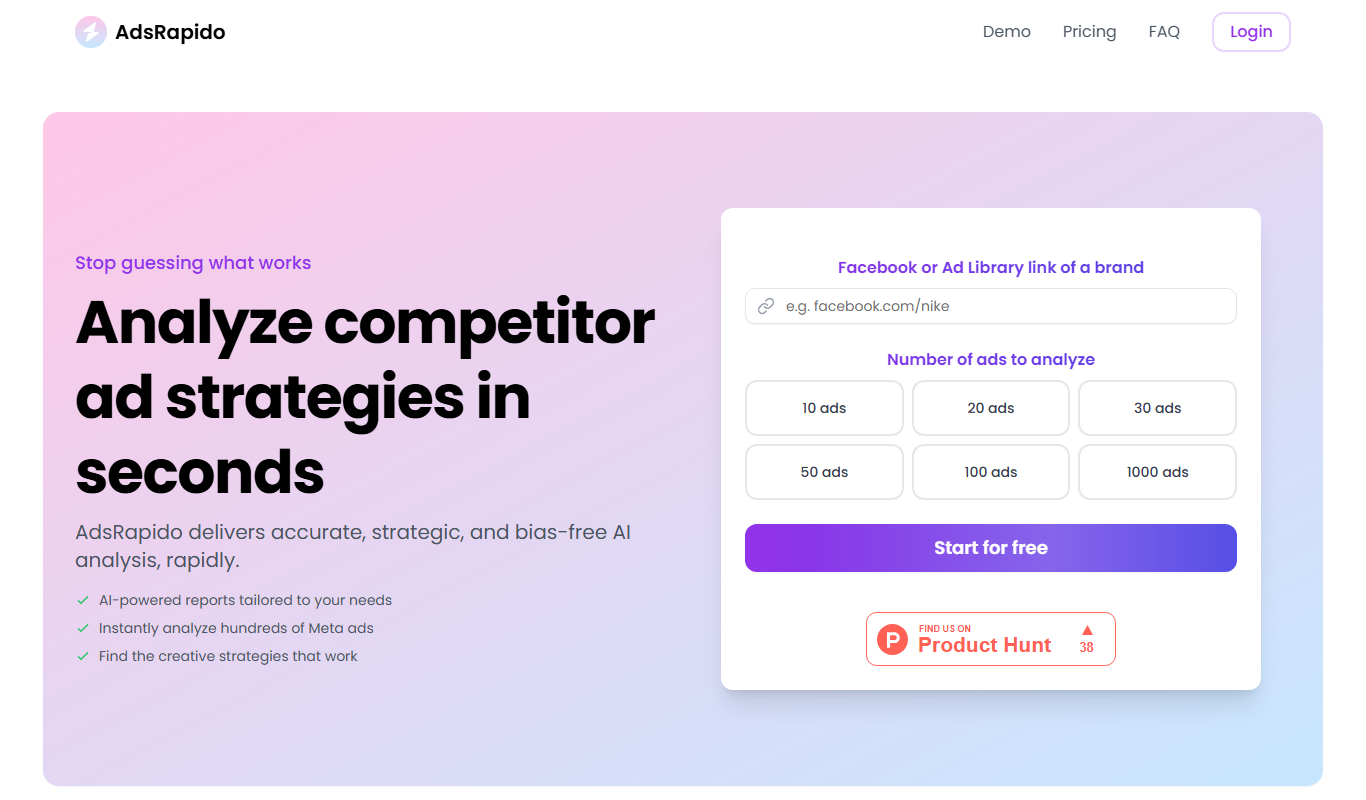
AdsRapido
AdsRapido is a web-based tool that automates Facebook ad campaign creation, management, and optimization to save time and improve advertising results.