

AcademicHelp Paraphraser Tool for Accurate Text Rewriting and Plagiarism Avoidance
AcademicHelp Paraphraser is a free web-based tool that helps users rewrite text to avoid plagiarism and improve clarity by generating alternative phrasing while preserving the original meaning.
- Best for
- Academic Writing
- Key capability
- Instant Paraphrasing
Save AHelp Paraphrasing Tool, follow its updates and vote on it — everything stays in your account.
Sign in or create a free account
What is AHelp Paraphrasing Tool?
AcademicHelp has rebranded as AHelp, and its paraphraser, now on ahelp.com, supports 9 languages.
Key features of AHelp Paraphrasing Tool
The tool offers instant paraphrasing with a user-friendly interface, supporting single or multiple sentences. It emphasizes preserving the original meaning, enhancing readability, and providing plagiarism-safe alternatives. Being web-based, it requires no installation and is accessible from any device with internet access.
Instant Paraphrasing
Generates rewritten text quickly without delays.
Meaning Preservation
Ensures the paraphrased output retains the original message.
User-Friendly Interface
Simple and clean design for easy text input and output review.
Free Access
No cost to use the paraphrasing tool with unlimited usage.
Pros and cons of AHelp Paraphrasing Tool
Pros
- Completely free with unlimited usage
- Easy to use with no registration required
- Preserves original meaning effectively
Cons
- Supports only English language
- Lacks advanced customization options
- No mobile app or offline version available
Key use cases for AHelp Paraphrasing Tool
Academic Writing
Helps students and researchers rephrase sentences and paragraphs to avoid plagiarism and improve clarity.
Content Creation
Assists writers in generating unique versions of existing text for blogs, articles, and reports.
Language Learning
Supports non-native English speakers in understanding and rewriting complex sentences more simply.
Proofreading and Editing
Offers alternative phrasing suggestions to enhance the style and flow of written content.
How AHelp Paraphrasing Tool works
- 1
Enter Text
Paste or type the text you want to paraphrase into the input box.
- 2
Start Paraphrasing
Click the paraphrase button to generate rewritten versions of the input text.
- 3
Review Output
Examine the paraphrased text and select the version that best fits your needs.
- 4
Copy or Edit
Copy the paraphrased content for use or make further manual edits if necessary.
Who is using AHelp Paraphrasing Tool
AHelp Paraphrasing Tool pricing
Free
$0
Unlimited access to paraphrasing features without subscription.
Plans and prices are as published by the vendor and can change. Check the official site before you buy. Open the pricing page (opens in a new tab)
Frequently asked questions about AHelp Paraphrasing Tool
Yes, the paraphrasing tool is completely free with no hidden charges.
Yes, it is designed to help students rephrase text to avoid plagiarism.
Yes. The tool works in 9 languages, including Spanish, German, French and Japanese.
No account or registration is required to use the paraphraser.
It depends on your specific needs and how you plan to use the tool. The official website and documentation are the best sources for the latest details.
Some tools offer a free plan or trial with limited features. Availability can vary, so confirm on the official website.
Yes, it can help with that use case depending on how you configure it and what features are available. You’ll get the best results with clear inputs and a defined goal.
Yes, it can help with that use case depending on how you configure it and what features are available. You’ll get the best results with clear inputs and a defined goal.
Conclusion
Text goes into an input box, a click on the paraphrase button returns rewritten versions, and the user picks one to copy or edit further. Output offers alternative phrasing while preserving the original meaning of the text. After the AcademicHelp rebrand to AHelp, the paraphraser sits on ahelp.com and works in 9 languages, including Spanish, German, French and Japanese.
It is designed for students and researchers who rephrase sentences and paragraphs to avoid plagiarism, and it also helps non-native English speakers rewrite complex sentences more simply. Use is free, and no account or registration is required.
Sources
Sign in to review this tool.
Sign In to ReviewNo reviews yet
Be the first to share how this tool worked for you.
Ask about pricing, limits, or how it compares — or answer someone else.
Sign In to AskNo questions yet
Have a question about using or paying for this tool? Be the first to ask.
Featured on TiorAI



More Academic Assistance tools
Other tools in the same category, for when this one is not quite the fit.
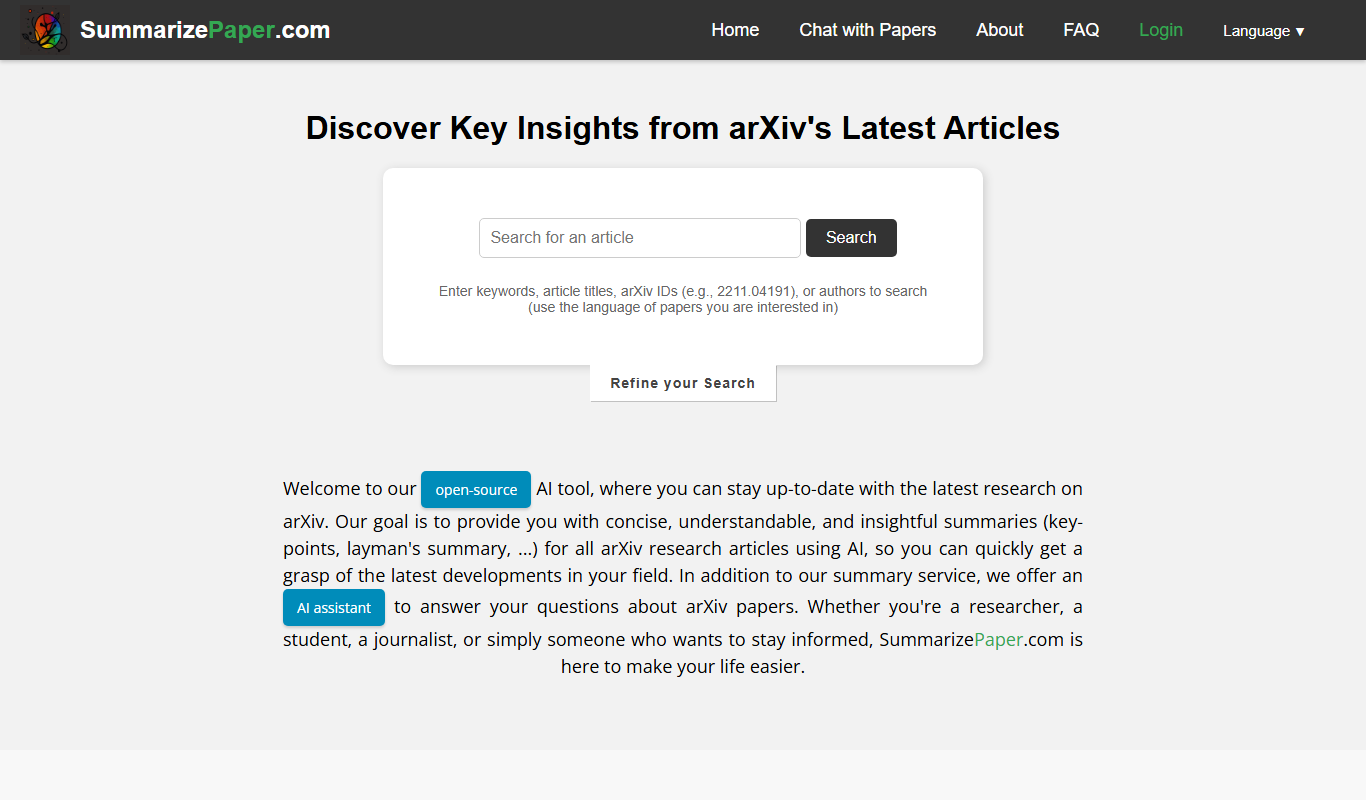
SummarizePaper
SummarizePaper is an AI-driven web tool that generates clear, concise summaries of academic papers to help users quickly understand research content.