

From my experience with A11YBoost, I found it excels at simplifying the complex process of web accessibility testing by automating scans and delivering clear, actionable reports. The platform’s continuous monitoring feature is particularly useful for teams aiming to maintain compliance as websites evolve. However, the tool currently supports only English and lacks a mobile app, which might limit accessibility for some users. Overall, if you need a reliable, developer-friendly solution to identify and fix accessibility issues efficiently, A11YBoost is a solid choice.
A11YBoost Accessibility Testing Tool for Web Compliance and Usability
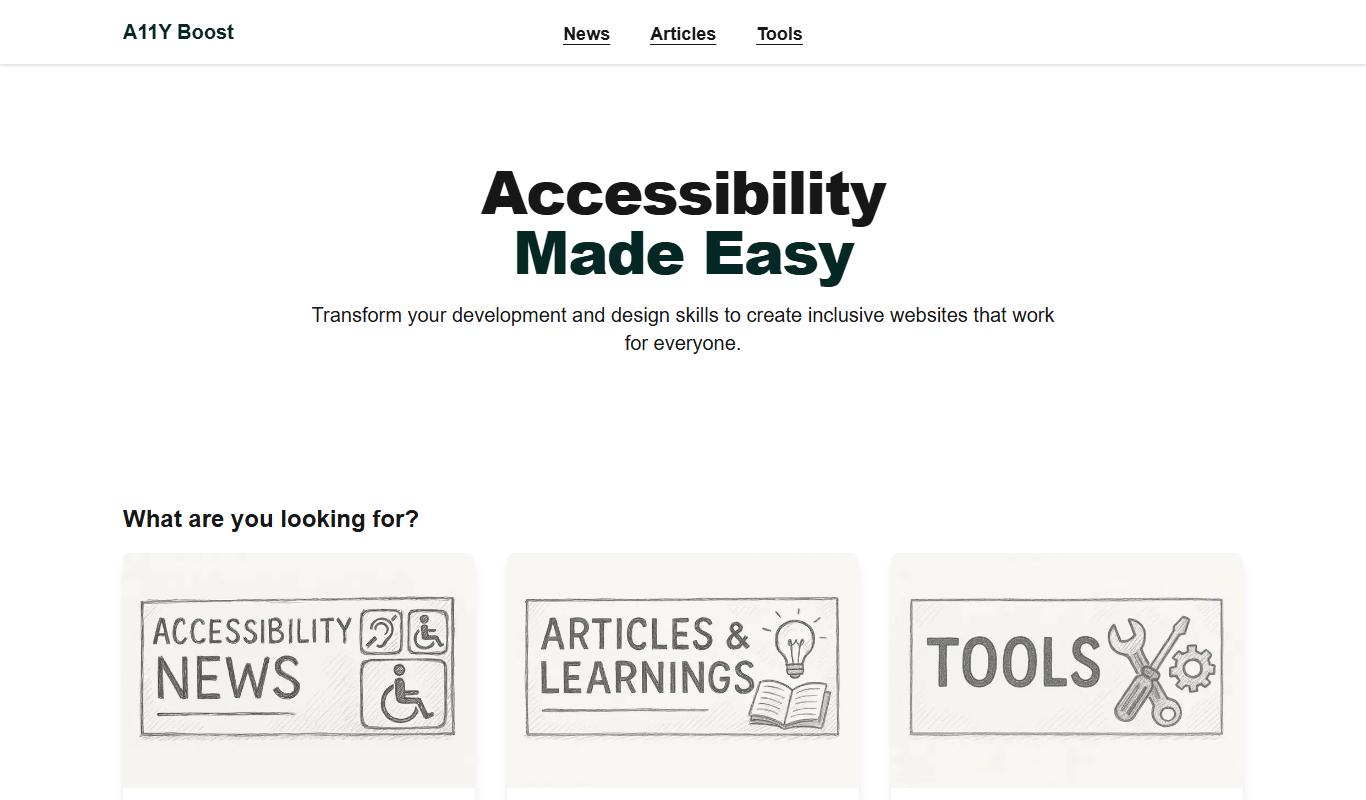
A11YBoost is a web-based tool that automates accessibility testing by scanning websites for WCAG compliance issues, generating detailed reports, and offering remediation guidance to improve web accessibility.
- Best for
- Automated Accessibility Audits
- Key capability
- Automated WCAG Compliance Checks
Do you recommend this tool?
What is A11YBoost?
A11YBoost is a web-based accessibility testing tool designed to help organizations ensure their websites meet accessibility standards such as WCAG. It automates the process of scanning web pages for accessibility issues, providing clear reports and actionable recommendations to improve compliance and user experience for people with disabilities.
Key features of A11YBoost
A11YBoost offers automated accessibility audits, detailed compliance reporting, continuous monitoring capabilities, and developer-friendly insights to streamline the remediation process and maintain accessible web content.
Automated WCAG Compliance Checks
Automatically detect accessibility violations based on WCAG 2.1 standards.
Detailed Issue Reporting
Provides comprehensive reports with issue descriptions, affected elements, and remediation advice.
Continuous Website Monitoring
Schedule regular scans to ensure ongoing accessibility compliance.
Developer-Friendly Insights
Offers actionable recommendations and code snippets to facilitate quick fixes.
User-Friendly Dashboard
Intuitive interface to manage scans, view reports, and track progress over time.
Pros and cons of A11YBoost
Pros
- Automates complex accessibility testing processes
- Clear, actionable reports for developers
- Supports continuous monitoring to maintain compliance
- User-friendly interface suitable for non-experts
Cons
- Limited language support (English only)
- No mobile app available
- Pricing may be high for small businesses
Key use cases for A11YBoost
Automated Accessibility Audits
Run automated scans on websites to identify accessibility issues based on WCAG standards.
Compliance Reporting
Generate detailed reports to demonstrate compliance with accessibility regulations.
Continuous Monitoring
Monitor websites regularly to catch new accessibility problems as content changes.
Developer Collaboration
Provide actionable insights and recommendations to developers for fixing accessibility barriers.
User Experience Improvement
Enhance usability for people with disabilities by identifying and resolving accessibility gaps.
How A11YBoost works
- 1
Sign Up
Create an account on the A11YBoost platform to access the dashboard.
- 2
Add Website URL
Enter the URL of the website or web page you want to test for accessibility.
- 3
Run Accessibility Scan
Initiate an automated scan that analyzes the site against WCAG and other accessibility guidelines.
- 4
Review Results
Examine the detailed report highlighting issues, severity, and suggested fixes.
- 5
Monitor and Remediate
Set up ongoing monitoring to track accessibility status and collaborate with developers to resolve issues.
Who is using A11YBoost
Web developers
Quality assurance teams
Digital accessibility consultants
Marketing agencies
Compliance officers
A11YBoost pricing
Free Trial
$0 for 14 days
Access full features for 14 days to evaluate the tool.
Professional
$49/month
Includes unlimited scans, detailed reports, and continuous monitoring.
Enterprise
Custom pricing
Tailored solutions with advanced features and dedicated support.
Plans and prices are as published by the vendor and can change. Check the official site before you buy. Open the pricing page (opens in a new tab)
Frequently asked questions about A11YBoost
A11YBoost primarily supports WCAG 2.1 guidelines and helps identify issues related to these standards.
Yes, depending on your subscription plan, you can add and monitor multiple websites.
Yes, the tool offers detailed recommendations and code examples to help fix accessibility issues.
Yes, A11YBoost offers a 14-day free trial with full access to features.
Yes, it can help with that use case depending on how you configure it and what features are available. You’ll get the best results with clear inputs and a defined goal.
It depends on your specific needs and how you plan to use the tool. The official website and documentation are the best sources for the latest details.
Some tools offer a free plan or trial with limited features. Availability can vary, so confirm on the official website.
Sign in to review this tool.
Sign In to ReviewNo reviews yet
Be the first to share how this tool worked for you.
Ask about pricing, limits, or how it compares — or answer someone else.
Sign In to AskNo questions yet
Have a question about using or paying for this tool? Be the first to ask.
Featured on TiorAI



Alternative Tools
Explore similar AI tools that might fit your needs

Freemium
axe Accessibility Scanner
axe Accessibility Scanner is an automated tool that helps developers detect and fix web accessibility issues to comply with standards like WCAG, available as a browser extension, API, and CLI.

Free
Siteimprove Accessibility Checker
Siteimprove Accessibility Checker is a tool that automates website accessibility audits to help organizations comply with WCAG and ADA standards by identifying and reporting accessibility issues.
More AI Report Writing Tools tools
Other tools in the same category, for when this one is not quite the fit.

Free Trial
GLOZO
GLOZO is an AI-powered chatbot platform that automates customer interactions with multilingual support and customizable workflows, ideal for businesses seeking to enhance customer service and engagement.

Freemium
Market Research powered by AI Simulation
Market Research powered by AI Simulation by Personalive AI uses artificial intelligence to simulate consumer behavior and market scenarios, helping businesses gain actionable insights without traditional surveys.

Free
Stackadvice.app
Stackadvice.app is a free AI-powered web tool that recommends optimal technology stacks for software projects based on user inputs about project requirements.

Free
ReportPDF
ReportPDF is a web-based tool that enables users to create customized PDF reports by uploading data and using templates, ideal for business reporting and data visualization.

Free Trial
Teachers Report Writer
Teachers Report Writer is a web-based tool that helps teachers generate personalized student reports efficiently using customizable comment banks and templates.