

2 Weeks AI free beginner course on using AI
2 Weeks AI is a free, beginner-friendly 14-day course by Buzz Usborne that guides AI newcomers step by step to using AI confidently in daily life.
- Best for
- Learning AI from scratch
- Key capability
- 14 bite-sized lessons
Save 2 Weeks AI, follow its updates and vote on it — everything stays in your account.
Sign in or create a free account
What is 2 Weeks AI?
2 Weeks AI is a free 14-day online course that teaches beginners how to use AI in daily life. Written by Buzz Usborne, it offers one short lesson per day, from installing ChatGPT and writing prompts to using images, planning, writing and fact-checking, with try-it prompts to paste into an AI app.
Key features of 2 Weeks AI
2 Weeks AI offers 14 daily lessons that build from beginner to advanced, try-it prompts copied to your clipboard for ChatGPT, private progress tracking with Mark as complete, an installable home-screen app and a daily prompt unlocked after the final lesson.
14 bite-sized lessons
Simple daily lessons that guide you step by step from complete beginner to confidently using AI.
Try-it prompts
Tap Try to copy a suggested prompt to your clipboard and paste it into ChatGPT.
Private progress
Mark lessons as complete; your progress is private, just for you.
Installable as an app
Add the site to your home screen with a bookmark option in your browser.
Daily Prompt reward
Completing all lessons unlocks a daily prompt to keep your AI skills sharp.
Pros and cons of 2 Weeks AI
Pros
- Completely free, supported by optional donations
- No tech skills required
- Everything in the course works with the free version of the AI app
- Progress is private and lessons can be taken at your own pace
Cons
- A course, not an AI tool: you use your own AI app such as ChatGPT
- Some content may require manual editing for tone and accuracy
Key use cases for 2 Weeks AI
Learning AI from scratch
For people who have heard about AI but never used it.
Going beyond the basics
For people who have dabbled in AI but only scratched the surface.
Writing better prompts
Learn what prompts are and when to use AI instead of a search engine.
Using AI in daily life
Lessons on planning, decision making, writing, learning and fact-checking with AI.
How 2 Weeks AI works
- 1
Open the course
Start with the welcome lesson; no tech skills required.
- 2
Install an AI app
The course uses ChatGPT, though you can bring your own tool.
- 3
Follow a lesson each day
Lessons build on each other; move at your own pace, revisit topics or skip ahead.
- 4
Try the prompts
Tap Try to copy each prompt and paste it into ChatGPT.
- 5
Mark as complete
Mark each lesson as complete; finishing all lessons unlocks a special reward.
Who is using 2 Weeks AI
2 Weeks AI pricing
Free
Free
The full course is free; optional donations of a coffee help keep it online.
Pro
$29/month
Unlimited content generation with advanced features and priority support.
Plans and prices are as published by the vendor and can change. Check the official site before you buy. Open the pricing page (opens in a new tab)
Frequently asked questions about 2 Weeks AI
A free crash course for total beginners and a power-up for enthusiasts, with simple bite-sized lessons over two weeks.
It was created and written by Buzz Usborne, originally as a private course for his dad’s 75th birthday.
Yes. Readers who find it useful can donate a coffee to help keep it online.
ChatGPT, although you are welcome to bring your own tool.
No. No tech skills are required, just a sense of curiosity.
You mark each lesson as complete, and your progress is private, just for you.
Completing all lessons unlocks a Daily Prompt to keep your AI skills sharp.
Conclusion
14 bite-sized daily lessons make up 2 Weeks AI, a free course that guides total beginners step by step to using AI confidently in daily life. It starts with installing an AI app and writing prompts, then moves through images, planning, decision making, writing and fact-checking as the lessons increase in complexity. Each lesson offers try-it prompts that copy to the clipboard for pasting into ChatGPT, and everything works with the free version.
Buzz Usborne wrote it for people who have heard about AI but never used it, as well as those who have only scratched the surface, from students to retirees. Progress is private, learners can move at their own pace, and finishing every lesson brings a daily prompt to keep skills sharp. Instead of paid plans, readers who find it useful are asked to consider donating a coffee to help keep it online.
Sources
Sign in to review this tool.
Sign In to ReviewNo reviews yet
Be the first to share how this tool worked for you.
Ask about pricing, limits, or how it compares — or answer someone else.
Sign In to AskNo questions yet
Have a question about using or paying for this tool? Be the first to ask.
Featured on TiorAI



More AI Education & Learning Tools tools
Other tools in the same category, for when this one is not quite the fit.

plat.ai
plat.ai is a comprehensive AI development platform that enables users to build, train, deploy, and manage custom machine learning models with scalable infrastructure and API integration.

Quino
Quino is the LMS that marks every exam: courses, lessons, online exams and diplomas, with AI that marks handwritten answers in seconds and writes tests from your notes.

MockTok
MockTok is an AI mock interview app with 50+ interactive questions, follow-up questions, job post analysis, multi-stage interviews, feedback and AI extracted cases.

ModelBench AI
ModelBench compares 180+ models side by side in an interactive playground and turns experiments into testable prompts that run as benchmarks at scale.
Mapify
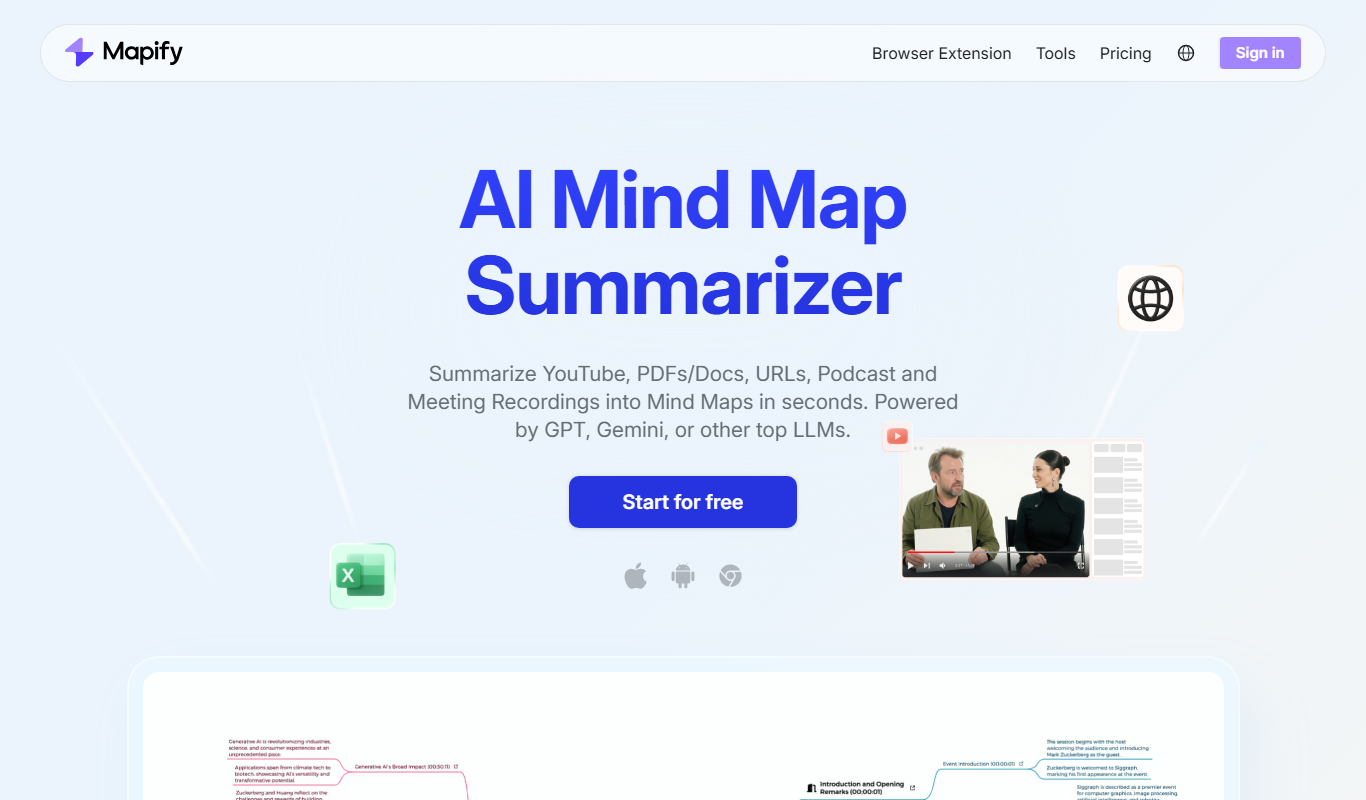
Mapify is an AI mind map summarizer that turns PDFs, YouTube videos, webpages and recordings into structured mind maps.

Heuristica
Heuristica is an AI learning platform that creates concept maps, flashcards, quizzes, summaries and study notes from PDFs, YouTube videos and websites.

Textomap 2.0
Textomap turns text, images, AI prompts, CSV files and URLs into interactive maps of the locations they mention, ready to share or embed.
LexiGym
LexiGym is a personal vocabulary trainer app for exploring multiple languages offline, with free access to all trainings.