

QR Code Generator
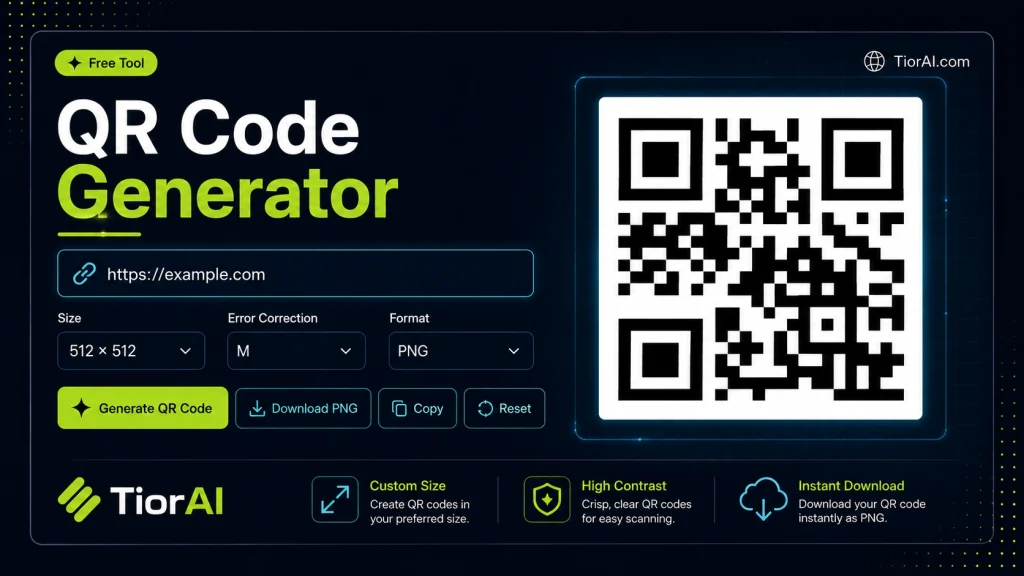
Create custom QR codes for URLs, text, WiFi, email, and more with our free QR code generator. Download high-resolution QR codes in PNG and SVG formats for business cards, marketing, and sharing.
How to use it
- Configure Settings Set your preferences and parameters in the Qr Code Generator. Customize the output to match your specific requirements.
- Generate Output Click generate to create your result. The tool processes your settings and produces output instantly.
- Copy or Download Review the generated output, then copy it to your clipboard or download it for immediate use.
Tip The Qr Code Generator creates production-ready output — no manual cleanup needed before using the results.
What is a QR Code?
A QR code (Quick Response code) is a type of two-dimensional barcode that stores information in a matrix of black and white squares. Unlike traditional barcodes, QR codes can hold a variety of data types such as URLs, text, contact details, or Wi-Fi credentials. They are designed to be quickly scanned by smartphones or dedicated readers, enabling instant access to the encoded information.
Why Generate QR Codes?
Generating a QR code converts readable data into a machine-readable format that can be scanned easily. This is useful for sharing information quickly without typing or copying. Businesses use QR codes for marketing campaigns, product packaging, event tickets, and digital payments. Individuals might use them to share contact info or Wi-Fi passwords.
How QR Code Generation Works
QR code generation involves encoding the input data into a pattern of squares following a standardized algorithm. Error correction is built-in, allowing the code to be partially damaged but still readable. The generated QR code image can then be downloaded or embedded in digital or print media.
Understanding QR Codes
QR codes are square-shaped barcodes that store data in a pattern readable by cameras and scanners. They are widely used because they can hold more information than traditional barcodes and can be scanned quickly by smartphones. The data encoded can be anything from a website link to contact details or Wi-Fi credentials.
When to Use a QR Code Generator
- When you want to share a URL without requiring users to type it manually.
- To provide contact information on printed materials like business cards.
- For digital menus or event information accessible via scanning.
- To allow guests to connect to Wi-Fi networks easily without sharing passwords verbally.
Common Mistakes to Avoid
- Trying to encode too much information, which makes the QR code complex and difficult to scan.
- Using colors or backgrounds that reduce contrast, causing scanning failures.
Generating a QR code involves converting your input data into a standardized pattern that scanners can interpret. The process includes error correction to ensure the code remains readable even if partially damaged. Proper use of QR codes can streamline information sharing in many real-world scenarios.
Frequently asked questions
Reviews and questions
Whether this tool gave people the answer they needed, and what they asked about it.
Sign in to review this tool.
Sign In to ReviewNo reviews yet
Be the first to say whether this tool gave you what you needed.
Ask how to read the result, or what the tool does with an edge case — or answer someone else.
Sign In to AskNo questions yet
Not sure how to read a result? Be the first to ask.
AI tools related to this topic
Tools from the TiorAI directory that work on the same kind of job.

OC Maker: Create and Animate Your OCs
OC Maker is a free web-based tool that lets users create and animate original characters with customizable features and simple animations, ideal for artists, gamers, and storytellers.

AI Course Creator – AcademyOcean
AcademyOcean's AI Course Creator is a web platform that uses AI to automate the creation of online courses, helping educators and trainers quickly generate structured content, customize lessons, and manage learner progress.

AI Cover Letter Creator
AI Cover Letter Creator is an online tool that uses artificial intelligence to generate customized cover letters based on your job details and skills, helping you apply faster and more effectively.

AI Tattoo Creator
AI Tattoo Creator is a web-based tool that uses artificial intelligence to generate custom tattoo designs based on user input, offering multiple styles and easy downloads.