Runway vs Stable Video: Best AI Video Generator in 2026?
We compared Runway and Stable Video on video quality, prompt control, pricing, and ease of use for creators.
- Category
- AI Content Creation Tools
- Format
- Head-to-head
- Updated
- April 6, 2026


How they compare
| Feature |
Runway
|
Stable Video
|
|---|---|---|
| Made by | Runway AI, Inc. | Stability AI |
| Category | AI Animated Video AI Video Generator Video & Animation Video To Video | AI Content Creation Tools AI Ugc Video Generator AI Video Creation Tools |
| Pricing model | Free Pay As You Go Subscription | Free Subscription |
| Platforms | API Web | Web |
| Built with | JavaScript Python React TensorFlow | Python PyTorch TensorFlow |
| Languages | English | English |
| Based in | United States | United Kingdom |
Greyed rows are the same for both tools.
What each one is
Runway
Runway is a cloud-based AI platform that provides creators and developers with advanced tools for video editing, image generation, and multimedia content creation. It leverages state-of-the-art machine learning models to simplify complex creative tasks such as rotoscoping, background removal, style transfer, and text-to-image synthesis. Runway’s platform is designed to be accessible to both technical users and creative professionals, offering an intuitive interface alongside powerful APIs.
Stable Video
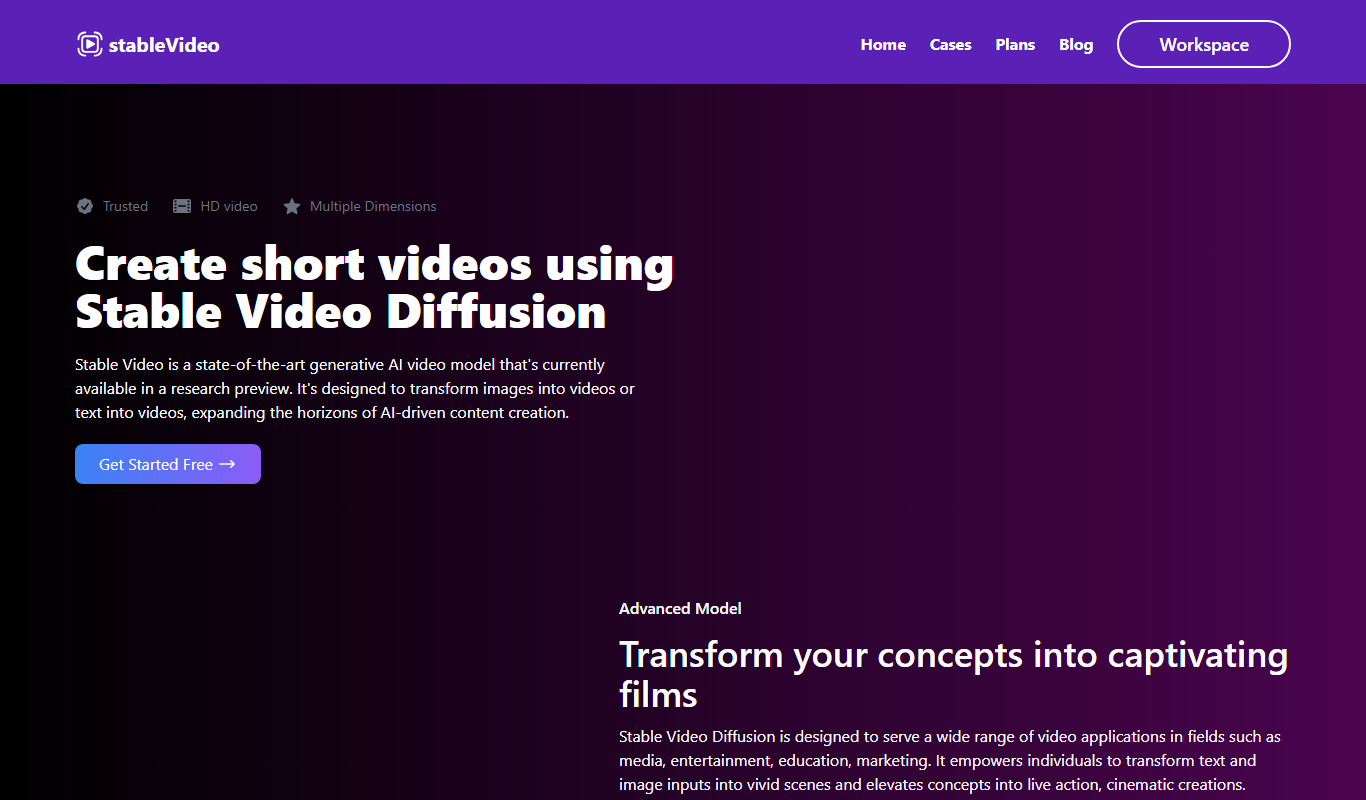
Stable Video is an AI-powered video generation and editing platform developed by Stability AI. It leverages advanced machine learning models to create, edit, and enhance videos with minimal manual input. Users can generate high-quality video content from text prompts or improve existing footage using AI-driven tools designed to streamline video production workflows.
Key features
Runway
-
AI Video Editing
Automate complex video editing tasks such as background removal, object tracking, and rotoscoping.
-
Text-to-Image Generation
Generate high-quality images from descriptive text prompts using advanced AI models.
-
Real-time Collaboration
Work simultaneously with team members on projects within the cloud-based platform.
-
API Access
Integrate Runway’s AI models into custom applications and workflows via a developer-friendly API.
-
Extensive Model Library
Access a wide range of pre-trained AI models for various creative and technical applications.
Stable Video
-
Text-to-Video Generation
Create videos directly from descriptive text prompts using AI synthesis.
-
AI Video Editing Tools
Apply AI-powered enhancements and effects to existing video footage.
-
Style Transfer and Customization
Modify video aesthetics by applying different artistic styles and visual themes.
-
High-Resolution Output
Produce videos in high definition suitable for professional use.
Pricing
Plans as published by each vendor. Check the vendor site before buying — pricing changes.
Runway
Free $0/month
Access to basic AI tools with limited usage and export options.
Standard $15/month
Enhanced features, higher usage limits, and priority support.
Pro $35/month
Tailored solutions with dedicated support and advanced API access.
Unlimited $95/month
Stable Video
Free $0/month
Access to basic video generation features with limited usage and standard resolution.
Pro $29/month
Enhanced features including higher resolution, faster processing, and priority support.
Strengths and trade-offs
Runway
Strengths
- User-friendly interface accessible to non-technical users
- Wide range of AI models for diverse creative needs
- Real-time collaboration capabilities
- API access for developers to build custom workflows
- Cloud-based platform requiring no local installation
Trade-offs
- Pricing may be high for casual users
- Some advanced features require technical knowledge
- Dependent on internet connection for cloud access
Stable Video
Strengths
- User-friendly interface for quick video creation
- Supports text-to-video generation for creative flexibility
- High-quality video output options
- AI-powered editing tools streamline post-production
Trade-offs
- Limited language support (English only)
- Web-only platform without mobile apps
- Free tier has usage and resolution restrictions
Who it is for
Runway
- Video editors and filmmakers
- Graphic designers and digital artists
- Content creators and social media managers
- Software developers integrating AI models
- Marketing teams producing multimedia content
Stable Video
- Content creators and marketers
- Social media managers
- Video production professionals
- Educators and trainers
- Small businesses seeking video content
What people use it for
Runway
-
Video Editing and Effects
Use AI-powered tools to edit videos, add effects, and generate new video content with minimal manual effort.
-
Image Generation and Manipulation
Create images from text prompts or modify existing images using AI models for creative projects.
-
Creative Content Production
Enable artists, designers, and creators to produce unique multimedia content leveraging AI capabilities.
-
Machine Learning Model Integration
Developers can integrate Runway’s AI models into their own applications via API for custom workflows.
-
Real-time Collaboration
Teams can collaborate on creative projects in real-time using Runway’s cloud-based platform.
Stable Video
-
Creative Video Content Production
Generate unique and high-quality videos for marketing, social media, and entertainment using AI-driven synthesis.
-
Video Editing and Enhancement
Enhance existing videos or create new clips with AI-assisted editing tools to improve visual quality and effects.
-
Rapid Prototyping for Video Projects
Quickly produce video drafts or concepts to visualize ideas without extensive manual editing.
-
Educational and Training Videos
Create engaging instructional videos with AI-generated visuals to support learning and presentations.
Getting started
Runway
Create an Account
Sign up on Runway’s website to access the platform and start using AI tools.
Choose a Model or Tool
Select from a variety of pre-trained AI models for video editing, image generation, or other creative tasks.
Upload or Input Data
Upload your video or image files, or input text prompts to generate new content.
Apply AI Effects
Use the selected AI models to edit, generate, or enhance your media in real-time.
Export and Share
Download your finished content or share it directly from the platform.
Stable Video
Create an Account
Sign up on the Stable Video website to access the platform's video generation tools.
Input Video Parameters
Provide text prompts or upload existing videos to guide the AI in generating or editing content.
Customize Settings
Adjust style, length, and quality parameters to tailor the output to your needs.
Generate or Edit Video
Initiate the AI processing to create new videos or enhance existing ones.
Download and Share
Review the generated video, make any necessary adjustments, then download or share your content.
Common questions
Yes, Runway’s interface is designed for creatives with no coding experience, while also offering APIs for developers.
Yes, Stable Video allows users to create videos by inputting descriptive text prompts.
Runway provides models for video editing, image generation, style transfer, object detection, and more.
The platform supports standard and high-definition video outputs, with higher resolutions available on paid plans.
Runway offers a free tier with limited access so users can try out the platform before subscribing.
Stable Video offers a free tier with limited features to try the service before subscribing.
Yes, Runway supports real-time collaboration for teams working on creative projects.
Yes, the platform includes AI-assisted video editing tools to enhance and modify your videos.
More comparisons with these tools

Sora vs Runway: Which Handles Long-Form Video Better?
We compared Sora and Runway on long-form video quality, chapter control, voiceover sync, and pricing.
-
D-Id vs Runway: Enterprise Features, API & Team Plans
Compare D-ID and Runway on enterprise features, API access, team collaboration, compliance, and pricing.
- D-ID: $5.9/month Starts at Runway: $15/month
- D-ID: 2 Platforms Runway: 2
-
Capcut AI vs Runway: For Content Creators: Quality & Speed
CapCut AI or Runway for content creation? Compare video quality, generation speed, editing tools, and pricing.
- CapCut AI: $9.99/month Starts at Runway: $15/month
- CapCut AI: 4 Platforms Runway: 2
-
veed.io vs Runway: Free Tier, Export Options & Resolution
Veed.io vs Runway — compare free plan limits, export quality, resolution options, watermarks, and pricing tiers.
- Veed.io: $18/month Starts at Runway: $15/month
- Veed.io: 1 Platforms Runway: 2
-
Invideo AI vs Runway: For Marketing Videos & Social Media
InVideo AI or Runway for marketing? Compare video quality, template variety, social media formats, and pricing.
- InVideo AI: $25/month Starts at Runway: $15/month
- InVideo AI: 2 Platforms Runway: 2
Kaiber AI vs Runway: Which Handles Long-Form Video Better?
We compared Kaiber AI and Runway on long-form video quality, chapter control, voiceover sync, and pricing.