DeepSeek vs Perplexity: Free vs Paid — What Do You Actually Get?
Compare the free and paid tiers of DeepSeek and Perplexity — features, usage limits, model access, and value.
- Category
- Office & Productivity
- Format
- Head-to-head
- Updated
- April 2, 2026


How they compare
| Feature |
DeepSeek
|
Perplexity AI
|
|---|---|---|
| Made by | Hangzhou DeepSeek Artificial Intelligence Co., Ltd. | Perplexity AI Inc. |
| Category | AI Research AI Search Engine Keyword Research Office & Productivity | AI Research Assistant AI Search Engine |
| Pricing model | Free Trial Subscription | Freemium |
| Platforms | API Web | Android API iOS Web |
| Built with | JavaScript Machine Learning Natural Language Processing Python | Bing search API Claude 3.5 GPT-4o Sonar model |
| Languages | English | Chinese English French German +3 more |
| Based in | China | United States |
What each one is
DeepSeek
DeepSeek is an AI-powered semantic search platform designed to help users find precise information within large volumes of documents and data. Unlike traditional keyword-based search, DeepSeek uses natural language processing and machine learning to understand the intent behind queries, delivering more relevant and context-aware results. It is ideal for enterprises, researchers, and developers who need to explore complex data efficiently.
Perplexity AI
Perplexity AI is an AI-powered answer engine that combines large language models with real-time web search to deliver accurate, sourced answers. Founded in 2022 by Aravind Srinivas (former OpenAI researcher), it has grown to 185M+ monthly visits with a 22.4% growth rate — one of the fastest-growing AI tools globally.
Unlike ChatGPT, Perplexity always cites its sources, making it ideal for research and fact-checking. Pro users can switch between GPT-4o, Claude 3.5 Sonnet, and Perplexity's own Sonar model.
Key features
DeepSeek
-
Semantic Search
Delivers search results based on the meaning and context of queries, not just keywords.
-
Natural Language Processing
Understands complex queries phrased in everyday language.
-
API Access
Allows developers to integrate DeepSeek’s search capabilities into custom applications.
-
Scalable Document Indexing
Supports indexing of large volumes of documents and diverse file types.
Perplexity AI
-
Real-Time Web Search
Every answer draws from live web data ensuring information is always current.
-
Source Citations
All responses include clickable numbered citations linking to original sources.
-
Multi-Model AI
Pro users switch between GPT-4o, Claude 3.5, Sonar Large, and Gemini.
-
Spaces Research Projects
Create persistent research workspaces that remember context across sessions.
-
Pro Search
Deep multi-step research mode breaking complex questions into sub-queries.
-
Discover Feed
Browse AI-summarized trending news organized by category.
Pricing
Plans as published by each vendor. Check the vendor site before buying — pricing changes.
DeepSeek
Free Chat $0/month (unlimited chat)
Access to core features with limited document indexing and search queries.
API Pay-as-you-go From $0.07/1M input tokens (API)
Expanded indexing limits, API access, and priority support.
Perplexity AI
Free $0/month
Unlimited standard searches, limited Pro Searches, Sonar model.
Perplexity Pro $20/month
GPT-4o, Claude 3.5, unlimited Pro Searches, image generation, file uploads, Spaces.
Enterprise Pro Custom
SSO, admin controls, team management, data privacy, dedicated support.
Strengths and trade-offs
DeepSeek
Strengths
- Highly accurate semantic search results
- Easy integration via API
- Supports large-scale document indexing
- Improves knowledge discovery within organizations
Trade-offs
- Limited language support beyond English
- Pricing may be high for small businesses
- No dedicated mobile app currently
Perplexity AI
Strengths
- Real-time web access with every search — always current
- Every answer includes clickable source citations
- Multiple AI models in Pro
- Clean fast interface with no ads
- Spaces for organized research projects
Trade-offs
- Pro Search has daily limits on free tier
- Not ideal for creative tasks like writing or coding
- Response length shorter than dedicated chat AI tools
- Occasionally surfaces low-quality web sources
Who it is for
DeepSeek
- Enterprise knowledge managers
- Research professionals
- Software developers
- Data analysts
- Business intelligence teams
Perplexity AI
- Researchers and academics
- Journalists and fact-checkers
- Students and educators
- Business intelligence analysts
- Developers and technical users
- Medical and legal professionals
What people use it for
DeepSeek
-
Enterprise Document Search
Enable organizations to quickly find relevant information across large document repositories using AI-powered semantic search.
-
Data Exploration
Facilitate deep exploration of complex datasets by understanding natural language queries and returning precise results.
-
Knowledge Management
Improve knowledge sharing within teams by indexing and searching internal documents, manuals, and reports efficiently.
-
Developer Integration
Provide APIs for developers to embed advanced AI search capabilities into their own applications and workflows.
Perplexity AI
-
Real-Time Research
Get up-to-date answers on breaking news, market data, and recent developments with citations.
-
Fact-Checking
Verify claims with AI responses that link directly to primary sources.
-
Academic Research
Research academic topics with synthesized answers from authoritative sources.
-
News Monitoring
Monitor industry news and competitive developments with daily AI summaries.
-
Technical Q&A
Get accurate technical answers for coding, science, and engineering with sources.
-
Competitive Intelligence
Research competitors, market trends, and industry insights with cited web intelligence.
Getting started
DeepSeek
Upload Documents or Connect Data Sources
Users upload files or connect DeepSeek to their data repositories for indexing.
AI-Powered Indexing
DeepSeek processes and indexes the content using natural language understanding.
Enter Natural Language Queries
Users input questions or keywords in natural language to search the indexed data.
Receive Contextual Search Results
The platform returns relevant results ranked by semantic relevance rather than keyword frequency.
Perplexity AI
Visit perplexity.ai
Access Perplexity free at perplexity.ai — no account required for basic searches.
Enter Your Question
Type any question naturally. Perplexity searches the web in real-time and synthesizes an answer.
Review Cited Answer
Read the comprehensive response with numbered source citations you can click to verify.
Explore Follow-Ups
Use suggested follow-up questions or ask your own to drill deeper into the topic.
Use Pro for Deep Research
Upgrade to Pro for GPT-4o, unlimited Pro Searches, file uploads, and Spaces.
Common questions
DeepSeek supports a wide range of document formats including PDFs, Word documents, spreadsheets, and plain text files.
Yes, Perplexity has a free tier. Pro is $20/month adding GPT-4o, unlimited Pro Searches, and file uploads.
Yes, DeepSeek provides API access for seamless integration with your software and workflows.
Google returns links. Perplexity synthesizes multiple sources into one cited answer.
Limits depend on your subscription plan, with higher tiers allowing larger volumes.
Yes, every response includes numbered citations linking to original sources.
Currently, DeepSeek primarily supports English language documents and queries.
Perplexity Pro supports GPT-4o, Claude 3.5 Sonnet, Sonar Large, and Gemini.
Explore alternatives
Other tools that do a similar job, picked on each tool’s own profile.
 Free
FreeAlgolia
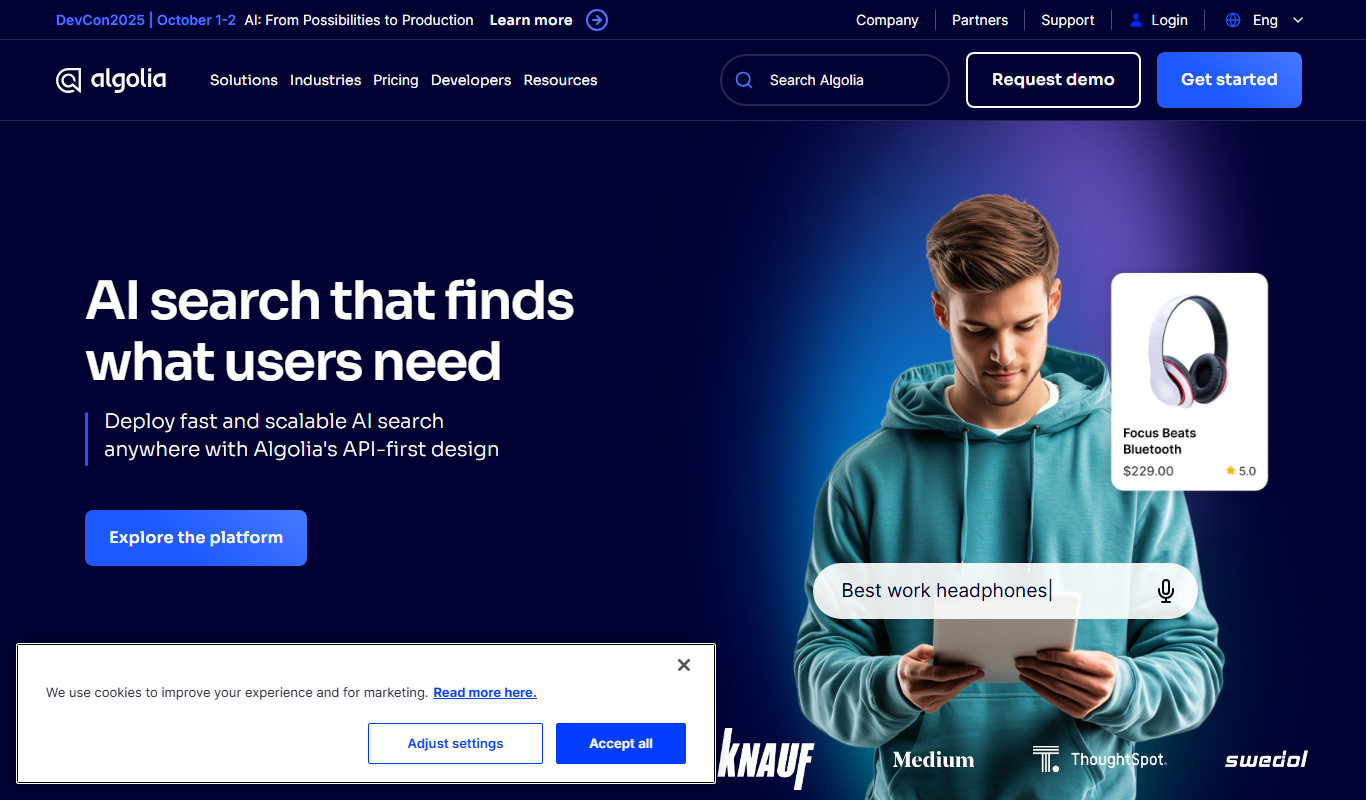
Algolia is a hosted search API platform that provides instant, relevant, and typo-tolerant search experiences for websites and applications through easy-to-use APIs and SDKs.
- Enterprise
ElasticSearch
ElasticSearch is a distributed, RESTful search and analytics engine designed for real-time data indexing, full-text search, and scalable analytics across large datasets.
- Custom Pricing
Coveo
Coveo is an AI-driven enterprise search and personalization platform that improves content discovery and customer experience by delivering relevant search results and recommendations.
 Freemium
ChatGPT
ChatGPT is an AI chatbot by OpenAI powered by GPT-4o. It handles writing, coding, research, data analysis, and natural conversation. Free tier available, Plus at $20/month.

More comparisons with these tools

Meta AI vs Perplexity AI: Free vs Paid: What Do You Actually Get?
Compare the free and paid tiers of Meta AI and Perplexity AI — features, usage limits, and which is worth the cost.
- Meta AI: 7 Platforms 4
you.com vs Perplexity AI: Features, Pricing & Performance
You.com vs Perplexity AI — compare features, pricing plans, and real-world performance to find the right AI tool.
-
Poe AI vs Perplexity: Which Is Better for Research & Answers?
Compare Poe AI and Perplexity — real-time data access, source citations, answer accuracy, and pricing.
- Poe: $19.99/month Starts at Perplexity AI: $20/month
- Poe: 3 Platforms Perplexity AI: 4
-
Perplexity vs Phind: Conversational AI vs AI Search
Perplexity or Phind? Compare real-time research, citations, source accuracy, and everyday task handling.
-
Perplexity AI vs Wolfram Alpha: Search Quality, Sources & Pricing
How do Perplexity AI and Wolfram Alpha compare on search quality, source reliability, real-time data, and pricing?
- Perplexity AI: $20/month Starts at Wolfram Alpha: $9.99/month or $60/year
- Perplexity AI: 4 Platforms Wolfram Alpha: 3
-
Perplexity vs Gemini: Which Handles Complex Tasks Better?
For complex reasoning and multi-step tasks, does Perplexity or Gemini perform better? Compare pricing and limits.