Clipchamp vs Davinci Resolve: Editing Controls, Templates & Workflow
Clipchamp vs Davinci Resolve — compare editing flexibility, template library, timeline controls, and workflow efficiency.
- Category
- Video & Animation
- Format
- Head-to-head
- Updated
- April 18, 2026


How they compare
| Feature |
Clipchamp
|
DaVinci Resolve
|
|---|---|---|
| Made by | Microsoft Corporation | Blackmagic Design Pty Ltd |
| Category | AI Video Editing Image Generation & Editing Photo & Video Editing Video To Video | AI Audio Editing AI Video Generator Video & Animation |
| Pricing model | Free Freemium Subscription | Free Paid |
| Platforms | Mac Web Windows | Linux macOS Windows |
| Built with | JavaScript React WebAssembly | Not listed |
| Languages | English French German Japanese +2 more | Chinese English French German +2 more |
| Based in | United States | Australia |
What each one is
Clipchamp
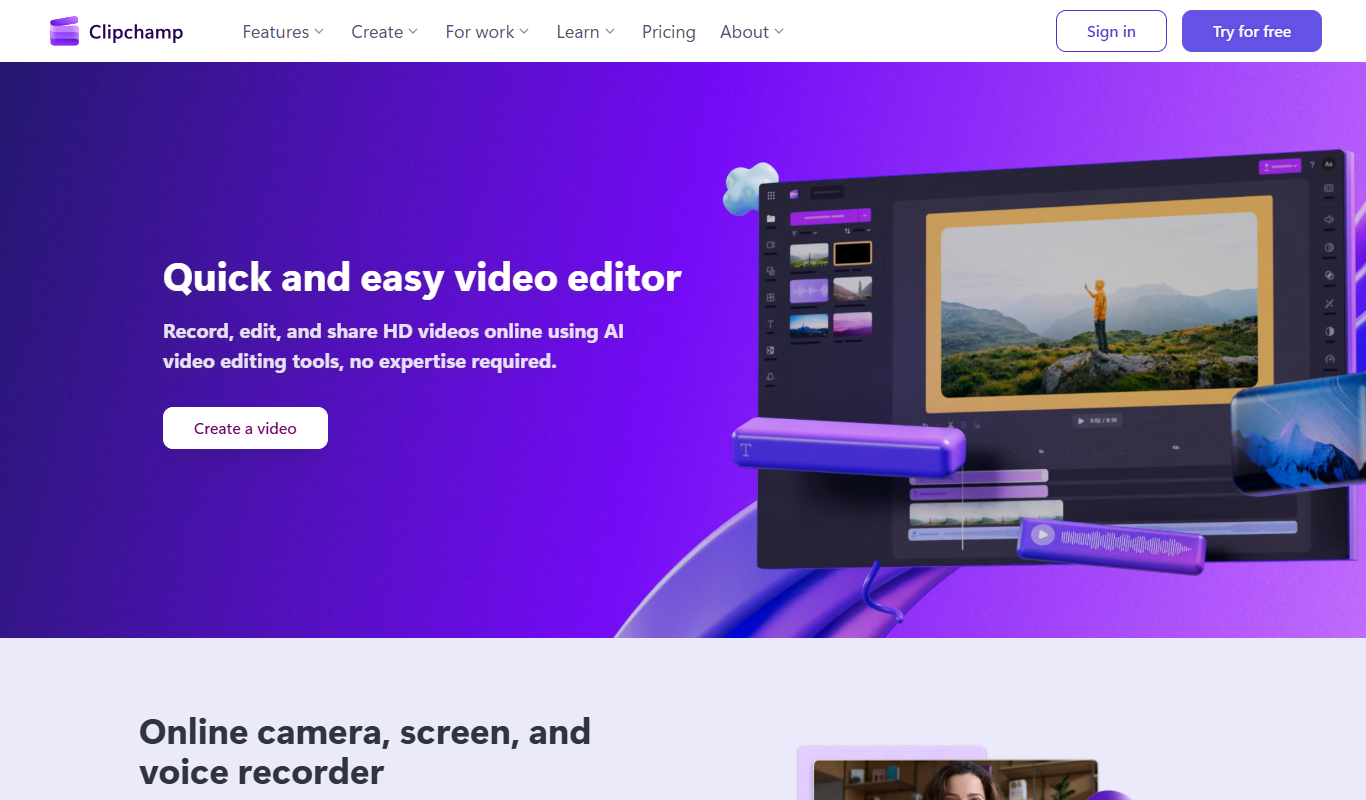
Clipchamp is a web-based video editing and creation platform that allows users to produce professional-quality videos directly in their browser. It offers a user-friendly interface with drag-and-drop functionality, a wide range of customizable templates, stock media, and editing tools suitable for beginners and professionals alike. Since its acquisition by Microsoft, Clipchamp integrates seamlessly with Windows and Microsoft 365 environments, making video creation accessible for diverse use cases.
DaVinci Resolve
DaVinci Resolve is a professional video editing software developed by Blackmagic Design that combines editing, color correction, visual effects, motion graphics, and audio post-production in a single application. It is widely used in film, television, and online content creation for its powerful tools and high-quality output.
Key features
Clipchamp
-
Browser-Based Editing
No software installation required; edit videos directly in your web browser with fast performance.
-
Stock Media Library
Access millions of royalty-free videos, images, and audio clips to enhance your projects.
-
Multi-Track Timeline
Layer multiple video and audio tracks for complex editing and creative control.
-
AI-Powered Tools
Automatic video resizing for different platforms and AI-generated captions improve workflow efficiency.
-
Direct Social Sharing
Export videos optimized for social media and share directly to platforms like YouTube, Facebook, and Instagram.
DaVinci Resolve
-
Multi-Track Video Editing
Supports multiple video and audio tracks with advanced trimming and editing tools.
-
Industry-Leading Color Grading
Professional color wheels, curves, and scopes for precise color correction.
-
Fusion Visual Effects
Node-based compositing for creating complex visual effects and motion graphics.
-
Fairlight Audio Post-Production
Integrated professional audio editing, mixing, and mastering tools.
-
Collaboration Tools
Multi-user collaboration with project sharing and timeline locking.
-
High-Quality Export Options
Supports exporting in multiple formats including 4K, HDR, and various codecs.
Pricing
Plans as published by each vendor. Check the vendor site before buying — pricing changes.
Clipchamp
Free $0/month
Basic editing features with export up to 480p resolution and access to limited stock assets.
Microsoft 365 Personal $6.99/month
Includes 720p exports, unlimited video exports, and access to premium stock content.
Microsoft 365 Family $9.99/month
Offers 1080p exports, brand kit features, and priority support for professional use.
DaVinci Resolve
Free $0
Full-featured video editing and color grading with some limitations on advanced effects and resolution.
Studio $295 (one-time)
Includes all features with no restrictions, advanced noise reduction, 3D tools, and multi-user collaboration.
Strengths and trade-offs
Clipchamp
Strengths
- User-friendly drag-and-drop interface
- Rich stock media library included
- No software installation needed
- Supports multiple export resolutions
- Integrates well with Microsoft products
Trade-offs
- Free plan limits export resolution to 480p
- Some advanced features require paid subscription
- Performance depends on internet connection
DaVinci Resolve
Strengths
- Comprehensive all-in-one post-production suite
- Industry-standard color grading tools
- Free version with powerful features
- Cross-platform support including Linux
- Strong collaborative workflow capabilities
Trade-offs
- Steep learning curve for beginners
- High system requirements for smooth performance
- Studio version requires a one-time purchase
Who it is for
Clipchamp
- Social media content creators
- Small business marketers
- Educators and trainers
- Video marketing professionals
- Personal video hobbyists
DaVinci Resolve
- Professional video editors
- Colorists and visual effects artists
- Independent filmmakers
- Content creators and YouTubers
- Post-production studios
What people use it for
Clipchamp
-
Social Media Video Creation
Create engaging videos optimized for platforms like Instagram, TikTok, and YouTube with easy-to-use templates and editing tools.
-
Marketing and Advertising Videos
Produce professional promotional videos, ads, and branded content to enhance marketing campaigns.
-
Educational and Training Videos
Develop instructional videos, tutorials, and presentations for educational purposes or corporate training.
-
Personal Video Projects
Edit personal videos such as travel vlogs, event highlights, and family moments with intuitive drag-and-drop features.
-
Business Video Communication
Create internal communication videos, product demos, and explainer videos to support business operations.
DaVinci Resolve
-
Professional Video Editing
Edit video footage with a comprehensive timeline, multi-track editing, and advanced trimming tools.
-
Color Correction and Grading
Apply professional color grading using DaVinci’s renowned color tools to enhance visual storytelling.
-
Visual Effects and Motion Graphics
Create and integrate visual effects and motion graphics using the Fusion page with node-based compositing.
-
Audio Post Production
Mix and master audio tracks with Fairlight’s professional audio tools integrated within the software.
-
Collaborative Workflow
Enable multiple users to work simultaneously on the same project with collaboration features.
Getting started
Clipchamp
Sign Up or Log In
Create a free account or log in using Microsoft or Google credentials to access the Clipchamp platform.
Choose a Template or Start from Scratch
Select from a variety of pre-designed templates tailored for different video types or begin with a blank project.
Upload or Select Media
Add your own videos, images, and audio files or choose from Clipchamp's extensive stock library.
Edit Your Video
Use the drag-and-drop editor to trim clips, add transitions, text, filters, and adjust audio levels.
Export and Share
Render your video in various resolutions and formats, then download or share directly to social media platforms.
DaVinci Resolve
Download and Install
Download DaVinci Resolve from the official Blackmagic Design website and install it on your computer.
Import Media
Import your video, audio, and image files into the media pool to start your project.
Edit and Arrange Clips
Use the Edit page to cut, trim, and arrange clips on the timeline with precision.
Apply Color Grading
Switch to the Color page to perform advanced color correction and grading.
Add Visual Effects
Use the Fusion page to create and integrate visual effects and motion graphics.
Mix Audio
Use the Fairlight page to edit, mix, and master audio tracks.
Export Final Video
Render and export your finished project in various formats and resolutions.
Common questions
Yes, Clipchamp offers a free plan with basic editing features and 480p video exports.
Yes, DaVinci Resolve offers a free version with comprehensive editing and color grading features.
Clipchamp is a web-based platform accessible on any modern browser, compatible with both Mac and Windows.
It supports Windows, macOS, and Linux operating systems.
4K export is available on the Business Platinum plan.
Yes, both the free and Studio versions support 4K video editing, though some advanced features require Studio.
Yes, users can upload their own media files to include in their videos.
Yes, it includes Fairlight audio tools for professional audio post-production.
More comparisons with these tools

Clipchamp Free vs Paid: Free vs Paid Compared
Compare the free and paid tiers of Clipchamp Free and Paid — features, usage limits, and which plan is worth paying for.
-
Clipchamp vs Canva: Which AI Video Tool Is Worth It in 2026?
We tested Clipchamp and Canva on video quality, prompt accuracy, editing features, and pricing — here's the verdict.
- Clipchamp: $6.99/month Starts at Canva: $15/month
- Clipchamp: 3 Platforms Canva: 5
-
Clipchamp vs Invideo AI: Video Quality, Features & Pricing Compared
Clipchamp vs InVideo AI — compare AI video quality, editing features, generation speed, pricing plans, and workflow fit.
- Clipchamp: $6.99/month Starts at InVideo AI: $25/month
- Clipchamp: 3 Platforms InVideo AI: 2
-
Clipchamp vs Descript: Which Handles Long-Form Video Better?
We compared Clipchamp and Descript on long-form video quality, chapter control, voiceover sync, and pricing.
- Clipchamp: $6.99/month Starts at Descript: $24/month
- Clipchamp: 3 Platforms Descript: 3
-
Clipchamp vs Capcut AI: Enterprise Features, API & Team Plans
Compare Clipchamp and CapCut AI on enterprise features, API access, team collaboration, compliance, and pricing.
- Clipchamp: $6.99/month Starts at CapCut AI: $9.99/month
- Clipchamp: 3 Platforms CapCut AI: 4
-
Clipchamp vs veed.io: For Marketing Videos & Social Media
Clipchamp or Veed.io for marketing? Compare video quality, template variety, social media formats, and pricing.
- Clipchamp: $6.99/month Starts at Veed.io: $18/month
- Clipchamp: 3 Platforms Veed.io: 1