
From my experience with Notescast, it stands out as a straightforward and practical tool for converting PDFs into Brainrot notes, which is particularly useful for students and knowledge workers who want to streamline their study or research process. The web interface is simple and effective, making the conversion process quick without unnecessary complexity. However, the tool lacks detailed pricing transparency and does not offer mobile apps, which might limit accessibility for some users. Overall, if your workflow involves managing knowledge from PDFs and you use Brainrot or similar note-taking systems, Notescast offers a solid, focused solution.
Notescast PDF to Brainrot Converter for Efficient Knowledge Management
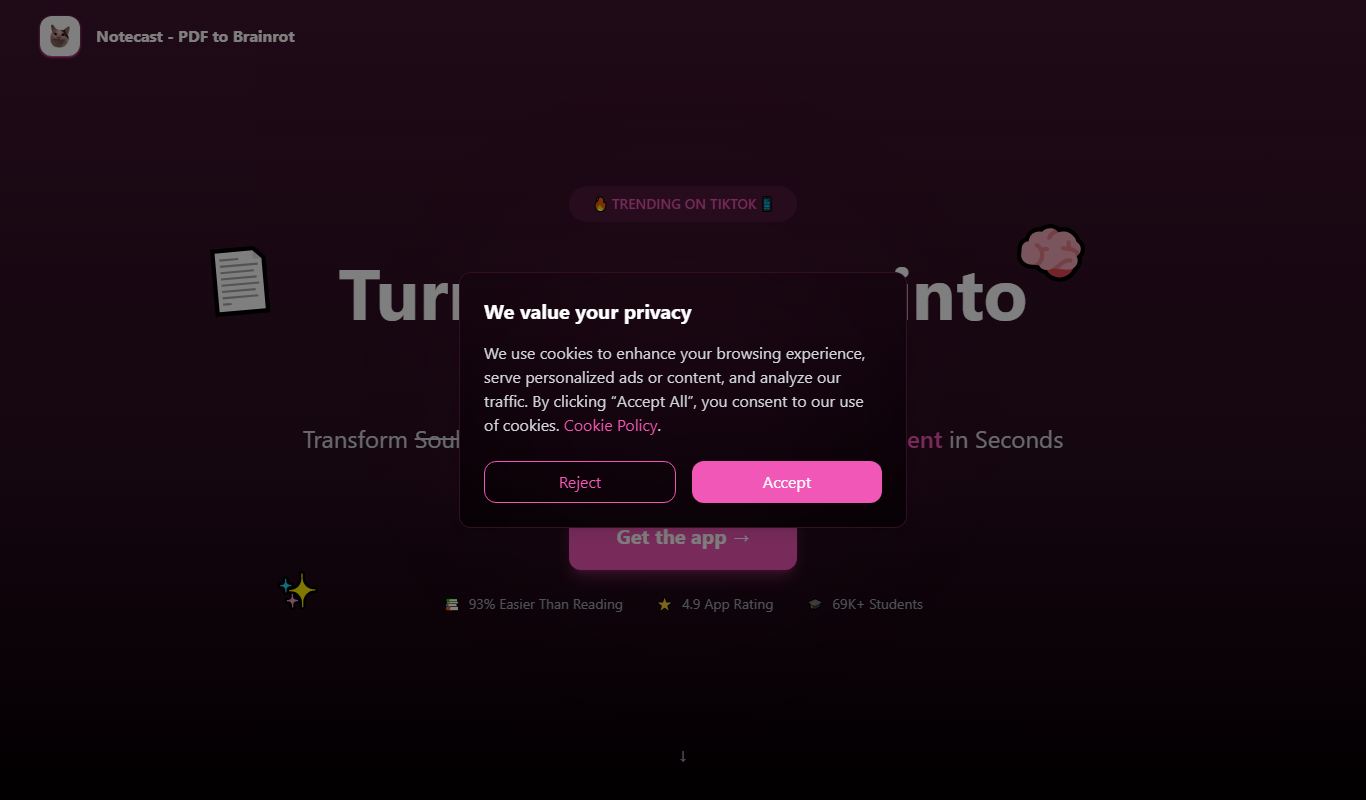
Notescast is a web tool that converts PDF documents into Brainrot-compatible notes, helping users efficiently manage and organize knowledge extracted from PDFs.
What is Notescast – PDF to Brainrot?
Notescast is a web-based tool designed to convert PDF documents into Brainrot-compatible notes. It helps users efficiently extract and organize information from PDFs, facilitating better knowledge management and note taking.
Key Features of Notescast – PDF to Brainrot
PDF to Brainrot Conversion
Seamlessly converts PDF content into Brainrot note format.
User-Friendly Web Interface
Simple and intuitive interface for quick PDF uploads and conversions.
Structured Note Output
Generates well-organized notes that enhance knowledge retention.
Pros and Cons of Notescast – PDF to Brainrot
Pros
- Simplifies converting PDFs into actionable notes
- Easy-to-use web interface
- Supports structured note formats for Brainrot
Cons
- Limited information on pricing details
- No mobile app available
Key Use Cases for Notescast – PDF to Brainrot
Convert PDFs into Brainrot Notes
Transform PDF documents into structured notes compatible with Brainrot for better knowledge retention.
Efficient Knowledge Management
Organize and manage information extracted from PDFs to streamline study or research workflows.
Enhanced Note Taking
Automatically generate notes from PDFs to save time and improve productivity.
How Notescast – PDF to Brainrot Works
-
1
Upload PDF
Users upload their PDF documents to the Notescast web platform.
-
2
Convert to Brainrot Format
The tool processes the PDF and converts its content into structured notes compatible with Brainrot.
-
3
Download or Export Notes
Users can download or export the generated notes for use within Brainrot or other note-taking systems.
Who's Using Notescast – PDF to Brainrot
Students
Researchers
Knowledge workers
Content creators
Productivity enthusiasts
Notescast – PDF to Brainrot Pricing
Free
$0/month
Basic PDF conversion with limited usage.
Subscription
Varies
Access to unlimited conversions and premium features.
Frequently Asked Questions About Notescast – PDF to Brainrot
Brainrot is a note-taking system focused on knowledge retention and organization.
Most PDFs can be converted, but scanned images or complex layouts may affect accuracy.
It depends on your specific needs and how you plan to use the tool. The official website and documentation are the best sources for the latest details.
Some tools offer a free plan or trial with limited features. Availability can vary, so confirm on the official website.
It depends on your specific needs and how you plan to use the tool. The official website and documentation are the best sources for the latest details.
Share your review
Reviews are limited to one per logged-in user and are published after moderation.
You need an account to review this tool.
0.0
★
★
★
★
★
0 reviews
5 star
0
4 star
0
3 star
0
2 star
0
1 star
0
No reviews yet
Be the first to share how this tool worked for you.
Questions from the community
Read questions and answers about this tool, or ask your own.
No questions yet
Start the conversation by asking the first question about this tool.
Is this tool helpful?
Alternative Tools
Explore similar AI tools that might fit your needs
Free
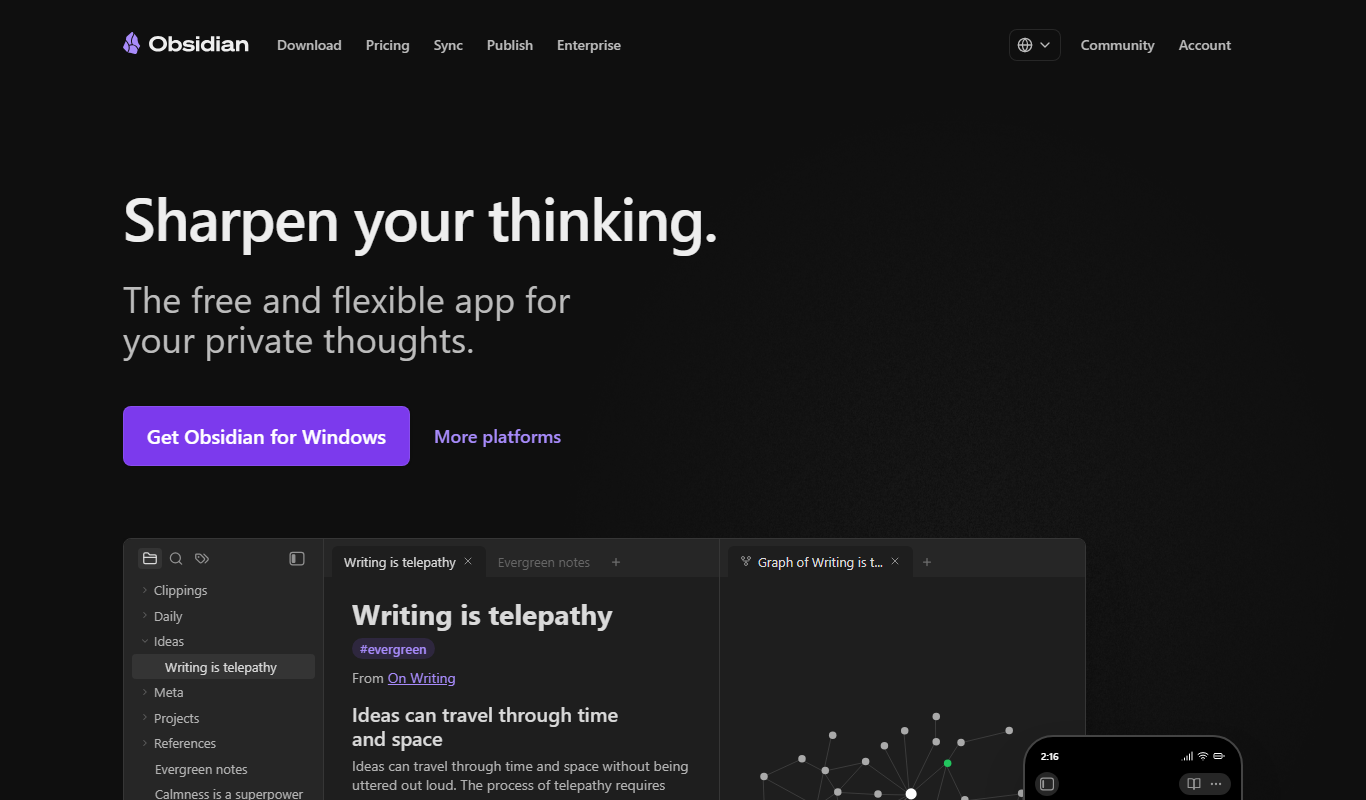
Obsidian
Obsidian is a markdown note-taking app that helps users build a personal knowledge base with linked notes, graph visualization, and extensive customization options.
Free Trial
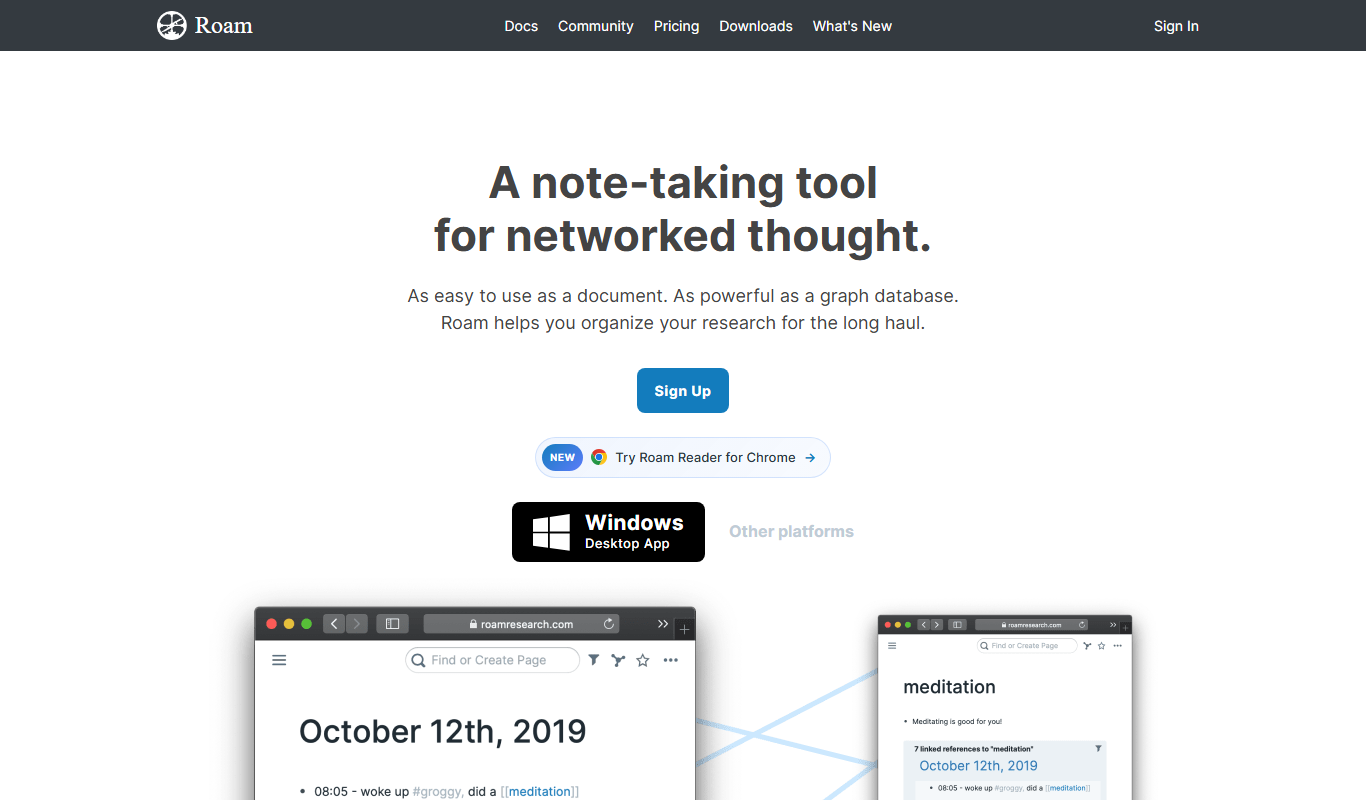
Roam Research
Roam Research is a note-taking and knowledge management tool that uses bidirectional linking and graph visualization to help users organize and connect ideas effectively.

Free
Zotero
Zotero is a free, open-source reference management tool that helps researchers collect, organize, cite, and share research materials with browser integration and citation style support.

Custom Pricing
ocrolus.com
Ocrolus is an AI-driven platform that automates the extraction and validation of data from financial documents like bank statements and pay stubs, combining OCR technology with human review to ensure accuracy and compliance.

Custom Pricing
BEWAI IDP – Documents in, Decision out!
BEWAI IDP is an AI-driven platform that automates extraction and validation of data from various business documents, enabling faster and more accurate decision-making through integration with enterprise systems.
Free
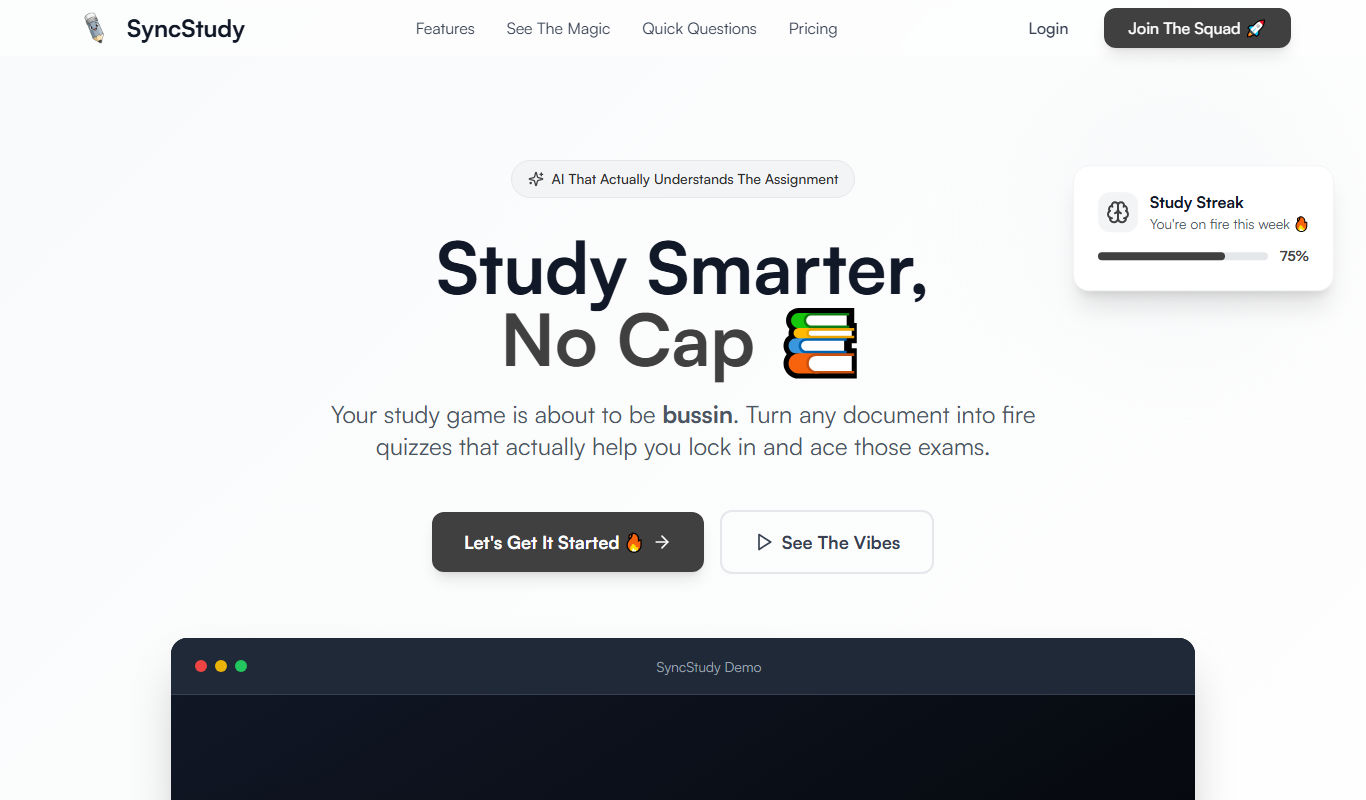
SyncStudy
SyncStudy is a collaborative study platform that allows students to work together in real-time by sharing notes, managing tasks, scheduling sessions, and creating quizzes accessible on web and mobile devices.

Free Trial
Filepower AI
Filepower AI is an AI-driven document management platform that enables semantic search, automated tagging, and workflow automation to help organizations efficiently manage and retrieve documents.

Freemium
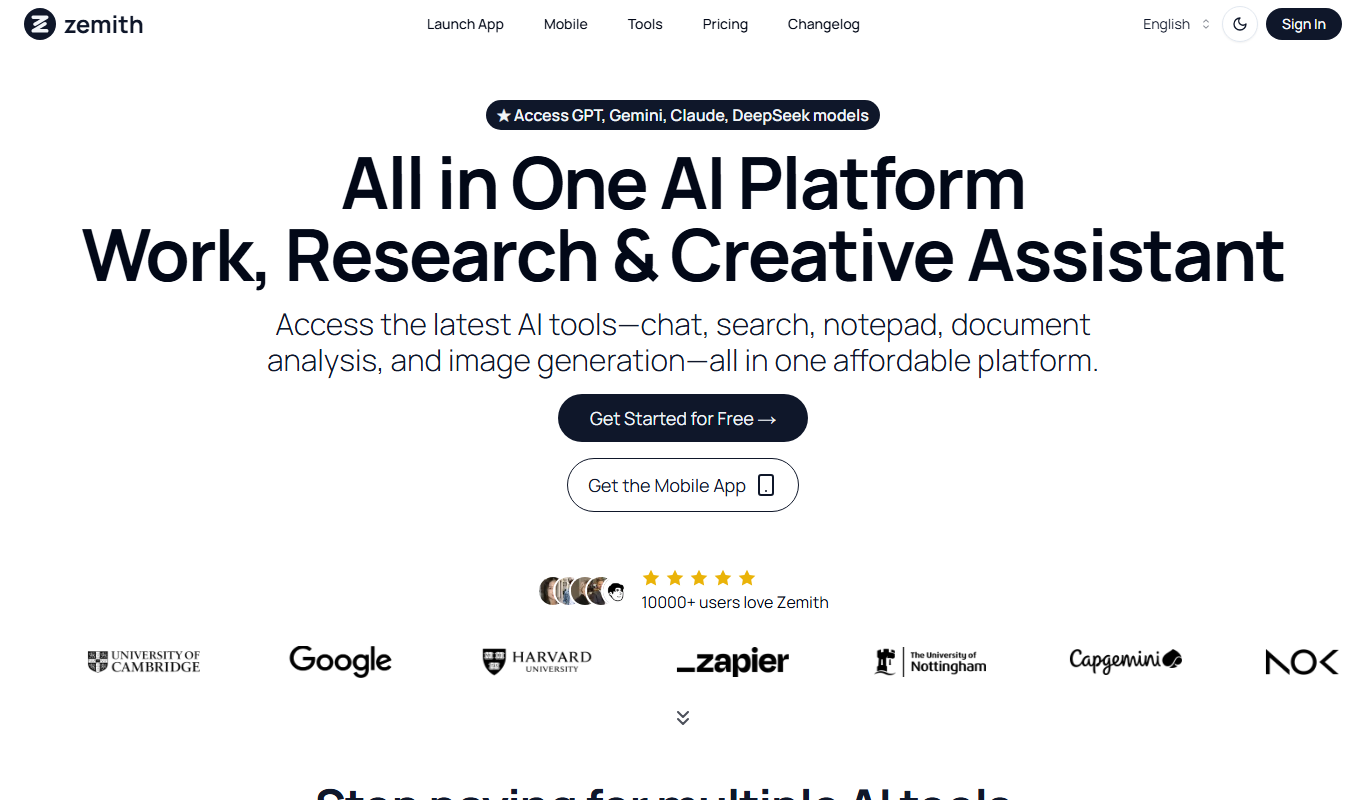
Curiosity
Curiosity AI is an AI-driven personalized learning platform that curates educational content tailored to your interests and learning pace, helping you discover and master new knowledge effectively.
Free Trial
InfoBaseAI
InfoBaseAI is an AI-powered platform that centralizes and organizes enterprise data, enabling semantic search and real-time knowledge access to improve productivity.
Free
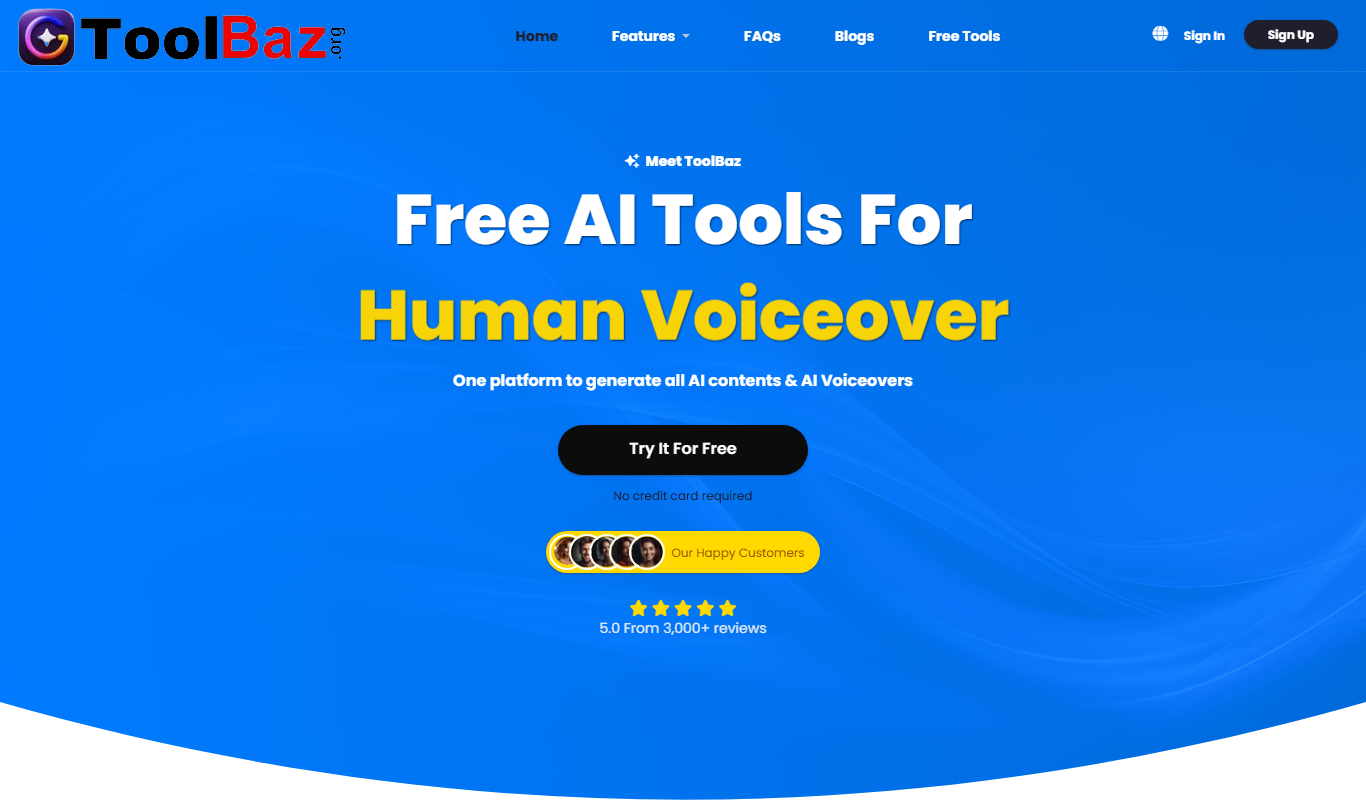
ToolBaz
ToolBaz is a free online directory that helps users discover, compare, and access a wide variety of productivity and utility software tools across multiple categories.
Freemium
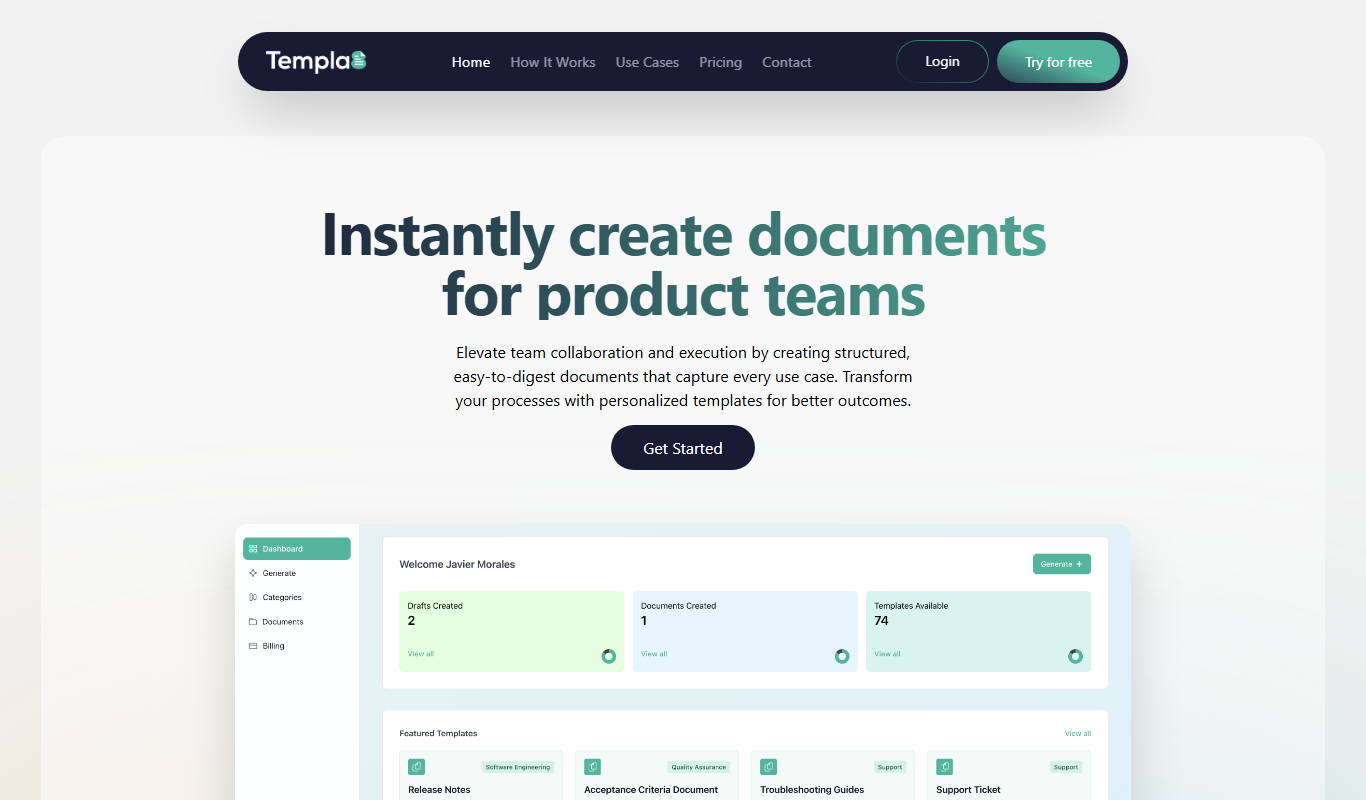
Templa8
Templa8 is an AI-powered web tool that generates customizable marketing and design templates to help users create professional branded content quickly and easily.