

Huntr AI Job Search Organizer with AI-Powered Tracking and Insights
Huntr AI is a job search management platform that helps users organize applications, save jobs via a Chrome extension, and get AI-powered job recommendations and reminders.
- Best for
- Organize Job Applications
- Key capability
- Centralized Job Dashboard
Save Huntr AI, follow its updates and vote on it — everything stays in your account.
Sign in or create a free account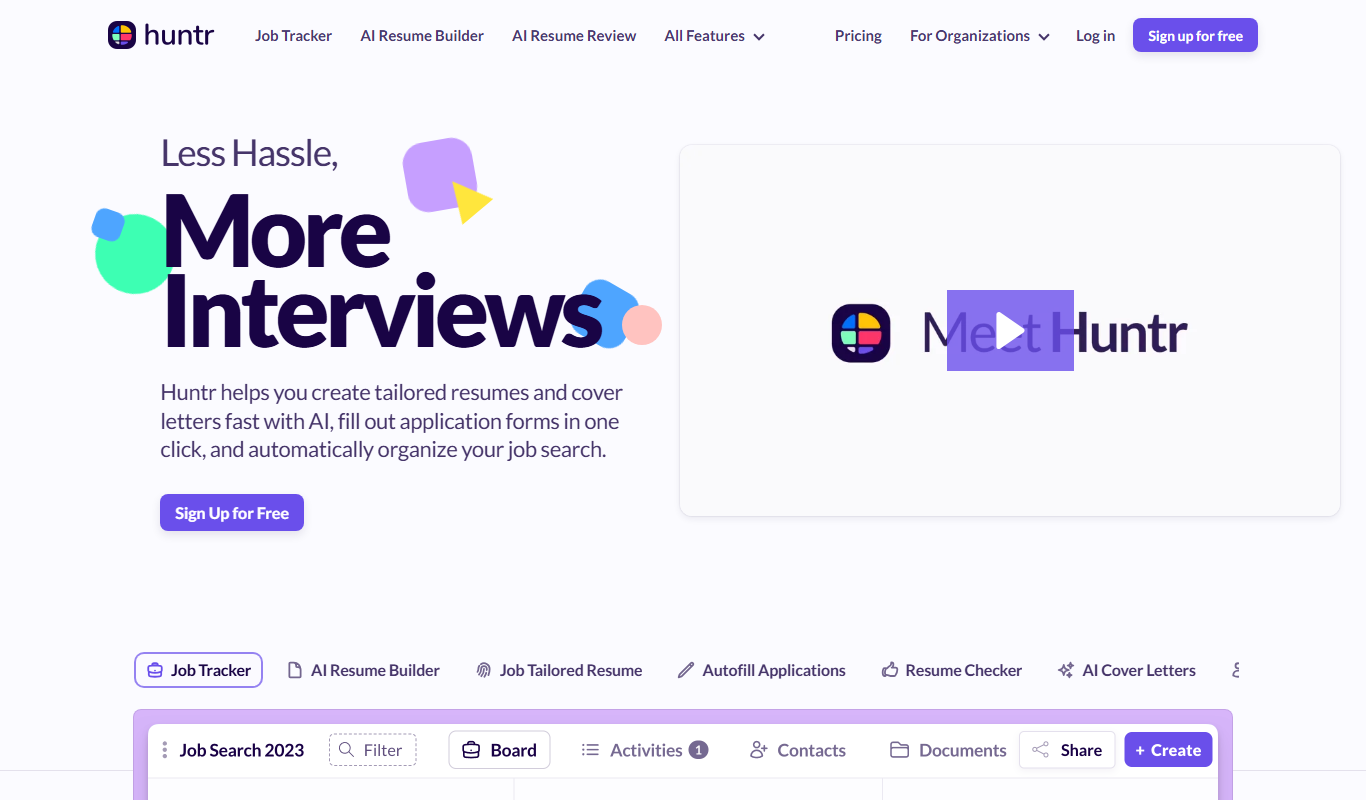

What is Huntr AI?
Huntr AI is a job search management platform designed to help job seekers organize, track, and optimize their job applications. It combines a user-friendly dashboard with AI-powered features to provide personalized insights and streamline the job hunting process. Users can save jobs from across the web, monitor application statuses, set reminders, and collaborate with others to improve their chances of landing a job.
Key features of Huntr AI
Huntr AI offers a comprehensive job tracking dashboard, AI-driven job recommendations, a Chrome extension for easy job saving, collaboration tools, and deadline reminders. These features collectively simplify the complex and often overwhelming job search process.
Centralized Job Dashboard
Manage all your job applications in one place with detailed tracking and status updates.
AI-Powered Recommendations
Receive personalized job suggestions and insights based on your preferences and application history.
Chrome Extension for Easy Saving
Quickly save job listings from any website with a browser extension.
Collaboration Tools
Share your job search progress with mentors or peers for feedback and support.
Reminders and Deadlines
Set important dates and get notified to stay on top of your job search timeline.
Pros and cons of Huntr AI
Pros
- Intuitive and centralized job application tracking
- AI-driven job recommendations enhance search efficiency
- Chrome extension simplifies saving jobs from the web
- Collaboration features support shared job search efforts
Cons
- Limited mobile app support; primarily web-based
- Some advanced features require paid subscription
Key use cases for Huntr AI
Organize Job Applications
Track and manage multiple job applications in one centralized dashboard with detailed statuses and notes.
AI-Powered Job Insights
Leverage AI to analyze job listings and provide personalized recommendations and insights to improve your job search.
Collaborate on Job Search
Share job opportunities and application progress with mentors, friends, or career coaches for feedback and support.
Save and Categorize Jobs
Bookmark jobs from any website using the Chrome extension and categorize them by company, status, or priority.
Set Reminders and Deadlines
Keep track of important dates like interviews, follow-ups, and application deadlines with built-in reminders.
How Huntr AI works
- 1
Create an Account
Sign up on the Huntr AI website to start managing your job search.
- 2
Install Chrome Extension
Add the Huntr AI Chrome extension to save job listings directly from job boards and company websites.
- 3
Add and Organize Jobs
Save jobs to your dashboard, categorize them by status or priority, and add notes or contacts.
- 4
Use AI Insights
Leverage AI features to get personalized job recommendations and insights to improve your applications.
- 5
Track Progress and Set Reminders
Monitor your application statuses, set deadlines, and receive reminders for interviews and follow-ups.
Who is using Huntr AI
Huntr AI pricing
Free
$0/month
Always free: unlimited base resumes, free PDF export, 2 job tailored resumes, 2 application packets, all resume templates, basic job matching and resume scoring, job tracker for up to 100 jobs.
Pro
$40/month, or $90 every 3 months ($30/month) or $160 every 6 months ($26.66/month)
Everything in Free plus unlimited AI resume generations, AI powered job tailored resumes, unlimited AI cover letters, advanced job matching, advanced resume scoring, advanced job insights and unlimited job tracking.
Plans and prices are as published by the vendor and can change. Check the official site before you buy. Open the pricing page (opens in a new tab)
Frequently asked questions about Huntr AI
Huntr AI offers a free plan with basic features, and a Pro subscription for advanced capabilities.
Yes, the Chrome extension allows you to save jobs from virtually any job board or company site.
Yes, you can set reminders for interviews, follow-ups, and application deadlines.
Yes, it can help with that use case depending on how you configure it and what features are available. You’ll get the best results with clear inputs and a defined goal.
Some tools offer a free plan or trial with limited features. Availability can vary, so confirm on the official website.
Yes, it can help with that use case depending on how you configure it and what features are available. You’ll get the best results with clear inputs and a defined goal.
Conclusion
The Chrome Job Clipper saves jobs from thousands of sites in one click. The job tracker then keeps notes, dates, tasks, salaries and company data for each opportunity, and applied jobs can be dragged into an interview section to plan the schedule.
On the resume side, Huntr extracts keywords from job descriptions and helps integrate them into the resume with AI, while a resume checker looks at spelling, length, metrics and repetition. The same Chrome extension fills application forms with a single click. Separate offerings exist for bootcamps, university career centers and career coaches.
The always-free plan tracks up to 100 jobs and includes a small number of AI credits, while Pro adds unlimited AI resume generations, AI cover letters and unlimited job tracking. Pro has no free trial.
Sources
Sign in to review this tool.
Sign In to ReviewNo reviews yet
Be the first to share how this tool worked for you.
Ask about pricing, limits, or how it compares — or answer someone else.
Sign In to AskNo questions yet
Have a question about using or paying for this tool? Be the first to ask.
Featured on TiorAI



More AI Career Tools tools
Other tools in the same category, for when this one is not quite the fit.
ResumeSkool
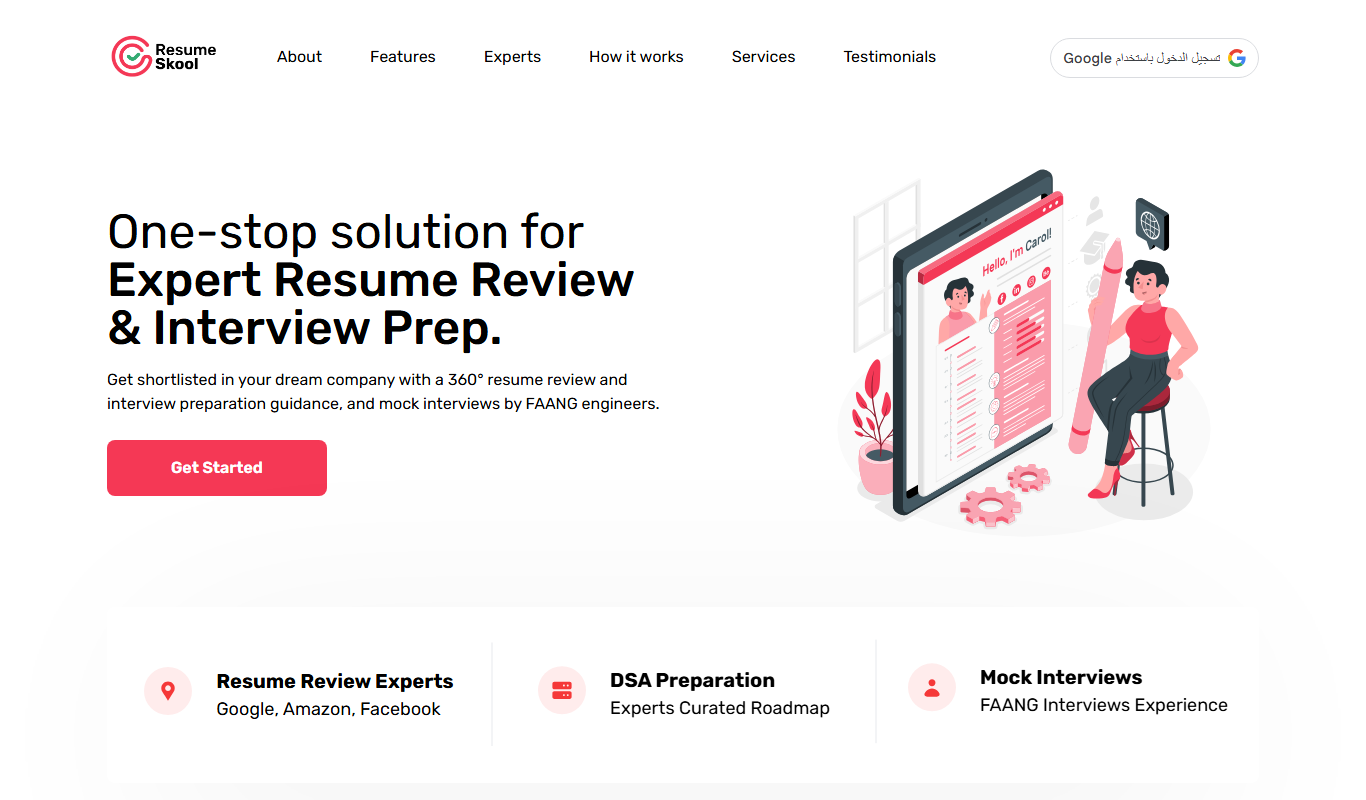
ResumeSkool analyzes your resume against a job description for ATS compatibility and job match, then creates a tailored resume for your target role. Free ATS score included.

1MillionResume
1MillionResume is an online tool that helps users create professional resumes and cover letters through customizable templates and an easy-to-use interface.

Resume Photo AI
Resume Photo AI turns casual selfies into studio-style AI headshots for LinkedIn, resumes and more.
jobr.pro
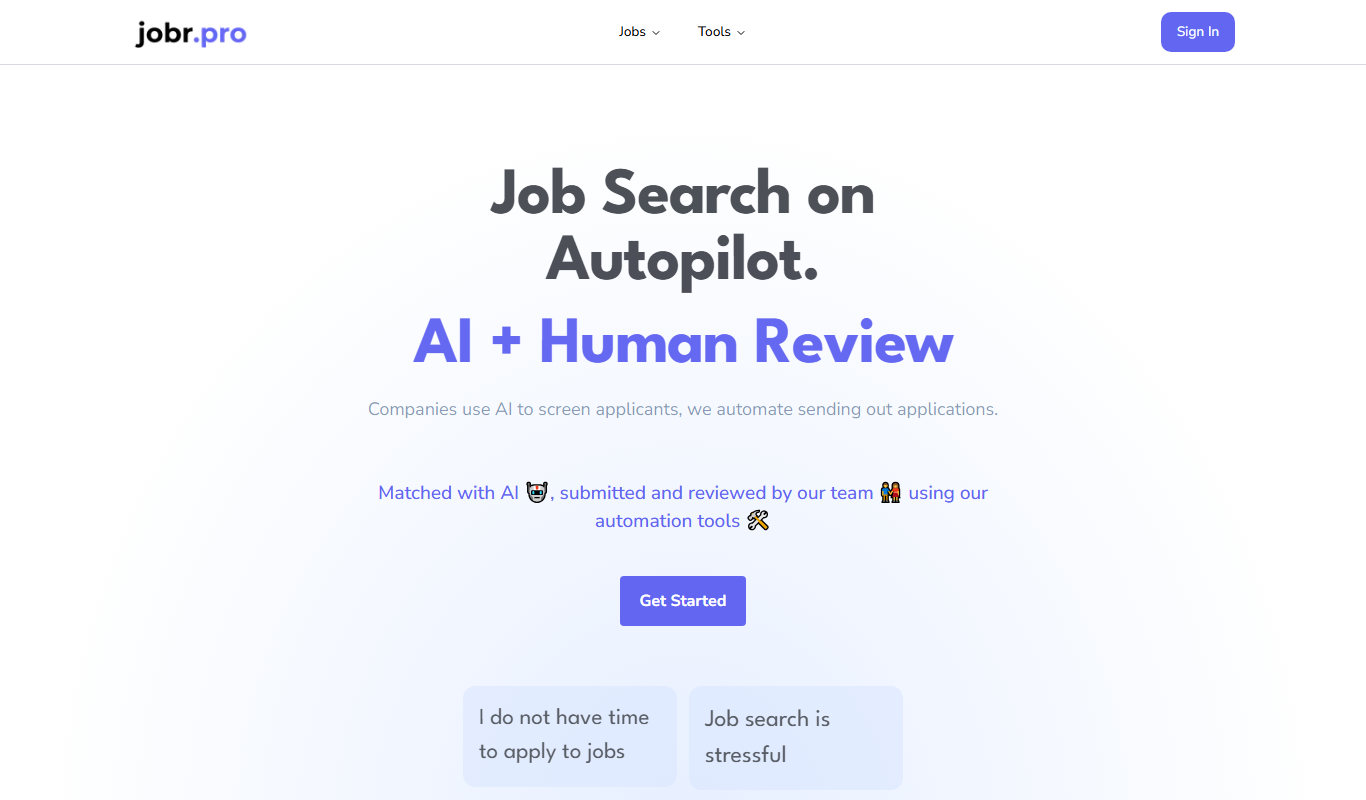
Jobr is an AI job search tool that applies for jobs for you on company career sites, with tailored resumes and cover letters and a human review of every application.

Cruit
Cruit is an AI career sidekick: talk through work wins, resume updates, interviews and career questions, and it turns your answers into career-ready assets.

My Resume Hero
My Resume Hero is a job application manager that tracks your applications and helps you create resumes and cover letters for each job with an AI assistant.
RoboApply.ai
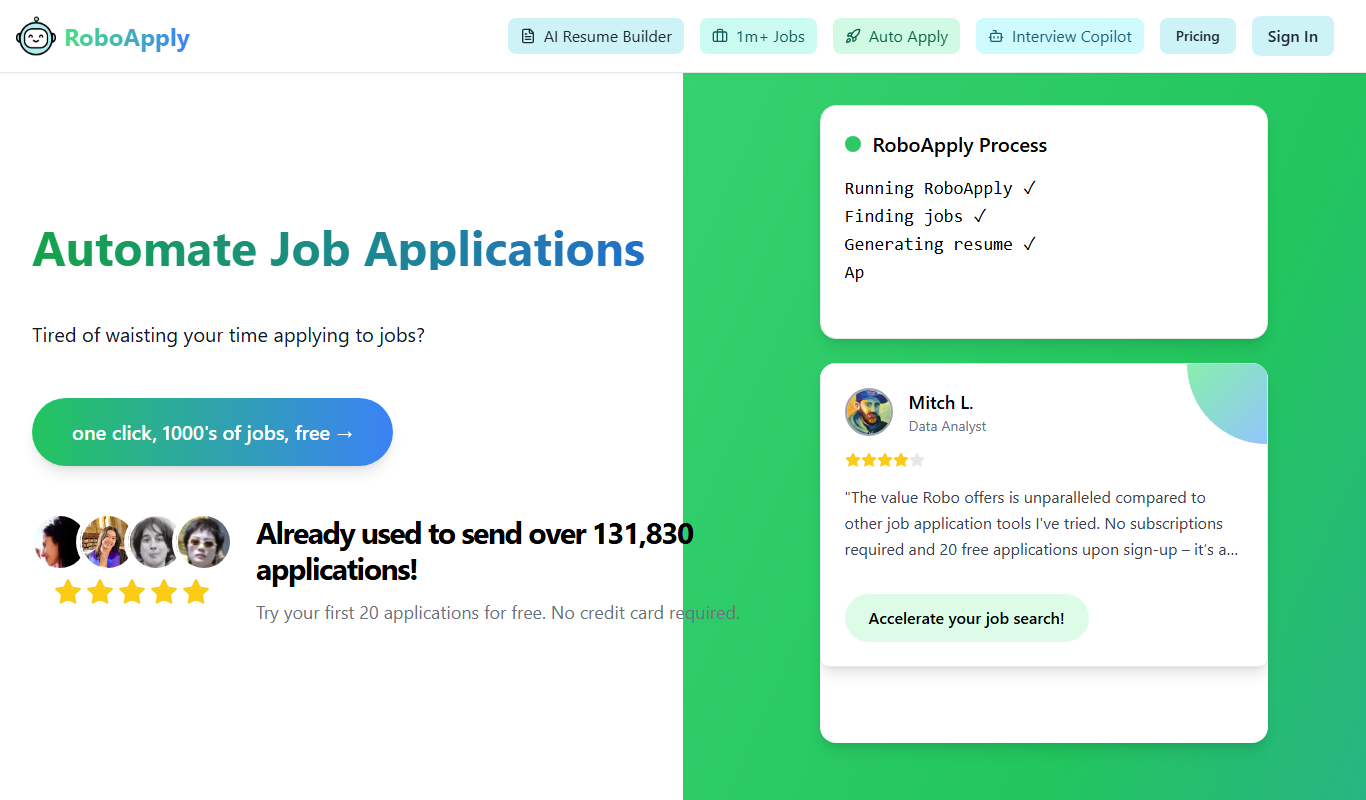
RoboApply.ai is a Chrome extension that automates job applications with one click, with your first 20 applications free and no credit card required.

ResumeCheck.net
ResumeCheck.net lets you build a resume for free, from scratch or from the one you have: import LinkedIn, get it checked and rewritten, and pay only to export the finished file.