

RoboApply.ai Chrome Extension to Automate Job Applications
RoboApply.ai is a Chrome extension that automates job applications with one click, with your first 20 applications free and no credit card required.
- Best for
- High-volume job applications
- Key capability
- Auto apply
Save RoboApply.ai, follow its updates and vote on it — everything stays in your account.
Sign in or create a free account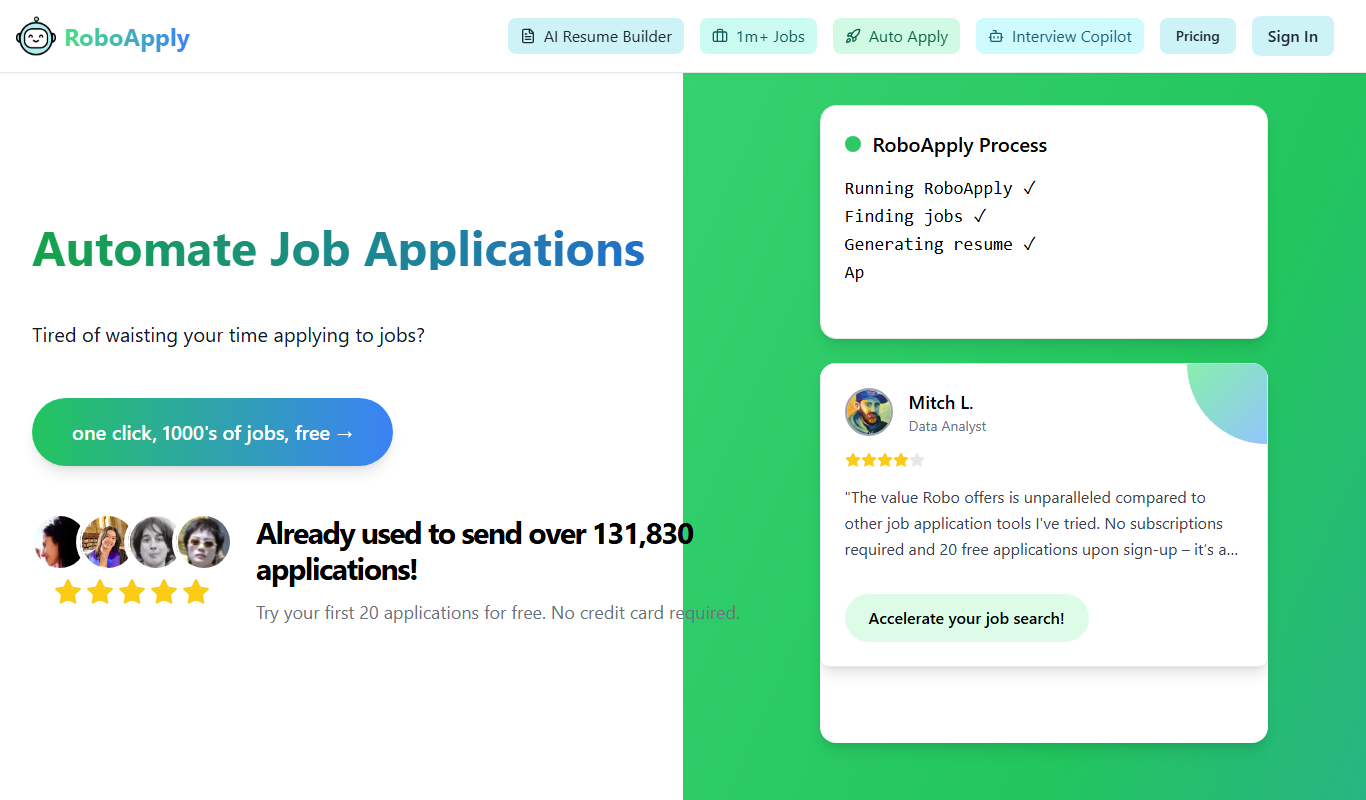

What is RoboApply.ai?
RoboApply.ai is a Chrome extension for job automation that applies to jobs for you with one click. It also converts your resume with generative AI and gathers jobs from major job boards, and your first 20 applications are free with no credit card required.
Key features of RoboApply.ai
RoboApply converts resumes with generative AI for ATS, aggregates jobs from every major job board, applies automatically and keeps an application history.
Auto apply
Apply to thousands of jobs in minutes instead of scrolling and clicking through each listing.
AI resume conversion for ATS
Generative AI converts your resume so you do not have to reformat it for ATS.
Job aggregation and tracking
Jobs are updated every week from every major job board, so you do not have to visit multiple sites.
Chrome extension
The auto-apply workflow runs as a Chrome extension for job automation.
Application history and Interview Copilot
The dashboard lists resumes, application history and job search, plus an Interview Copilot under AI tools.
Pros and cons of RoboApply.ai
Pros
- First 20 applications free, no credit card required
- Unused credits carry over
- Jobs aggregated from every major job board
Cons
- Applications are paid per credit after the first 20
- No mobile app available yet
- Job application success depends on external factors
Key use cases for RoboApply.ai
High-volume job applications
Apply to thousands of jobs in minutes rather than hours.
Resumes converted for ATS
Convert a resume for ATS without reformatting it by hand.
Finding jobs in one place
Search jobs gathered from every major job board instead of visiting multiple sites.
Application tracking
Keep resumes and application history together in the dashboard.
How RoboApply.ai works
- 1
Start an auto apply campaign
Open Auto Apply in the dashboard and start a campaign.
- 2
Upload your resume
Upload the resume you want to apply with.
- 3
Add job details
Enter the job details for the campaign; each application uses one credit.
- 4
Review your application history
Track submitted applications in the application history.
- 5
Track Progress
Monitor your application statuses and responses within the platform.
Who is using RoboApply.ai
RoboApply.ai pricing
Free
Free for 20 applications
Your first 20 applications are free, no credit card required.
50 applications
$10.00 ($0.20 per application)
50 applications to use anytime, AI powered job matching, unused credits carry over. Packs of 100, 500 and 1000 applications are also offered.
Plans and prices are as published by the vendor and can change. Check the official site before you buy. Open the pricing page (opens in a new tab)
Frequently asked questions about RoboApply.ai
Yes. Your first 20 applications are free and no credit card is required.
RoboApply sells application credits: 50 applications at $0.20 per application, with larger packs of 100, 500 and 1000 applications. Unused credits carry over.
Yes. It uses generative AI to convert your resume for ATS, so you do not have to reformat it.
It updates jobs every week from every major job board, so you do not have to go to multiple places.
It depends on your specific needs and how you plan to use the tool. The official website and documentation are the best sources for the latest details.
Yes, it can help with that use case depending on how you configure it and what features are available. You’ll get the best results with clear inputs and a defined goal.
Some tools offer a free plan or trial with limited features. Availability can vary, so confirm on the official website.
Conclusion
Instead of filling in forms one by one, the user starts an auto apply campaign, uploads a resume and adds the job details, and RoboApply then applies on their behalf. The automation runs as a Chrome extension, and the promise is scale: thousands of jobs in minutes rather than hours of scrolling and clicking. Before applications go out, generative AI converts the resume for applicant tracking systems so it does not have to be reformatted by hand.
Listings come from every major job board and are updated each week, which saves job seekers from checking multiple sites. The dashboard keeps resumes and application history together, and an Interview Copilot sits under the AI tools. Pricing works per application credit: the first 20 applications are free with no credit card required, after that applications are paid per app, and unused credits carry over.
Sources
Sign in to review this tool.
Sign In to ReviewNo reviews yet
Be the first to share how this tool worked for you.
Ask about pricing, limits, or how it compares — or answer someone else.
Sign In to AskNo questions yet
Have a question about using or paying for this tool? Be the first to ask.
Featured on TiorAI



Alternative Tools
Explore similar AI tools that might fit your needs

Enhancv
Enhancv is an AI-powered resume and cover letter builder that helps job seekers create professional, customized career documents with templates, AI content suggestions, and job application tracking.
More AI Career Tools tools
Other tools in the same category, for when this one is not quite the fit.
ResumeSkool
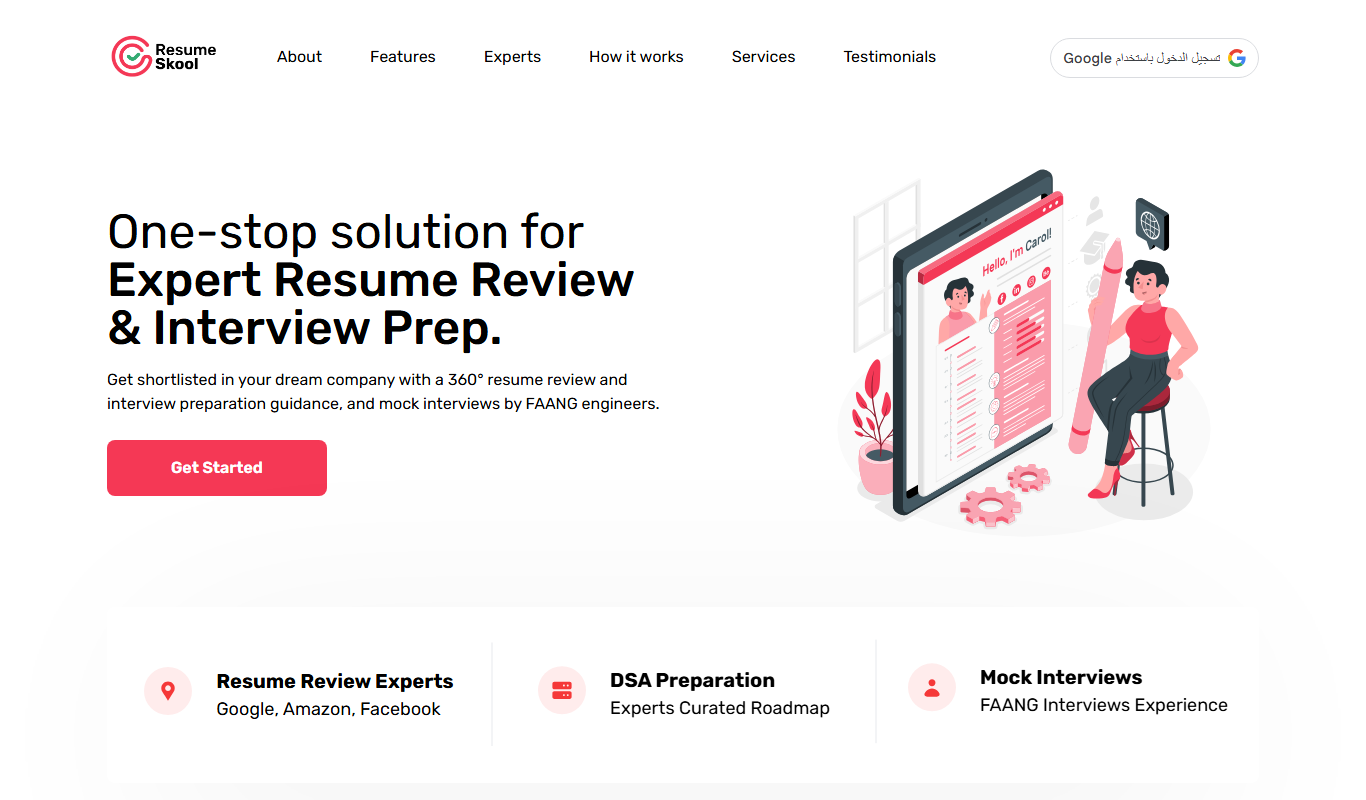
ResumeSkool analyzes your resume against a job description for ATS compatibility and job match, then creates a tailored resume for your target role. Free ATS score included.

1MillionResume
1MillionResume is an online tool that helps users create professional resumes and cover letters through customizable templates and an easy-to-use interface.

Resume Photo AI
Resume Photo AI turns casual selfies into studio-style AI headshots for LinkedIn, resumes and more.
jobr.pro
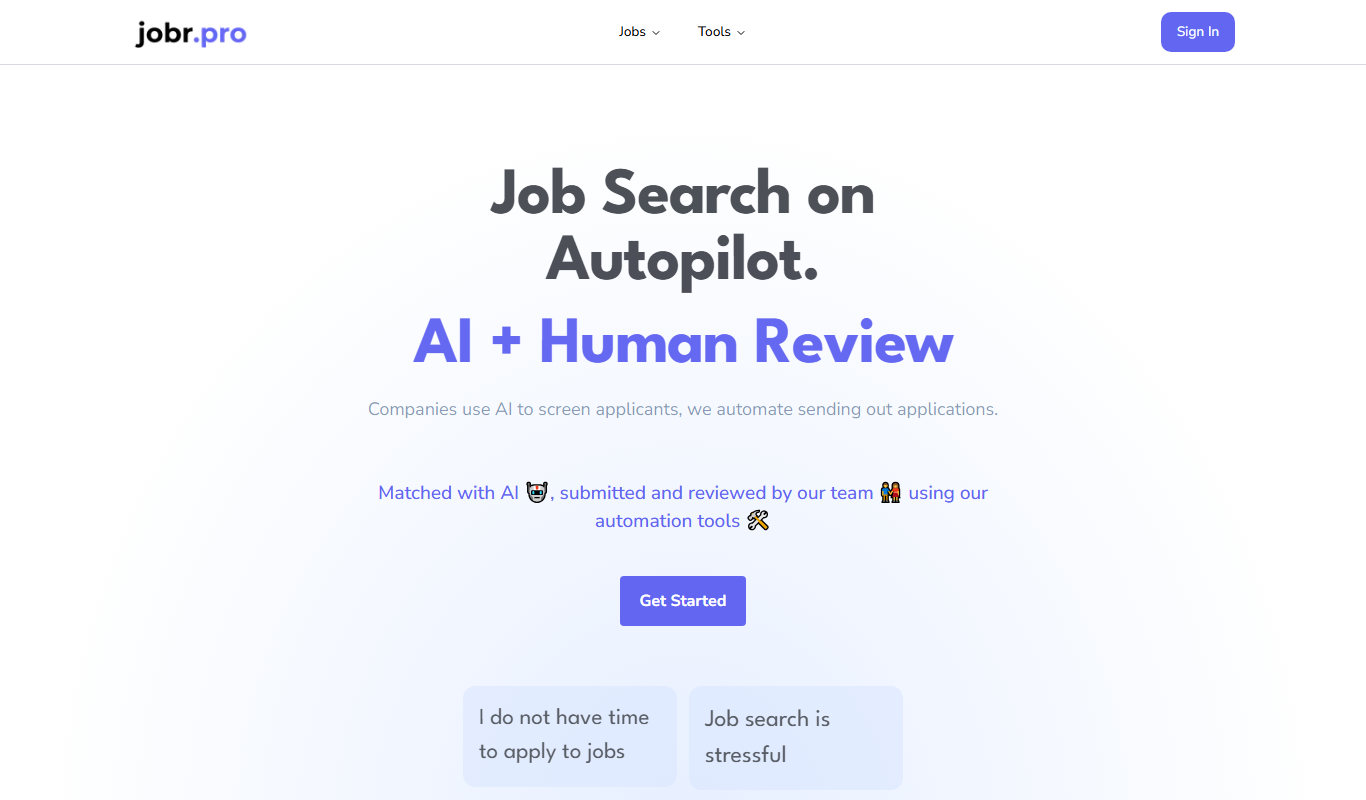
Jobr is an AI job search tool that applies for jobs for you on company career sites, with tailored resumes and cover letters and a human review of every application.

Cruit
Cruit is an AI career sidekick: talk through work wins, resume updates, interviews and career questions, and it turns your answers into career-ready assets.

My Resume Hero
My Resume Hero is a job application manager that tracks your applications and helps you create resumes and cover letters for each job with an AI assistant.
Huntr AI
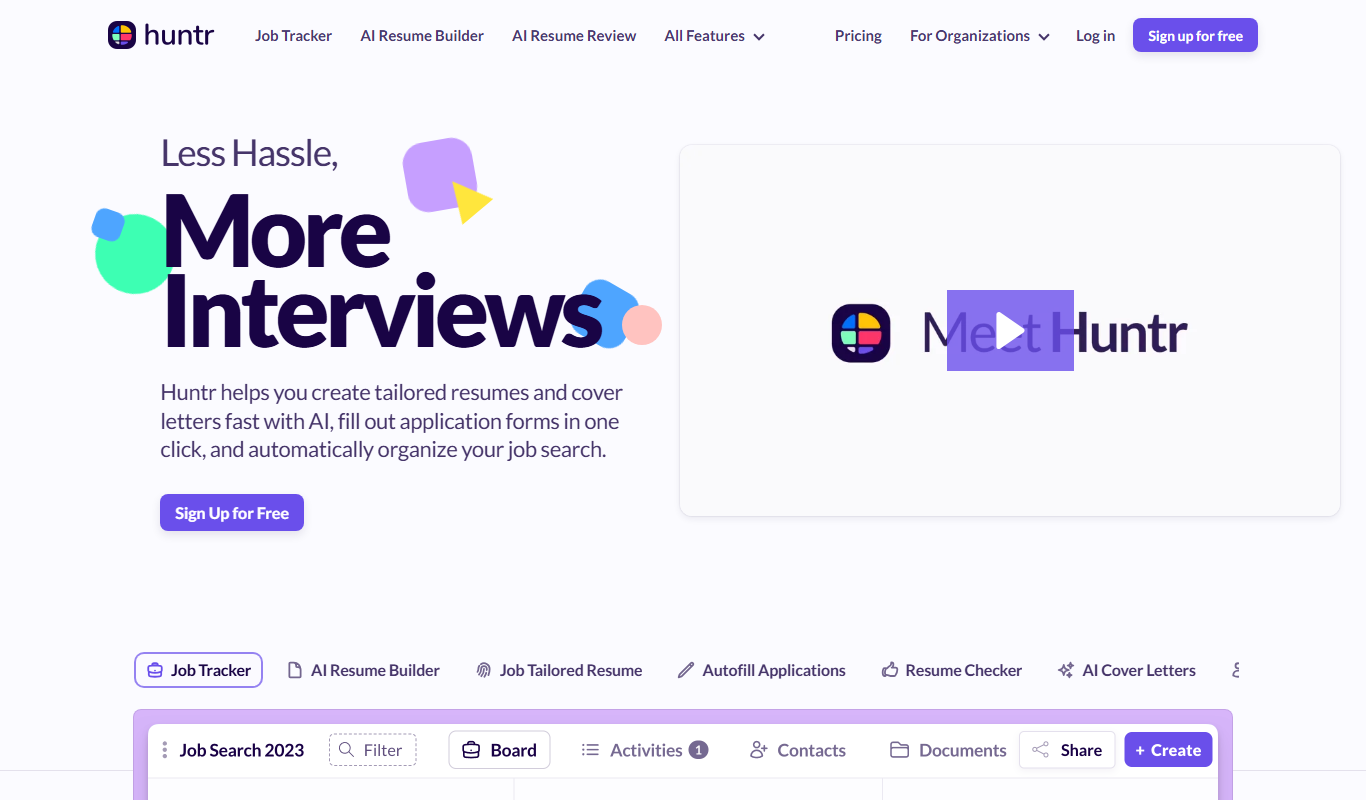
Huntr AI is a job search management platform that helps users organize applications, save jobs via a Chrome extension, and get AI-powered job recommendations and reminders.

ResumeCheck.net
ResumeCheck.net lets you build a resume for free, from scratch or from the one you have: import LinkedIn, get it checked and rewritten, and pay only to export the finished file.