

CramJam: AI quiz generator for slides, notes and YouTube videos
CramJam turns slides, notes or quizzes into customizable study tools with citations, and its Chrome extension quizzes you on YouTube videos chapter by chapter.
- Best for
- Studying lecture slides
- Key capability
- Study tools from PDF slides and notes
Save CramJam, follow its updates and vote on it — everything stays in your account.
Sign in or create a free account
What is CramJam?
CramJam is a study tool that turns learning material into quizzes. Its web app transforms slides, notes or quizzes into customizable study tools with citations, and its Cramjam AI Chrome extension makes quizzes from each chapter of a YouTube video, pausing at the end of a chapter to test the viewer with multiple choice, short answer or interactive questions and finishing with a final quiz on the whole video.
Key features of CramJam
CramJam generates quizzes and customizable study tools with citations from slides, notes or quizzes, and its Chrome extension creates chapter quizzes for YouTube videos with multiple choice, short answer and interactive questions, a final quiz, and coins that let you jump back to the part of the video where an answer is explained.
Study tools from PDF slides and notes
Transform PDF slides, notes or quizzes into customizable study tools with citations.
Chapter quizzes for YouTube videos
The extension makes quizzes from each chapter of a video, creating chapters when the video has none.
Question types
Multiple choice, short answer or interactive questions at the end of each chapter.
Coins and rewards
Earn coins based on how well you do and spend them to jump back to where an answer is explained.
Pros and cons of CramJam
Pros
- Study tools include citations to the source material
- Quizzes are tied to video chapters
- Data is not sold to third parties, according to the developer
Cons
- The extension is a small project with a few ratings
- Limited features on free plan
- No mobile app available
Key use cases for CramJam
Studying lecture slides
Turn PDF slides or notes into quizzes with citations.
Learning from YouTube
Stop passively watching videos and get tested on each chapter.
Idea Generation
Assist users in brainstorming and expanding on ideas for various writing projects.
Productivity Boost
Help users write faster and more efficiently by providing AI-powered suggestions.
How CramJam works
- 1
Add the material
Upload PDF slides, notes or quizzes, or open a YouTube video with the extension.
- 2
Generate quizzes
Click a button to make quizzes from each chapter of the video or from your material.
- 3
Answer as you go
The video pauses at the end of each chapter and you answer questions.
- 4
Take the final quiz
Finish with a final quiz covering the most important ideas from the whole video.
Who is using CramJam
CramJam pricing
Free
$0/month
Basic access with limited daily usage and core AI writing features.
Pro
$15/month
Unlimited usage with advanced AI features and priority support.
Plans and prices are as published by the vendor and can change. Check the official site before you buy. Open the pricing page (opens in a new tab)
Frequently asked questions about CramJam
PDF slides, notes or quizzes, transformed into customizable study tools with citations.
You click a button to make quizzes from each chapter; the video pauses at the end of a chapter and you answer multiple choice, short answer or interactive questions.
You earn coins based on how well you do and can spend them to jump back to the part of the video where the answer is explained.
It depends on your specific needs and how you plan to use the tool. The official website and documentation are the best sources for the latest details.
It depends on your specific needs and how you plan to use the tool. The official website and documentation are the best sources for the latest details.
Conclusion
Passive studying is the habit CramJam tries to break by turning learning material into quizzes. On the web app, PDF slides, notes or existing quizzes become customizable study tools with citations back to the source. The www address now leads to the Cramjam AI Chrome extension, which makes a quiz for each chapter of a YouTube video, creating chapters when a video has none, and pauses playback at the end of each one for multiple choice, short answer or interactive questions.
Coins earned for good answers can be spent to jump back to the moment an answer is explained, and a final quiz covers the main ideas of the whole video. The extension is a small project with a handful of ratings, and neither page publishes pricing.
Sources
Sign in to review this tool.
Sign In to ReviewNo reviews yet
Be the first to share how this tool worked for you.
Ask about pricing, limits, or how it compares — or answer someone else.
Sign In to AskNo questions yet
Have a question about using or paying for this tool? Be the first to ask.
Featured on TiorAI



More AI Education & Learning Tools tools
Other tools in the same category, for when this one is not quite the fit.

plat.ai
plat.ai is a comprehensive AI development platform that enables users to build, train, deploy, and manage custom machine learning models with scalable infrastructure and API integration.

Quino
Quino is the LMS that marks every exam: courses, lessons, online exams and diplomas, with AI that marks handwritten answers in seconds and writes tests from your notes.

MockTok
MockTok is an AI mock interview app with 50+ interactive questions, follow-up questions, job post analysis, multi-stage interviews, feedback and AI extracted cases.

ModelBench AI
ModelBench compares 180+ models side by side in an interactive playground and turns experiments into testable prompts that run as benchmarks at scale.
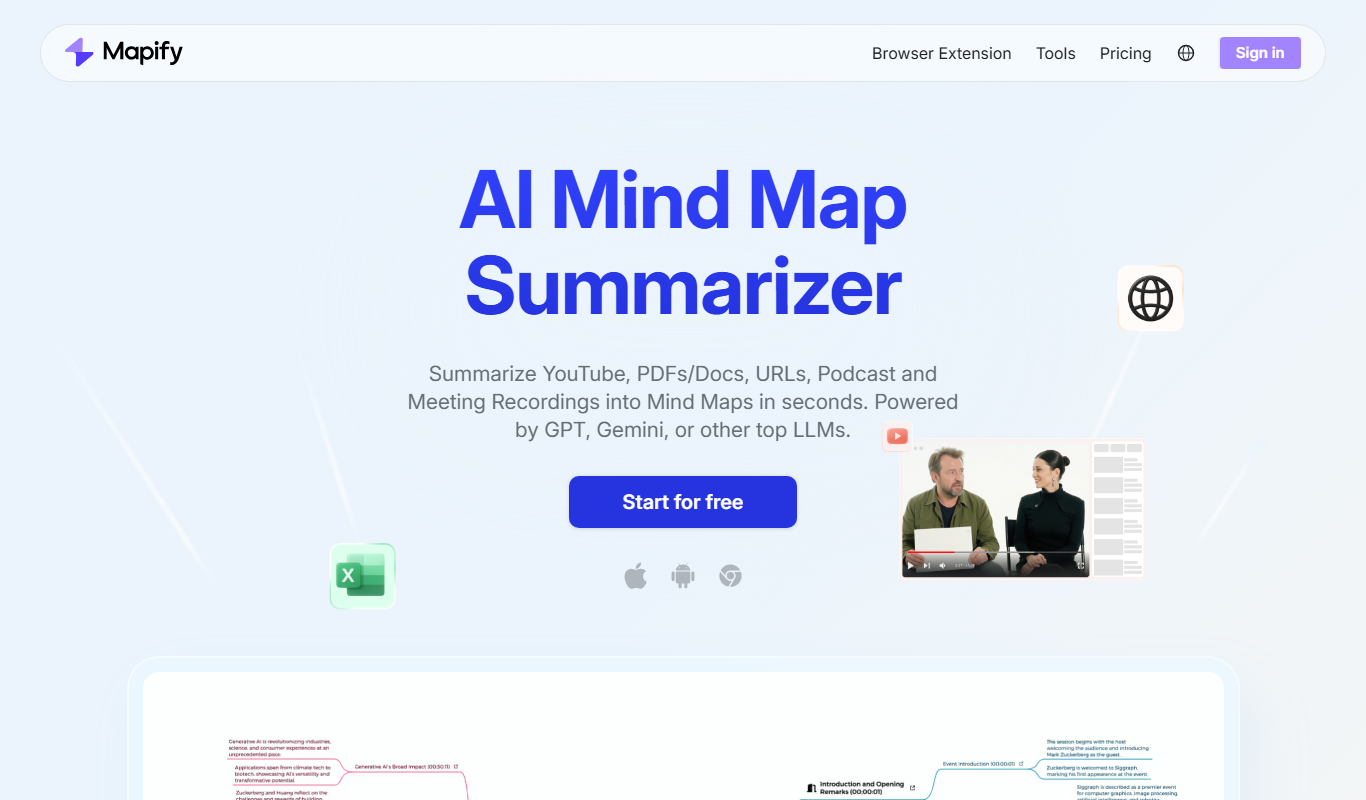
Mapify
Mapify is an AI mind map summarizer that turns PDFs, YouTube videos, webpages and recordings into structured mind maps.

Heuristica
Heuristica is an AI learning platform that creates concept maps, flashcards, quizzes, summaries and study notes from PDFs, YouTube videos and websites.

Textomap 2.0
Textomap turns text, images, AI prompts, CSV files and URLs into interactive maps of the locations they mention, ready to share or embed.
LexiGym
LexiGym is a personal vocabulary trainer app for exploring multiple languages offline, with free access to all trainings.