

AI Code Converter Tool for Developers and Programmers Online
AICodeConvert is an AI-driven web tool that converts source code from one programming language to another, supporting multiple languages and providing real-time, accurate translations to assist developers and programmers.
- Best for
- Code Conversion Between Languages
- Key capability
- Multi-Language Support
Save AICodeConvert, follow its updates and vote on it — everything stays in your account.
Sign in or create a free account
What is AICodeConvert?
AICodeConvert is an AI-powered web tool designed to convert source code from one programming language to another seamlessly. It leverages advanced machine learning models to understand the syntax and semantics of various programming languages, enabling developers to translate code snippets quickly without manual rewriting.
Key features of AICodeConvert
The tool offers multi-language support, real-time code conversion, syntax highlighting, and an intuitive interface that simplifies the process of code translation for developers, educators, and programmers.
Multi-Language Support
Supports popular programming languages including Python, JavaScript, Java, C++, and more.
AI-Powered Syntax Understanding
Uses AI to accurately interpret and translate code logic beyond simple syntax replacement.
Real-Time Conversion
Provides instant code translation results to speed up development workflows.
User-Friendly Interface
Clean and intuitive UI with syntax highlighting for easy code input and output review.
Pros and cons of AICodeConvert
Pros
- Speeds up code translation between languages
- Supports multiple popular programming languages
- Easy-to-use web interface with syntax highlighting
Cons
- Requires internet connection to use
- Converted code may need manual review for complex logic
- Limited free tier usage
Key use cases for AICodeConvert
Code Conversion Between Languages
Automatically convert source code from one programming language to another to save development time.
Code Refactoring Assistance
Improve and optimize existing code by translating it into cleaner or more efficient versions.
Learning and Education
Help developers understand syntax differences and programming paradigms by comparing code translations.
Rapid Prototyping
Quickly generate code snippets in multiple languages to prototype features or test concepts.
How AICodeConvert works
- 1
Select Source and Target Languages
Choose the programming language of your original code and the language you want to convert it into.
- 2
Input Your Code
Paste or type the source code snippet into the input field.
- 3
Initiate Conversion
Click the convert button to let the AI process and translate your code.
- 4
Review and Use Output
Examine the converted code with syntax highlighting and copy it for your development needs.
Who is using AICodeConvert
AICodeConvert pricing
Free
Free
Free AI code translator and code generator.
Pro
$15/month
Unlimited conversions, priority processing, and access to all supported languages.
Plans and prices are as published by the vendor and can change. Check the official site before you buy. Open the pricing page (opens in a new tab)
Frequently asked questions about AICodeConvert
It supports major languages such as Python, JavaScript, Java, C++, and others, with ongoing updates to add more.
While the AI strives for accuracy, developers should review and test the output as some manual adjustments may be necessary.
No, the tool operates as a web-based service requiring an internet connection.
It depends on your specific needs and how you plan to use the tool. The official website and documentation are the best sources for the latest details.
Yes, it can help with that use case depending on how you configure it and what features are available. You’ll get the best results with clear inputs and a defined goal.
Some tools offer a free plan or trial with limited features. Availability can vary, so confirm on the official website.
Conclusion
Code or a question goes into one input box, and a click on the button for the job runs it. Next to the main conversion there are buttons to ask a question, debug, optimize or explain the code. The site describes conversion between 50+ programming languages, and its converter list also includes React and Django.
Output still needs a human check, because converted code may need manual review for complex logic and developers are told to review and test it. Side by side translations are described as a way to understand syntax differences between languages or to prototype a feature in several of them. Software developers, programming students and technical educators are the groups the page has in mind. Access costs nothing, as the whole service is offered as a free generator that translates code between languages with a click.
Sources
Sign in to review this tool.
Sign In to ReviewNo reviews yet
Be the first to share how this tool worked for you.
Ask about pricing, limits, or how it compares — or answer someone else.
Sign In to AskNo questions yet
Have a question about using or paying for this tool? Be the first to ask.
Featured on TiorAI



More AI Ai Tools tools
Other tools in the same category, for when this one is not quite the fit.
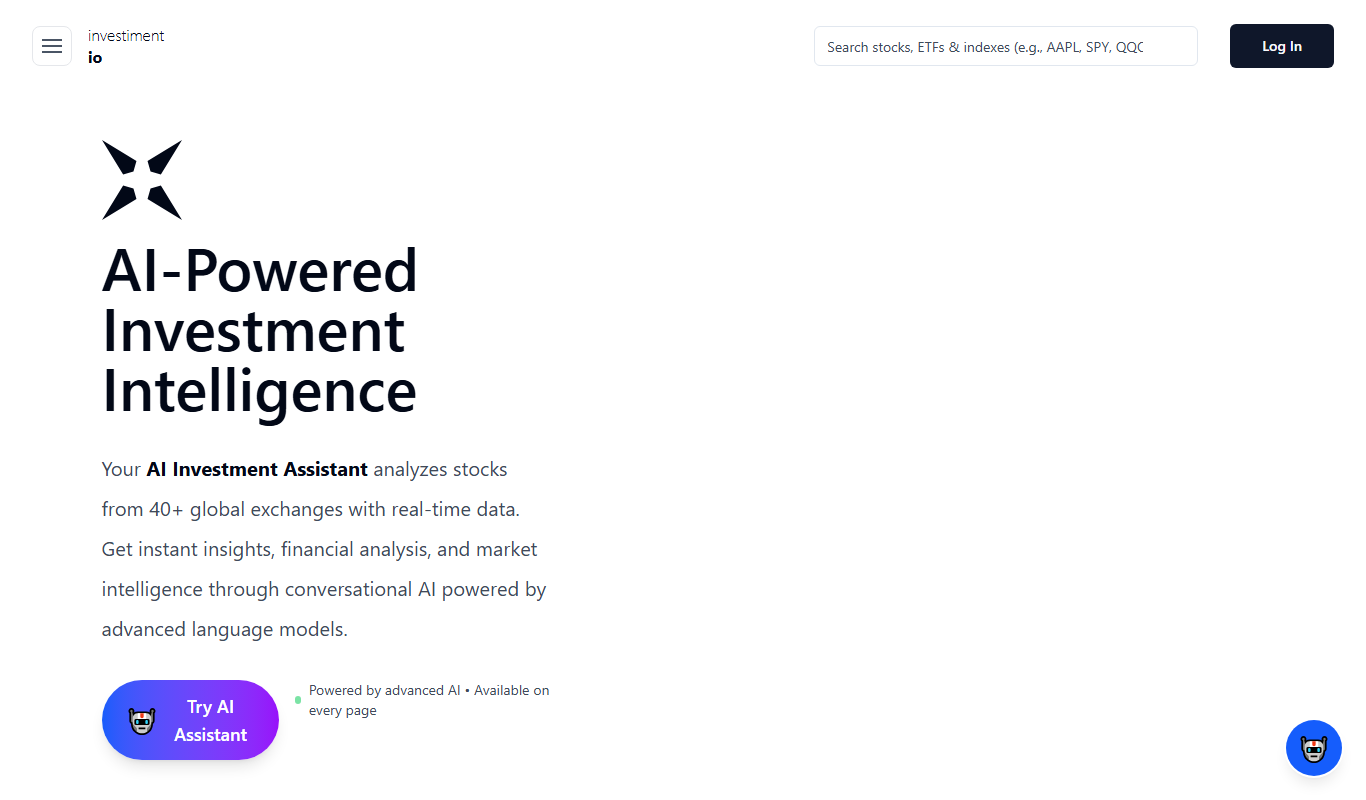
investiment.io
investiment.io is an AI-powered investment platform featuring an intelligent assistant that provides real-time stock analysis across 40+ global exchanges through conversational AI.

Remodel AI
Remodel AI is a web-based AI tool that redesigns any room or home exterior from an uploaded photo in seconds.

Parcae: AI Mind Map Creator
Parcae is an AI-powered mobile mind mapping app that instantly transforms typed, pasted or dictated text into a mind map.

WiseMap.ai
WiseMap.ai is an AI-driven mind mapping tool that helps users generate, organize, and collaborate on ideas visually, enhancing creativity and productivity.

AI Song Generator-Make Song
AI Song Generator-Make Song is an online tool that uses artificial intelligence to create original songs by generating melodies and lyrics based on user inputs such as themes or moods.
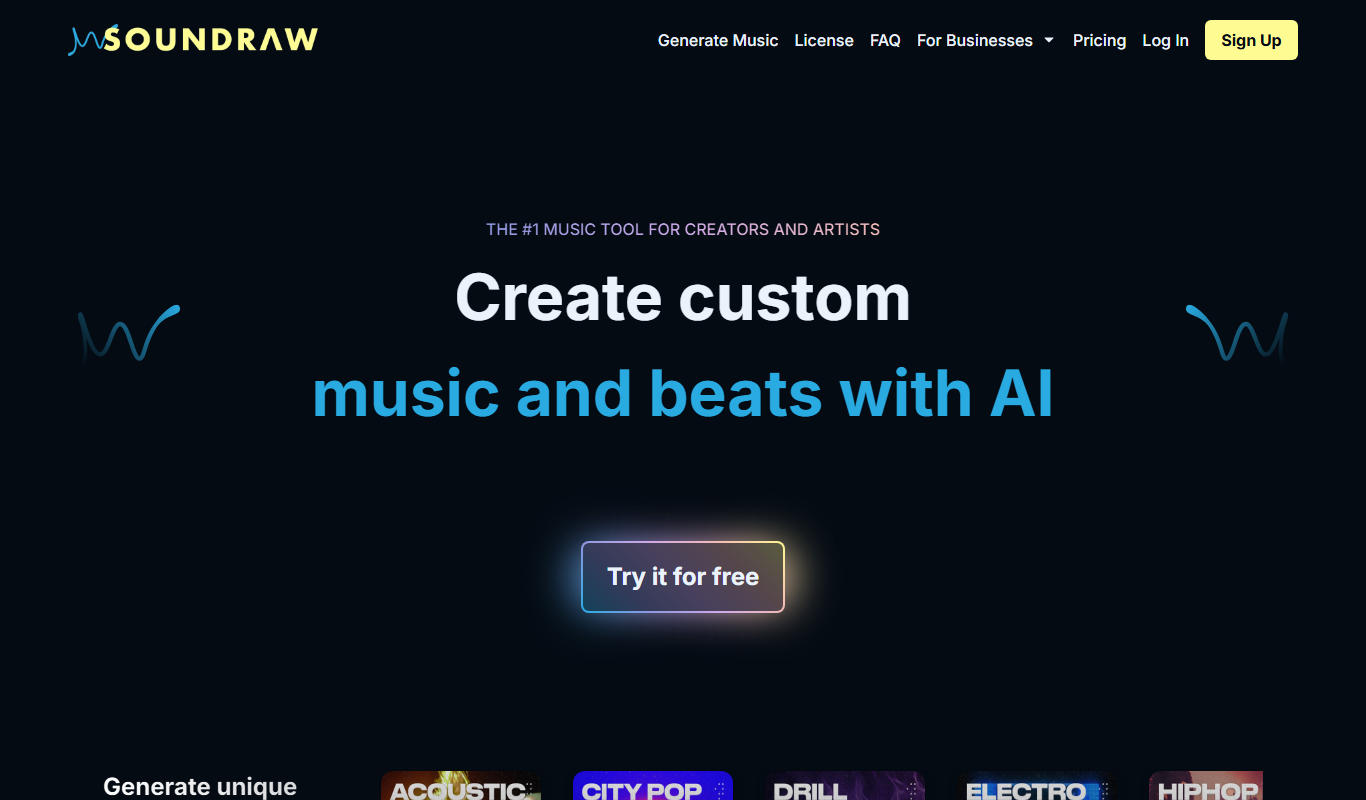
Soundraw
Soundraw is an AI-powered music generator that creates original, royalty-free music tracks customizable by mood, genre, and length, ideal for content creators and marketers.

ChordCreate
ChordCreate is an AI-powered web tool that generates chord progressions from a text prompt, which can then be heard, edited and exported.
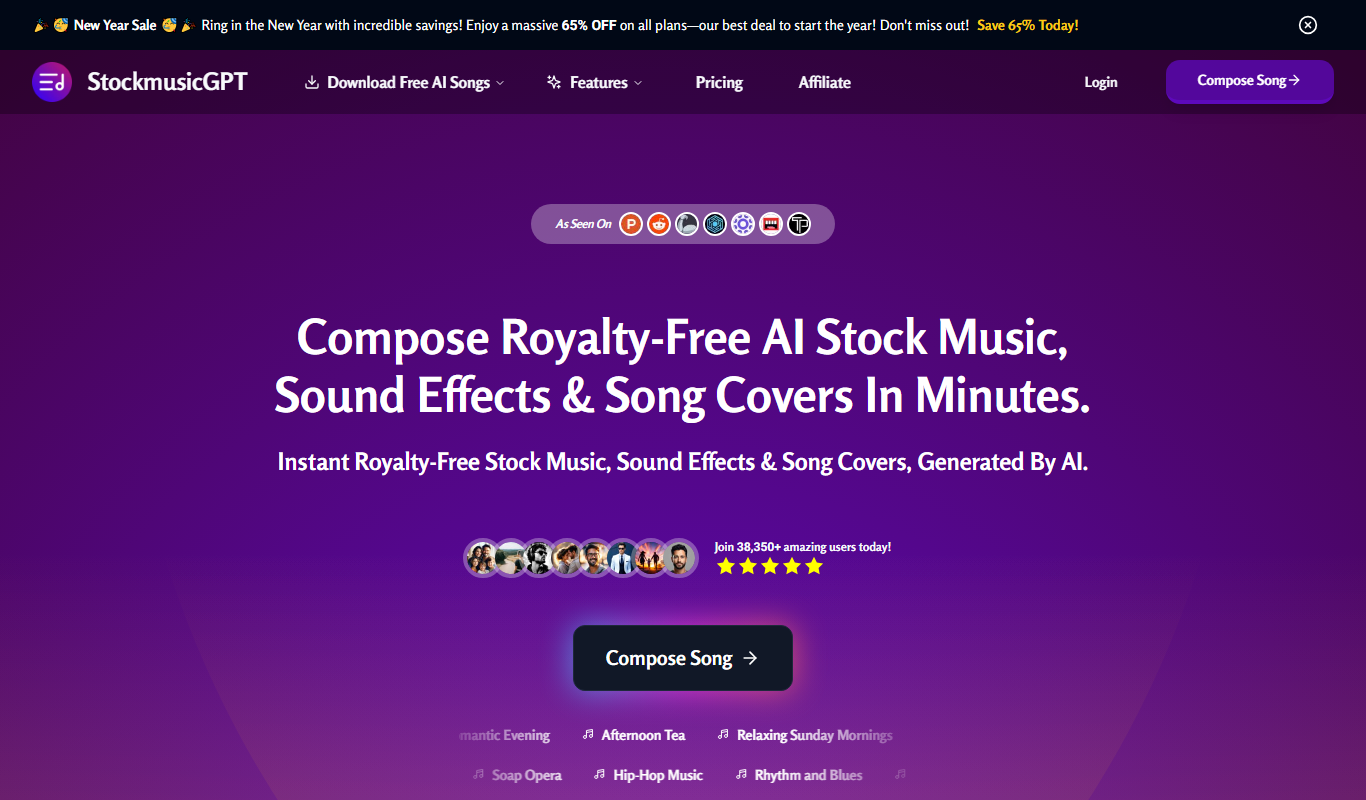
StockmusicGPT
StockmusicGPT is an AI-driven platform that generates royalty-free stock music tailored to your preferences, allowing instant download and use in commercial or personal projects without licensing fees.