

ChatDaddy WhatsApp CRM and Business Automation Platform
ChatDaddy is a WhatsApp CRM and business automation platform that combines a shared inbox, AI chatbots, marketing campaigns, CRM and payments across WhatsApp, Instagram, Facebook Messenger, Email and SMS.
- Best for
- Customer Support Automation
- Key capability
- AI-Powered Natural Language Processing
Save ChatDaddy, follow its updates and vote on it — everything stays in your account.
Sign in or create a free account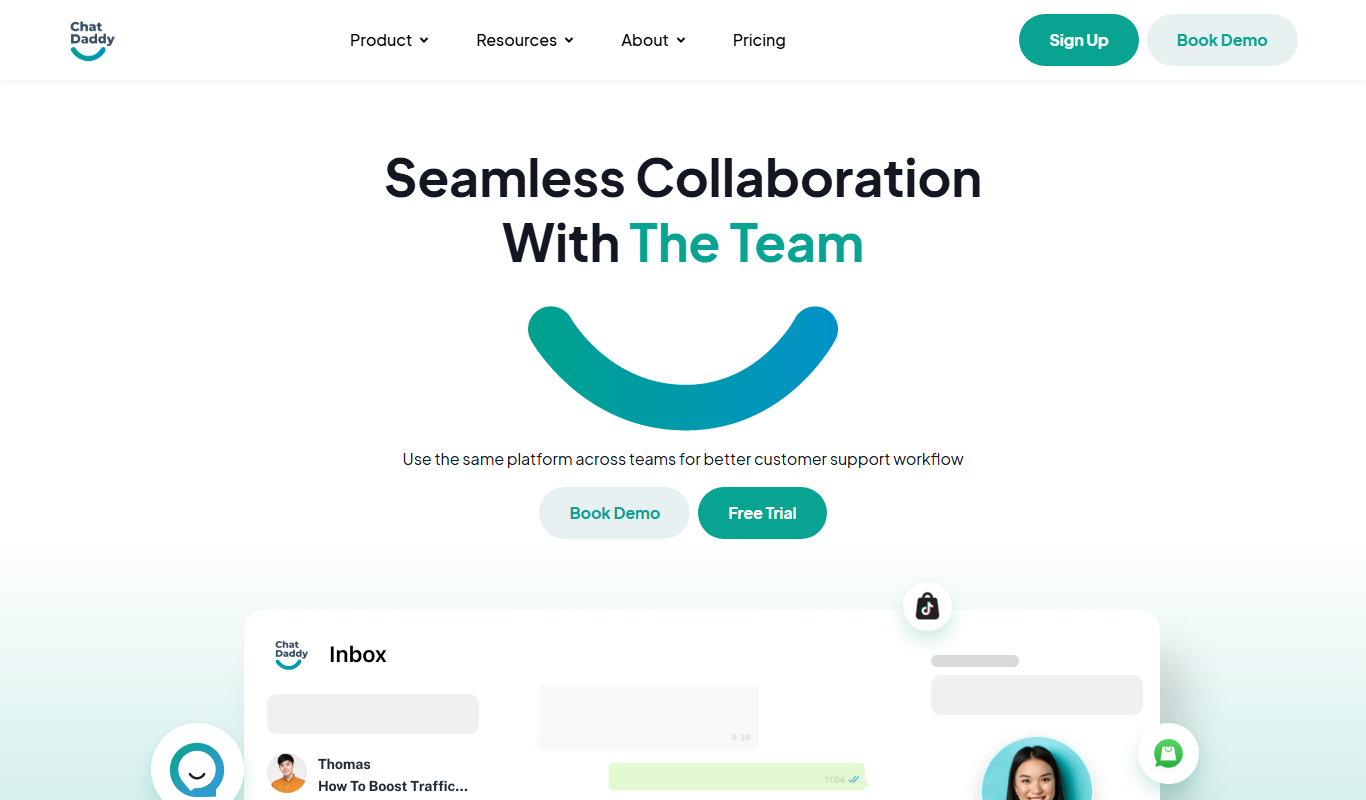

What is ChatDaddy?
ChatDaddy is an AI-powered messaging platform for businesses that brings marketing automation, CRM, chatbots and payments together across WhatsApp, Instagram, Facebook Messenger, Email, SMS and more. Teams manage conversations in one shared inbox and use AI chatbots to answer questions and qualify leads.
Key features of ChatDaddy
ChatDaddy offers a shared inbox for all conversations, AI chatbots with keyword-based replies and CRM tagging, marketing campaigns, a shop storefront, payments, notifications, CRM and automation across WhatsApp, Instagram, Facebook Messenger, Email and SMS.
AI-Powered Natural Language Processing
Enables chatbots to understand and respond to user queries in a conversational manner.
Customizable Chatbot Templates
Pre-built templates allow quick setup and easy customization for various industries.
Multi-Channel Deployment
Supports integration on websites, social media, and messaging platforms.
Lead Capture and Qualification
Automates lead generation by collecting visitor information through chat interactions.
Analytics Dashboard
Provides insights into chatbot usage, user engagement, and conversation success rates.
Pros and cons of ChatDaddy
Pros
- Easy to set up with customizable templates
- AI-driven natural language understanding improves user experience
- Multi-channel deployment increases reach
- Comprehensive analytics for performance tracking
- Start free with trial credits on all plans and no credit card
Cons
- Limited language support currently
- Advanced features require higher-tier plans
- No dedicated mobile app for chatbot management
Key use cases for ChatDaddy
Customer Support Automation
Automate responses to common customer queries to reduce support workload and improve response times.
Lead Generation
Engage website visitors with interactive chatbots to capture leads and qualify prospects automatically.
E-commerce Assistance
Provide personalized shopping assistance and product recommendations through AI-powered chatbots.
24/7 Customer Engagement
Maintain continuous customer interaction outside business hours to enhance user experience and satisfaction.
How ChatDaddy works
- 1
Sign Up
Create an account on ChatDaddy’s platform to start building your chatbot.
- 2
Customize Chatbot
Use templates or design your chatbot’s conversation flow to suit your business needs.
- 3
Connect Channels
Connect messaging channels such as WhatsApp, Instagram, Facebook Messenger, TikTok, SMS and Email to manage conversations in one platform.
- 4
Monitor and Optimize
Track chatbot interactions and performance metrics to improve responses and user experience.
Who is using ChatDaddy
ChatDaddy pricing
Mini
$59/month, billed annually
For solo founders and lean teams getting started: 1 channel, 3 teammate seats and 1,500 active chats.
Basic
$119/month, billed annually
For growing teams running real campaigns: 2 channels, 5 teammate seats and 5,000 active chats.
Pro
$299/month, billed annually
For scaling teams that need power and integrations: 3 channels, 10 teammate seats and 10,000 active chats.
Max
$799/month, billed annually
For larger teams that want everything unlocked: 5 channels, 15 teammate seats and 20,000 active chats.
Enterprise
Custom pricing
Custom solutions for larger organizations with flexible channels and teammate seats, unlimited messages, custom integrations, API access, SLA and a dedicated account manager.
Plans and prices are as published by the vendor and can change. Check the official site before you buy. Open the pricing page (opens in a new tab)
Frequently asked questions about ChatDaddy
Yes, ChatDaddy provides easy integration options including JavaScript snippets and API access.
Currently, ChatDaddy primarily supports English, with plans to add more languages in the future.
ChatDaddy can be started free, with trial credits included on all plans and no credit card required.
Absolutely, the platform allows you to design and customize chatbot dialogues to fit your business needs.
This tool is designed to help users accomplish its core tasks more efficiently. It is typically used by individuals or teams looking to improve productivity and workflow.
Pricing depends on the plan and included features. For the most accurate and up-to-date details, check the official pricing page.
Yes, it can help with that use case depending on how you configure it and what features are available. You’ll get the best results with clear inputs and a defined goal.
Conclusion
Messaging apps are the center of this platform: conversations from WhatsApp, Instagram, Facebook Messenger, TikTok, SMS and Email are handled in one place. Its AI chatbots answer frequently asked questions with keyword-based replies, qualify leads around the clock and tag contacts automatically for the CRM. Beyond support, the same workspace covers marketing campaigns, a storefront for showcasing products and payment options at checkout.
ChatDaddy is designed to bring marketing, sales and support into a single workspace, for teams ranging from fast-moving startups to structured enterprises. Every plan can be started free with trial credits and no credit card. Paid tiers differ mainly in connected channels, teammate seats and monthly active chats, with custom Enterprise terms above them. AI features such as transcription and translation are billed per use from a wallet, on top of the monthly plan fee.
Sources
Sign in to review this tool.
Sign In to ReviewNo reviews yet
Be the first to share how this tool worked for you.
Ask about pricing, limits, or how it compares — or answer someone else.
Sign In to AskNo questions yet
Have a question about using or paying for this tool? Be the first to ask.
Featured on TiorAI



More AI Chat Generator tools
Other tools in the same category, for when this one is not quite the fit.

Verse AI
Verse is an AI agent and AI texting platform for sales and marketing teams that replies to leads across channels, qualifies them through conversation and books appointments.

Quriobot
Quriobot is a no-code AI chatbot platform that helps businesses automate customer support, lead generation, and engagement through customizable chatbots supporting multiple languages.

ChatTTS
ChatTTS is a text-to-speech model built for conversational scenarios such as LLM assistant dialogue and conversational video introductions, supporting Chinese and English.
Chatlease
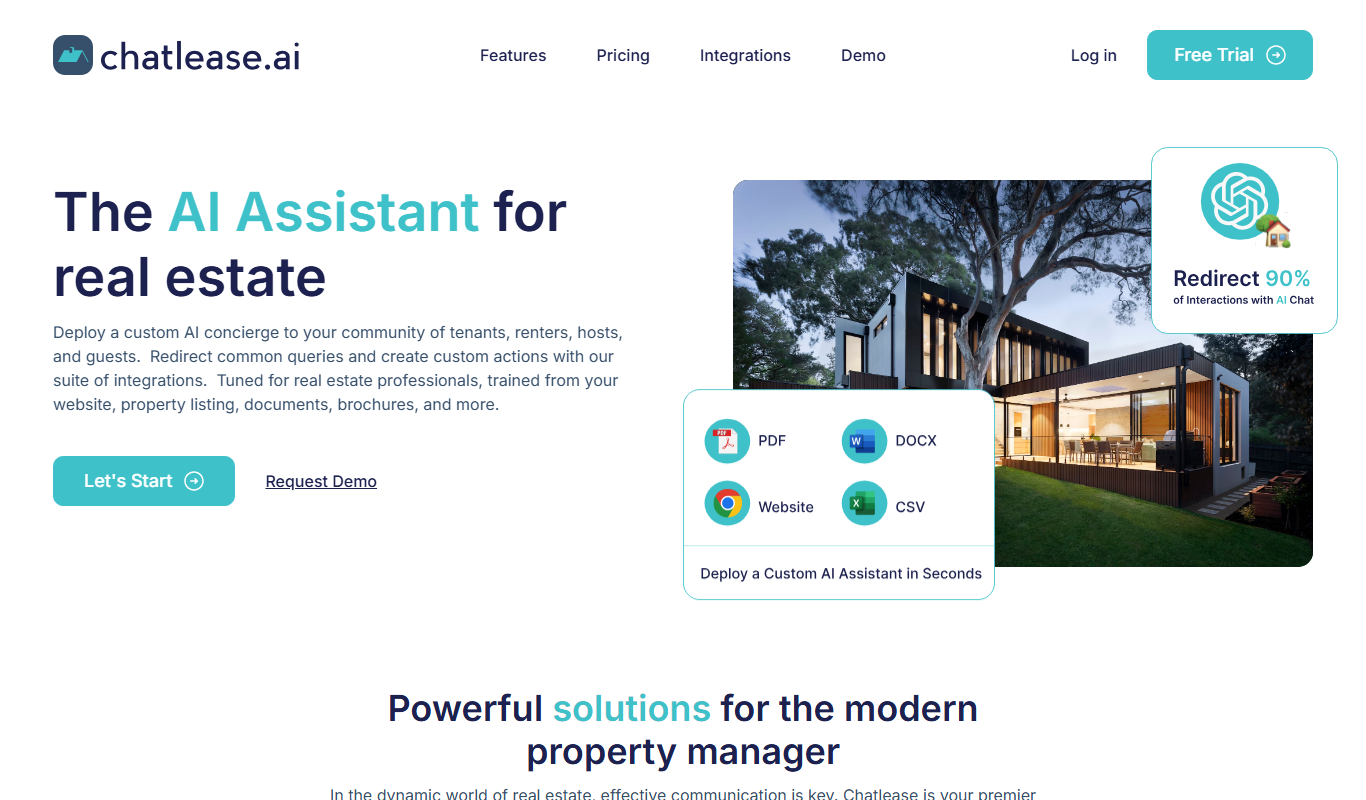
Chatlease is an AI chatbot platform tailored for real estate professionals to automate lead capture, qualification, and appointment scheduling through conversational AI on websites.

AI ChatDocs
AI ChatDocs is an AI chatbot platform that enables users to upload documents and interact with them conversationally to get instant, context-aware answers.

virtualspirits.com
Virtual Spirits is an AI chatbot platform that automates customer support and engagement by providing customizable virtual assistants for websites and messaging channels.

Mottle Bot
Mottle Bot is an AI-powered chatbot platform designed to automate customer support and engagement by providing conversational AI chatbots that integrate with CRM systems and offer customizable chat flows.

Yay! Forms
Yay! Forms is an easy-to-use online form builder that lets you create surveys, feedback forms, and data collection tools without coding, featuring drag-and-drop editing, customizable templates, and integrations.