

Destination live bus tracker app for iOS
Destination App is a live bus tracker for iOS with real-time ETAs across 800+ transit systems at universities, airports and cities, free on the App Store.
- Best for
- University shuttles
- Key capability
- Live tracking and ETAs
Save Destination App, follow its updates and vote on it — everything stays in your account.
Sign in or create a free account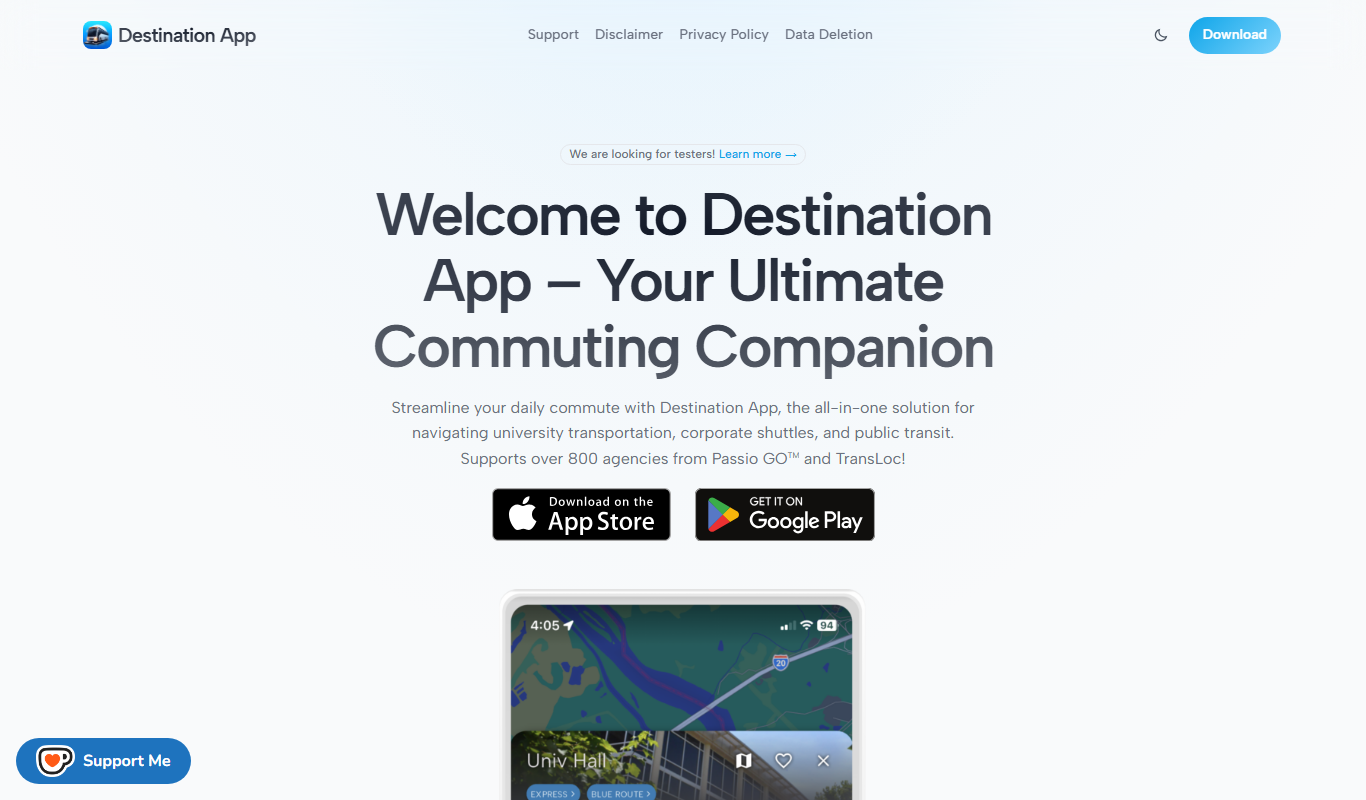
What is Destination App?
Destination makes commuting easy: track live buses, view real-time ETAs and explore 800+ transit systems across universities, cities, airports and more.
Key features of Destination App
Live tracking and ETAs, stop-by-stop bus following, smart search and nearby stops, 800+ transit systems, route presets and an offline mode.
Live tracking and ETAs
Watch buses move on the map in real time and know when they'll reach your stop.
Bus Follow
Follow any bus to see its live position, dwell time and stop-by-stop arrivals.
Route presets and offline mode
Save daily routes as presets for instant access; cached data works without internet.
Pros and cons of Destination App
Pros
- Free on the App Store
- Covers 800+ transit systems
- Cached route and stop data works offline
Cons
- Transit data accuracy is not guaranteed
- Relies on third-party transit data APIs
- Basic features without advanced travel integrations
Key use cases for Destination App
University shuttles
Track a university shuttle in real time.
Airport connectors
Follow an airport connector bus to your stop.
City buses
See real-time ETAs for city buses.
How Destination App works
- 1
Download the app
Get Destination from the App Store.
- 2
Find your stop
Find nearby stops, routes or specific buses.
- 3
Track buses live
Watch buses on the map and see when they reach your stop.
- 4
Save your routes
Save daily routes as presets for instant access.
Who is using Destination App
Destination App pricing
Free
$0
Full access to all features without any cost.
Plans and prices are as published by the vendor and can change. Check the official site before you buy. Open the pricing page (opens in a new tab)
Frequently asked questions about Destination App
Yes. Destination is free on the App Store.
Over 800 transit agencies, including universities, cities and airports.
Yes. Offline mode gives access to cached route and stop data without an internet connection.
No. It is an independent project by Shafil Alam, not affiliated with any transit agency or university.
From third-party APIs, including Passio GO and TransLoc.
Conclusion
Buses rather than trips are what this app follows: Destination shows buses moving on a map in real time with ETAs for the rider’s stop. Its Bus Follow view tracks one bus stop by stop, including dwell time, while smart search finds nearby stops and routes. Daily routes can be saved as presets, and an offline mode keeps cached route and stop data available without internet.
Coverage spans more than 800 transit systems, from university shuttles at schools like NYU and Stanford to airport connectors and city buses. The app is free on the App Store and is an independent project by Shafil Alam, not affiliated with any transit agency. Its transit data comes from third-party APIs such as Passio GO and TransLoc, and the site disclaims the accuracy of that transit data.
Sources
Sign in to review this tool.
Sign In to ReviewNo reviews yet
Be the first to share how this tool worked for you.
Ask about pricing, limits, or how it compares — or answer someone else.
Sign In to AskNo questions yet
Have a question about using or paying for this tool? Be the first to ask.
Featured on TiorAI



Alternative Tools
Explore similar AI tools that might fit your needs

TripIt
TripIt is a travel app that automatically organizes your travel plans into a single itinerary by parsing confirmation emails, providing real-time flight alerts, and allowing itinerary sharing.

Roadtrippers
Roadtrippers is a travel planning app that helps users create detailed road trip itineraries by mapping routes, discovering attractions, and optimizing travel plans.
More Daily Life tools
Other tools in the same category, for when this one is not quite the fit.
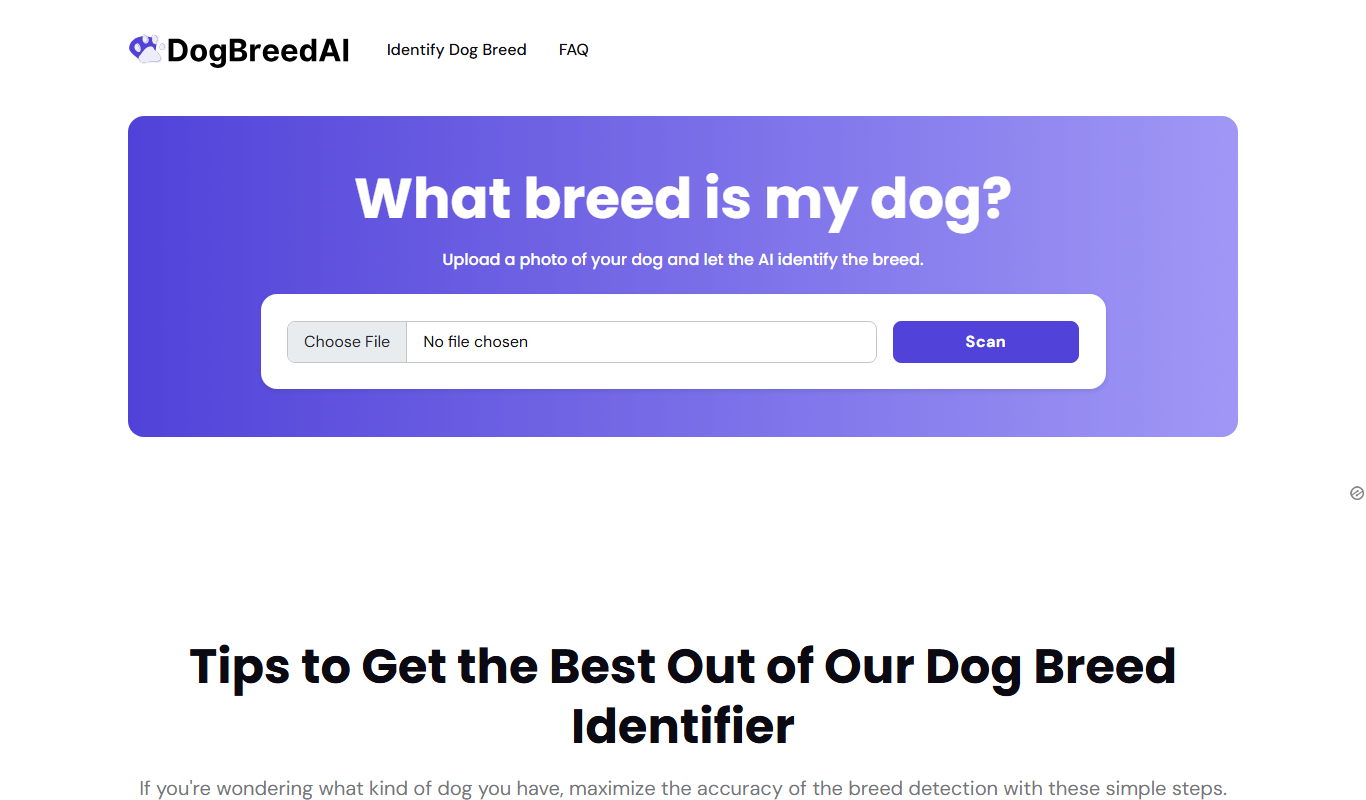
Dog Breed AI
Dog Breed AI uses artificial intelligence to identify dog breeds from photos, providing breed details and care information on web and mobile platforms.

BarGPT AI-Powered Bartender
BarGPT is an AI-powered virtual bartender that creates personalized cocktail recipes and offers mixology tips based on your available ingredients and preferences.
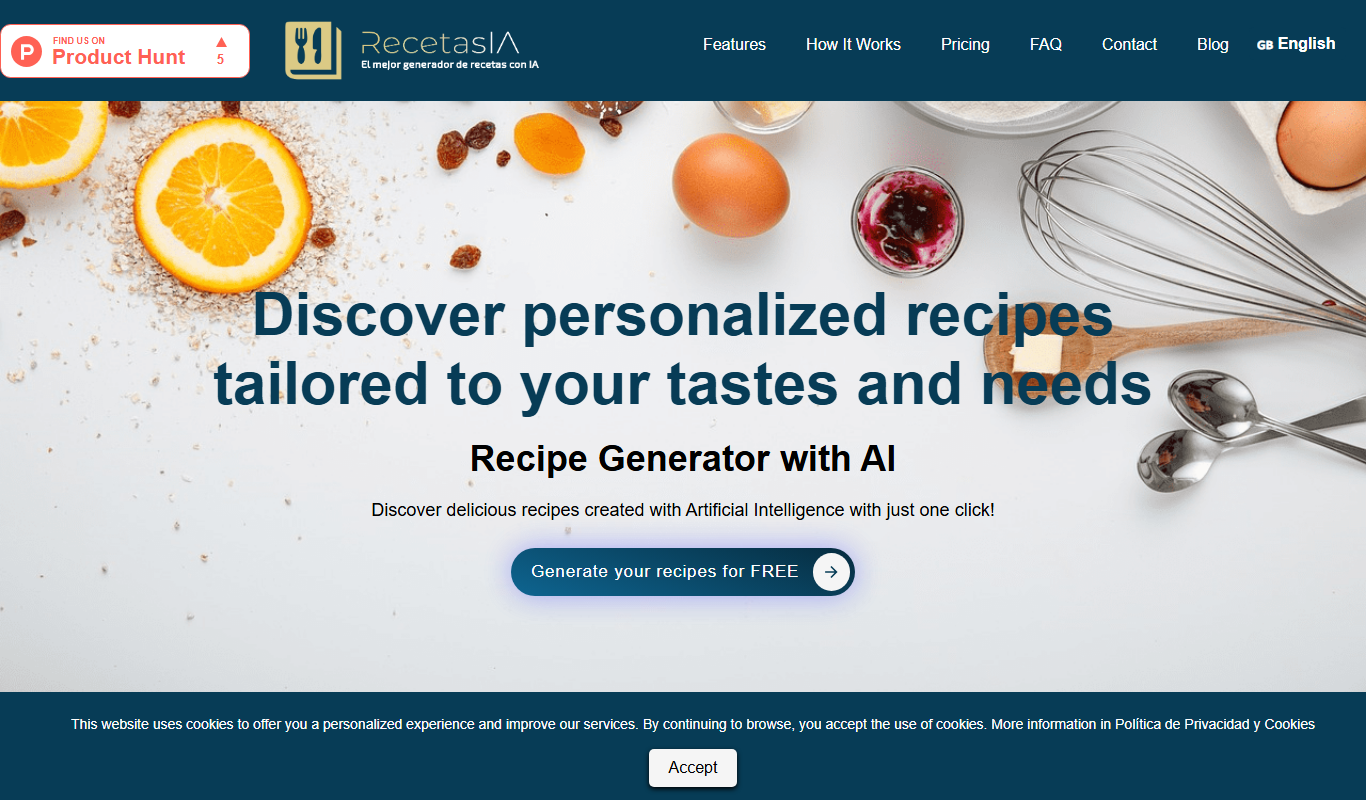
RecetasIA
RecetasIA is an AI-based web tool with a free plan that generates personalized recipes from your tastes, dietary restrictions and intolerances, in English or Spanish.

Empai: Empathic AI Assistant
Empai is an iPhone and iPad app that decodes what people really mean and helps you rewrite dull or angry texts.

Competitors App
Competitors App is a web-based platform that enables businesses to monitor and analyze their competitors’ pricing, marketing, and product strategies in real time to make informed decisions.

Monster Labs
Monster Labs creates D&D creatures, items and spells from a description or a picture, writing the stat block for you, with a free plan and Pro for unlimited generations.

Coach Me Up!
Coach Me Up! is an AI-driven career coaching platform that provides personalized guidance, skill-building exercises, and interview preparation tools to help users achieve their professional goals.

More Episodes!
More Episodes! offers new, GPT-4 written episodes of favorite TV shows that ended years ago, from Breaking Bad to Friends.