
From my experience with Buildbox, I found it excels at enabling non-programmers to create mobile games quickly using its intuitive drag-and-drop interface. The platform is particularly well-suited for indie developers and entrepreneurs who want to prototype and publish games without learning complex coding. However, the free plan’s limitations and subscription pricing might be a barrier for hobbyists or casual users. Overall, if you need a no-code solution to build 2D or 3D games with monetization options, Buildbox delivers a solid balance of ease and functionality.
Buildbox Game Maker Software for No-Code Mobile Game Development
Buildbox is a no-code game development platform that enables users to create and publish 2D and 3D mobile games without programming by using drag-and-drop tools and pre-built assets.
What is Buildbox?
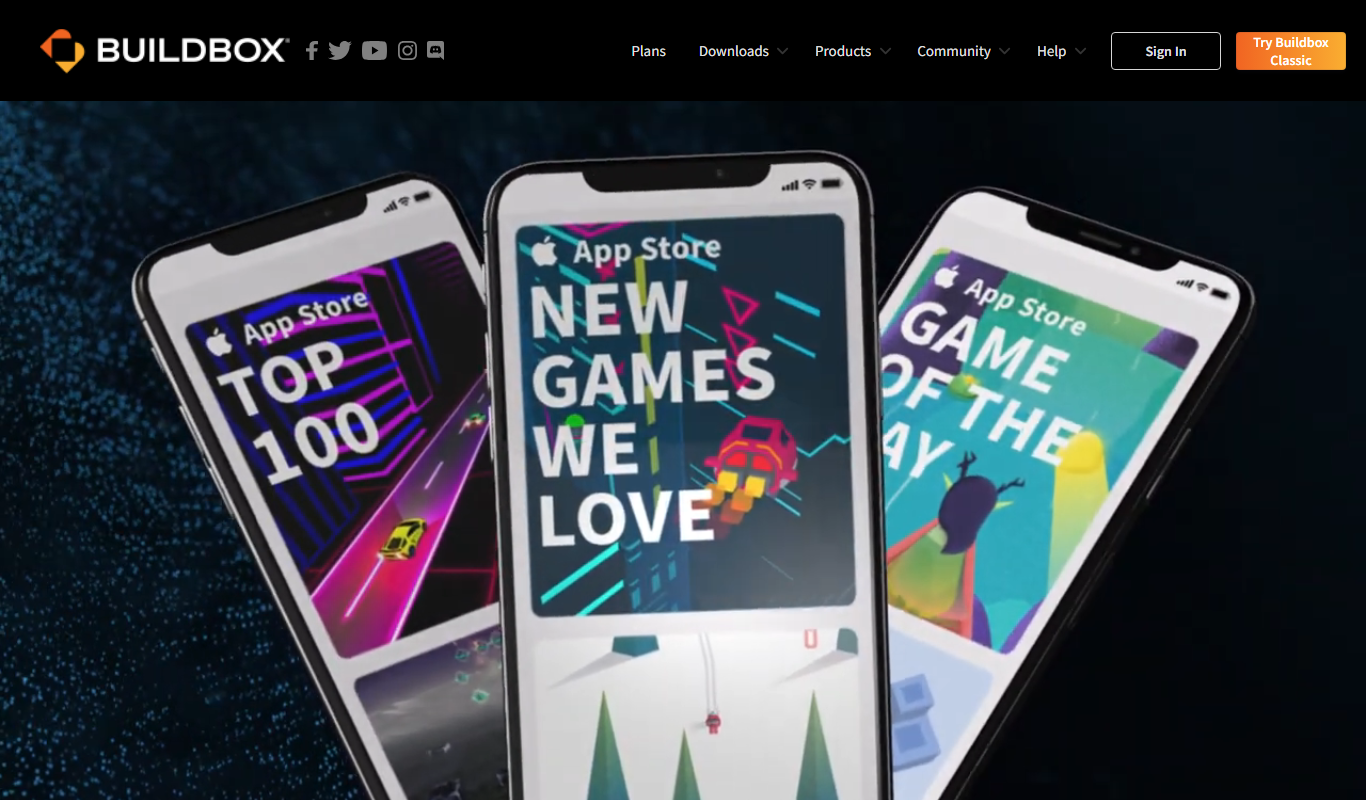
Buildbox is a no-code game development platform that allows users to create mobile games through an intuitive drag-and-drop interface without requiring programming skills. It supports both 2D and 3D game creation, enabling designers, entrepreneurs, and indie developers to build, prototype, and publish games quickly across multiple platforms.
Key Features of Buildbox
No-Code Visual Editor
Create games using drag-and-drop without writing code.
Cross-Platform Export
Publish games to iOS, Android, Windows, Mac, and more.
Pre-Built Assets and Templates
Access a library of assets and templates to speed up development.
Monetization Tools
Integrate ads and in-app purchases easily to generate revenue.
3D and 2D Game Support
Build both 2D side-scrollers and 3D games within the same platform.
Pros and Cons of Buildbox
Pros
- User-friendly no-code interface
- Supports both 2D and 3D game development
- Cross-platform publishing options
- Includes monetization features
- Good for rapid prototyping
Cons
- Free plan has limited features and branding
- Steeper learning curve for complex game mechanics
- Subscription pricing may be high for hobbyists
Key Use Cases for Buildbox
Mobile Game Creation
Create 2D and 3D mobile games without coding using drag-and-drop tools.
Prototyping Game Ideas
Rapidly prototype game concepts to test mechanics and gameplay.
Indie Game Development
Enable indie developers to build and publish games on multiple platforms.
Educational Game Design
Use as a learning tool for game design and development fundamentals.
Monetization Integration
Integrate ads and in-app purchases to monetize games effectively.
How Buildbox Works
-
1
Download and Install
Get Buildbox for Windows or Mac and install it on your computer.
-
2
Start a New Project
Choose a template or start from scratch to begin your game.
-
3
Design Game Elements
Use drag-and-drop tools to add characters, objects, and levels.
-
4
Configure Game Logic
Set up game mechanics, physics, and interactions without coding.
-
5
Test and Preview
Playtest your game within Buildbox to refine gameplay.
-
6
Publish
Export your game to platforms like iOS, Android, or desktop for release.
Who's Using Buildbox
Indie game developers
Entrepreneurs launching mobile games
Educators teaching game design
Non-programmers interested in game creation
Small studios prototyping game ideas
Buildbox Pricing
Free
$0/month
Basic access with limited features and Buildbox branding.
Plus
$15/month
Access to more features, remove branding, and publish to multiple platforms.
Pro
$99/month
Full feature set including advanced monetization and priority support.
Frequently Asked Questions About Buildbox
No, Buildbox is designed for users without programming knowledge using a drag-and-drop interface.
You can export games to iOS, Android, Windows, Mac, and some other platforms.
Yes, Buildbox offers a free plan with limited features and Buildbox branding.
Yes, Buildbox supports ads and in-app purchases integration.
It depends on your specific needs and how you plan to use the tool. The official website and documentation are the best sources for the latest details.
Yes, it can help with that use case depending on how you configure it and what features are available. You’ll get the best results with clear inputs and a defined goal.
Yes, it can help with that use case depending on how you configure it and what features are available. You’ll get the best results with clear inputs and a defined goal.
Yes, it can help with that use case depending on how you configure it and what features are available. You’ll get the best results with clear inputs and a defined goal.
Share your review
Reviews are limited to one per logged-in user and are published after moderation.
You need an account to review this tool.
0.0
★
★
★
★
★
0 reviews
5 star
0
4 star
0
3 star
0
2 star
0
1 star
0
No reviews yet
Be the first to share how this tool worked for you.
Questions from the community
Read questions and answers about this tool, or ask your own.
No questions yet
Start the conversation by asking the first question about this tool.
Is this tool helpful?
Alternative Tools
Explore similar AI tools that might fit your needs
Free
GameSalad
GameSalad is a no-code game development platform that allows users to create and publish interactive games for mobile and web using a drag-and-drop interface without programming skills.

Freemium
Orbt
Orbt is an AI-powered writing assistant that helps users generate and edit content efficiently through real-time suggestions and a Chrome extension.
Custom Pricing
ZAPT
ZAPT is a web-based platform that enhances audience engagement for virtual and hybrid events through live polling, moderated Q&A, and networking features.

Free
Reetail
Reetail is a web-based e-commerce platform that enables users to build, customize, and manage online retail stores easily without coding, offering product management, payment processing, and sales analytics.
Free Trial
Flojoy Studio
Flojoy Studio is an AI-powered platform that enables users to visually create, automate, and collaborate on data science workflows and machine learning pipelines without extensive coding.

Free Trial
Atomic Fusion: AI Copy for Bubble Pages
Atomic Fusion is an AI copywriting tool that generates tailored, conversion-optimized text specifically for Bubble.io pages, helping no-code developers create effective landing page content quickly.

Free Trial
BuildAI space
BuildAI Space is a web-based low-code platform that enables users to build, customize, and deploy AI applications quickly using drag-and-drop tools and pre-built AI models, suitable for developers and businesses with limited coding experience.
Free
Flowscript.AI
Flowscript.AI is a no-code platform that enables users to create AI-powered automated workflows by connecting APIs and AI models through a visual drag-and-drop interface.

Free Trial
Appflows
Appflows is an AI-powered no-code workflow automation platform that enables users to build, integrate, and optimize workflows across multiple applications without coding.