

Provamoda: AI fashion photography with AI models
Provamoda generates on-model fashion photos with AI models from your product photos, with prompt editing and image-to-video, sold as one-time credit packs.
- Best for
- E-commerce product photos
- Key capability
- AI models from product photos
Save Provamoda, follow its updates and vote on it — everything stays in your account.
Sign in or create a free account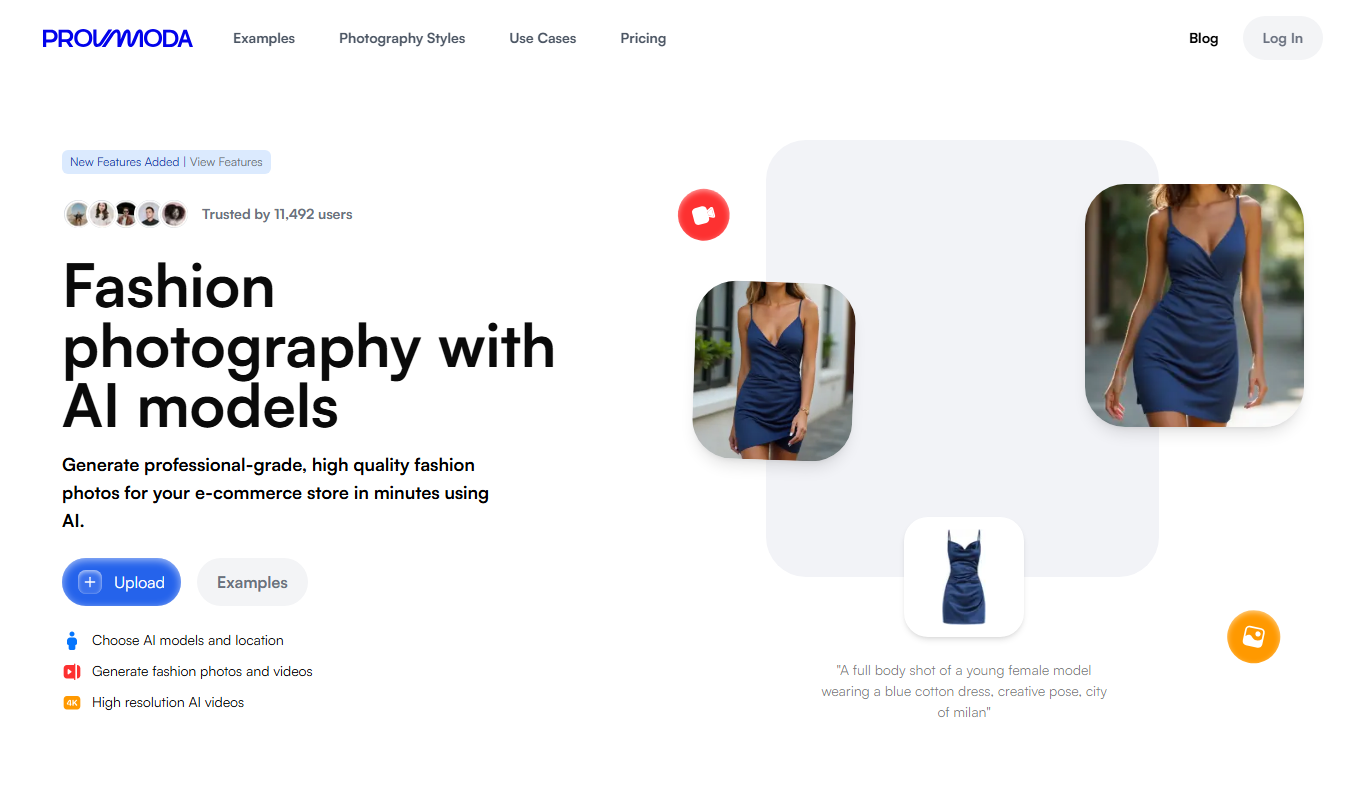
What is Provamoda?
Provamoda is a generative AI fashion photography platform for online stores. You upload a product or flat lay photo of a garment, choose an AI model, pose and setting, and generate on-model photos for product pages, lookbooks and campaigns. It also edits images with text prompts and turns stills into short vertical fashion videos, on one-time credit packs.
Key features of Provamoda
On-model fashion photos from product or flat lay images, choice of model, pose, location and camera style, accessories support, image editing with prompts, different backgrounds, front and back views, multiple models per image, automatic high resolution upscaling and video generation from stills.
AI models from product photos
Upload a garment or flat lay image and generate professional-grade fashion photos with AI models in minutes.
Model, pose and setting
Pick body type, skin tone, location and camera style that match your brand guidelines.
Edit with prompts
Describe the style, setting or mood in natural language, such as shorter sleeves or a different color, and the AI edits the photo.
Motion from stills
Feed a Provamoda still into the motion engine with a one-sentence prompt to generate vertical videos for Reels, TikTok and Stories.
Accessories support
Keep an accessory such as a belt 1:1 accurate while the AI builds the model, outfit and scene around it.
Pros and cons of Provamoda
Pros
- No model bookings or studio fees
- Automatic upscaling to high resolution at no extra cost
- Different fashion models, including men, women and teens
- Front and back views and multiple models per image
- One-time credit packs with no subscription
Cons
- Photo generation uses paid credits; only the separate outfit planner is free
- Results should be reviewed against the original garment for logos, prints, closures and fit
- Video generation is only in the Professional and Enterprise packs
Key use cases for Provamoda
E-commerce product photos
Generate on-model fashion photos for your e-commerce store instead of booking models and studios.
Lookbooks and campaigns
Generate on-model photos for product pages, lookbooks and campaigns.
Accessory visuals
Export consistent before and after visuals of accessories for PDPs, ads and lookbooks.
Social fashion videos
Download vertical videos in the right aspect ratios for Reels, TikTok and Stories.
Retailer Analytics
Provides retailers with insights on customer preferences and fitting trends to optimize inventory and marketing.
How Provamoda works
- 1
Upload your product photo
Shoot on a simple background, then drag and drop your flat lay image to start.
- 2
Choose model, pose and setting
Pick body type, skin tone, location and camera style that match your brand.
- 3
Generate and review
Create entire campaigns in a few clicks and review each result against the original garment.
- 4
Export
Export ready-to-ship images for your store and ads.
- 5
Optional: turn stills into video
Describe the movement in a motion prompt and download vertical clips.
Who is using Provamoda
Provamoda pricing
Basic
$35 / pack
One-time pack of 140 credits ($0.25 per image), high resolution, image editing with prompts.
Professional
$99 / pack
One-time pack of 450 credits ($0.22 per image) for growing brands, high resolution, video generation, image editing with prompts.
Enterprise
$450 / pack
One-time pack of 2,300 credits (approximately $0.196 per image), ultra high resolution, video generation, image editing with prompts.
Plans and prices are as published by the vendor and can change. Check the official site before you buy. Open the pricing page (opens in a new tab)
Frequently asked questions about Provamoda
You upload a garment image, choose the model and scene, and generate on-model photos for product pages, lookbooks and campaigns.
No. Photo generation uses paid credits, starting at $35 for 140 images; the separate outfit planner is free.
Yes. Video generation is in the Professional and Enterprise packs; videos cost 4 credits for 5 seconds or 8 credits for 10 seconds.
Yes. Start with a clear photo of the clothing and review each result against the original garment, especially logos, prints, closures and fit.
Yes. Accessories are supported: an accessory such as a belt stays 1:1 accurate while the AI handles the model, outfit and scene.
Yes. Describe the change in a natural language prompt, such as the style, setting or mood, and the AI applies it.
Yes. You can generate different backgrounds on your generated images.
Yes. Images are automatically upscaled to high resolution at no extra cost.
Conclusion
A flat lay or simple product shot is the starting point: Provamoda reads the garment, then places it on an AI model with the body type, skin tone, location and camera style you pick. Accessories such as belts are now supported and kept 1:1 accurate while the scene is rebuilt around them. Natural language prompts handle edits like shorter sleeves, and any still can become a vertical clip for Reels, TikTok or Stories.
The intended use is product pages, lookbooks and campaigns for e-commerce stores that would otherwise book models and studios. Results still need a check against the original garment, especially logos, prints, closures and fit. Generation runs on one-time credit packs rather than a subscription, video generation only comes with the larger packs, and the only free part is a separate outfit planner.
Sources
Sign in to review this tool.
Sign In to ReviewNo reviews yet
Be the first to share how this tool worked for you.
Ask about pricing, limits, or how it compares — or answer someone else.
Sign In to AskNo questions yet
Have a question about using or paying for this tool? Be the first to ask.
Featured on TiorAI



More AI E-Commerce Tools tools
Other tools in the same category, for when this one is not quite the fit.

Evolup
Evolup creates affiliate stores automatically with AI: hosting, Amazon product import and sync, content written with AI and SEO, with a 7-day free trial.
Gensbot
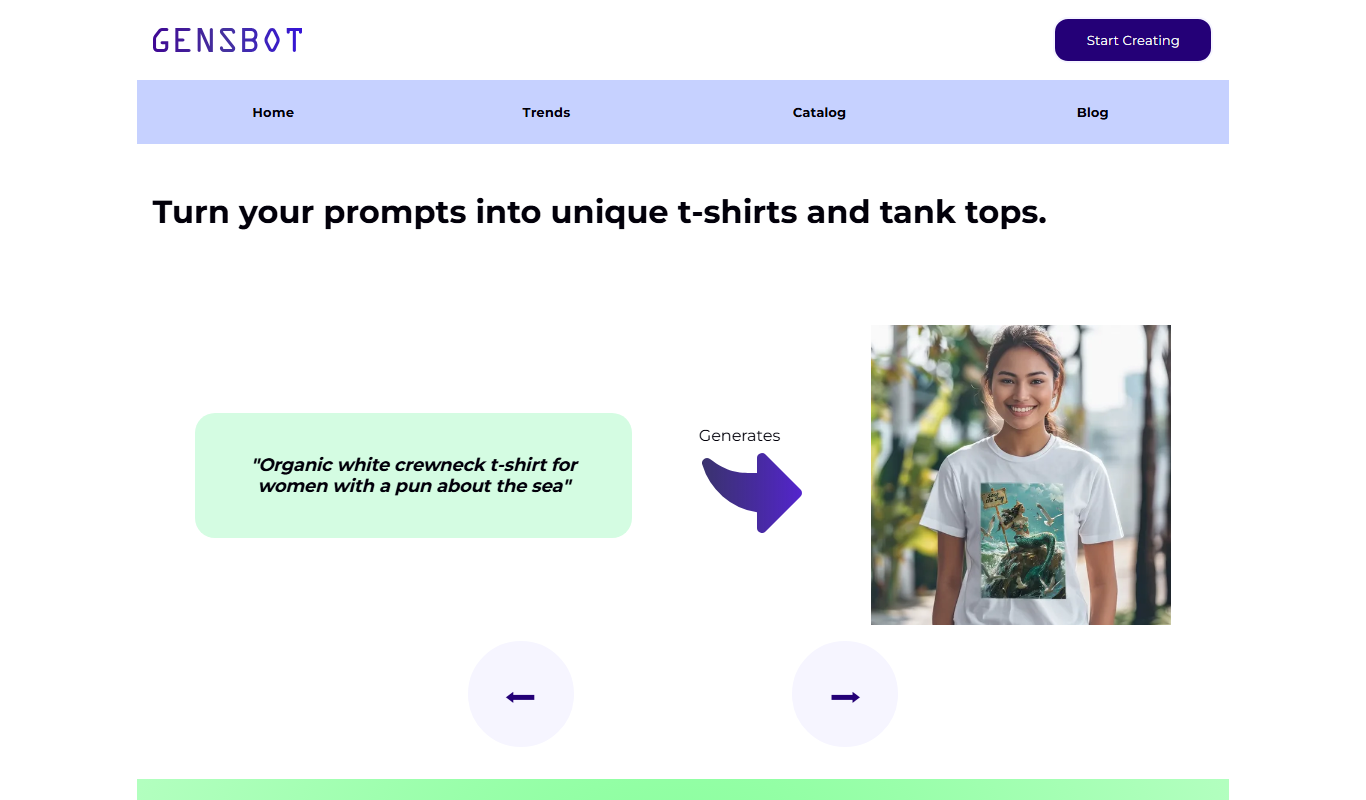
Gensbot turns your prompts into personalized printed merchandise, from t-shirts and mugs to canvas art, designed by AI in less than a minute and produced on demand.
Artadum
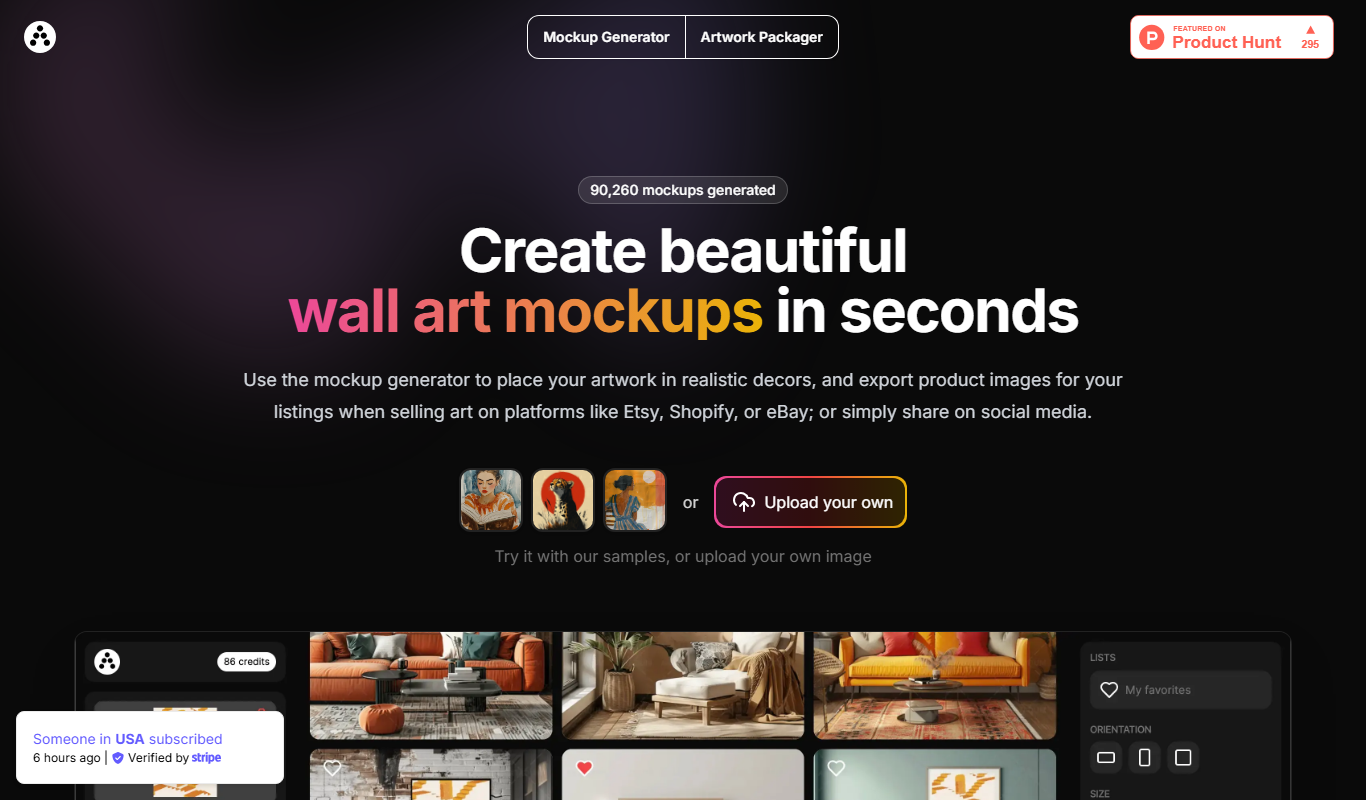
Artadum is a mockup generator that places your art or photography in realistic decors and exports product images for Etsy, Shopify or eBay listings.

Intellifox
Intellifox is an Amazon seller toolkit for listing optimisation, PPC automation, sales and profit tracking, image editing, review requests and fee change alerts.
BatteryIncluded incl. Volt Search
BatteryIncluded is cookieless AI search for ecommerce: Volt Search, Volt Merch and AI recommendations power onsite search and product listings in online shops.

lisuto.co.jp
LISUTO AI structures ecommerce product data with visual and textual tagging, helping sellers and marketplaces make items easier to find and increase sales.
Miros
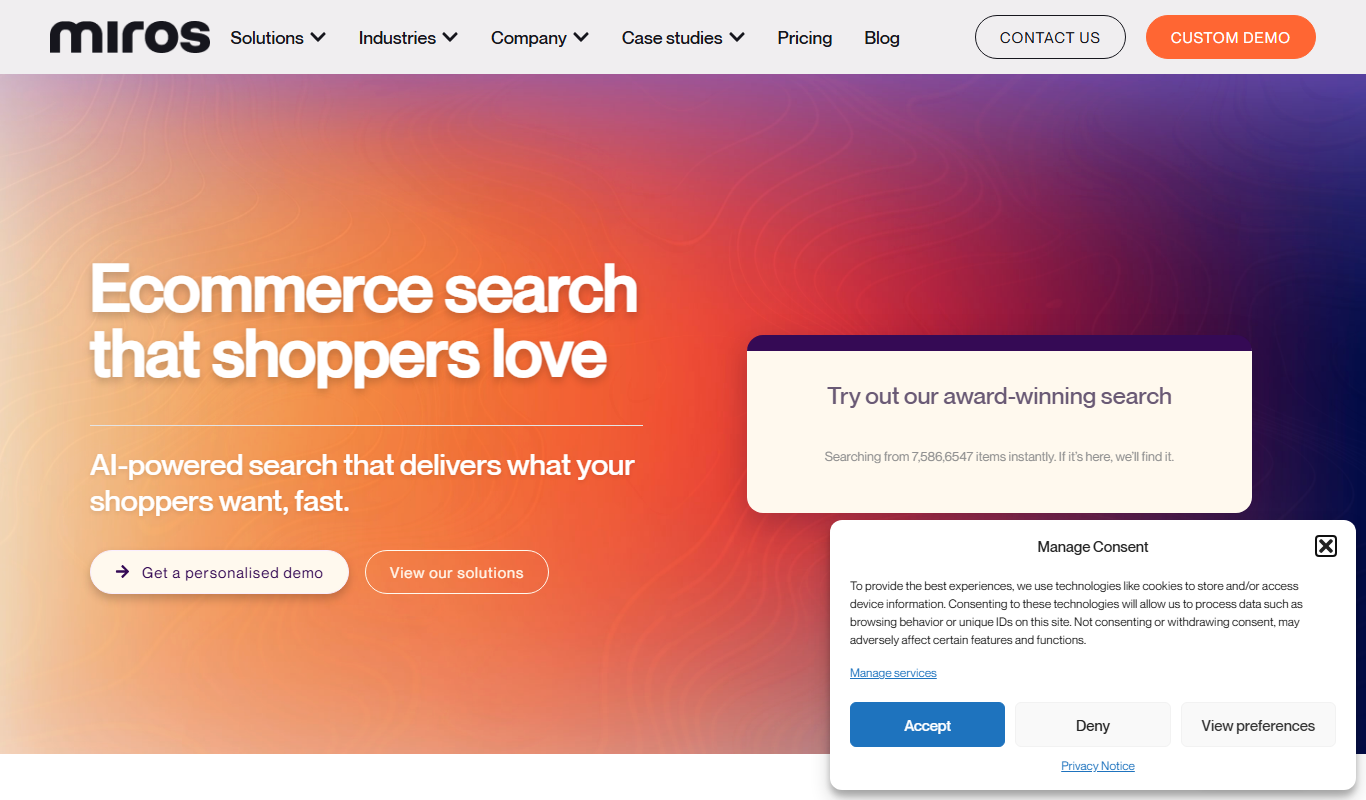
Miros is AI product discovery for ecommerce that reads shopper intent from behaviour and surfaces the right products without needing search queries.

Image Pipeline
ImagePipeline is the image AI API for ecommerce and fashion teams: on-model imagery, virtual try-on, background and relight, and ad creative from one API key.