
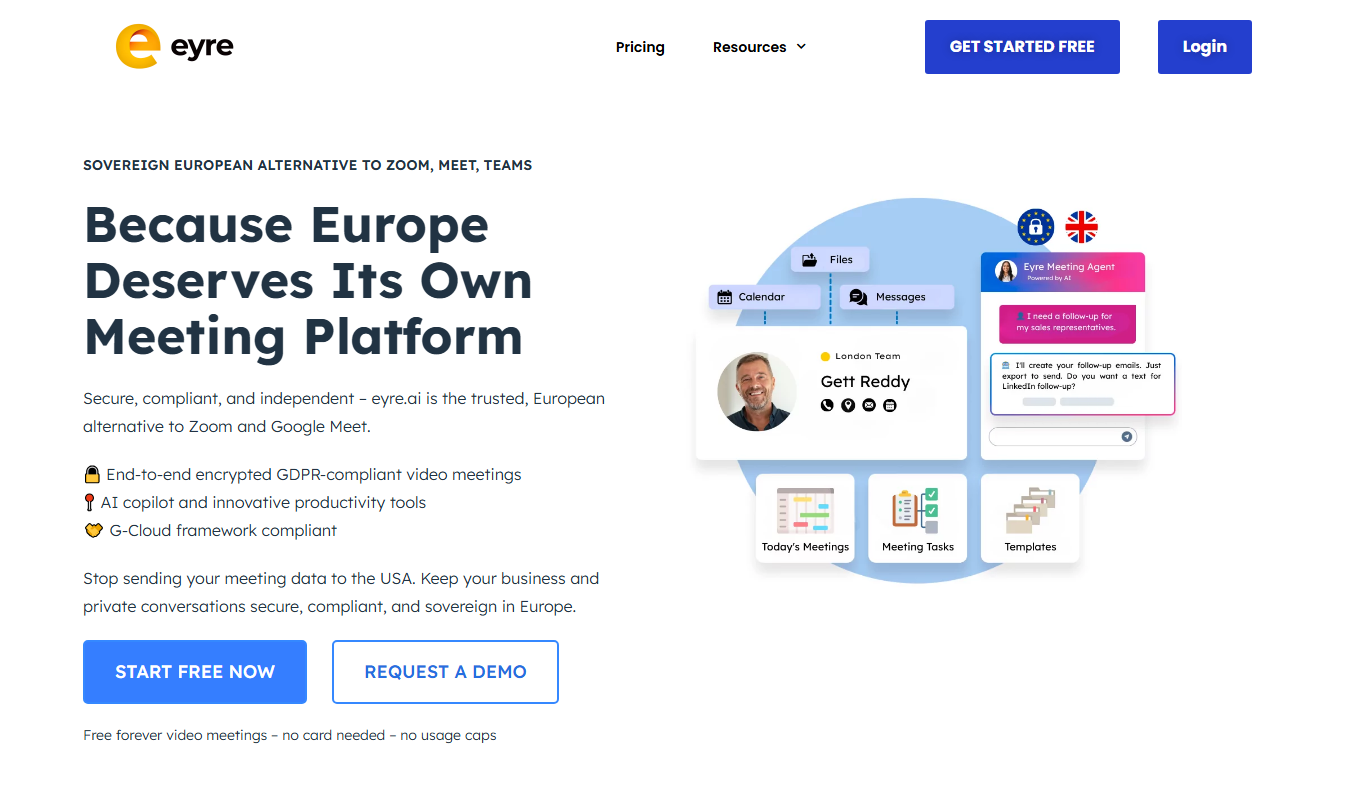
From my experience with Eyre, I found it excels at simplifying collaborative meetings by combining a flexible whiteboard with AI-powered note-taking. The interface is intuitive, making it easy for teams to brainstorm and capture ideas in real-time without distraction. It’s particularly well-suited for remote teams and project managers who need a visual and organized way to document meetings. However, the lack of integrations with other popular meeting tools and absence of dedicated mobile apps may limit its use in some workflows. Overall, if you want a straightforward, AI-enhanced whiteboard for meetings, Eyre delivers solid functionality.

Eyre AI Whiteboard Tool for Collaborative Meeting Notes and Brainstorming
Eyre is an AI-powered digital whiteboard that enables teams to collaborate in real-time during meetings by capturing notes, brainstorming visually, and organizing ideas efficiently.
What is Eyre: Whiteboard Your Meetings?
Eyre is an AI-powered digital whiteboard designed to enhance meetings by enabling teams to collaboratively capture notes, brainstorm ideas, and visually organize information in real-time. It integrates AI assistance to streamline meeting workflows and improve team productivity.
Key Features of Eyre: Whiteboard Your Meetings
Real-Time Collaborative Whiteboard
Multiple users can simultaneously add and edit content on a flexible digital canvas.
AI-Powered Meeting Notes
Automatically capture and summarize key discussion points to reduce manual note-taking.
Visual Brainstorming Tools
Draw, diagram, and organize ideas visually to enhance creativity and clarity.
Seamless Sharing and Export
Easily share whiteboards with team members or export content for documentation.
User-Friendly Interface
Intuitive design that requires minimal learning curve for quick adoption.
Pros and Cons of Eyre: Whiteboard Your Meetings
Pros
- Intuitive and easy-to-use interface
- Real-time collaboration with multiple participants
- AI-powered note-taking reduces manual effort
- Flexible visual tools for brainstorming
- Affordable pricing with a free tier
Cons
- Limited integrations with other software currently
- Primarily web-based, no dedicated mobile apps yet
Key Use Cases for Eyre: Whiteboard Your Meetings
Collaborative Meeting Note Taking
Capture and organize meeting notes in real-time with team members using a shared whiteboard.
Brainstorming Sessions
Facilitate creative brainstorming by visually mapping ideas and concepts collaboratively.
Project Planning
Use the whiteboard to outline project tasks, timelines, and responsibilities interactively.
Remote Team Collaboration
Enable distributed teams to work together seamlessly during virtual meetings.
Visual Communication
Enhance communication by combining text, drawings, and diagrams on a flexible digital canvas.
How Eyre: Whiteboard Your Meetings Works
-
1
Create or Join a Meeting Board
Start a new whiteboard session or join an existing one to collaborate with your team.
-
2
Collaborate in Real-Time
Add notes, drawings, and diagrams together on the shared whiteboard during meetings.
-
3
Leverage AI Assistance
Use Eyre’s AI features to automatically capture key points and organize meeting content.
-
4
Save and Share
Save the whiteboard session and share it with participants or stakeholders for follow-up.
Who's Using Eyre: Whiteboard Your Meetings
Remote teams
Project managers
Marketing agencies
Product development teams
Educators and trainers
Eyre: Whiteboard Your Meetings Pricing
Free
$0/month
Basic access with limited boards and collaboration features.
Pro
$15/month
Advanced features including unlimited boards, AI assistance, and priority support.
Frequently Asked Questions About Eyre: Whiteboard Your Meetings
Yes, Eyre is designed to facilitate real-time collaboration for distributed teams during virtual meetings.
Currently, Eyre focuses on its standalone whiteboard experience but plans to add integrations in the future.
Yes, you can export your whiteboards to share or archive meeting content.
This tool is designed to help users accomplish its core tasks more efficiently. It is typically used by individuals or teams looking to improve productivity and workflow.
It depends on your specific needs and how you plan to use the tool. The official website and documentation are the best sources for the latest details.
Some tools offer a free plan or trial with limited features. Availability can vary, so confirm on the official website.
Share your review
Reviews are limited to one per logged-in user and are published after moderation.
You need an account to review this tool.
0.0
★
★
★
★
★
0 reviews
5 star
0
4 star
0
3 star
0
2 star
0
1 star
0
No reviews yet
Be the first to share how this tool worked for you.
Questions from the community
Read questions and answers about this tool, or ask your own.
No questions yet
Start the conversation by asking the first question about this tool.
Is this tool helpful?

Free
Promptport
Promptport is a web-based platform that centralizes AI prompt management, enabling teams to organize, version, and collaborate on prompts efficiently.
Freemium
Reflectr
Reflectr AI is a Chrome extension-based meeting assistant that provides real-time transcription, automatic summaries, and action item detection to improve meeting productivity.
Free
grain.co
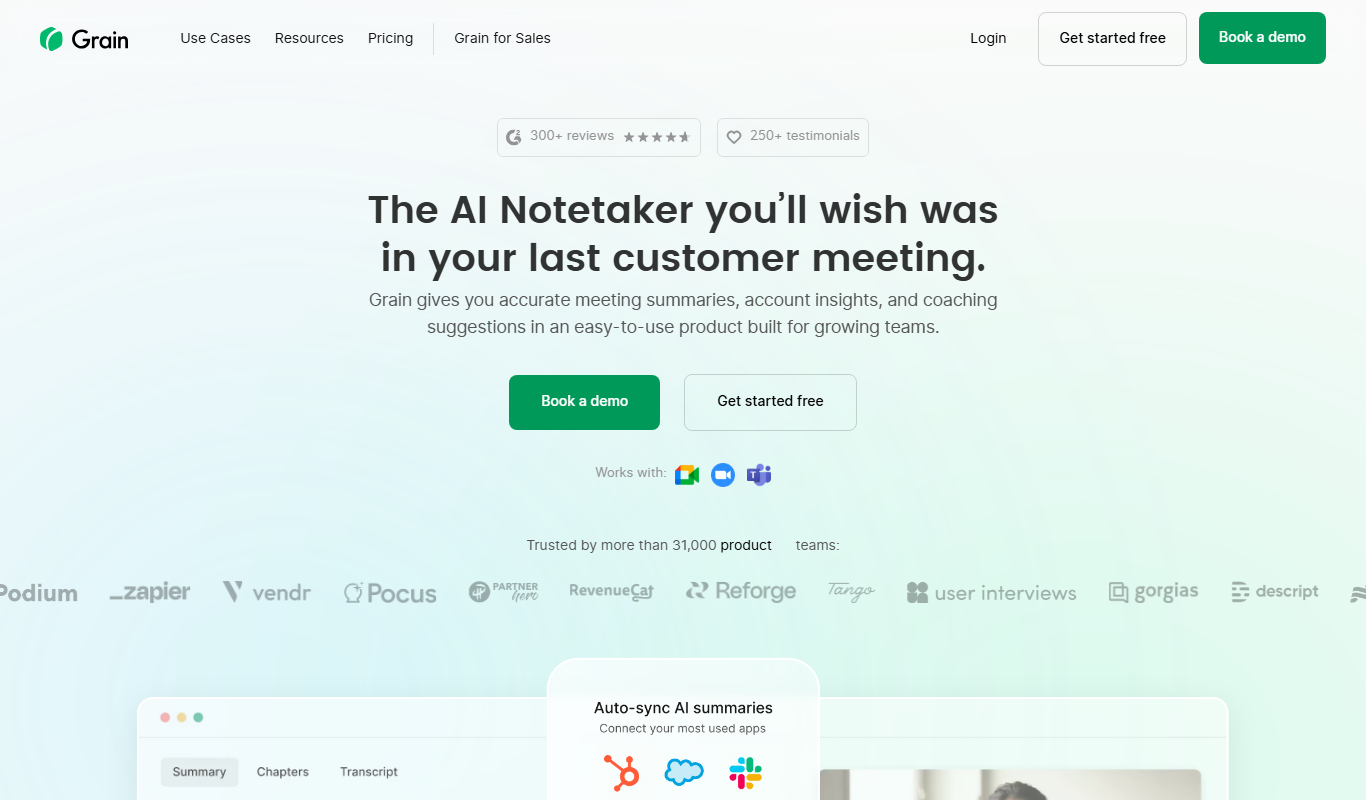
Grain.co is a Zoom-integrated meeting recording and transcription tool that automatically captures, transcribes, and allows sharing of video highlights to improve team collaboration.

Free
Rove
Rove is a virtual office platform that creates a persistent online workspace for remote teams to communicate via instant video and audio calls, mimicking a physical office environment.

Freemium
SofaBrain
SofaBrain is an AI-driven knowledge management platform that enables teams and individuals to organize, search, and collaborate on notes and documents efficiently using AI-powered search and summarization.

Freemium
Langtail
Langtail is an AI-driven translation platform that automates multilingual content management through machine learning, API integration, and collaborative editing features.

Contact Sales
CapeChat
CapeChat is a privacy-focused AI tool that enables secure collaboration and machine learning on sensitive data using encryption and federated learning.

Contact Sales
ambient.us
ambient.us is an AI meeting assistant that provides real-time transcription, action item detection, and collaboration features to help teams capture and organize meeting content efficiently.