

From my experience with ChatUML, I found it excels at quickly turning natural language descriptions into clear UML and software diagrams, which is a huge time saver during the design phase. The web-based interface is straightforward and requires no installation, making it accessible for developers and students alike. However, the free plan limits usage, which might be restrictive for heavy users. Overall, if you need an easy-to-use AI tool to generate UML diagrams without complex software, ChatUML delivers practical and efficient results.
ChatUML AI Diagram Generator for UML and Software Modeling Online
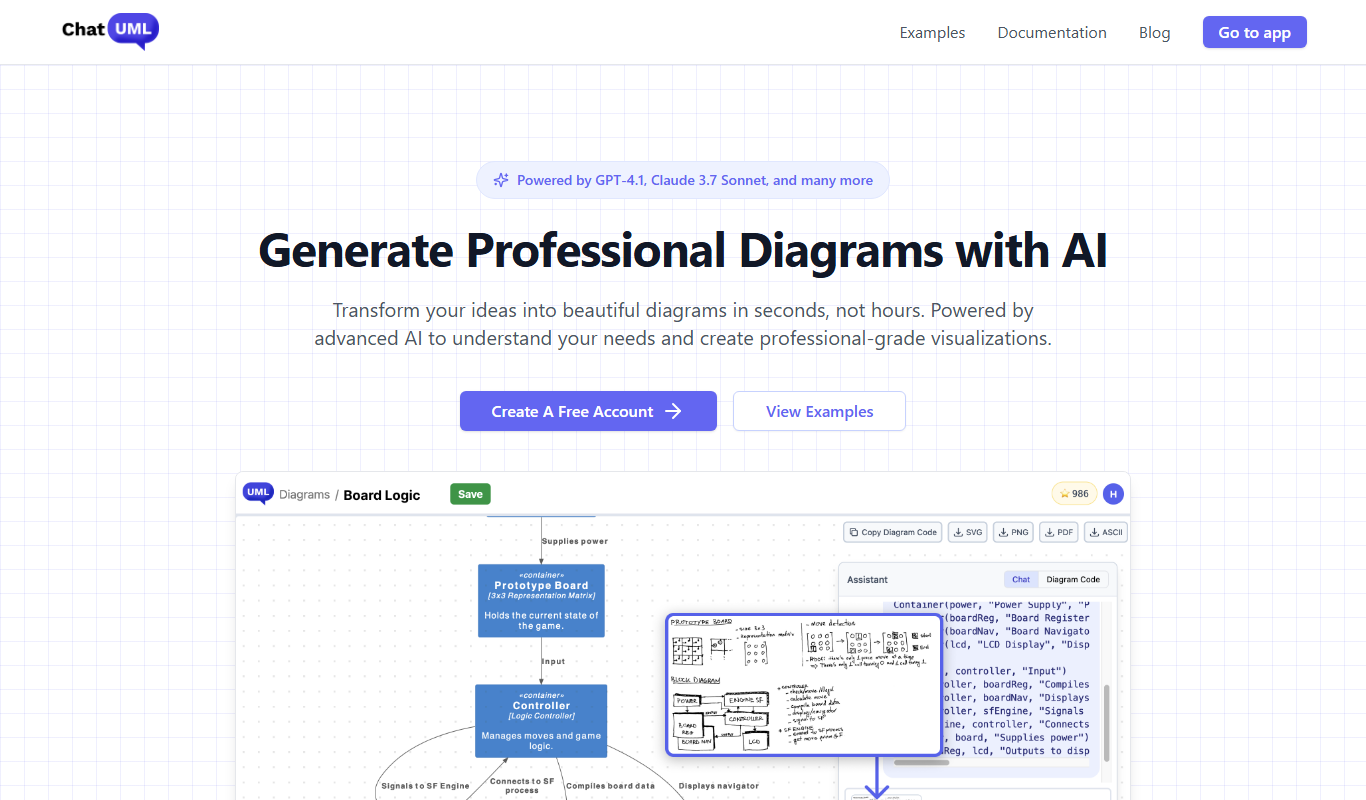
ChatUML is an AI-based online tool that generates UML and software modeling diagrams from natural language descriptions, helping users quickly create visual representations of software designs.
- Best for
- UML Diagram Creation
- Key capability
- AI-Powered Diagram Generation

Do you recommend this tool?
What is ChatUML?
ChatUML is an AI-powered online tool that transforms textual descriptions into UML and other software modeling diagrams. It simplifies the process of creating complex diagrams by interpreting natural language inputs and generating accurate visual representations, helping developers, architects, and students streamline their design workflows.
Key features of ChatUML
ChatUML offers AI-driven diagram generation, support for multiple UML diagram types, easy editing and exporting options, and a user-friendly web interface that requires no installation.
AI-Powered Diagram Generation
Automatically converts natural language descriptions into UML and flowchart diagrams.
Multiple UML Diagram Types
Supports class diagrams, sequence diagrams, flowcharts, and other common software modeling diagrams.
Web-Based Interface
Accessible from any modern browser without the need for software installation.
Export Options
Allows exporting diagrams in formats like PNG, SVG, or PDF for easy sharing and documentation.
Pros and cons of ChatUML
Pros
- Easy to use with natural language input
- Supports multiple UML diagram types
- No installation required, fully web-based
Cons
- Limited free plan features
- No mobile app available
Key use cases for ChatUML
UML Diagram Creation
Generate UML diagrams such as class diagrams, sequence diagrams, and flowcharts automatically using AI.
Software Design Documentation
Create clear and structured software design documents with visual diagrams to communicate architecture and workflows.
Rapid Prototyping
Quickly prototype software models and system designs by converting textual descriptions into diagrams.
Educational Use
Assist students and educators in understanding and creating UML diagrams for software engineering courses.
How ChatUML works
- 1
Enter Description
Users input a textual description of the system or process they want to model.
- 2
AI Diagram Generation
The AI interprets the text and automatically generates the corresponding UML or flowchart diagram.
- 3
Edit and Customize
Users can adjust the generated diagram, add details, or modify elements as needed.
- 4
Export and Share
Final diagrams can be exported in various formats for documentation or presentation purposes.
Who is using ChatUML
Software developers
System architects
Students and educators in software engineering
Project managers
Business analysts
ChatUML pricing
Free
$0/month
Basic access with limited diagram generations and features.
Pro
$9/month
Unlimited diagram generations, advanced features, and priority support.
Plans and prices are as published by the vendor and can change. Check the official site before you buy. Open the pricing page (opens in a new tab)
Frequently asked questions about ChatUML
ChatUML can generate UML diagrams including class diagrams, sequence diagrams, flowcharts, and other common software modeling diagrams.
ChatUML offers a free plan with limited features and a paid Pro plan for unlimited access and advanced capabilities.
No, ChatUML is a web-based tool accessible through any modern browser without installation.
It depends on your specific needs and how you plan to use the tool. The official website and documentation are the best sources for the latest details.
Yes, it can help with that use case depending on how you configure it and what features are available. You’ll get the best results with clear inputs and a defined goal.
Sign in to review this tool.
Sign In to ReviewNo reviews yet
Be the first to share how this tool worked for you.
Ask about pricing, limits, or how it compares — or answer someone else.
Sign In to AskNo questions yet
Have a question about using or paying for this tool? Be the first to ask.
Featured on TiorAI



Alternative Tools
Explore similar AI tools that might fit your needs

Free
Lucidchart
Lucidchart is a cloud-based diagramming and visual collaboration platform that enables users to create flowcharts, organizational charts, UML diagrams, and collaborate in real time across devices.

Free
Draw.io
Draw.io is a free, open-source online diagramming tool that lets users create flowcharts, network diagrams, UML diagrams, and more with real-time collaboration and cloud storage integration.

Free
PlantUML
PlantUML is an open-source tool that creates UML diagrams from simple text descriptions, supporting various diagram types and integration with development tools.