

BuyLensAI product bookmarking Chrome extension for online shopping
BuyLensAI is a Chrome extension that scans and saves products from any website in one click, so you can organize, share and track your online shopping in one place.
- Best for
- Saving products while browsing
- Key capability
- One-click product capture
Save BuyLensAI, follow its updates and vote on it — everything stays in your account.
Sign in or create a free account

What is BuyLensAI?
BuyLensAI is a Chrome extension for bookmarking products while you shop online. In one click it scans and saves any item from any website, including products, holiday destinations and real estate, into a personal shopping dashboard where you group finds into bags, share them and monitor your shopping expenses.
Key features of BuyLensAI
BuyLensAI scans a product page when you click detect, saves the item to your dashboard, lets you group items into bags and share them, and shows insights into your shopping expenses across websites.
One-click product capture
Capture any item on the internet in one click and save it from any website.
Bags for collections
Gather favorite finds into bags, from outfits to groceries.
Expense insights
Monitor all your shopping expenses from one account and stay within your budget.
Sharing
Share collections and individual product links with friends and family.
AI item detection
Item detection uses AI; item data can be edited in the dashboard when a page layout affects accuracy.
Pros and cons of BuyLensAI
Pros
- Saves items from any website in one click
- Scans only when you click the detect button
- 10 free tokens on sign-in
- Customizable filters to tailor product searches
Cons
- Available only for the Chrome browser
- Strict no-refund policy once a plan is purchased or renewed
- Paid plan gives 50 tokens per month, and unused tokens do not accumulate
Key use cases for BuyLensAI
Saving products while browsing
Replace endless tabs and forgotten bookmarks with saved items.
Travel and real estate finds
Save holiday destinations and real estate listings as well as products.
Shopping budget
Gain insights into spending habits and stay within a budget.
Competitor Analysis
Evaluate competitor products and pricing strategies to gain market advantage.
Product Sourcing Decisions
Leverage data insights to select products with high potential for success.
How BuyLensAI works
- 1
Add to Chrome
Install the extension from the Chrome Web Store.
- 2
Click detect on a product
The extension scans the page only when you click the detect button; each scan uses one token.
- 3
Organize into bags
Gather saved finds into bags and share them.
- 4
Track expenses
Monitor your shopping expenses and budget from one account.
Who is using BuyLensAI
BuyLensAI pricing
Free sign-in
Free
Get 10 free tokens by signing in.
Yearly plan
$39.99/year
50 tokens per month, share links, unlimited bags, all future updates and expenses metrics.
Enterprise
Custom pricing
Tailored solutions with full feature access and dedicated support.
Plans and prices are as published by the vendor and can change. Check the official site before you buy. Open the pricing page (opens in a new tab)
Frequently asked questions about BuyLensAI
BuyLensAI is currently available only on the Chrome Web Store for the Chrome browser.
A token equals one product scan. You get 10 tokens when you sign up and 50 tokens per month with the subscription; tokens do not accumulate.
It does not run in the background and only scans the page when you click the detect button.
No. There is a strict no-refund policy once a plan is purchased or renewed.
Yes, at any time; pro features stay active until the end of the current billing period.
It depends on your specific needs and how you plan to use the tool. The official website and documentation are the best sources for the latest details.
Some tools offer a free plan or trial with limited features. Availability can vary, so confirm on the official website.
This tool is designed to help users accomplish its core tasks more efficiently. It is typically used by individuals or teams looking to improve productivity and workflow.
Conclusion
Instead of endless tabs and forgotten bookmarks, this Chrome extension saves items in one click from any website, whether a product, a holiday destination or a real estate listing. It scans a page only when the detect button is clicked, and AI item detection fills in the details, which can be edited in the dashboard when a layout confuses it. Saved finds go into bags that can be shared with friends and family, and an expenses view tracks spending against a budget.
Scans run on tokens: signing in gives 10 free ones, while the yearly subscription adds 50 per month that do not accumulate. It works only in the Chrome browser, and purchases fall under a strict no-refund policy.
Sources
Sign in to review this tool.
Sign In to ReviewNo reviews yet
Be the first to share how this tool worked for you.
Ask about pricing, limits, or how it compares — or answer someone else.
Sign In to AskNo questions yet
Have a question about using or paying for this tool? Be the first to ask.
Featured on TiorAI



Alternative Tools
Explore similar AI tools that might fit your needs

Jungle Scout
Jungle Scout is an Amazon product research and analytics platform that helps sellers find profitable products, analyze competitors, and optimize listings to grow their e-commerce business.

Helium 10
Helium 10 is a software suite of seller tools for Amazon, Walmart and TikTok Shop, from product and keyword research to listing optimization and analytics.
More AI E-Commerce Tools tools
Other tools in the same category, for when this one is not quite the fit.

Evolup
Evolup creates affiliate stores automatically with AI: hosting, Amazon product import and sync, content written with AI and SEO, with a 7-day free trial.
Gensbot
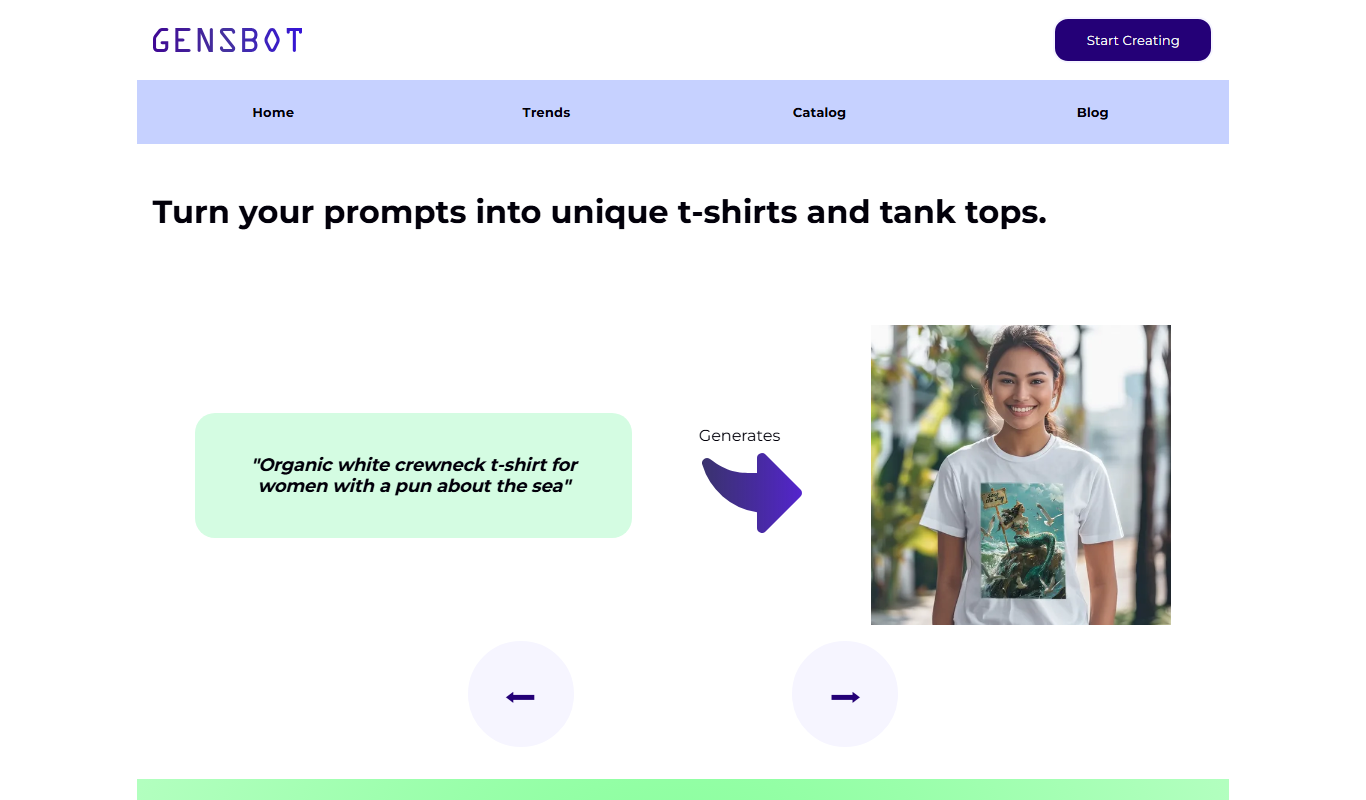
Gensbot turns your prompts into personalized printed merchandise, from t-shirts and mugs to canvas art, designed by AI in less than a minute and produced on demand.
Artadum
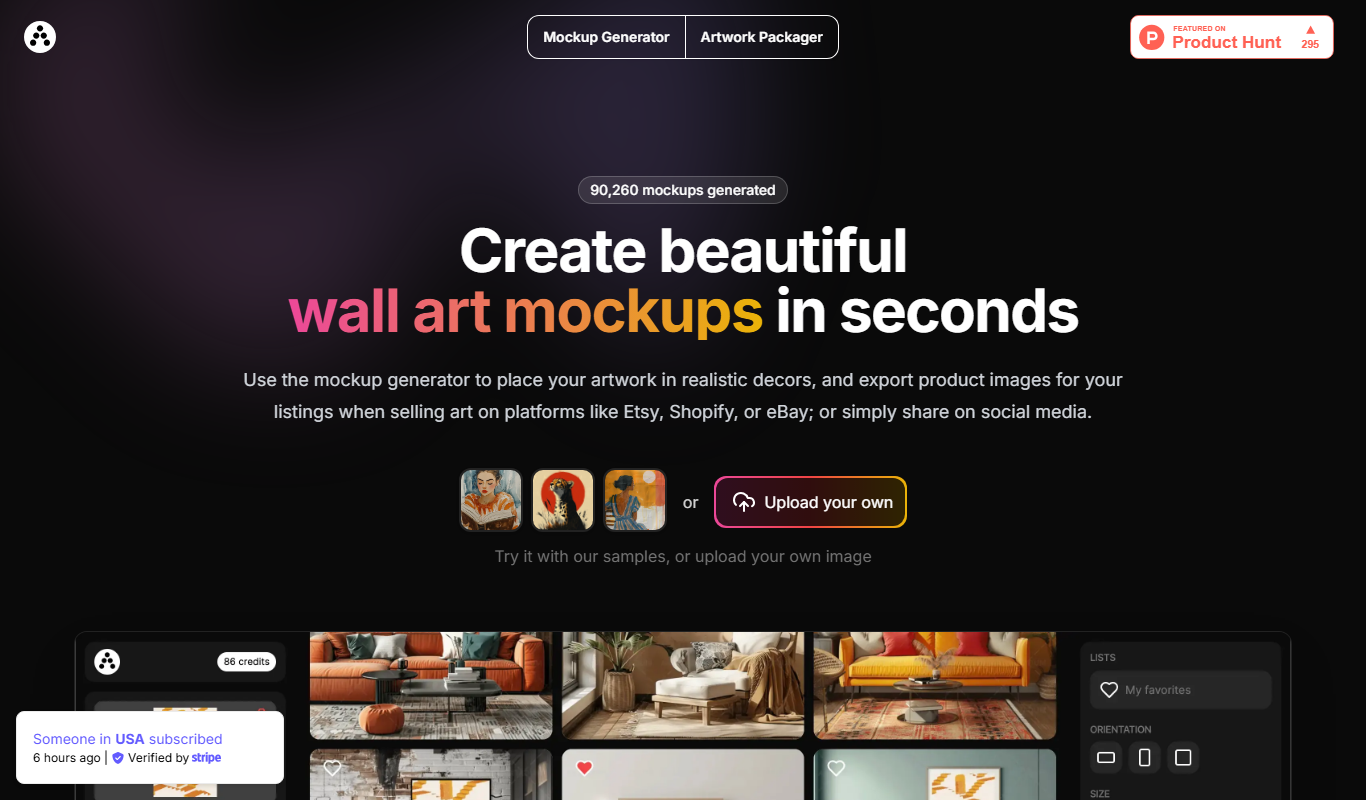
Artadum is a mockup generator that places your art or photography in realistic decors and exports product images for Etsy, Shopify or eBay listings.

Intellifox
Intellifox is an Amazon seller toolkit for listing optimisation, PPC automation, sales and profit tracking, image editing, review requests and fee change alerts.
BatteryIncluded incl. Volt Search
BatteryIncluded is cookieless AI search for ecommerce: Volt Search, Volt Merch and AI recommendations power onsite search and product listings in online shops.

lisuto.co.jp
LISUTO AI structures ecommerce product data with visual and textual tagging, helping sellers and marketplaces make items easier to find and increase sales.
Miros
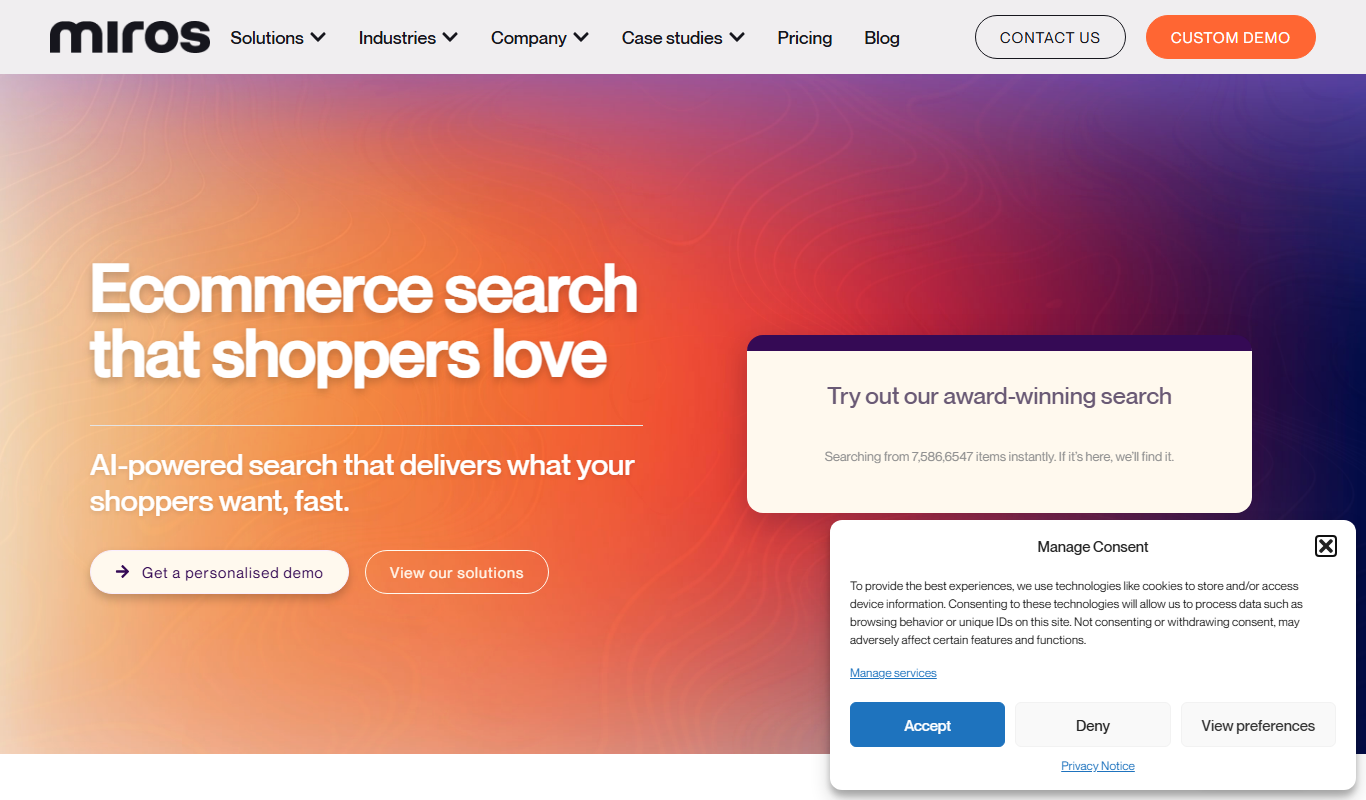
Miros is AI product discovery for ecommerce that reads shopper intent from behaviour and surfaces the right products without needing search queries.

Image Pipeline
ImagePipeline is the image AI API for ecommerce and fashion teams: on-model imagery, virtual try-on, background and relight, and ad creative from one API key.