
From my experience with MagicThumbnails, I found it excels at simplifying the thumbnail creation process for content creators who lack graphic design skills. The AI-generated options provide a strong starting point, and the customization features allow for branding consistency without complexity. It’s particularly well-suited for YouTubers and social media marketers who need quick, attractive visuals to boost engagement. However, the platform is web-only and the free trial limits access, which might be a constraint for some users. Overall, if you want to save time creating professional thumbnails with minimal effort, MagicThumbnails delivers reliable results.
MagicThumbnails AI Thumbnail Generator for YouTube and Social Media Creators
MagicThumbnails is an AI-driven online tool that helps users create professional thumbnails for YouTube and social media quickly and easily with customizable templates and high-resolution exports.
Categories:
AI Linkedin Headshot
What is MagicThumbnails?
MagicThumbnails is an AI-powered online tool designed to help content creators, marketers, and social media managers quickly generate professional-quality thumbnails. It leverages artificial intelligence to automate the design process, enabling users to create visually appealing thumbnails optimized for platforms like YouTube and social media channels without requiring advanced graphic design skills.

Key Features of MagicThumbnails
AI-Powered Thumbnail Generation
Automatically create multiple thumbnail options based on your video title and content.
Customizable Templates
Modify layouts, fonts, colors, and images to match your branding and style preferences.
High-Resolution Exports
Download thumbnails in high quality suitable for all major platforms.
User-Friendly Interface
Intuitive design tools that require no prior graphic design experience.
Pros and Cons of MagicThumbnails
Pros
- Quick and easy thumbnail creation
- AI generates multiple design options
- Customizable templates for branding
- High-quality export formats
Cons
- Limited free trial features
- No desktop or mobile app, web only
Key Use Cases for MagicThumbnails
YouTube Thumbnail Creation
Generate eye-catching thumbnails optimized to increase click-through rates on YouTube videos.
Social Media Content Design
Create engaging thumbnails and images for platforms like Instagram, Facebook, and TikTok to boost audience engagement.
Marketing Campaign Visuals
Produce professional-looking thumbnails quickly for marketing campaigns without needing graphic design skills.
Content Creator Branding
Maintain consistent branding across video thumbnails with customizable templates and AI-powered design suggestions.
How MagicThumbnails Works
-
1
Sign Up
Create an account on MagicThumbnails’ website to access the thumbnail generator.
-
2
Input Video or Content Details
Provide the video title, keywords, or upload images to guide the AI in generating relevant thumbnails.
-
3
Customize Design
Choose from AI-generated thumbnail options and customize text, colors, and layout to fit your brand.
-
4
Download and Use
Export the finished thumbnail in various formats ready for upload to your video or social media platform.
Who's Using MagicThumbnails
YouTube content creators
Social media marketers
Small business owners
Digital marketing agencies
Video editors
MagicThumbnails Pricing
Free Trial
$0
Limited access to thumbnail generation features to test the platform.
Pro
$9.99/month
Full access to all features including unlimited thumbnail creation and high-resolution downloads.
Frequently Asked Questions About MagicThumbnails
Yes, the AI-powered system and templates make it easy for anyone to create professional thumbnails.
Thumbnails are optimized for YouTube, Instagram, Facebook, TikTok, and other social media platforms.
Yes, MagicThumbnails offers a free trial with limited features.
Absolutely, you can edit text, colors, images, and layouts to suit your branding.
It depends on your specific needs and how you plan to use the tool. The official website and documentation are the best sources for the latest details.
Some tools offer a free plan or trial with limited features. Availability can vary, so confirm on the official website.
Yes, it can help with that use case depending on how you configure it and what features are available. You’ll get the best results with clear inputs and a defined goal.
Share your review
Reviews are limited to one per logged-in user and are published after moderation.
You need an account to review this tool.
0.0
★
★
★
★
★
0 reviews
5 star
0
4 star
0
3 star
0
2 star
0
1 star
0
No reviews yet
Be the first to share how this tool worked for you.
Questions from the community
Read questions and answers about this tool, or ask your own.
No questions yet
Start the conversation by asking the first question about this tool.
Is this tool helpful?
Alternative Tools
Explore similar AI tools that might fit your needs

Freemium
Placeit
Placeit is an online platform offering customizable templates for logos, mockups, videos, and marketing materials, designed for users without design experience.
Freemium
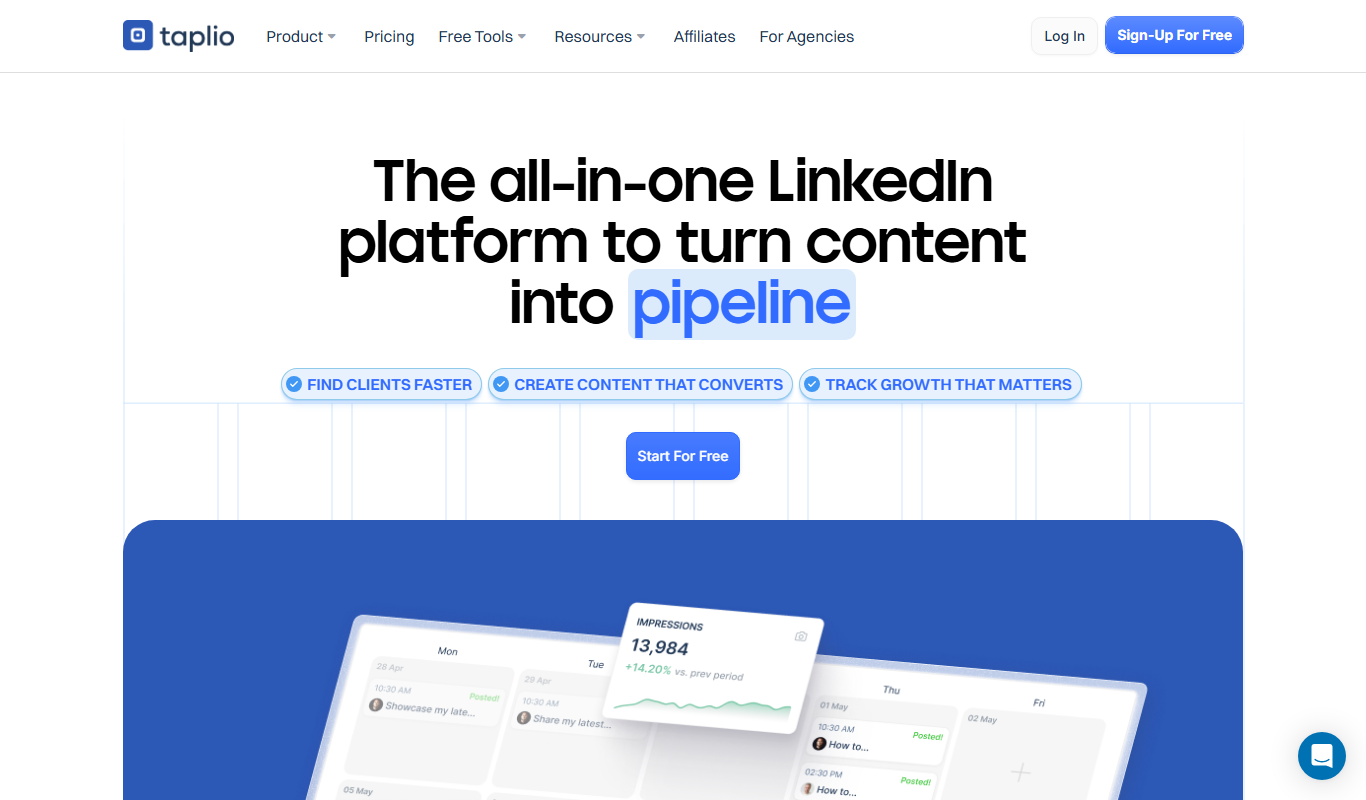
Taplio
Taplio is a LinkedIn-focused growth and content marketing platform that offers AI-powered content ideas, post scheduling, analytics, and engagement tools to help users grow their LinkedIn presence effectively.
Freemium
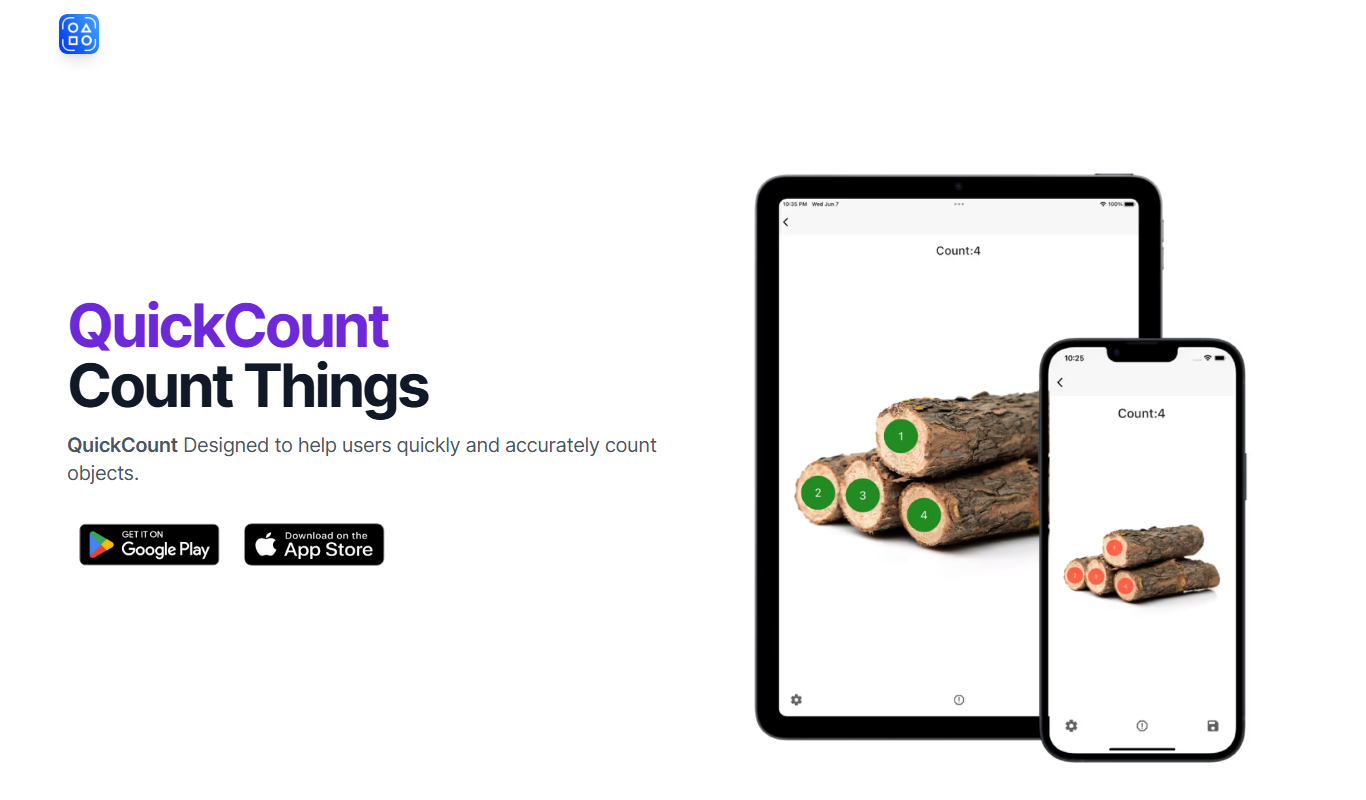
QuickCount from Photos
QuickCount from Photos is an AI-driven web tool that automatically detects and counts objects in photos, helping users save time on manual counting across various industries.
Free
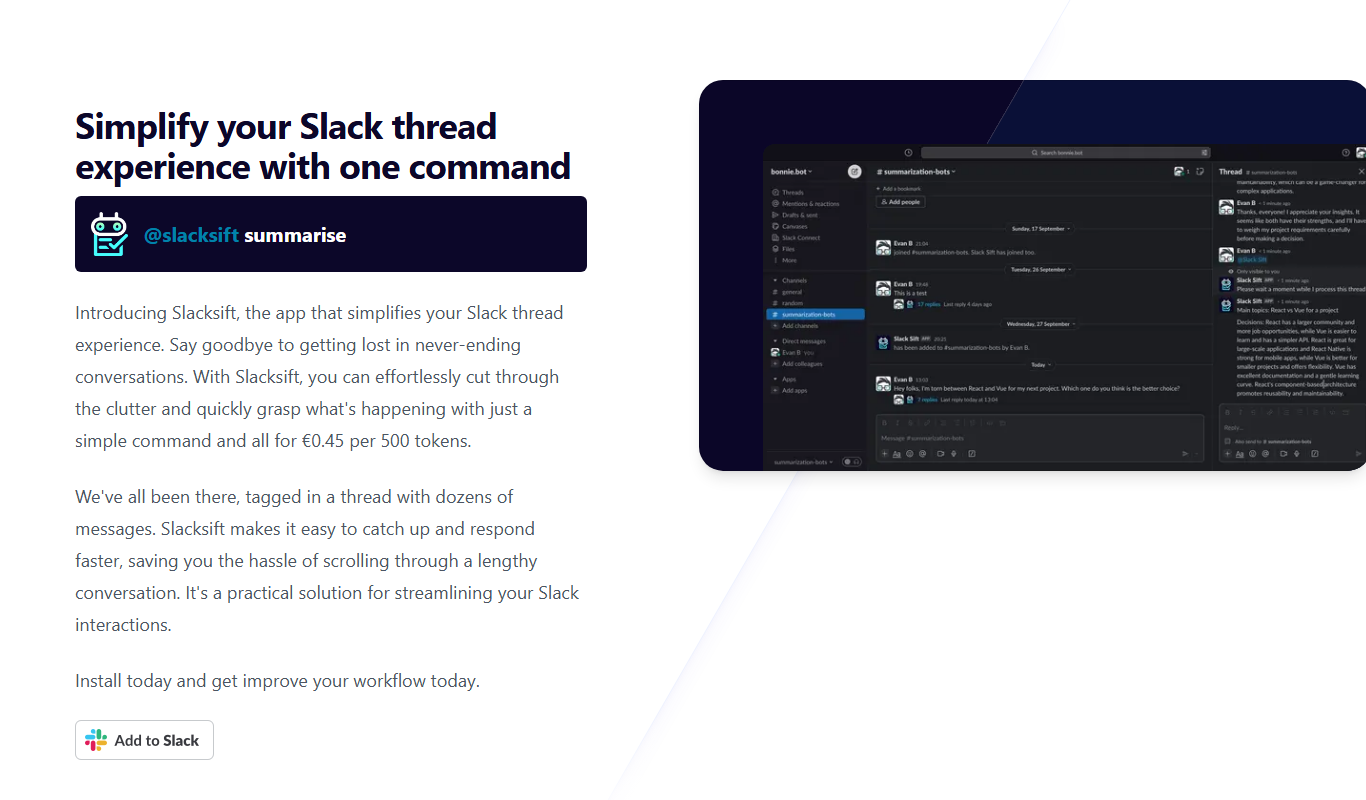
Slacksift
Slacksift is an AI-powered tool that enhances Slack’s native search by providing more accurate, context-aware search results and transforming Slack conversations into a searchable knowledge base.

Free Trial
MyLens.AI
MyLens.AI is an AI-driven image analysis platform that provides real-time object recognition, anomaly detection, and customizable AI models to extract actionable insights from visual data across industries.
Freemium
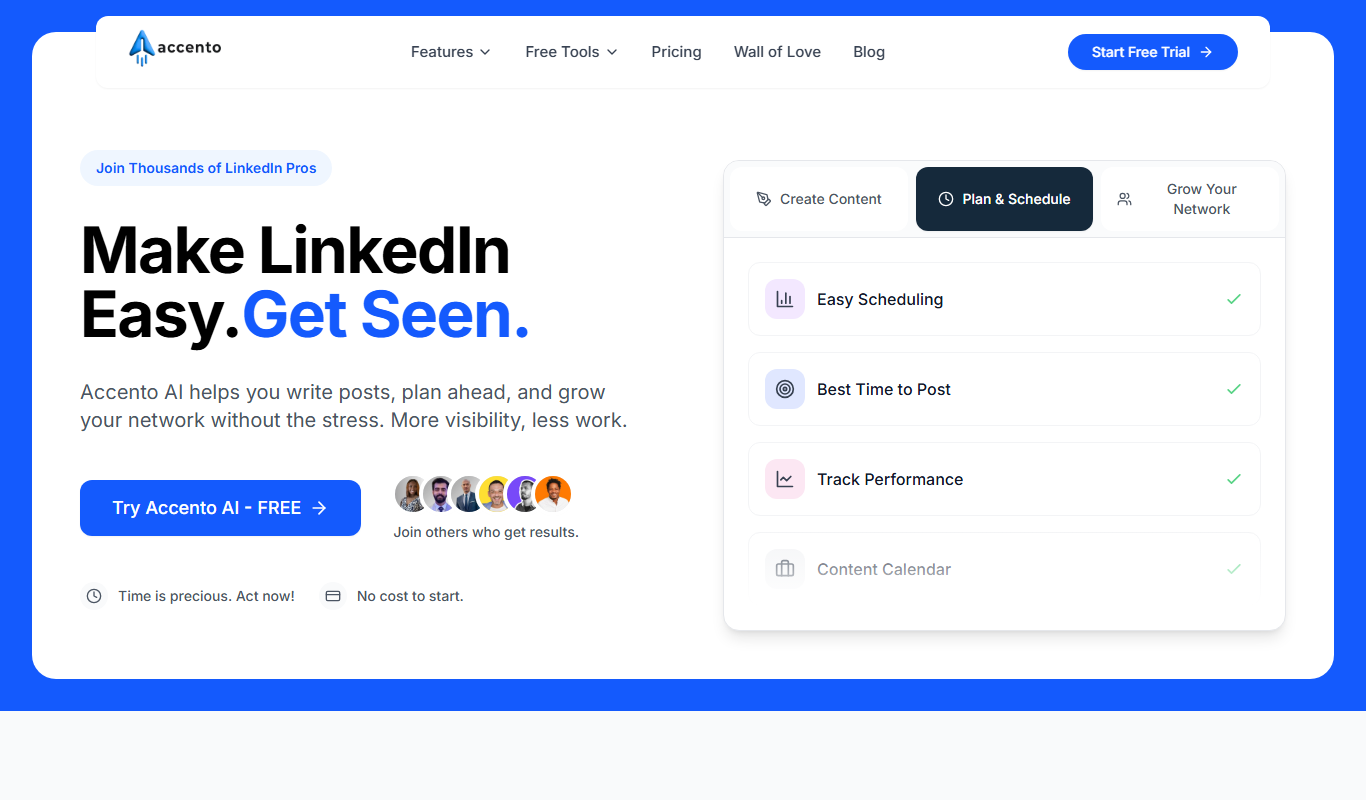
Accento
Accento is an AI-powered voice cloning platform that generates realistic synthetic voices from short audio samples, enabling natural speech synthesis for various applications.

Free Trial
lineup.ai
Lineup.ai is an AI meeting assistant that transcribes meetings in real-time and generates concise summaries to improve team collaboration and productivity.

Free Trial
QuickSight
QuickSight AI is a cloud-based business intelligence platform that uses AI to provide interactive dashboards, data visualization, and automated insights for data-driven decision-making.

Free
Linkz.ai 2.0
Linkz.ai 2.0 is an AI-driven platform for creating smart, customizable short links with dynamic redirection and real-time analytics to optimize marketing campaigns.