

FlowSavvy AI calendar for automatic task scheduling
FlowSavvy is an AI calendar that auto-schedules your tasks around your events and reschedules them when plans change, with a free plan and web, iOS and Android apps.
- Best for
- Planning a to-do list
- Key capability
- Auto-scheduling
Save FlowSavvy, follow its updates and vote on it — everything stays in your account.
Sign in or create a free account

What is FlowSavvy?
FlowSavvy is an AI calendar that auto-schedules your tasks into your calendar based on priorities and deadlines and reschedules them when plans change. It syncs with Google Calendar, iCloud and Outlook, schedules around existing events, and runs as web, iOS and Android apps with a free plan and a Pro subscription.
Key features of FlowSavvy
FlowSavvy plans your to-do list into your calendar by priority and deadline, reschedules missed tasks, lets you lock tasks by drag and drop, plans recurring tasks and habits, uses custom scheduling hours and syncs with Google Calendar, iCloud and Outlook.
Auto-scheduling
Plans your to-do list into your calendar based on priorities and deadlines.
Automatic rescheduling
Reschedules tasks when plans change; hit recalculate to move missed tasks back into your calendar.
Calendar sync
Auto-schedules around your events from Google Calendar, iCloud and Outlook.
Custom scheduling hours
Define when tasks may be scheduled, such as work, personal, mornings or evenings.
Web and mobile apps
Fully-featured web, iOS and Android apps.
Pros and cons of FlowSavvy
Pros
- Free forever plan with unlimited auto-reschedules
- Syncs with Google Calendar, iCloud and Outlook
- Never moves your events, only tasks with auto-schedule on
- Data is never sold or used to train AI models
Cons
- Built for individuals rather than team or enterprise use
- The free plan schedules only 2 weeks out with 3 repeating auto-scheduled tasks
Key use cases for FlowSavvy
Planning a to-do list
Turn a to-do list into calendar time blocks that respect deadlines.
Catching up on missed tasks
Reschedule missed tasks back into your calendar with one recalculation.
Habits and recurring tasks
Plan time for habits and recurring tasks.
Work-life balance
Keep work and personal tasks inside their own scheduling hours.
How FlowSavvy works
- 1
Sign up free
Create a free account; no credit card is required.
- 2
Sync your calendars
Connect Google Calendar, iCloud or Outlook so tasks are scheduled around your events.
- 3
Add tasks
Add tasks with priorities and deadlines, and FlowSavvy plans them into your calendar.
- 4
Adjust as plans change
FlowSavvy reschedules automatically, and you can drag and drop tasks to lock them in place.
Who is using FlowSavvy
FlowSavvy pricing
Basic
Free
Unlimited auto-reschedules, auto-scheduling up to 2 weeks out, calendar sync, 1 set of scheduling hours, 3 repeating auto-scheduled tasks and 5 task lists.
Pro
$14 USD per month billed monthly, or $10 USD per month billed yearly
Auto-scheduling up to 8 weeks out, unlimited scheduling hours profiles, repeating tasks and lists, priorities, task dependencies and API, MCP and Zapier integration.
Plans and prices are as published by the vendor and can change. Check the official site before you buy. Open the pricing page (opens in a new tab)
Frequently asked questions about FlowSavvy
No. FlowSavvy never touches your events and only auto-schedules tasks that have auto-schedule turned on.
Google Calendar, iCloud and Outlook, and FlowSavvy schedules around your events from them.
Yes. FlowSavvy has fully-featured web, iOS and Android apps.
Yes. Besides the Free plan, FlowSavvy offers a 7-day free trial for the Pro plan.
Busy individuals who want auto-scheduling without the bloat of team or enterprise features.
It depends on your specific needs and how you plan to use the tool. The official website and documentation are the best sources for the latest details.
Some tools offer a free plan or trial with limited features. Availability can vary, so confirm on the official website.
Integration support depends on the tool and its available connectors or API. Check the official documentation or integrations page to confirm what is supported.
Conclusion
Tasks rather than events are what this AI calendar moves around: it weighs priorities and deadlines, plans the to-do list into free time and reschedules when plans change. A missed task goes back into the calendar with one recalculation, and any task can be dragged to lock it in place. Custom scheduling hours keep work and personal tasks apart, and the schedule is built around events synced from Google Calendar, iCloud and Outlook.
FlowSavvy runs as web, iOS and Android apps and is aimed at busy individuals rather than teams or enterprises. The free plan only looks two weeks ahead and limits repeating tasks. Pro extends the horizon to eight weeks and adds priorities, task dependencies and integrations, with a free trial available.
Sources
Sign in to review this tool.
Sign In to ReviewNo reviews yet
Be the first to share how this tool worked for you.
Ask about pricing, limits, or how it compares — or answer someone else.
Sign In to AskNo questions yet
Have a question about using or paying for this tool? Be the first to ask.
Featured on TiorAI



More AI Scheduling Tools tools
Other tools in the same category, for when this one is not quite the fit.

Morgen
Morgen is an AI daily planner that brings calendars and tasks into one app to time block, schedule meetings and protect focus time.
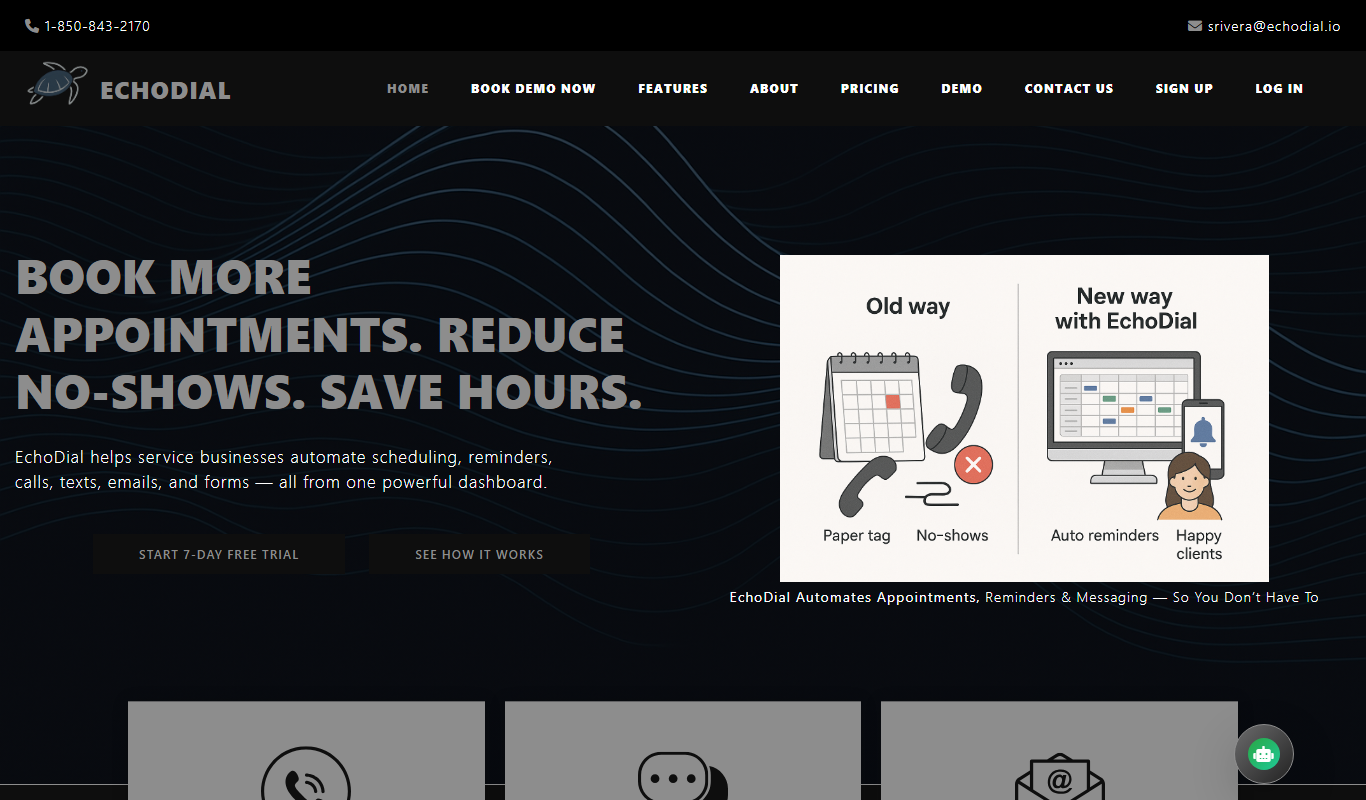
EchoDial
EchoDial is HIPAA-friendly appointment scheduling software with online booking, automated SMS and voice call reminders, e-signature intake forms and telehealth scheduling.

Frontdesk AI
Frontdesk AI is an AI receptionist and customer platform that answers calls, texts and chats, books appointments and updates your CRM around the clock.

Alice
Alice is a native desktop AI assistant for macOS, Windows and Linux that lets you chat with different AI models, install assistants and automate tasks with a hotkey.

Perks
Perks is a reward-based appointment scheduling app where points are earned by rating the service.

Publer
Publer is a social media management platform that combines scheduling, AI content creation, and team collaboration to streamline social media marketing across multiple platforms.
Codeless ONE
Codeless ONE is a no-code AI app builder where AI agents build internal business apps, portals and workflows from a plain-language description.

Numa | AI for Dealerships
Numa is now an AI Operating System with Voice AI for calls and service, not mainly lead generation chatbots.