
From my experience with Audiotype, I found it excels at providing a straightforward, web-based solution for converting audio and video content into text and subtitles quickly. The platform’s support for multiple languages and in-browser editing makes it practical for content creators who need accessible captions without complex software. However, the free plan’s limitations on file length and lack of advanced subtitle customization might require upgrading for professional use. Overall, if you need a simple, efficient tool for transcription and subtitle generation online, Audiotype delivers reliable results with minimal hassle.

Audiotype Audio Transcription and Video Subtitle Generator Tool Online
Audiotype is a web-based tool that automatically transcribes audio and generates synchronized subtitles for videos, supporting multiple languages and offering easy editing and export options.
What is Audiotype – Audio Transcription and Video Subtitles?
Audiotype is a web-based platform that provides automated audio transcription and video subtitle generation services. It leverages speech recognition technology to convert spoken words into text, supporting multiple languages. The tool is designed to help content creators, educators, and businesses improve accessibility, enhance content engagement, and streamline the process of creating captions and transcripts.

Key Features of Audiotype – Audio Transcription and Video Subtitles
Multi-language Support
Supports transcription and subtitle generation in over 10 languages, enabling global reach.
Automatic Speech Recognition
Uses advanced speech-to-text technology to provide fast and accurate transcriptions.
Subtitle Synchronization
Generates time-coded subtitles that align precisely with video playback.
In-browser Editing
Allows users to edit transcripts and subtitles directly in the web interface without additional software.
Export Options
Supports exporting subtitles in popular formats like SRT and VTT, compatible with most video players.
Pros and Cons of Audiotype – Audio Transcription and Video Subtitles
Pros
- Easy-to-use web interface with no installation required
- Supports multiple languages for transcription and subtitles
- Allows in-browser editing of transcripts and subtitles
- Exports subtitles in widely used formats
- Free tier available for basic usage
Cons
- Limited advanced customization options for subtitles
- No dedicated desktop or mobile apps
- Free plan has usage and file length restrictions
Key Use Cases for Audiotype – Audio Transcription and Video Subtitles
Podcast Transcription
Convert podcast audio files into accurate text transcripts for accessibility and content repurposing.
Video Subtitle Generation
Automatically generate subtitles for videos to improve viewer engagement and accessibility.
Multilingual Captioning
Create subtitles in multiple languages to reach a broader audience and comply with localization needs.
Content Accessibility
Enhance accessibility of audio and video content for hearing-impaired users through captions and transcripts.
Content Editing and Sharing
Edit generated transcripts and subtitles easily and export them in various formats for publishing.
How Audiotype – Audio Transcription and Video Subtitles Works
-
1
Upload Audio or Video
Users upload their audio or video files directly to the Audiotype web platform.
-
2
Automatic Transcription
The tool processes the audio using speech recognition to generate a text transcript.
-
3
Subtitle Generation
For video files, Audiotype creates synchronized subtitles based on the transcript.
-
4
Edit and Customize
Users can review, edit, and adjust the transcript or subtitles within the platform.
-
5
Export and Use
Finalized transcripts and subtitles can be exported in various formats for use in publishing or sharing.
Who's Using Audiotype – Audio Transcription and Video Subtitles
Content creators and YouTubers
Podcasters and audio producers
Educators and trainers
Marketing and media agencies
Businesses needing accessible content
Audiotype – Audio Transcription and Video Subtitles Pricing
Free
$0/month
Basic transcription and subtitle generation with limited usage and features.
Pro
$15/month
Enhanced features including higher usage limits, priority processing, and advanced editing tools.
Frequently Asked Questions About Audiotype – Audio Transcription and Video Subtitles
Audiotype supports common audio formats like MP3 and WAV, and video formats such as MP4 and MOV.
Yes, Audiotype provides an in-browser editor to review and modify transcripts and subtitles before exporting.
The free plan has limits on file length and usage, while the Pro plan allows longer files and higher usage quotas.
Yes, it supports multiple languages including Spanish, French, German, and several others.
It depends on your specific needs and how you plan to use the tool. The official website and documentation are the best sources for the latest details.
Some tools offer a free plan or trial with limited features. Availability can vary, so confirm on the official website.
Yes, it can help with that use case depending on how you configure it and what features are available. You’ll get the best results with clear inputs and a defined goal.
It depends on your specific needs and how you plan to use the tool. The official website and documentation are the best sources for the latest details.
Share your review
Reviews are limited to one per logged-in user and are published after moderation.
You need an account to review this tool.
0.0
★
★
★
★
★
0 reviews
5 star
0
4 star
0
3 star
0
2 star
0
1 star
0
No reviews yet
Be the first to share how this tool worked for you.
Questions from the community
Read questions and answers about this tool, or ask your own.
No questions yet
Start the conversation by asking the first question about this tool.
Is this tool helpful?
Alternative Tools
Explore similar AI tools that might fit your needs

Free Trial
Sonix
Sonix is an AI transcription software that automatically converts audio and video files into accurate, editable text transcripts supporting multiple languages and offering features like speaker labeling and export options.

Freemium
WhisperTranscribe
WhisperTranscribe is an AI-based web tool that converts audio and video files into accurate text transcripts quickly and easily, supporting multiple formats and offering editable transcripts.
Freemium
SpeechZap
SpeechZap is a web-based AI transcription tool that converts audio files into text with high accuracy, supporting multiple audio formats and offering editing and export features.

Freemium
verbalate
Verbalate is an AI-driven speech-to-text transcription tool that converts audio and video files into editable text with high accuracy, supporting multiple formats and providing a user-friendly editing interface.

Free
EasyDictation.app
EasyDictation.app is a free web-based tool that converts your spoken words into text in real time using browser speech recognition technology, requiring no installation or account.

Free Trial
AudioScribe.io
AudioScribe.io is a web-based AI transcription tool that converts audio and video files into accurate text transcripts and captions, supporting content creators and professionals with easy editing and export options.
Pay As You Go
TranscribeMe
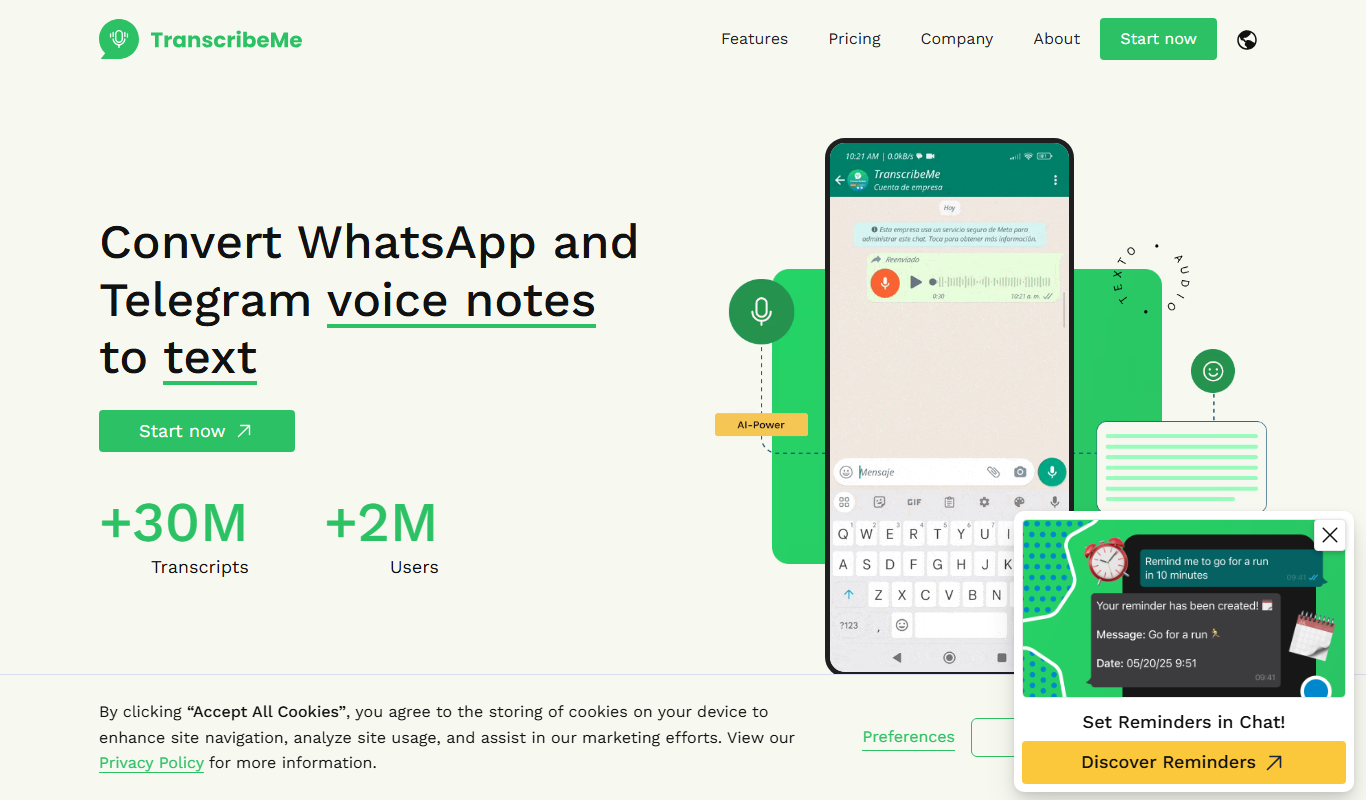
TranscribeMe is a transcription service that uses AI combined with human editors to convert audio and video files into accurate text transcripts, supporting multiple languages and offering flexible pricing.
Free Trial
Transcri
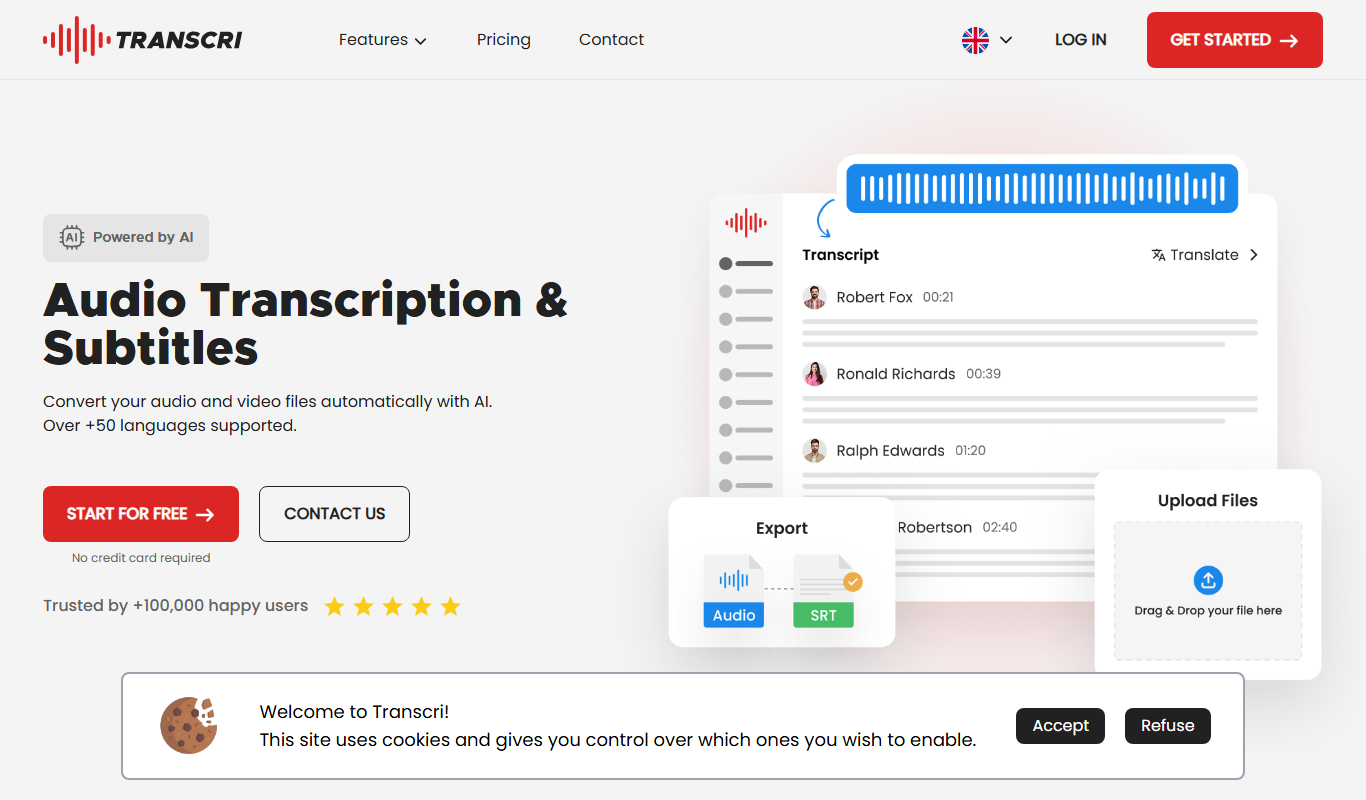
Transcri is an AI-driven transcription tool that converts audio and video recordings into accurate, editable text transcripts via a secure web platform.

Pay As You Go
Transcripción+
Transcripción+ is a web-based transcription service focused on converting Spanish audio recordings into accurate editable text, ideal for professionals needing reliable speech-to-text conversion.