
From my experience with PixPoc, I found it excels at quickly turning simple text prompts into creative and usable images without requiring any design skills. The platform’s straightforward interface makes it accessible for marketers and content creators who need visual content on demand. However, the free plan’s limited daily quota means heavy users will likely need to upgrade to the premium subscription. While customization options are good for basic style adjustments, more advanced controls could enhance creative flexibility. Overall, PixPoc is a practical tool for anyone looking to generate AI-driven images efficiently for social media, marketing, or artistic exploration.
PixPoc AI Image Generator for Creative Visual Content and Design
PixPoc is an AI-powered platform that creates images from text descriptions, helping users generate creative visuals quickly and easily.
What is PixPoc?
PixPoc is an AI-powered image generation platform that transforms text prompts into creative and unique visual content. It leverages advanced artificial intelligence models to help users generate images for various purposes such as marketing, design, and artistic projects without requiring graphic design skills.
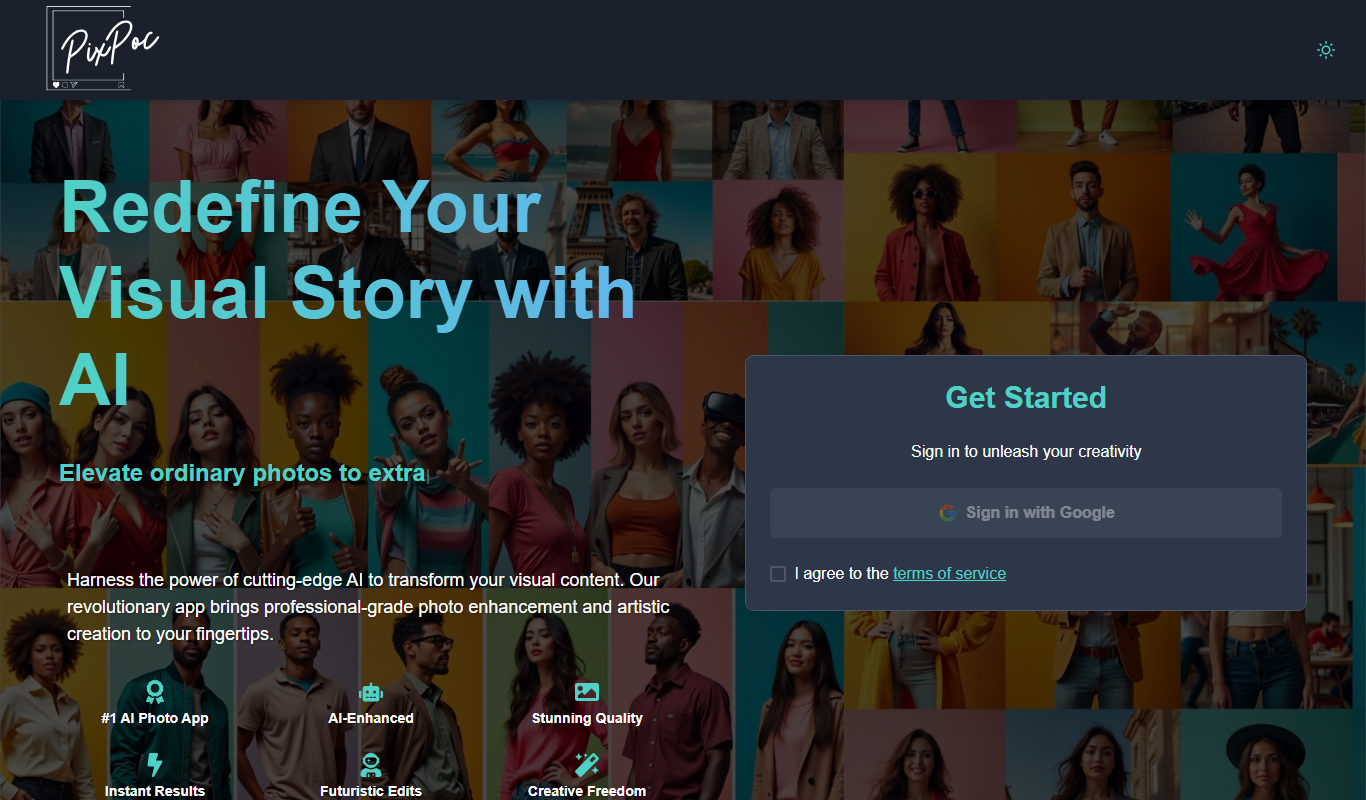
Key Features of PixPoc
Text-to-Image AI
Converts user text prompts into high-quality images using advanced AI algorithms.
Style Customization
Allows users to select or tweak artistic styles to match their creative vision.
User-Friendly Interface
Simple web-based platform designed for ease of use without technical expertise.
Fast Image Generation
Delivers generated images quickly to support rapid creative workflows.
Pros and Cons of PixPoc
Pros
- Easy to use with no design skills required
- Quick generation of diverse image styles
- Affordable premium plan with enhanced features
Cons
- Limited free usage quota
- No mobile app available currently
- Customization options could be expanded
Key Use Cases for PixPoc
Creative Visual Content
Generate unique images for social media posts, blogs, and marketing materials using AI-powered text-to-image conversion.
Graphic Design Assistance
Assist designers by quickly creating concept visuals and artwork ideas based on textual descriptions.
Marketing Campaigns
Produce customized images tailored to campaign themes to enhance engagement and brand storytelling.
Artistic Exploration
Explore new artistic styles and concepts by experimenting with AI-generated images from creative prompts.
How PixPoc Works
-
1
Enter Text Prompt
Users input descriptive text that outlines the desired image content and style.
-
2
AI Image Generation
The AI model processes the prompt and generates a unique image based on the description.
-
3
Customize and Download
Users can adjust styles or regenerate images, then download the final artwork for use.
Who's Using PixPoc
Content creators
Social media marketers
Graphic designers
Small business owners
Artists and hobbyists
PixPoc Pricing
Free
$0/month
Limited daily image generations with basic features.
Premium
$9.99/month
Increased generation limits, priority processing, and access to advanced styles.
Frequently Asked Questions About PixPoc
PixPoc is used to generate images from text descriptions using AI, useful for design, marketing, and creative projects.
No, PixPoc is designed to be user-friendly and requires no prior graphic design experience.
Yes, PixPoc offers options to customize artistic styles to better fit your needs.
Yes, PixPoc provides a free plan with limited daily image generations.
It depends on your specific needs and how you plan to use the tool. The official website and documentation are the best sources for the latest details.
Some tools offer a free plan or trial with limited features. Availability can vary, so confirm on the official website.
Yes, it can help with that use case depending on how you configure it and what features are available. You’ll get the best results with clear inputs and a defined goal.
Share your review
Reviews are limited to one per logged-in user and are published after moderation.
You need an account to review this tool.
0.0
★
★
★
★
★
0 reviews
5 star
0
4 star
0
3 star
0
2 star
0
1 star
0
No reviews yet
Be the first to share how this tool worked for you.
Questions from the community
Read questions and answers about this tool, or ask your own.
No questions yet
Start the conversation by asking the first question about this tool.
Is this tool helpful?

Free
musci
Musci is an AI music generator that creates custom soundtracks based on user-selected styles and moods, enabling easy music production without prior musical skills.

Freemium
PicKey ai
PicKey AI is a web-based tool that uses artificial intelligence to generate images from text descriptions, helping users create unique visuals quickly and easily.

Free
ImgGen AI
ImgGen AI is a web-based platform that uses artificial intelligence to generate images from text descriptions, enabling users to create unique visuals quickly and easily.

Freemium
Logomakerr.ai
Logomakerr.ai is an AI-driven online logo maker that helps users create professional logos quickly with customizable design options and high-resolution downloads.

Free
Draph Art
Draph Art is an AI-based web platform that generates digital art from text prompts, offering customizable styles and high-resolution downloads for creative projects.

Freemium
Pixtale Ai
Pixtale AI is a web-based platform that generates unique images from text prompts using artificial intelligence, ideal for artists and marketers seeking creative visuals.

Free
AI Image Generator/Search
AI Image Generator/Search is a web platform that allows users to generate images from text prompts and search a database of AI-created images for creative and commercial use.

Freemium
Dreamery
Dreamery is an AI-powered platform that transforms text prompts into creative digital artworks, ideal for artists and marketers seeking unique visuals without design skills.