

Re-Image - rapid media delivery at scale
Re-Image stores, transforms and delivers digital assets for websites and apps, with URL transforms, a global CDN and fixed, predictable pricing.
- Best for
- E-commerce images
- Key capability
- Image URL transforms
Save Re-Image, follow its updates and vote on it — everything stays in your account.
Sign in or create a free account
What is Re-Image?
Re-Image is a platform for storing, transforming and delivering digital assets for websites and apps. You store original images in Re-Image, it delivers optimized versions for different devices and resolutions through URL transforms, a REST API and a global CDN, and it charges a fixed fee for storage with unlimited bandwidth.
Key features of Re-Image
Re-Image offers image storage, image URL transforms, next gen media formats, AI helpers, global CDN caching, a REST API and multi file support, plus one API call to search, generate, optimize and deliver images.
Image URL transforms
Resize, crop or add effects to media files directly via URL parameters, on the fly.
Global CDN caching
Optimized assets are cached and delivered through a global CDN.
Next gen formats
Images are auto-resized, compressed and served in AVIF/WebP.
AI helpers
Use AI helpers to enhance stored assets where needed.
Automated image sourcing
Pull images from Re-Image or generate them with your own OpenAI key, then optimize and deliver them in one API call.
Pros and cons of Re-Image
Pros
- Unlimited bandwidth and transformations on all plans
- Fixed, predictable fee based on storage
- Works with any website, CMS or platform
- Paste a copied URL or use the API, so integration is optional
- Support from humans, not AI agents
Cons
- Shopify and WordPress integrations and SDK libraries are marked coming soon
- No desktop or mobile app versions currently
Key use cases for Re-Image
E-commerce images
Deliver optimized product images for e-commerce and marketplace platforms.
Gaming platforms
Serve optimized media for gaming platforms.
Website speed and SEO
Serve smaller optimized images so pages load faster.
Images for AI site builders
Use MCP so AI builders can understand page layouts and slot requirements when sourcing images.
Graphic Design
Refine images used in design projects with sharper details and clarity.
How Re-Image works
- 1
Store
Store your original digital assets in Re-Image and enhance them with AI helpers where needed.
- 2
Transform
Re-Image creates optimized content for different devices and resolutions automatically.
- 3
Deliver
Optimized images are delivered to your end users through the CDN.
Who is using Re-Image
Re-Image pricing
Free Plan
$0 / Per Month
500MB image and document storage, global CDN caching, image URL transforms and next gen format optimisation.
Lite Plan
$10 / Per Month
5GB storage, video 50mins storage + 500mins stream per month, 1 workspace, 1 user seat, custom domain.
Plus Plan
$20 / Per Month
10GB storage, video 100mins storage + 1,000mins stream per month, 3 user seats, 3 workspaces, custom domain.
Max Plan
$50 / Per Month
100GB storage, video 500mins storage + 5,000mins stream per month, 10 workspaces, 50 user seats, free custom domain.
Super Plan
$99 / Per Month
250GB storage, video 1,500mins storage + 15,000mins stream per month, 25 workspaces, unlimited user seats, custom domain and priority support.
Plans and prices are as published by the vendor and can change. Check the official site before you buy. Open the pricing page (opens in a new tab)
Frequently asked questions about Re-Image
It lets you modify and optimize media files, such as resizing, cropping or adding effects, directly via URL parameters, on the fly.
Yes. Re-Image works with any website, CMS or platform.
No. You can copy the URL from Re-Image into your site, or deliver assets dynamically with the API or SDK.
Re-Image charges a fixed, predictable fee for storage, and all plans include unlimited bandwidth and transformations.
Images such as PNG, SVG and webP, and video such as MP4, mov and MPEG.
Some tools offer a free plan or trial with limited features. Availability can vary, so confirm on the official website.
Yes, it can help with that use case depending on how you configure it and what features are available. You’ll get the best results with clear inputs and a defined goal.
Conclusion
Three steps sum up the service: store the original assets, let Re-Image transform them for different devices and resolutions, and deliver the optimized files to end users. Transformations such as resizing or cropping happen through URL parameters, and images are compressed and served in AVIF or WebP from a global CDN. Developers can paste a Re-Image URL into any site or CMS, or work through the REST API.
AI helpers can enhance stored assets, and a single API call can search for or generate images with the customer’s own OpenAI key before optimizing them. Re-Image names e-commerce, marketplace and gaming platforms among its users. Plans charge a fixed fee by storage with unlimited bandwidth, while the Shopify and WordPress integrations and the SDK libraries are still marked coming soon.
Sources
Sign in to review this tool.
Sign In to ReviewNo reviews yet
Be the first to share how this tool worked for you.
Ask about pricing, limits, or how it compares — or answer someone else.
Sign In to AskNo questions yet
Have a question about using or paying for this tool? Be the first to ask.
Featured on TiorAI



Alternative Tools
Explore similar AI tools that might fit your needs

Waifu2x
Waifu2x is a web-based tool that upscales anime-style images by 1.6x or 2x, with 4x in the unlimited version, and reduces noise.
More AI Image & Visual Tools tools
Other tools in the same category, for when this one is not quite the fit.

PicStudio.AI
PicStudio.AI turns your selfies into professional AI headshots and portraits: upload selfies, choose a photo pack and receive your portraits in minutes.

Disney AI Poster
Disney AI Poster is a web tool that uses AI to generate custom movie-style posters inspired by Disney animation, allowing users to create personalized artwork easily.

Splotch
Splotch is the knowledge graph on top of your core systems, giving humans and agents a trusted map for painless change management.
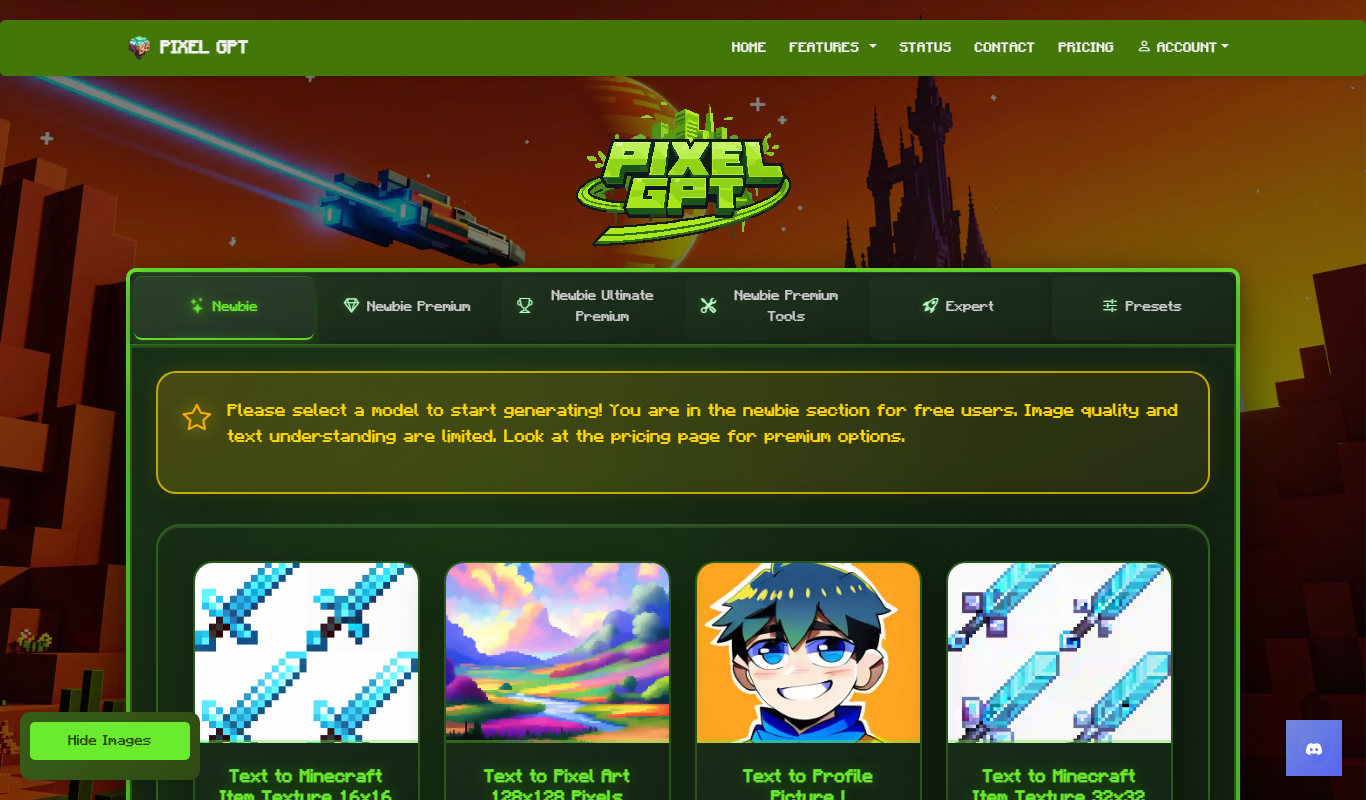
Pixel GPT
Pixel GPT by Deep Pixels generates Minecraft item textures and pixel art from text prompts, with true pixel-art output and direct PNG download.
Depix AI
Depix is the AI-native design platform for industrial designers and product teams: go from concept to photorealistic 3D render in minutes with AI agents, CMF Vision and Video Lab.
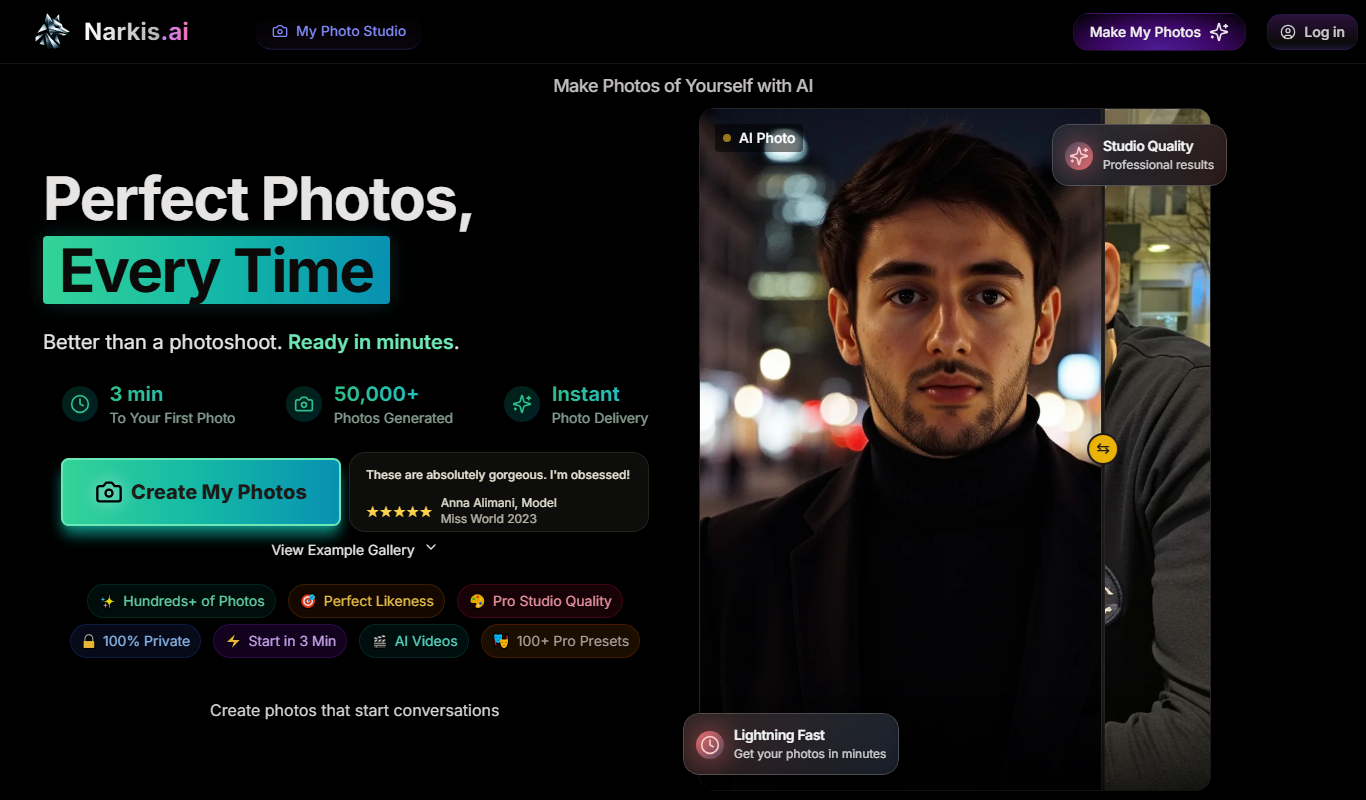
Narkis.ai
Narkis.ai trains a personal AI model on your photos and generates realistic headshots, dating photos and portraits of yourself in any style, no photoshoot needed.

MaternityPhotoshoot
MaternityPhotoshoot is an easy, affordable alternative to maternity photoshoots: upload 14 selfies and AI makes 500 maternity photos, delivered in 4 hours.
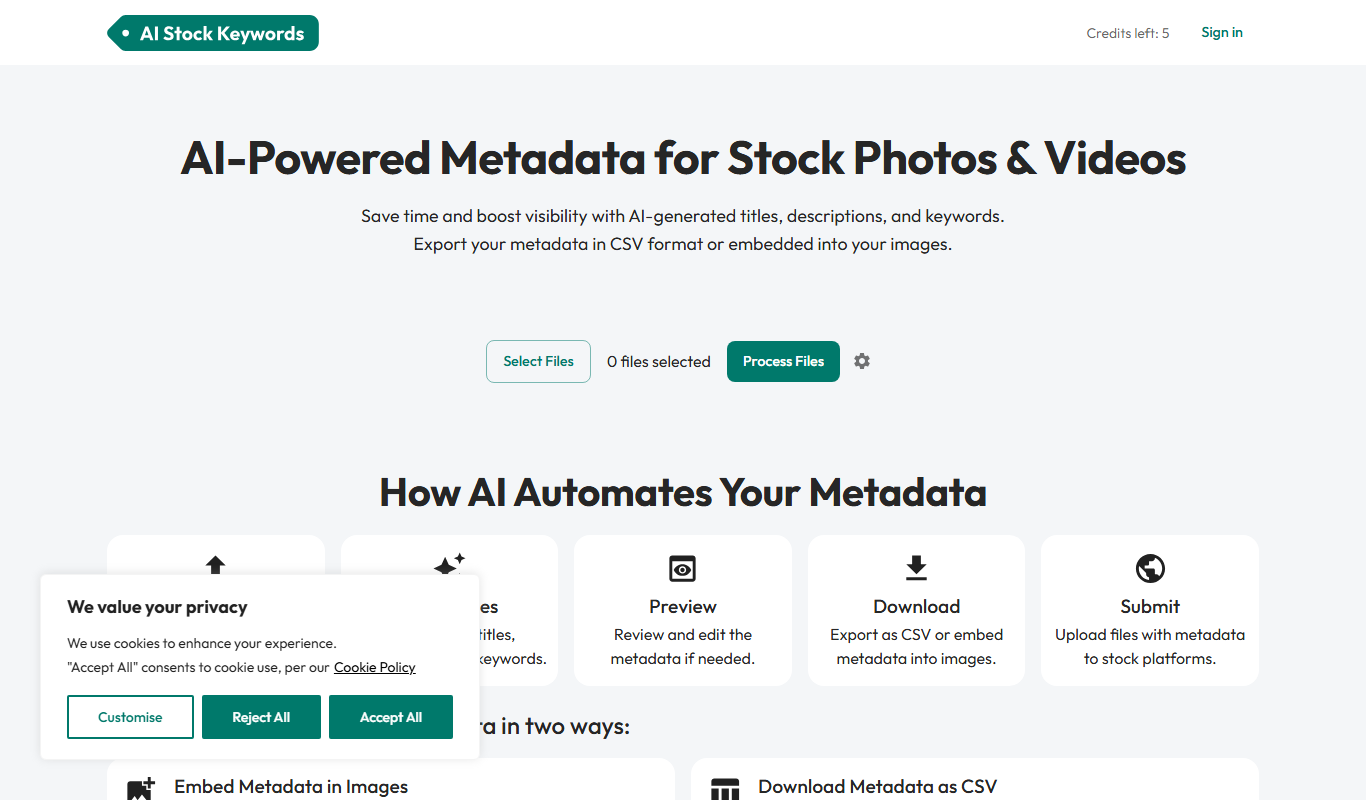
AI Stock Keywords
AI Stock Keywords generates stock-ready titles, descriptions and keywords for Adobe Stock, Shutterstock and other microstock uploads, exported as CSV or embedded in images.